Design and refine Azure, AWS and GCP architecture diagrams from code (DSL) directly in VS Code, with local preview, diagnostics, export, and Copilot chat-assisted editing.
Getting started (60 seconds)
Open a .dsl file.
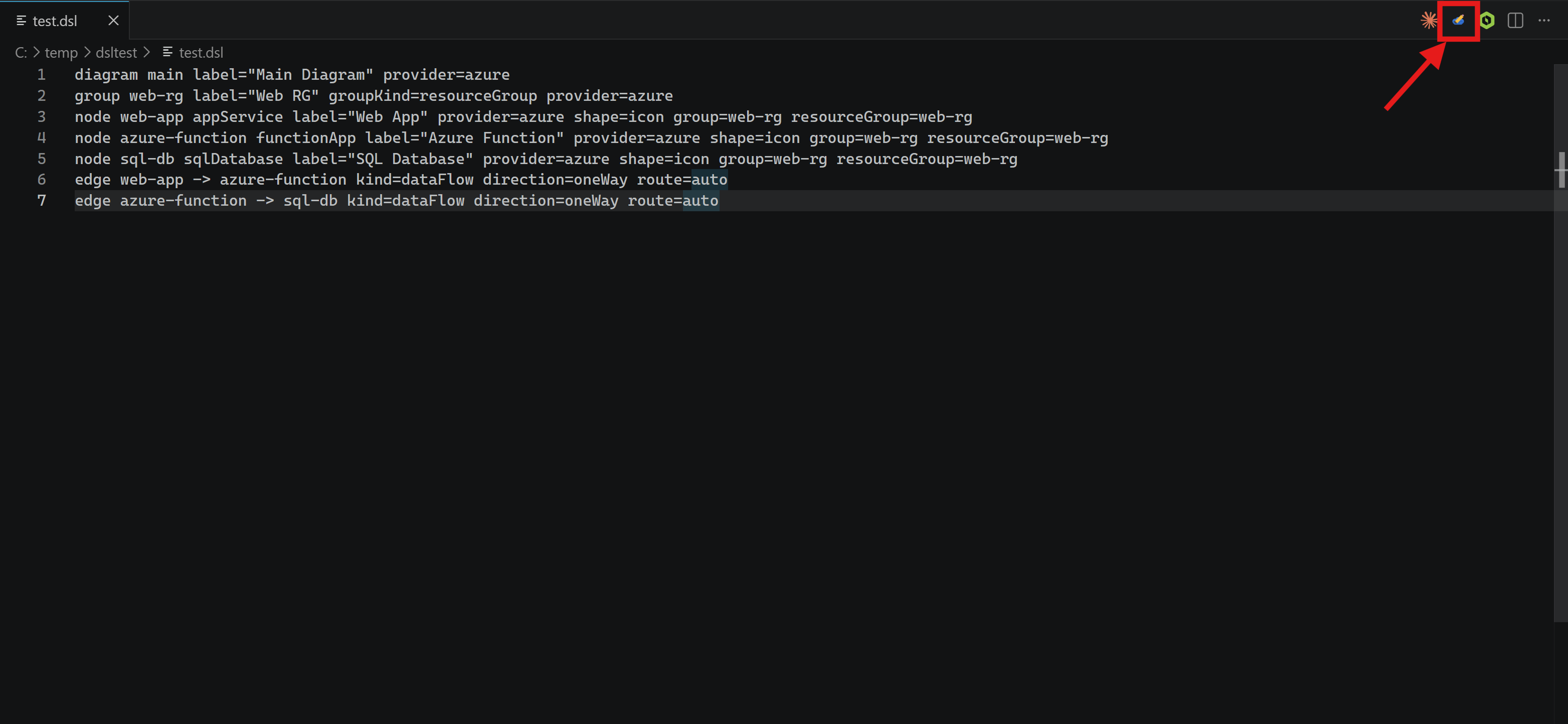
Click the top-right preview button (or run Draw My Architecture: Open DSL Preview).
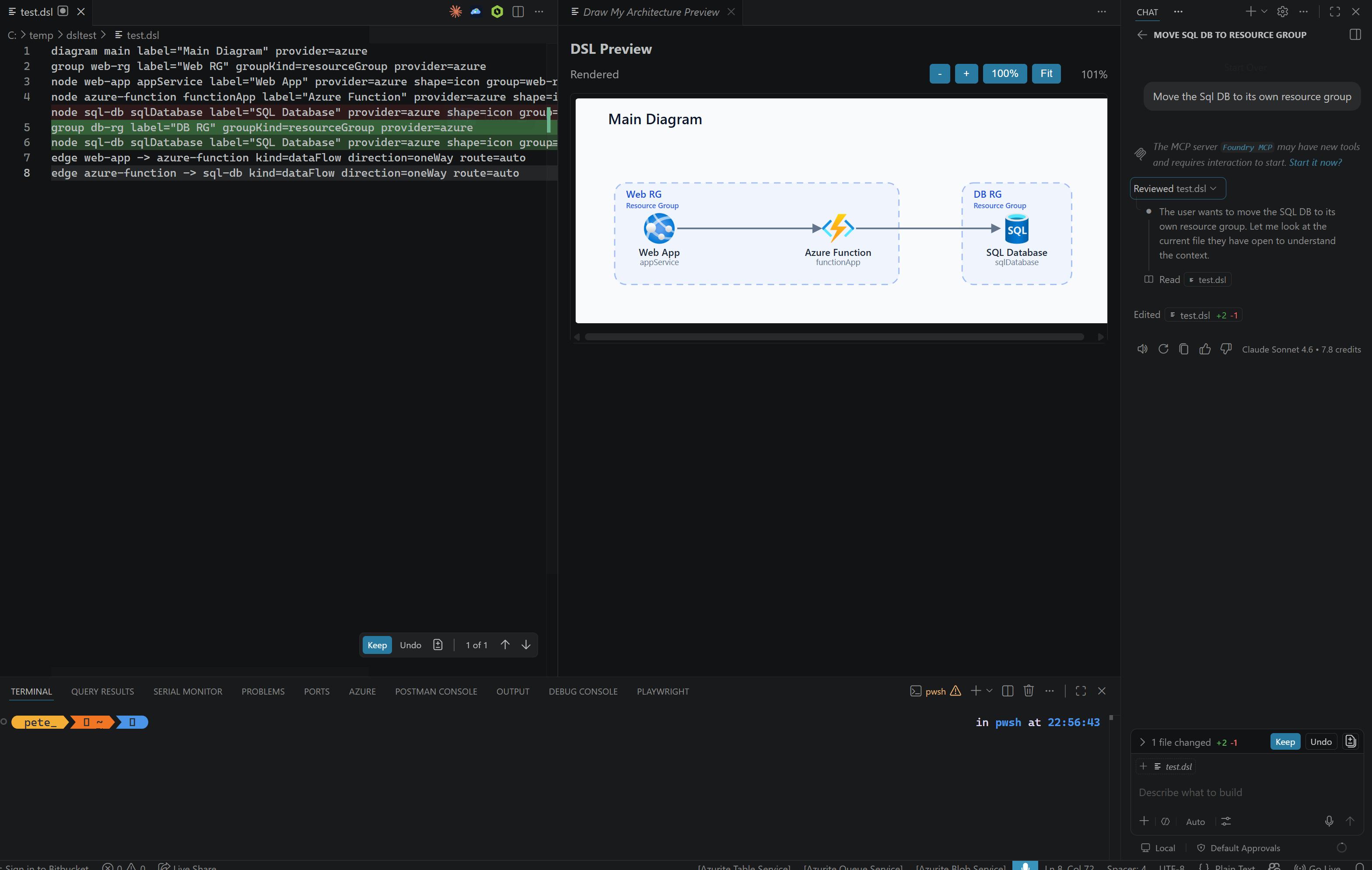
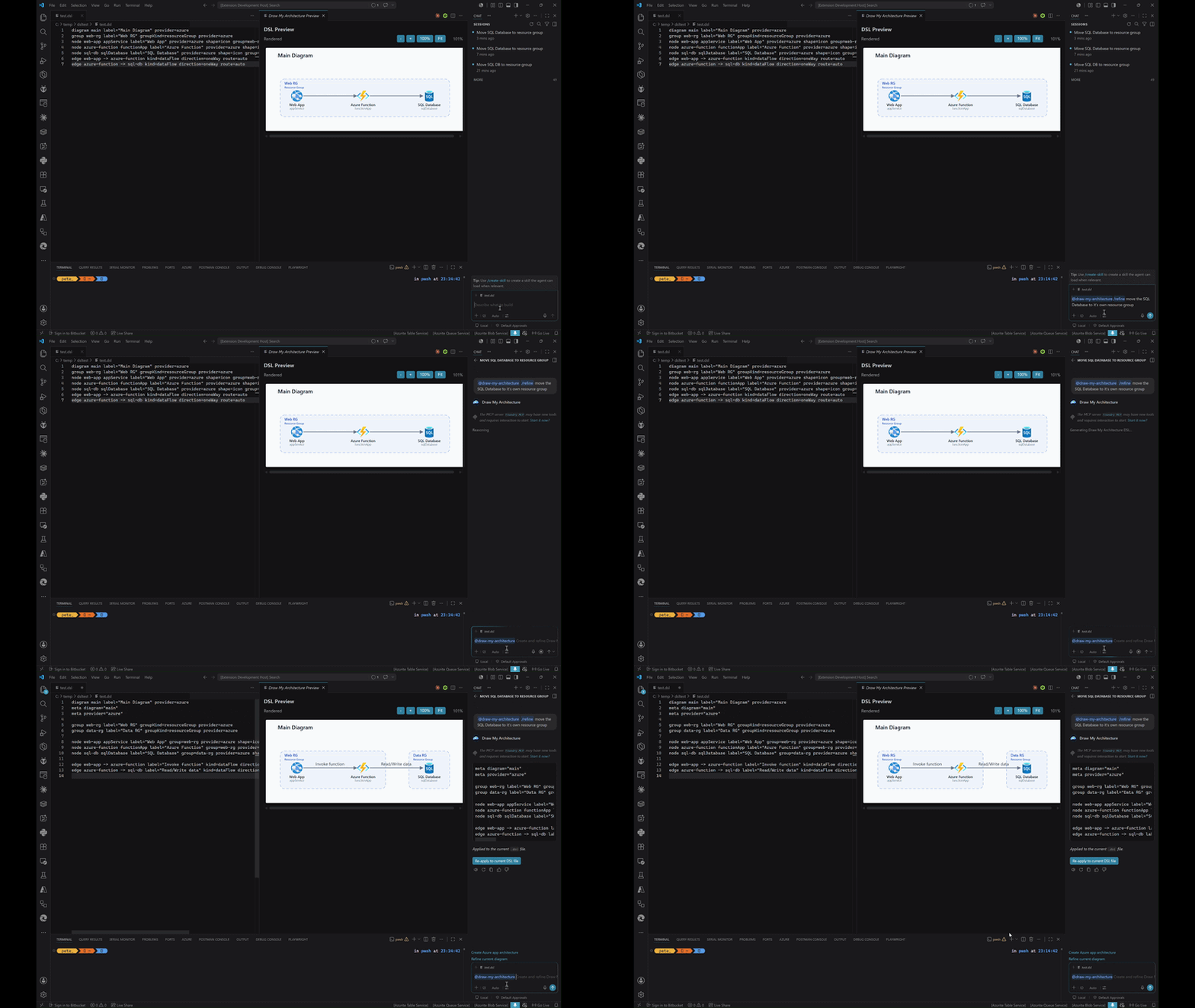
Use @draw-my-architecture /refine ... in Copilot Chat to auto-apply DSL updates.
Export diagrams with Draw My Architecture: Export Diagram.
Commands
Command
What it does
Draw My Architecture: Open DSL Preview
Opens side-by-side rendered preview for the active DSL file.
Draw My Architecture: Refresh DSL Preview
Forces a manual preview refresh.
Draw My Architecture: Export Diagram
Exports current DSL as SVG, PNG, or PDF.
Copilot participant (@draw-my-architecture)
The extension contributes:
/create — generate new DSL from requirements
/refine — refine current DSL and auto-apply to active .dsl file
Apply to current DSL file button — manual apply/re-apply from chat response
Example prompts:
@draw-my-architecture /create Azure 3-tier web app with VNet, App Service, SQL, and Key Vault
@draw-my-architecture /refine Move this design into resource groups and label all data flows
@draw-my-architecture /refine Add a note n1 label="Primary data store\nCopied nightly" attachTo=ordersDb
Agent mode vs participant mode
Participant mode (@draw-my-architecture): uses extension workflow and apply actions.
Agent mode (plain Copilot Agent): edits files directly and may bypass participant UX.
MCP config
Copilot CLI uses the repo-root .mcp.json
VS Code Copilot Chat uses .vscode/mcp.json
The extension preview itself does not require MCP
If you are creating them manually, add both files with the same draw-my-architecture server entry: