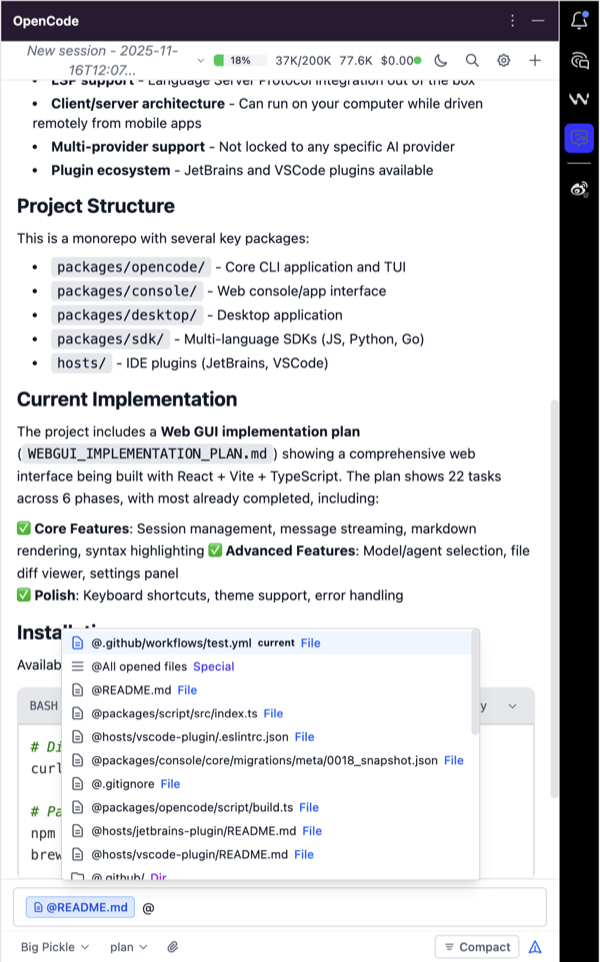
Drag and drop files to context (JetBrains: from Project Window; VS Code: from Explorer or editor tab)
Add all opened files to context via command/shortcut
Add current opened file to context via command/shortcut
Add selected line ranges to context via command/shortcut
Easier prompt editing in a dedicated text area
Install only one variant of the plugin.
GUI only variant
OpenCode UX+ GUI only (unofficial) plugin does not bundle the OpenCode backend executable and requires it to be installed on the system - PATH or OPENCODE_BIN.
Standard variant
OpenCode UX+ (unofficial) plugin bundles the OpenCode backend executable for supported platforms and runs it locally. The binaries are stored under resources/bin inside the extension and are used to provide the chat and analysis features.