Serene Focus Theme
Serene Focus Theme — Soft on the eyes, sharp on syntax — a modern theme with subtle neon accents for day and night coding.
✨ Features
- 🌗 Dual Variants: Serene Focus Light (bright & airy with warm ivory tones) and Serene Focus Dark (deep & tranquil with rich slate hues).
- 🧠 Semantic Highlighting: Clear visual hierarchy for functions, classes, and variables.
- 🎨 Trending 2026 Palette: Carefully selected colors that are easy on the eyes and reduce fatigue during long coding sessions.
- 💻 Wide Language Coverage: JavaScript, TypeScript, PHP, HTML, CSS/SCSS, Python, Java, C/C++, Ruby, Go, Rust, Vue, React, Next.js, GraphQL, SQL, and more.
- 👁 Accessible Design: All colors meet WCAG 2.1 contrast standards.
- 🌿 Subtle UI Design: Calm interface that keeps focus on your code, with smooth bracket pair guides and intelligent syntax highlighting.
🖼️ Previews
☀️ Serene Focus Light
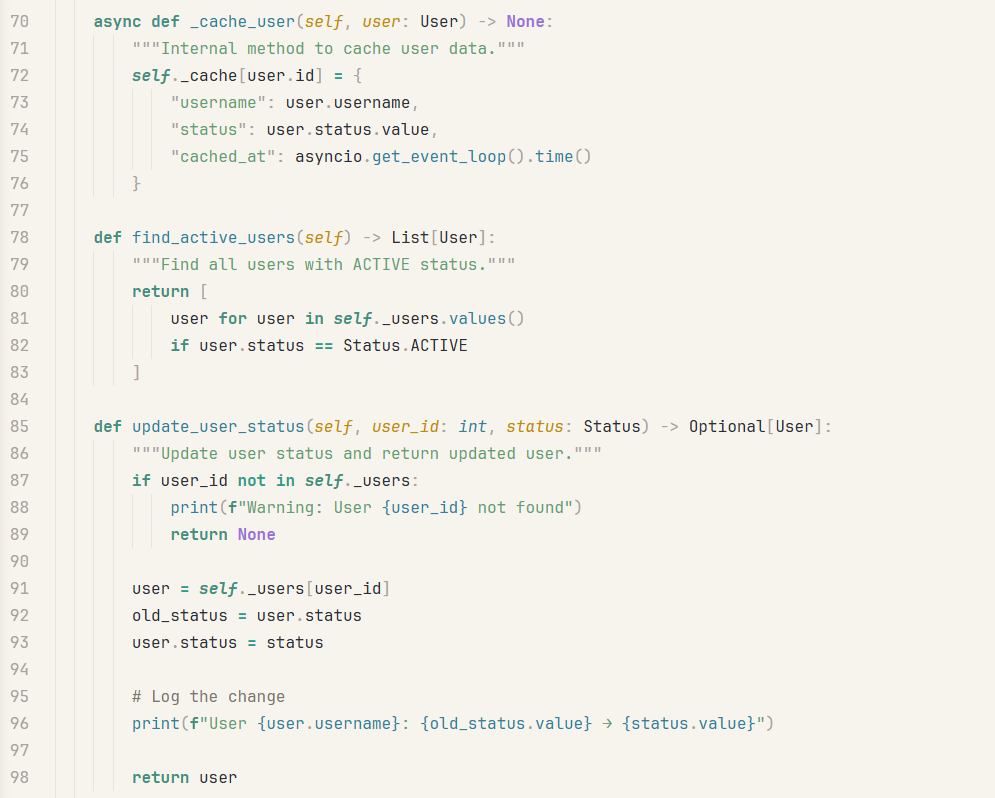
Bright and balanced with creamy ivory background — ideal for daytime coding.
🌙 Serene Focus Dark
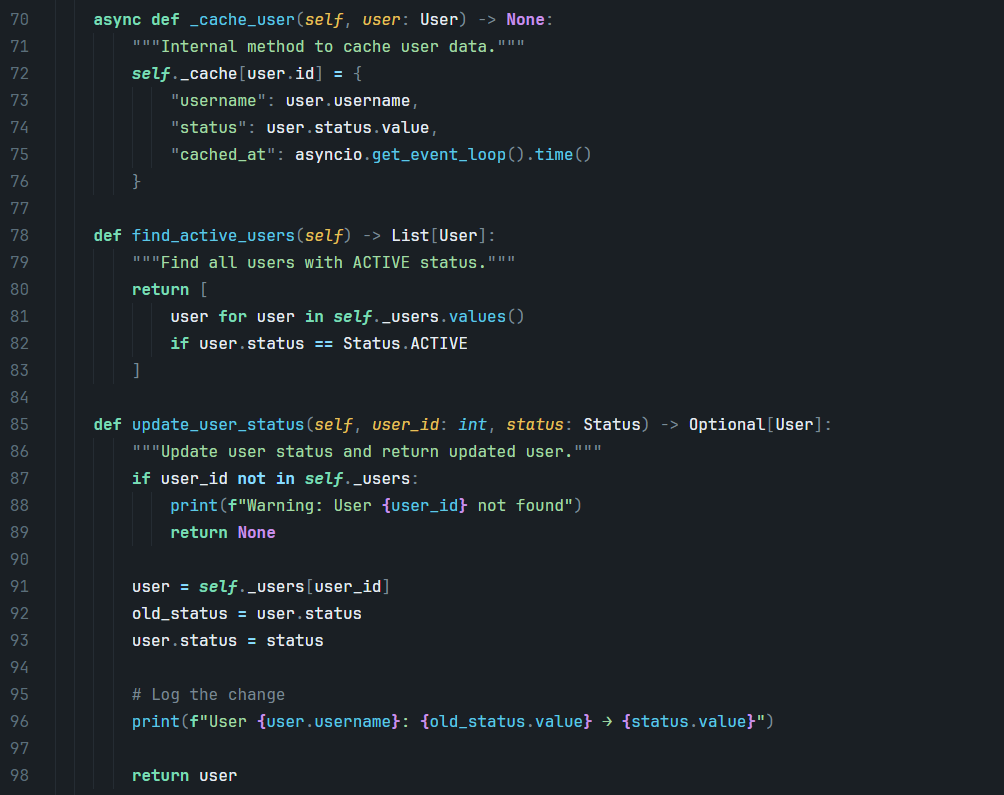
Deep and tranquil with rich slate background — perfect for late-night sessions.
🛠 Installation
- Open VS Code → Extensions (
Ctrl+Shift+X / Cmd+Shift+X).
- Search for Serene Focus Theme and click Install.
- Press
Ctrl+Shift+P → Preferences: Color Theme → select Serene Focus Light or Serene Focus Dark.
- Or install directly from the [VS Code Marketplace](https://marketplace.visualstudio.com/items?itemName=ovcharovcoder.Serene Focus-theme).
👤 Author

Andrii Ovcharov
📧 ovcharovcoder@gmail.com
☕ Support
If you enjoy Serene Focus, consider buying me a coffee:
Donate via PayPal
🪪 License
Released under the MIT License
Built with calm precision and futuristic soul. ✨
| |

