DevFoundry Umber Theme


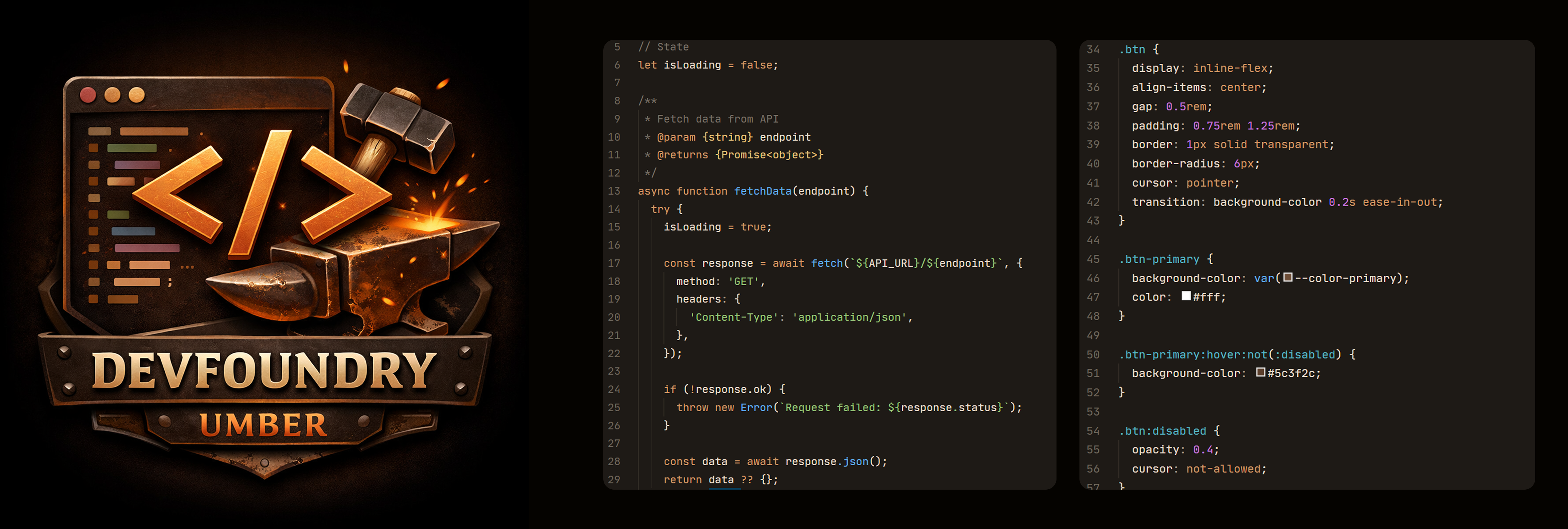
DevFoundry Umber — A warm dark theme for VS Code featuring amber accents and earthy tones, designed for comfortable coding during nighttime sessions.
✨ Features
- 🌌 Warm palette Earthy tones with amber accents reduce eye strain.
- 🧠 Semantic highlighting: Clear hierarchy for functions, classes, and variables.
- 🎨 Tailwind CSS support: Enhanced highlighting for utilities, SCSS variables, and mixins.
- 💻 Wide language coverage: JavaScript, TypeScript, PHP, HTML, CSS/SCSS, Python, Java, C/C++, Ruby, JSX/TSX, and more.
- 👁 Accessible design: All colors meet WCAG 2.1 contrast standards.
- 🌙 Subtle UI design: Keeps focus on your code with minimal distractions.
🛠 Installation
- Open VS Code → Extensions (
Ctrl+Shift+X / Cmd+Shift+X).
- Search for DevFoundry Umber and click Install.
- Press
Ctrl+Shift+P → Preferences: Color Theme → "DevFoundry Umber".
🧩 Contributing
Found a bug or want to suggest an improvement?
Open an issue or pull request on GitHub.
👤 Author

Andrii Ovcharov
📧 ovcharovcoder@gmail.com
☕ Support
If you enjoy DevFoundry Umber, consider supporting the author:
Donate via PayPal
🪪 License
Released under the MIT License
| |

