
Lucidité Product Icon ThemeProduct Icon Theme for VS Code, based on Lucide icons Installation Launch VS Code Quick Open ( Ctrl+P), paste the following command, and press enter.Copied to clipboard |

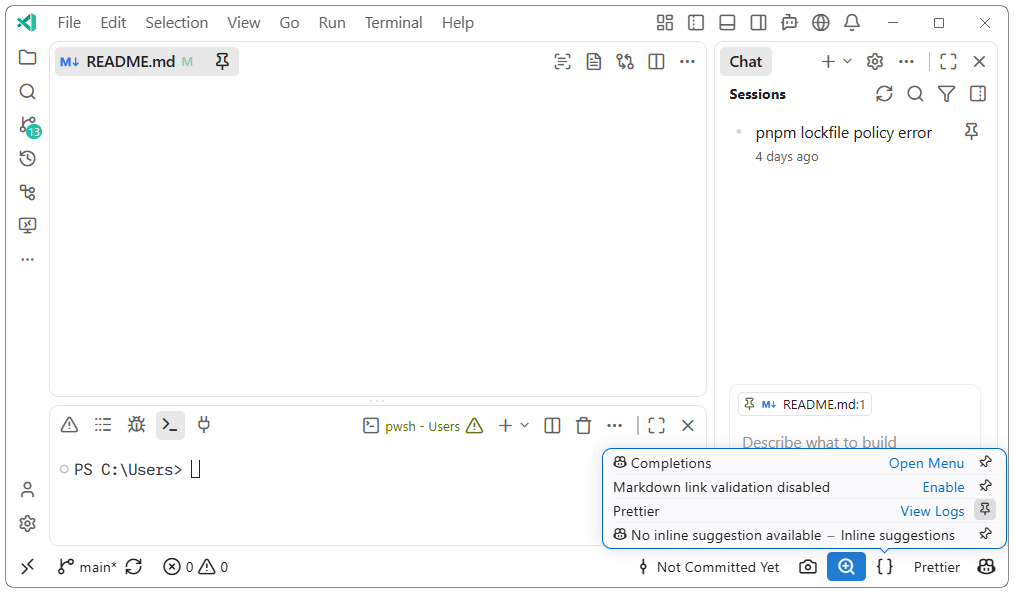
LuciditéA Lucide-inspired product icon theme for VS Code. Lucidité replaces Codicons with line icons while preserving VS Code's familiar icon names and roles. It maps 800 product icons, including 186 hand-crafted Lucide-like icons made for this extension. It also adds compact and bold variants for dense UI areas, plus coverage for Git workflows, MCP, worktrees, and Copilot states. The icon library combines Lucide with these project-specific extended icons. Choose Your LookAll three variants are available from Preferences: Product Icon Theme:
Lucidité works with any VS Code color theme. Pick a variant in your settings and make the interface yours.
LicenseLucide licensed under ISC License. |
 This preview uses