optimAIzr: Claude Code savingsSpend fewer tokens on the same work. Your Claude Code cache countdown, context size and 5-hour window at a glance, a heads-up before a cache expires, and one-click fixes. Everything stays on your machine. Installation Launch VS Code Quick Open ( Ctrl+P), paste the following command, and press enter.Copied to clipboard |

optimAIzr for VS CodeSpend fewer tokens on the same work. The Claude Code cache countdown, your context size and your 5-hour window, right in the status bar. A heads-up before an expensive moment, and fixes you apply in one click. Everything stays on your machine.
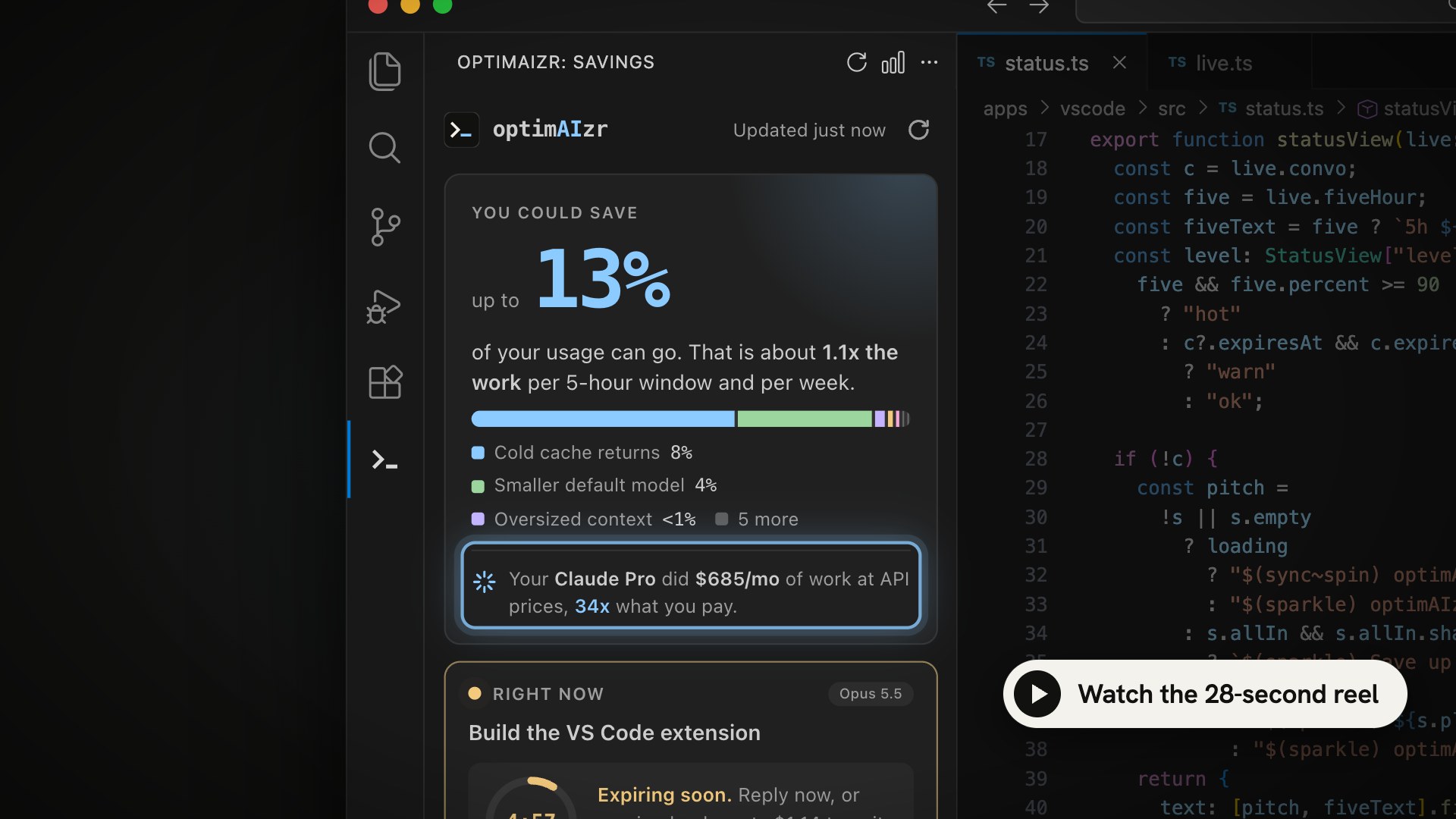
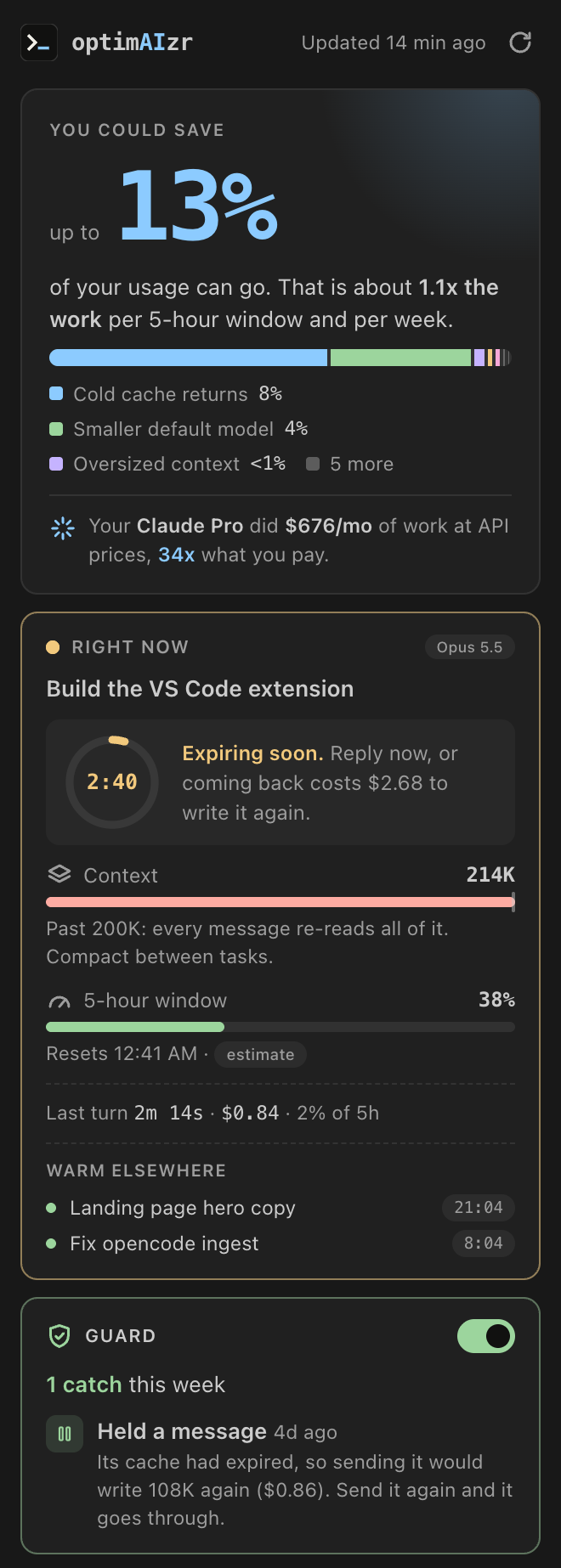
That is this folder's Claude Code conversation: 142K tokens of context, 4 minutes 12 seconds left on its cache, 38% of your 5-hour window used.
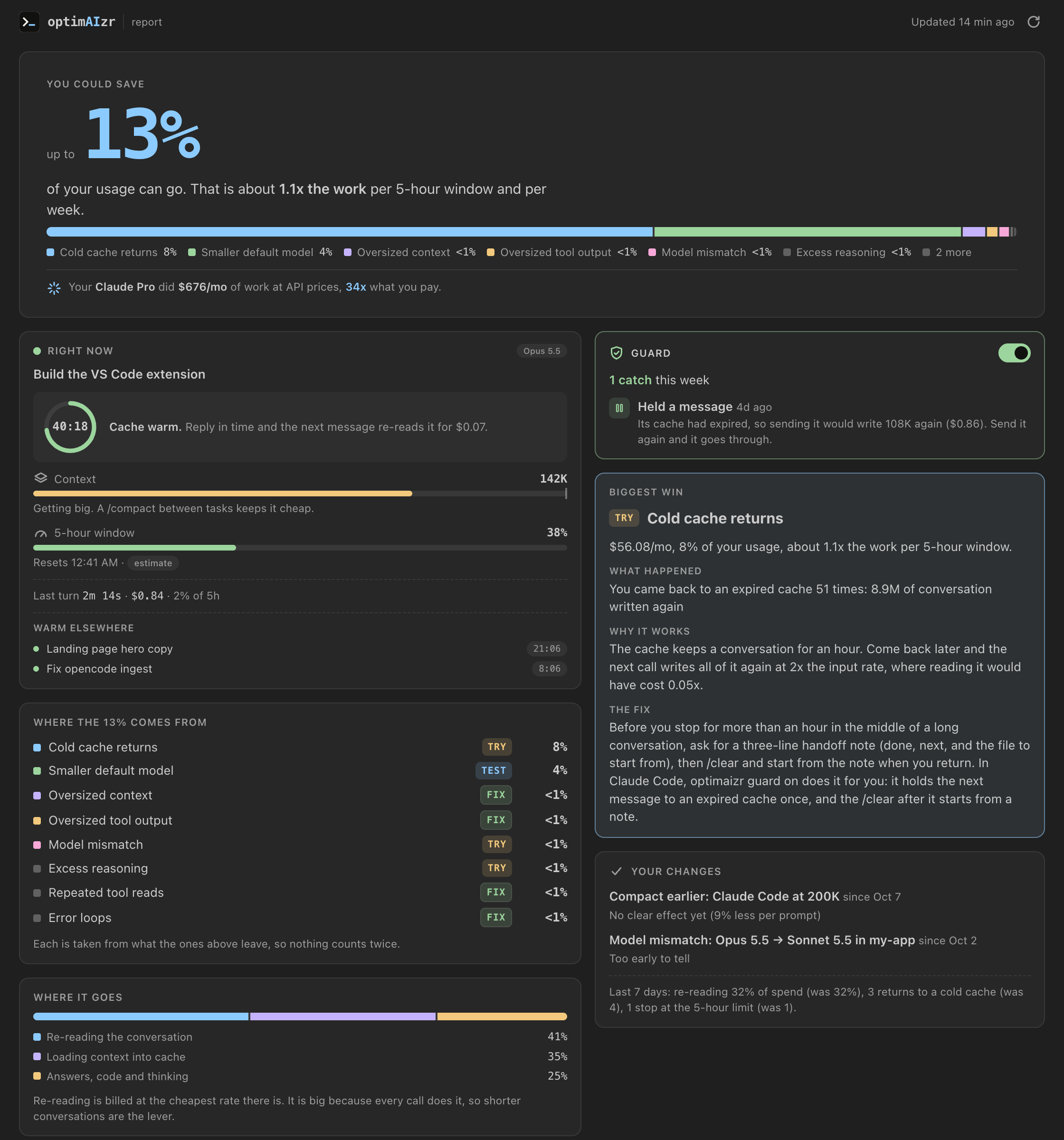
WhyIn a long Claude Code session, most of what you pay for is not Claude writing code. It is Claude re-reading your conversation on every call, and writing it into the cache again when you come back after it expired. Over my last 30 days on Claude Pro:
Your numbers show up the moment the extension opens. What you getA status bar that watches the cache. Context size, the cache countdown and the 5-hour window for the conversation in the folder you have open. It turns yellow in the last five minutes and red past 90% of the window. Hover for the details, click to open the sidebar. A heads-up before the cache expires. About 5 minutes before a long conversation's cache runs out, when coming back after would cost at least $0.50. Reply now, or know what the break costs. Guard, one switch. Guard holds the next message to an expired cache once and tells you what it
would cost to send. Send it again and it goes through, or One-click compaction. Compact Claude Code earlier, at 200K, so every message stops re-reading everything. Undo is one click too, and leaves the rest of your settings alone. Fixes, biggest money first. Each fix says what happened, why it costs, and what to do. Habits get an I did this button, so optimAIzr can measure whether it worked. Results. After a fix, see whether it worked: less per prompt, or too early to tell. A done alert. A desktop notification when a turn of 45 seconds or more finishes while VS Code is in the background, so you can stop watching it work. The full report. Where the share comes from, the biggest single win, and every fix opened up.
Private by designoptimAIzr reads the logs Claude Code already keeps in Guard and the CLIEverything in the sidebar works on its own. Turning guard on uses the free
optimaizr command line tool, and the extension offers to
install it for you ( CommandsOpen the Command Palette and type optimAIzr.
Settings
Requirements
More
|