MySQL Pro ClientA full-featured MySQL and MariaDB database client for Visual Studio Code with SQL execution, visual schema-object managers, advanced table design, customizable ER diagrams, schema tools, import/export, backup/restore, compatibility detection, and safety controls. Installation Launch VS Code Quick Open ( Ctrl+P), paste the following command, and press enter.Copied to clipboard |


MySQL Pro Client2.11.1 MySQL + MariaDB CompatibilityRuntime server detection now recognizes Oracle MySQL, MariaDB, Percona Server and common managed MySQL providers without replacing the proven MySQL core. Server family/version is shown in the Explorer, a compatibility-info action explains support/capabilities, and connection security now offers opt-in TLS with strict certificate/hostname verification plus optional custom CA trust. 2.10.3 Table & Routine Creation GuardrailsTable creation now exposes a direct UQ checkbox for single-column UNIQUE constraints and replaces free-form column data types with a validated MySQL type selector plus type arguments. The same guarded type selector is used for Stored Procedure / Function parameters and Function RETURNS values, preventing common typos such as 2.10.1 ER Relationship Direction PolishRelationship tracing now animates in the visual ER direction parent/PK (1) → child/FK (N) while keeping the SQL dependency visible as FK → PK in the relationship tooltip. Flow color follows the parent table color first, then its group color, custom relationship color, and finally the VS Code theme fallback. 2.10.0 Consolidation ReleaseMySQL Pro Client 2.10.0 consolidates the 2.x object-management generation. It adds automated Explorer context/menu contract checks and regression coverage so schema folders and object actions remain synchronized with their contributed VS Code menus, while keeping the existing Table, View, Trigger, Routine and Event workflows intact. Event Scheduler Manager (2.9.0)Create and maintain MySQL Event Scheduler jobs without leaving VS Code. MySQL Pro Client supports one-time and recurring schedules, STARTS/ENDS windows, ENABLE/DISABLE state, completion behavior, optional DEFINER, SQL Preview, Open SQL, scheduler-state checks and direct Show CREATE access. The SQL body always remains visible and editable. View Manager (2.8.0)Create, inspect, preview, edit and delete MySQL views without hiding the SQL. Configure ALGORITHM, SQL SECURITY, DEFINER and CHECK OPTION, preview the generated DDL, and test up to 100 result rows before applying schema changes. MySQL + MariaDB compatibilityVersion 2.11.0 keeps the mature MySQL code path and adds runtime compatibility detection. Oracle MySQL, MariaDB and Percona Server are supported directly; AWS RDS, Aurora MySQL, Google Cloud SQL and Azure Database for MySQL are recognized as managed compatible deployments. PlanetScale, TiDB and SingleStore are identified as limited-support MySQL-compatible servers rather than being silently treated as Oracle MySQL. Connected servers show their detected family/version in the Explorer. Use MySQL: Server Compatibility Info from a connected server to inspect the detected provider, support level and feature capability summary. Remote connections can opt into TLS from the connection form, including strict certificate/hostname verification and an optional custom CA certificate path. Existing saved connections preserve the historical behavior until TLS is explicitly enabled. The all-in-one MySQL client for Visual Studio Code
Built by OpSET México
🔎 ER Relationship Tracing & Quick Colors — 2.7.1Dense ER diagrams are easier to inspect: hover any foreign-key relationship to trace the complete path, highlight the exact source/target columns, and inspect referential actions. Click a relationship to pin it while panning or zooming. Active traces animate in the visual parent/PK (1) → child/FK (N) direction and inherit color intelligently from the parent table, its visual group, the configured relationship color, or the VS Code theme. Orthogonal relationships between vertically stacked tables use an exterior smart lane instead of crossing the table cards. ER color controls also include curated quick presets and recent colors while preserving the native custom color picker. 🧩 Routine Manager — 2.7.0Create, edit, safely replace, test and delete MySQL Stored Procedures and Functions. The visual designer supports Procedure ⚡ Trigger Manager — 2.6.0MySQL Pro Client now supports the complete trigger lifecycle directly from the Database Explorer: Create, Edit, Show CREATE, and Delete. The visual editor provides table, timing and event selectors, a SQL body editor, contextual Editing uses MySQL's required One workspace. Your complete MySQL workflow.
🎨 ER Diagram Experience 2.5MySQL Pro Client 2.5.1 turns the ER Diagram into a much more capable local modeling workspace:
All group and appearance metadata is local to MySQL Pro Client. It never changes the MySQL schema. ⚡ Smart Batch Execution & Action OutputRun complete SQL scripts without flooding your VS Code workspace with one tab per DDL/DML statement.
⚡ Query without leaving VS Code
Run the current statement, a selection, or the complete SQL document. Use contextual IntelliSense, CodeLens, multiple result sets, Smart Filters and CSV/JSON export. 🧬 Turn schemas into diagrams
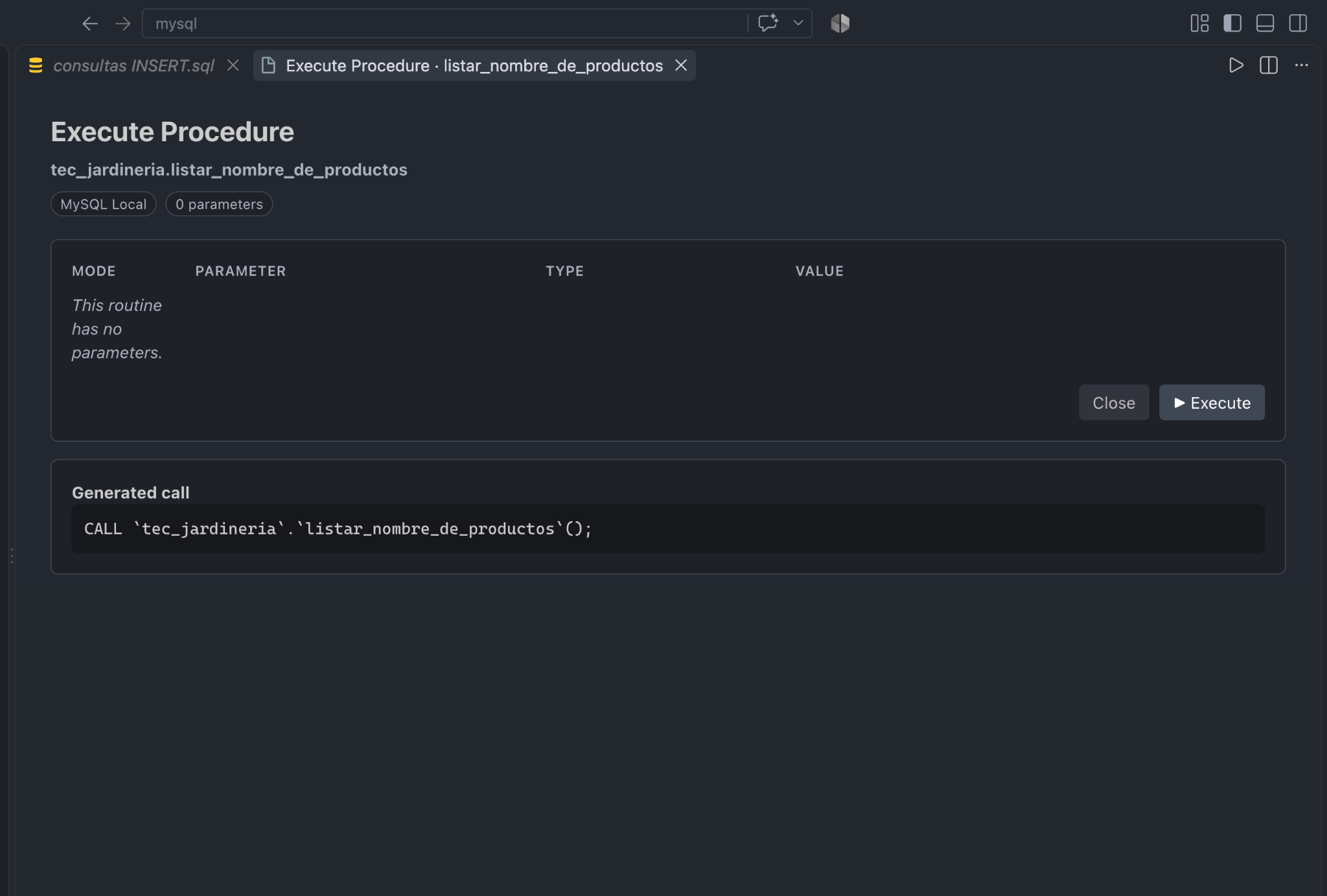
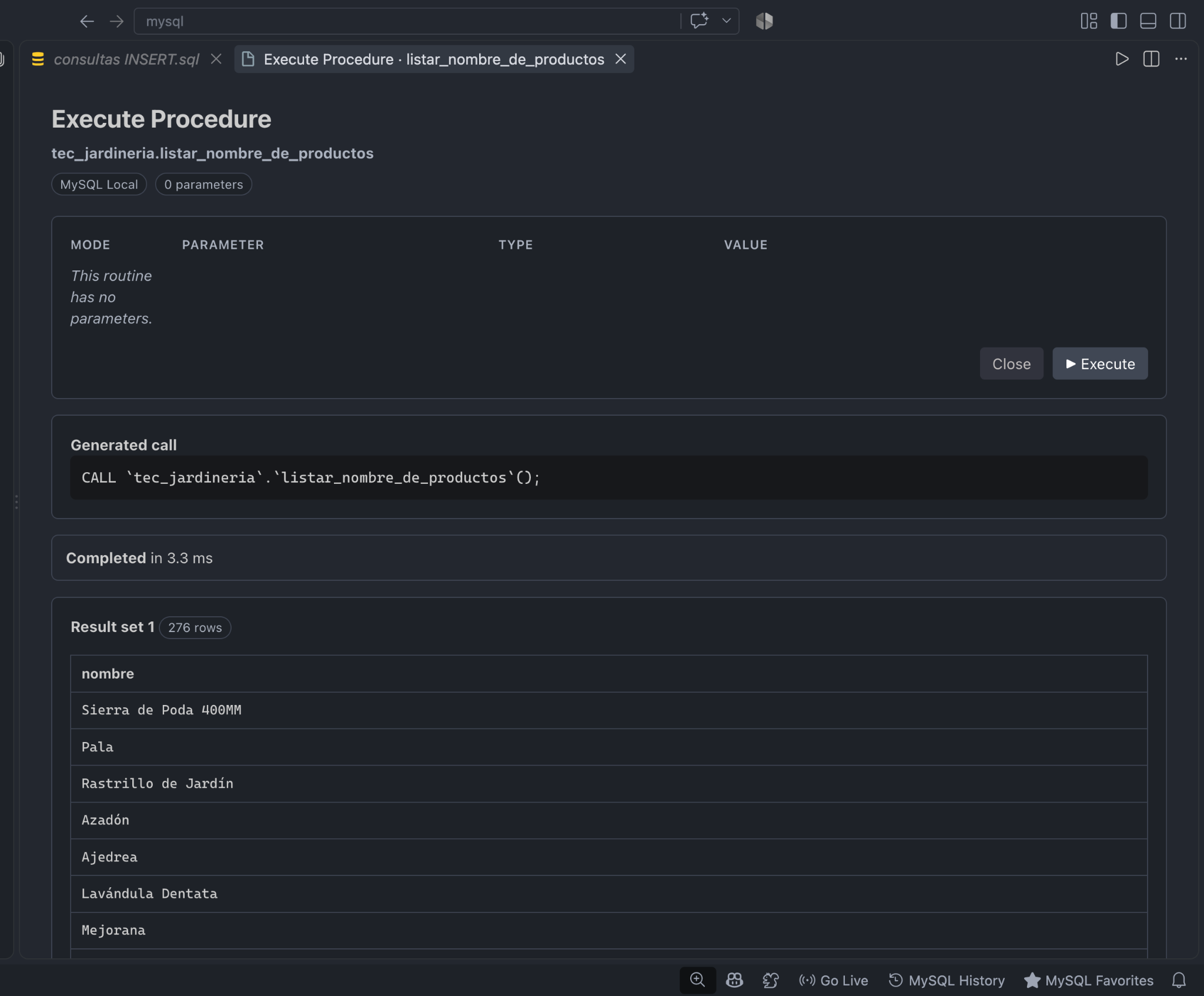
Generate ER diagrams from a live MySQL database, parse DDL without executing it, or open a Live SQL → ER Preview while typing. ▶️ Execute Stored Procedures visually
MySQL Pro Client detects
Multiple result sets and output parameters are displayed together with execution time. 🔄 Compare environments
Compare Reference → Target, identify additive, changed and destructive differences, then open Migration SQL for review. Migrations are never auto-applied. 🔍 Understand query plans
Explore access types, indexes, estimated rows, costs, conditions and diagnostic warnings visually. 🛠️ Design tables visually
Edit columns, indexes, foreign keys, engine, charset and collation. Review generated SQL before applying changes. 💾 Backup / Restore
Use MySQL's official CLI tools with preview, tool discovery and reinforced confirmation for destructive operations. 🛡️ Safety by Design
🚀 Quick Start
📚 Guides
OpSET MéxicoBuilt for developers. Designed for productivity. Advanced Table Design & ReportingMySQL Pro Client 2.7.1 keeps the 2.4 Visual Foreign Key Designer and adds the new ER Diagram Experience: smoother drag interaction, orthogonal/straight/curved routing, customizable relationship styles, configurable table colors, visual groups, group movement/collapse/visibility, snap-to-grid, and persisted layouts. Advanced Export, composite keys, Table Designer safety, and the existing PNG/PDF flows remain available. |