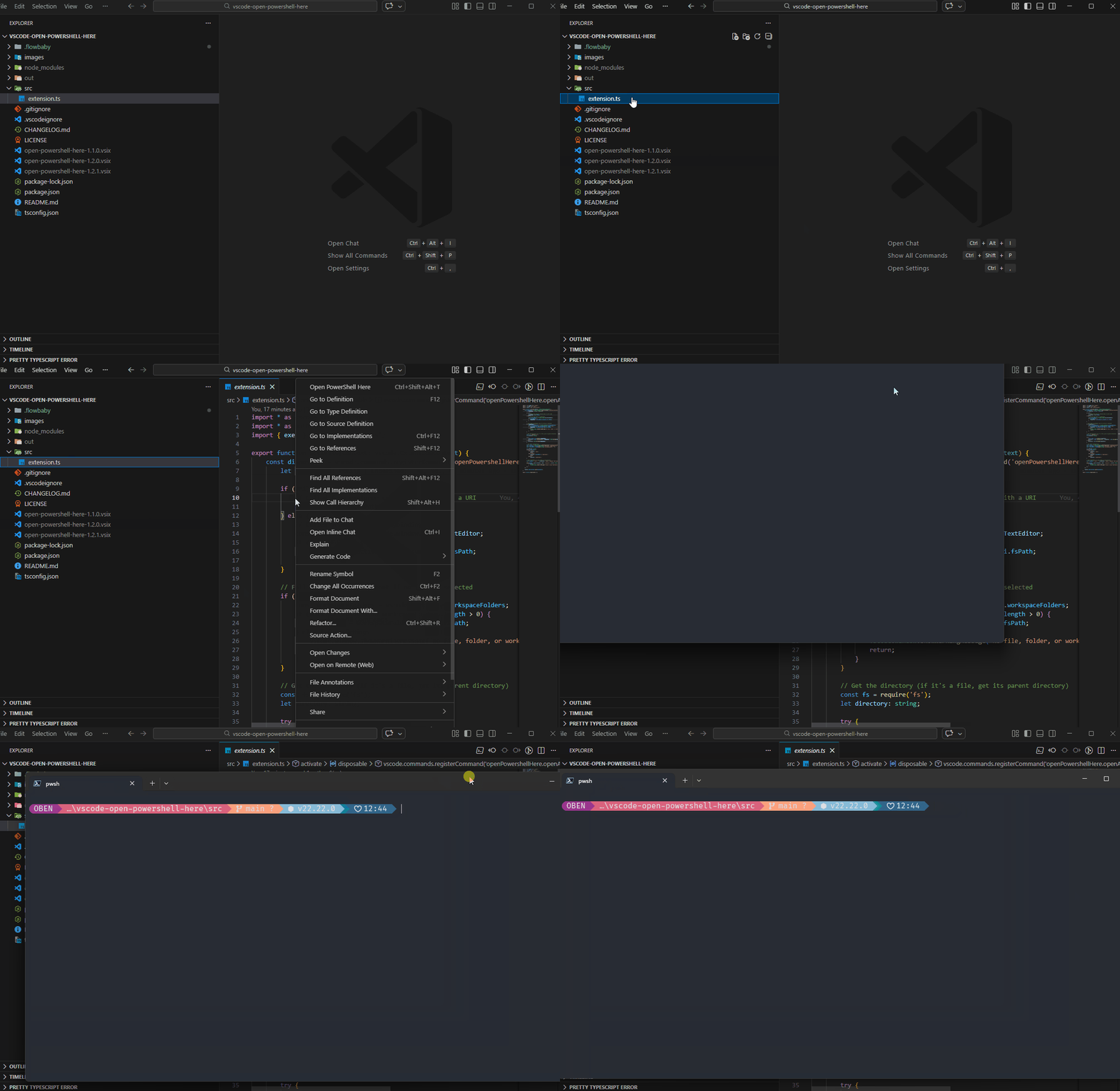
A simple VS Code extension that opens a standalone PowerShell window (not VS Code's integrated terminal) at the current file's directory or workspace root.
✨ Features
🎹 Keyboard shortcut: Ctrl+Shift+Alt+T (works anywhere in VS Code)
🖱️ Editor title button: Click the terminal icon in the editor title bar
📁 Context menus: Right-click in the editor or file explorer
📂 Terminal menu: Access from the top menu bar (Terminal → Open PowerShell Here)
🏠 Workspace fallback: Opens at project root when no file is selected