Miasma Theme
Miasma for VS Code.
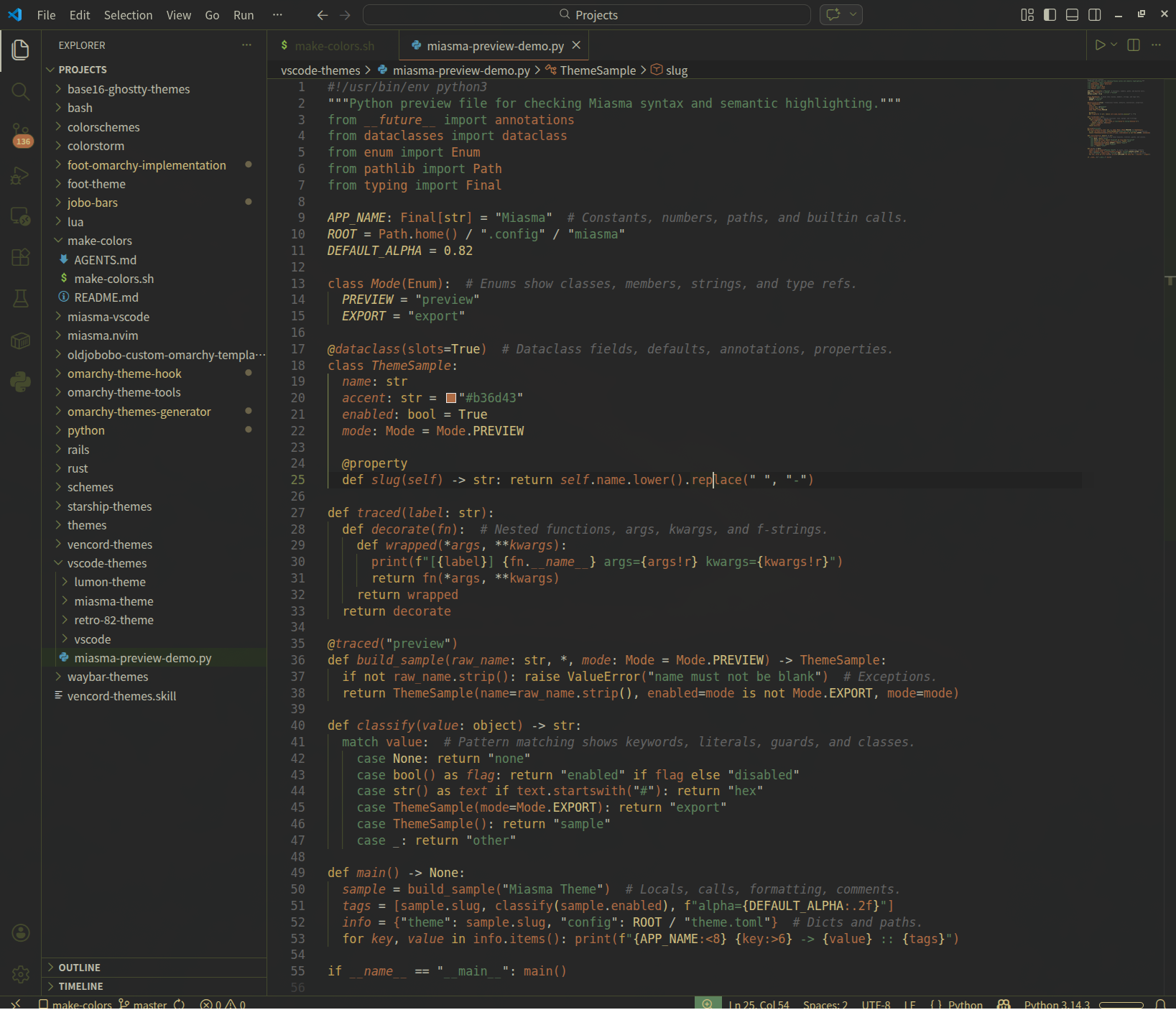
Built from the Miasma palette and tuned for stronger syntax and semantic highlighting across the languages most people actually use.
Install
Install from the VS Code Marketplace:
code --install-extension oldjobobo.miasma-theme
Included
- Dark Miasma UI theme
- Semantic highlighting support
- Expanded syntax highlighting coverage for Rust, JavaScript, TypeScript, Python, Shell, Markdown, CSS, JSON, TOML, YAML, HTML, Lua, and diff views
Highlighting Coverage
391 TextMate scopes themed52 semantic token selectors themed- Semantic highlighting enabled by the theme
Notes
- Semantic highlighting is enabled by the theme.
- The theme is intended to keep the original Miasma feel while improving symbol separation and readability in real projects.
| |

