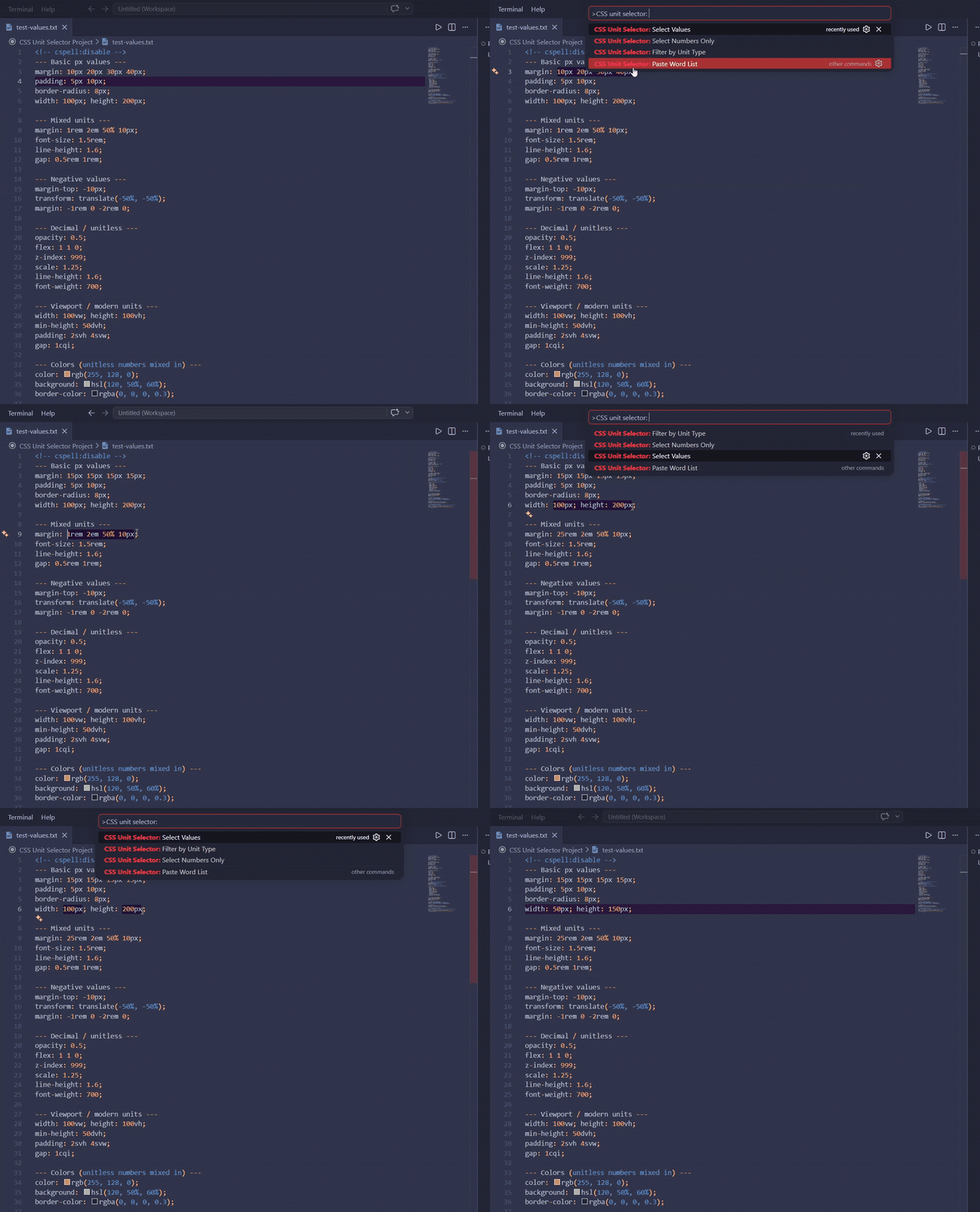
Place multi-cursors or selections on CSS numeric values within your selected text — no more manual clicking through each value.
Commands
All commands operate on the currently selected text in the editor. Works in any file type: .css, .scss, .jsx, .tsx, .html, .vue, .svelte, inline styles, and more.
Command
Description
Select Values
Multi-select each full value+unit ([10px])
Select Numbers Only
Multi-select the number part only ([10]px)
Filter by Unit Type
QuickPick a unit type → select only matching values
Paste Word List
Type a space-separated word list → replace each active cursor in order
Usage
Select Values / Select Numbers Only / Filter by Unit Type
Select a range of text containing CSS values (e.g. 10px 20rem 0.5)
Open the Command Palette (Ctrl+Shift+P / Cmd+Shift+P)
Run any CSS Unit Selector command
Paste Word List
Use any of the above commands (or other means) to create multiple cursors
Run CSS Unit Selector: Paste Word List
Type your words separated by spaces in the input box (e.g. 3px 4px 5px)
Each word replaces the corresponding cursor in order — excess words are ignored, excess cursors are removed
Examples
Input selection:margin: 10px 20rem 0.5;
Command
Result
Select Values
margin: [10px] [20rem] [0.5];
Select Numbers Only
margin: [10]px [20]rem [0.5];
Paste Word List with 3 cursors + input 3px 4px 5px:
Before: █ █ █   (3 cursors at different positions)
After:  3px 4px 5px
Notes
No selection → shows an error notification
Unitless numbers (0, 0.5, 255) are included in all commands
Filter by Unit Type populates the QuickPick from units actually found in your selection
Paste Word List works with any number of cursors (1+); unused trailing cursors are removed