Hallucinate
Run a team of AI coding agents in isolated git worktrees, without leaving VS Code.
Beta. Extension v0.1.13. Built and tested: 12 packages, 2,232 tests.
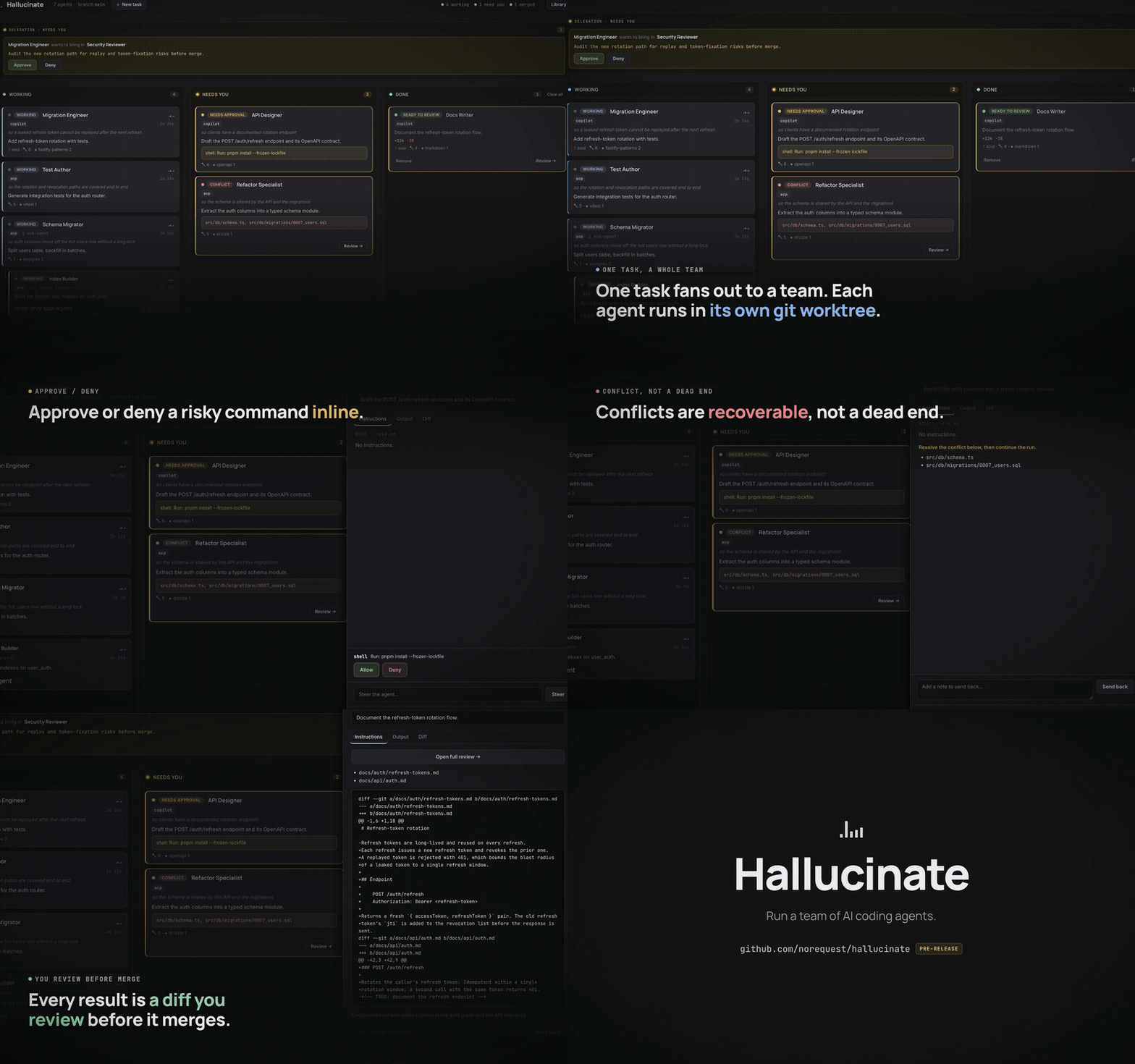
Download the full-quality video (MP4)
What it is
Hallucinate is model-agnostic coordination for AI coding agents, living entirely in your editor. It drives your own engine CLIs (GitHub Copilot, Claude Code, Codex, Gemini, Cursor, opencode) as subprocesses, so it reuses each tool's existing login and never touches your API keys. Every agent works in its own git worktree, and a finished agent is a diff you review before anything merges.
Features
- Model-agnostic. The coordination brain is engine-neutral; engines plug in behind one small adapter.
- Reuses your existing login. Each engine runs as its own CLI subprocess, so Hallucinate never touches your API keys.
- Six engines. GitHub Copilot, Claude Code, and Codex run as their own CLIs; Gemini, Cursor, and opencode run over ACP. Claude Code runs on your Claude subscription — no API key.
- Approve or deny tool use, inline. For engines that support it (Claude Code today), an agent pauses on a sensitive action — a shell command, a file edit, a web search — and you Approve or Deny it right on the board. The gate follows the agent's autonomy (
manual asks on everything sensitive, auto-approve-safe auto-runs edits, yolo never asks).
- See which model ran. Each agent card and the review drawer show the engine and the exact model it used.
- Real isolation. By default every agent works in its own
git worktree on its own branch, so parallel agents never collide.
- Review before merge. A finished agent is a diff to review, not a surprise commit. Merge, discard, send back with feedback, or open a PR.
- Copilot fleet teams. A Copilot-led team can run as one shared session that dispatches named teammates in-context, for one combined diff.
- Editor-native. The board, the agent library, and diff review all live in one VS Code panel.
Requirements
The engines are separate tools you must already have installed. Hallucinate drives them; it does not bundle them.
- VS Code
^1.90.0.
- A git repository open as your workspace folder.
- At least one engine CLI on your
PATH:
- GitHub Copilot CLI (
copilot), which needs an active Copilot subscription,
- Claude Code (
claude), which runs on your Claude subscription (no API key) and supports on-board tool approvals, or
- Gemini CLI (
gemini), Codex, Cursor, or opencode.
git, for the worktrees each agent runs in.gh (the GitHub CLI), only if you turn on PR mode.
Getting started
- Open a folder that is a git repository.
- Click the Hallucinate icon in the activity bar to open the Board.
- Dispatch an agent: pick a role, write the task, and send it. The agent gets a fresh worktree and streams live on the board.
- When it finishes, open the diff and Merge, Discard, or Send back with feedback. With PR mode on, open a pull request instead.
Roles, teams, and skills live in a .hallucinate/ directory in your workspace, which Hallucinate scaffolds on first run.
Links
| |

