
 | single-click-unit-test-generationSingle click unit test generation Installation Launch VS Code Quick Open ( Ctrl+P), paste the following command, and press enter.Copied to clipboard |

VS Code Extension: single-click-unit-test-generationsingle click Unit Test Generator The single-click-unit-test-generation extension allows developers to quickly generate unit tests based on selected code within their editor. Powered by the advanced Gemini 2.0 Multi-Modal LLM, this tool supports test generation for virtually any programming language. Simply highlight the desired code snippet, select your preferred testing framework, and let the extension handle the rest — producing clean, high-quality unit tests in seconds. 📦 FeaturesKey Features Quick Setup – Get started in just a few clicks Gemini-Powered – Leverages Gemini 2.0 for accurate and intelligent test generation Fast Execution – Generates tests in as little as 10–20 seconds Privacy First – Your code stays safe; nothing is stored 🚀 Getting StartedInstallation
Or install from the VS Code Marketplace. Usage
Setting Api KeyOpen VS Settings: Press the shortcut Ctrl + , (Windows/Linux) or Cmd + , (macOS). Alternatively, go to File > Preferences > Settings. Search for the Extension Setting: In the search bar at the top of the Settings UI, type the name of the extension or a relevant term, such as: single-click-unit-test-generation Or Gemini API Key Locate and Paste the Key: Look for a setting field under the extension's configuration that is labeled: API Key Paste your Gemini API key into this input field. 👥 Team
Example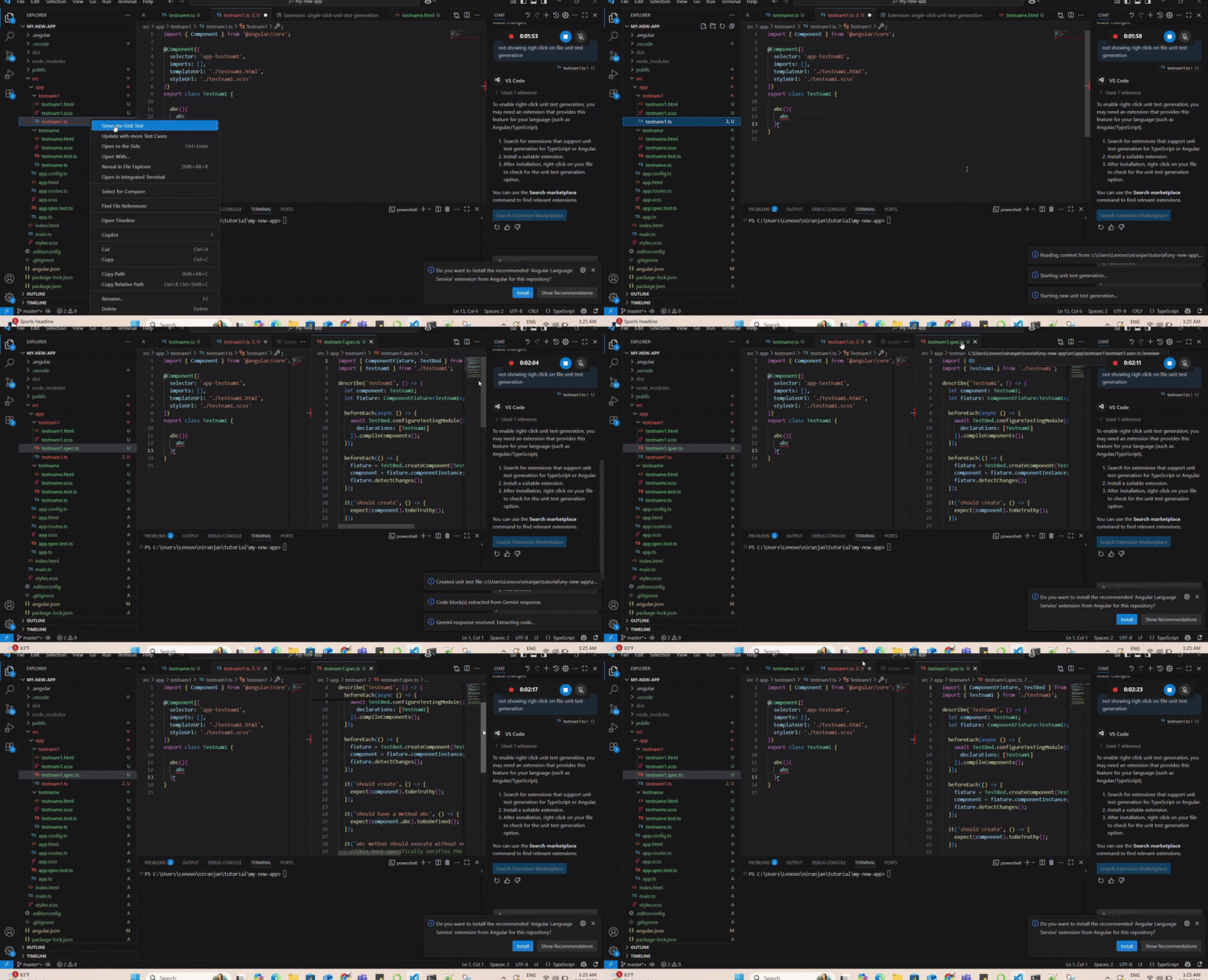
|