Skip to content
| Marketplace
Sign in
Visual Studio Code>Themes>Gigily ThemesNew to Visual Studio Code? Get it now.
Gigily Themes

Gigily Themes

Nima Rad

|
8 installs
| (1) | Free
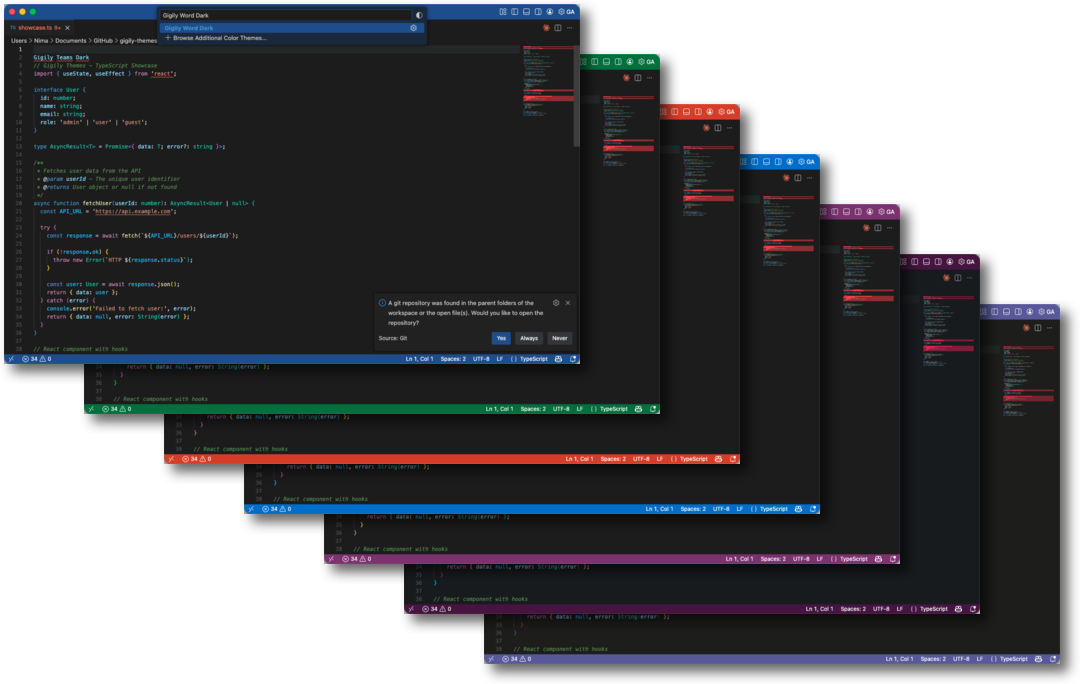
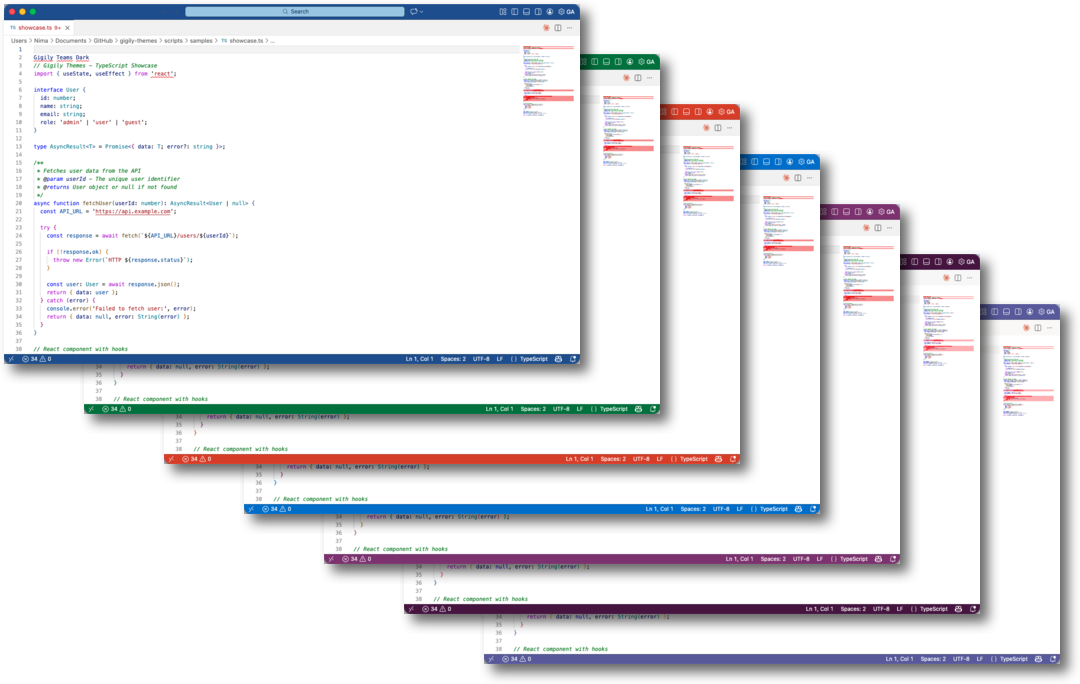
Beautiful light and dark VS Code color themes - Word (blue), Sheet (green), Slide (orange), Mail (cyan), and Note (purple)
Installation
Launch VS Code Quick Open (Ctrl+P), paste the following command, and press enter.
Copied to clipboard
More Info

Gigily Themes

Beautiful light and dark VS Code color themes with vibrant accent colors. Each theme features a unique color identity while maintaining excellent readability and a professional look.

Themes

Theme Color Light Dark
Word Blue Gigily Word Light Gigily Word Dark
Sheet Green Gigily Sheet Light Gigily Sheet Dark
Slide Orange Gigily Slide Light Gigily Slide Dark
Mail Cyan Gigily Mail Light Gigily Mail Dark
Note Purple Gigily Note Light Gigily Note Dark

Features

  • 10 themes - 5 color variants, each with light and dark modes
  • Colored title bars - Distinctive accent colors in the title bar and status bar
  • Comprehensive syntax highlighting - Support for all major languages
  • Semantic highlighting - Enhanced token colorization
  • Comfortable contrast - Easy on the eyes for extended coding sessions

Installation

  1. Open VS Code
  2. Go to Extensions (Cmd+Shift+X / Ctrl+Shift+X)
  3. Search for "Gigily Themes"
  4. Click Install
  5. Open the Color Theme picker (Cmd+K Cmd+T / Ctrl+K Ctrl+T)
  6. Select your preferred Gigily theme

Color Palette

Theme Primary Accent
Word #185ABD Blue
Sheet #217346 Green
Slide #C43E1C Orange
Mail #0078D4 Cyan
Note #7719AA Purple

Contributing

Contributions are welcome! Please feel free to submit a Pull Request.

License

MIT License

  • Contact us
  • Jobs
  • Privacy
  • Manage cookies
  • Terms of use
  • Trademarks
© 2026 Microsoft