Nexo SQL Studio
Nexo SQL Studio is a SQL client and database development environment for Visual Studio Code. Query, explore and develop with Oracle, PostgreSQL, MySQL, MariaDB, Microsoft SQL Server and SQLite, with dedicated advanced tools for Oracle SQL and PL/SQL.
Supported databases
Connections, SQL worksheets, transactions and query results provide the common starting point. Advanced editing, DDL, modeling, transfers, administration and AI/MCP operations vary by engine and workflow. See the database support matrix and check the version you have installed.
Hosted databases: Supabase uses PostgreSQL connection settings; Oracle Cloud and Oracle Autonomous Database use Oracle connection settings. Provider-specific authentication, wallets, pooling and services have additional requirements. MySQL and MariaDB use separate adapters; SQLite opens an authorized local database file.
Advanced Oracle development
Oracle remains a core specialization: service names and SIDs, Easy Connect, TNS, TCPS and wallets, PL/SQL intelligence, debugging, utPLSQL, offline projects, and APEX/ORDS workflows. Ordinary Oracle connections use the bundled Thin driver and do not require Oracle Instant Client. Advanced features have their own licensing and compatibility requirements.
The current release offers an anonymous Free plan and one all-inclusive Pro license.
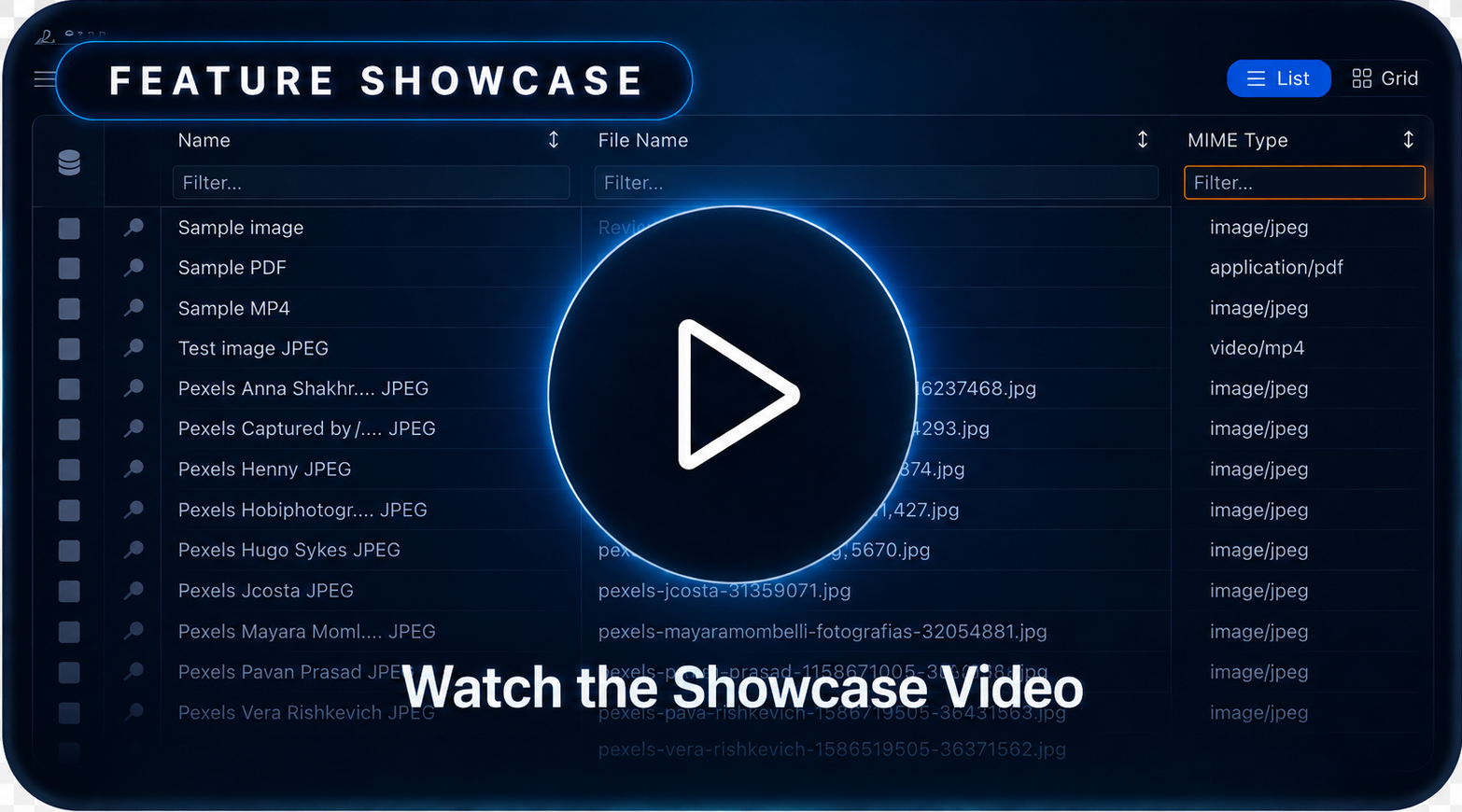
Watch Nexo SQL Studio Showcase on Youtube
Free plan
No login is required to use the core workflow:
Free includes core SQL connection and worksheet workflows. The Oracle language and object capabilities below apply to supported Oracle workflows; they do not imply identical support for every engine. Pro adds advanced tools, with availability depending on the database.
- SQL/PLSQL editing, syntax highlighting, formatting, navigation, symbols, and snippets
- Connections, online schema browsing, and cross-schema online autocomplete
- Worksheets, execution, transactions, DBMS output, pagination, and standard result grids
Pro license
One all-inclusive Pro license unlocks these Pro-only modules and workflows:
- AI assistants, agent workflows, MCP, and MCP Companion — Use AI-assisted Oracle workflows, Oracle Apex 26.1 app development, Data Model creation, Build SQL and PL/SQL packages, query data, SQL optimization, fine grained per connection AI permissions, customizable confirm AI actions, full step debugging, deployments, all through MCP-compatible tools like Codex, Claude or Github Copilot.
- Oracle Apex 26.1 AI Development — Just ask Nexo MCP companion to develop a full apex application or changes.
- Offline project intelligence — Nexo autocomplete and language assistance for offline SQL/PLSQL files and projects, including files created by other tools.
- Live code validation — Validate SQL and PL/SQL as you type with linting, compiler diagnostics, and guided compile workflows before sending code to Oracle.
- Automatic offline workspace generation — Generate, refresh, and synchronize local Oracle object and project files from database metadata for review and Git-based delivery.
- Database and DDL comparison — Compare schemas, DDL, and object changes to understand drift and prepare controlled synchronization work.
- DB Manager and administration — Inspect and manage Oracle sessions, storage, parameters, pools, access controls, scheduler resources, and other administrative workflows.
- Deployments, migrations, and backups — Prepare repeatable database delivery workflows with previews, migrations, deployment targets, and recoverable backups.
- Object locking, history, and advanced maintenance — Coordinate development changes, review object history and versions, detect collisions, and run batch or other advanced maintenance operations.
- Remote File Explorer — Browse and synchronize remote project files over SFTP, FTPS, and S3-compatible storage.
- Local database environments — Create and manage Oracle, PostgreSQL, MySQL, MariaDB, and SQL Server development containers, or create a SQLite database file with page-size and journal-mode options. PostgreSQL, MySQL, and MariaDB use Docker Official Images; SQL Server uses Microsoft's image with Developer edition and explicit license acceptance. Choose official local or remote images, or prepare a new image. Export and import databases with data as
.nexoenv files. Oracle retains its APEX and ORDS setup workflows.
- Data Modeler — Create, validate, edit, synchronize, and export structured Oracle data models as workspace files.
- Query Builder — Compose SELECT statements visually from tables, joins, filters, grouping, sorting, and columns, then send the generated SQL to a worksheet.
- SQL Load Tester — Run repeatable SQL workloads with configurable concurrency, duration, pacing, repetitions, fetch controls, and live latency statistics.
- SQL Results Gallery and advanced results — Explore result sets in a visual gallery, work across multiple connections, use editable grids, inspect BLOB/CLOB values.
- API Client management and debugging — Build, run, organize, and debug API requests and collections, with OpenAPI import and Sync OpenAPI refresh support.
- Advanced Data Import and Data Export — Define repeatable parallel transfers with concurrent items, reader sessions, conversion workers, batching, split files, and preserved row order.
- APEX and ORDS workflows — Validate, export, import, and manage Oracle APEX and ORDS workflows from VS Code.
- Integrated utPLSQL tests — Discover, run, and inspect utPLSQL suites from the VS Code Test Explorer.
- PL/SQL debugging — Debug Oracle PL/SQL execution with breakpoints, stepping, watches, stack frames, and runtime output.
- Portable packs — Package and move professional Nexo project and configuration workflows, including double-click portable files.
Free still covers connections, worksheets, snippets, online cross-schema autocomplete, object browsing, object editing, and standard results without login. Sign in with Google, Microsoft, or email only when you want to activate Pro, get a free trial now, create an account and login https://www.nexosqlstudio.com/login.
Why teams use it
- AI develpment for Data modeling, building SQL and PL/SQL packages, query data and Oracle Apex development.
- Stay in VS Code from discovery to editing, execution, validation, and export
- Work against live Oracle databases or generate local files for offline review and Git-based delivery
- Reduce context switching across object browsing, query execution, test runs, formatting, and navigation
Learn More
| |

