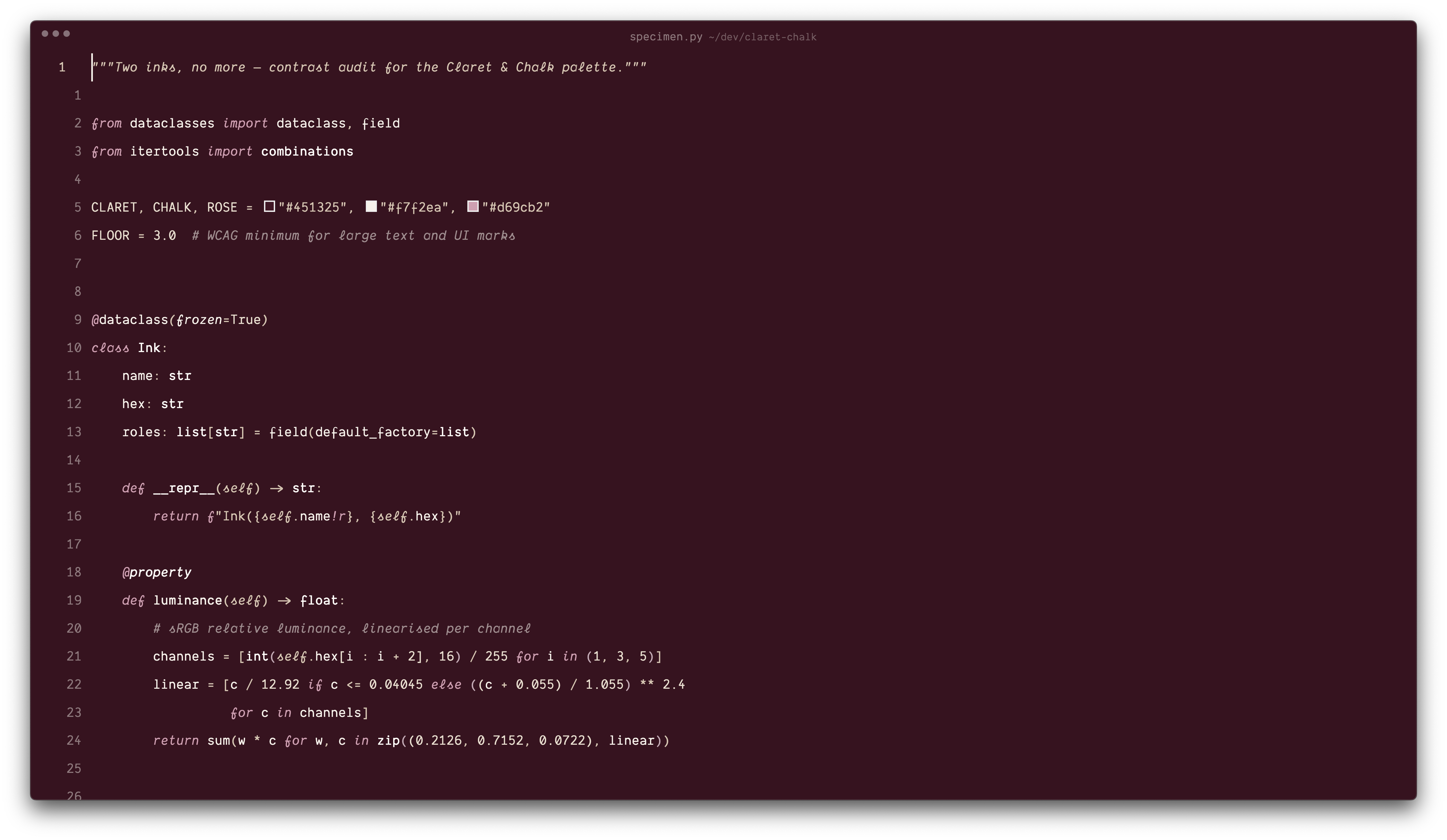
Claret & ChalkDark and light themes built from two colours and a rose accent. Part of the Claret & Chalk palette. Installation Launch VS Code Quick Open ( Ctrl+P), paste the following command, and press enter.Copied to clipboard |

Claret & Chalk for VS Code
Two themes: Claret Rosé (dark) and Chalk Rosé (light), with semantic tokens, notebook and terminal palettes. Reload VS Code, then Preferences: Color Theme → pick your ink. Recommended settings for the full look: any monospaced font you like
(screenshots use Dank Mono), |