MutyDoc – Notes & Ideas Inside VS Code
MutyDoc is a local-first note-taking and writing plugin for VS Code.
No Notion, no Obsidian — everything lives locally, right next to your code.
Why MutyDoc?
✅ Take Notes Without Leaving VS Code
Quickly capture thoughts, meeting notes, ideas, and technical notes right where you code.
No context switching, no extra apps.
✅ AI-Assisted Writing Workflow
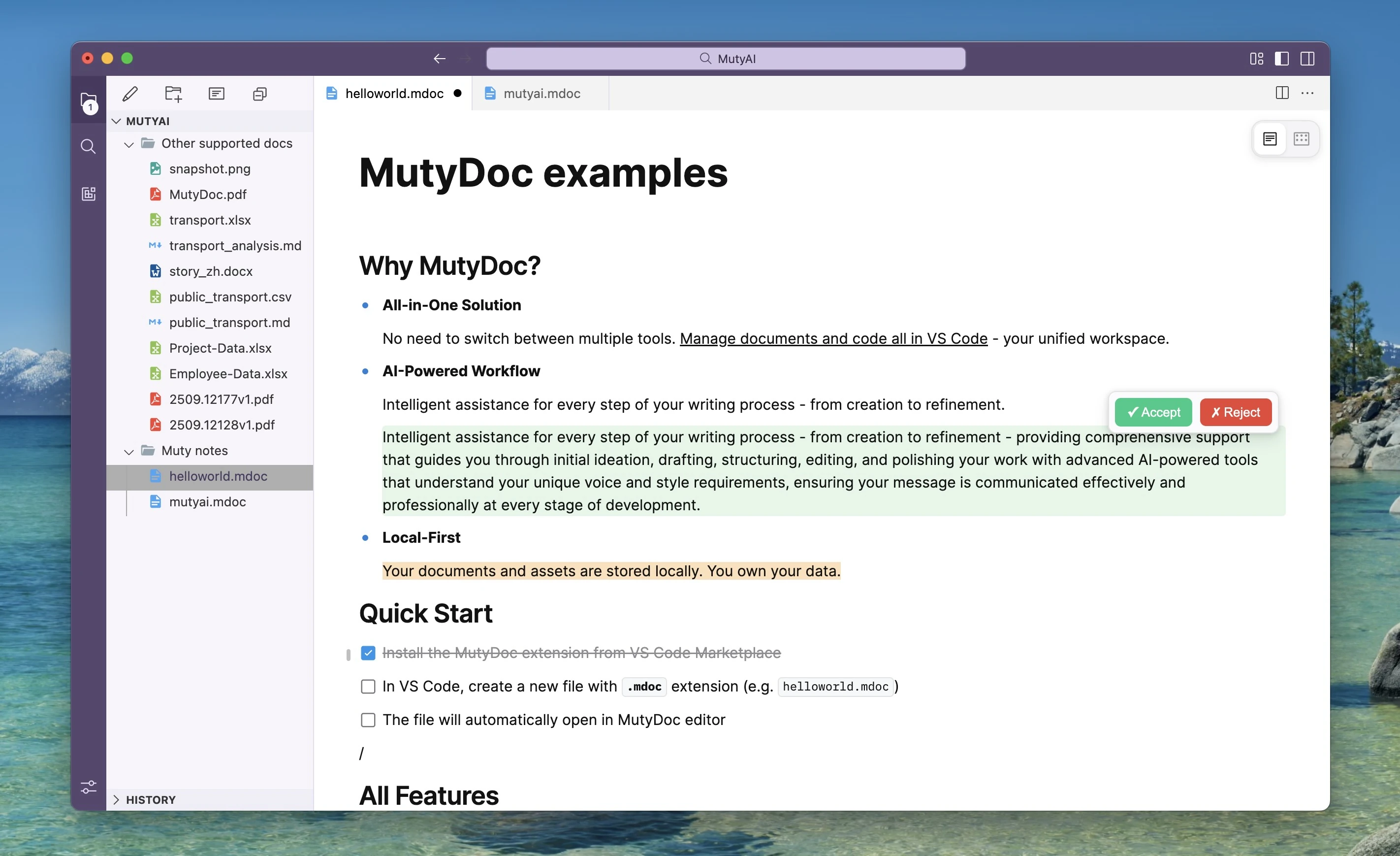
Get intelligent assistance at every stage of writing, from drafting and restructuring to refining tone and clarity.
✅ Local-First by Design
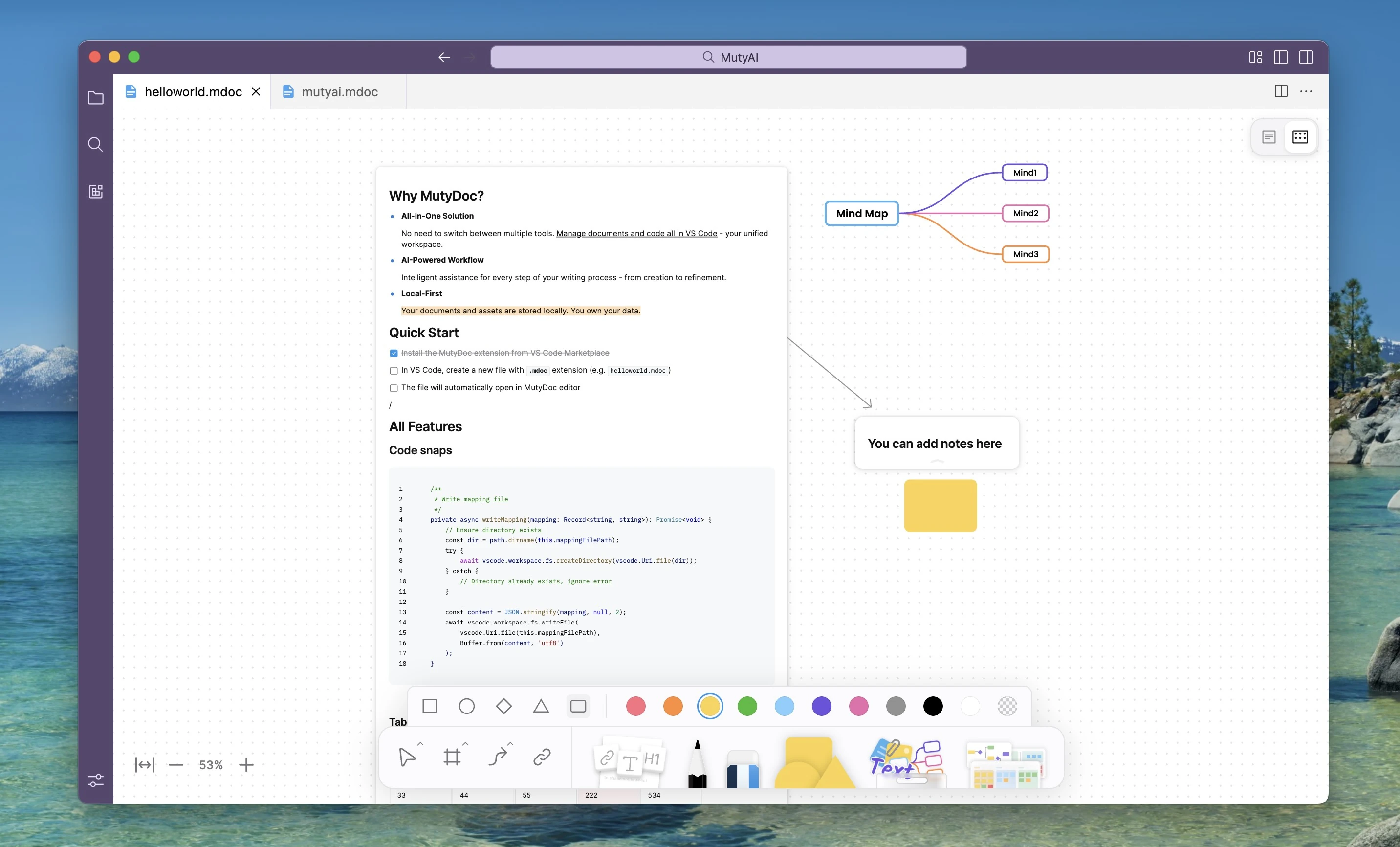
All documents and assets are stored locally on your machine. You fully own and control your data.
🚀 Quick Start
- Install MutyDoc from the VS Code Marketplace
- Create a new file with the
.mdoc extension (e.g.,notes.mdoc)
- Start writing — it opens automatically in MutyDoc
💡 Tip: Rename any existing .md file to .mdoc to edit it with MutyDoc.
✨ Key Features
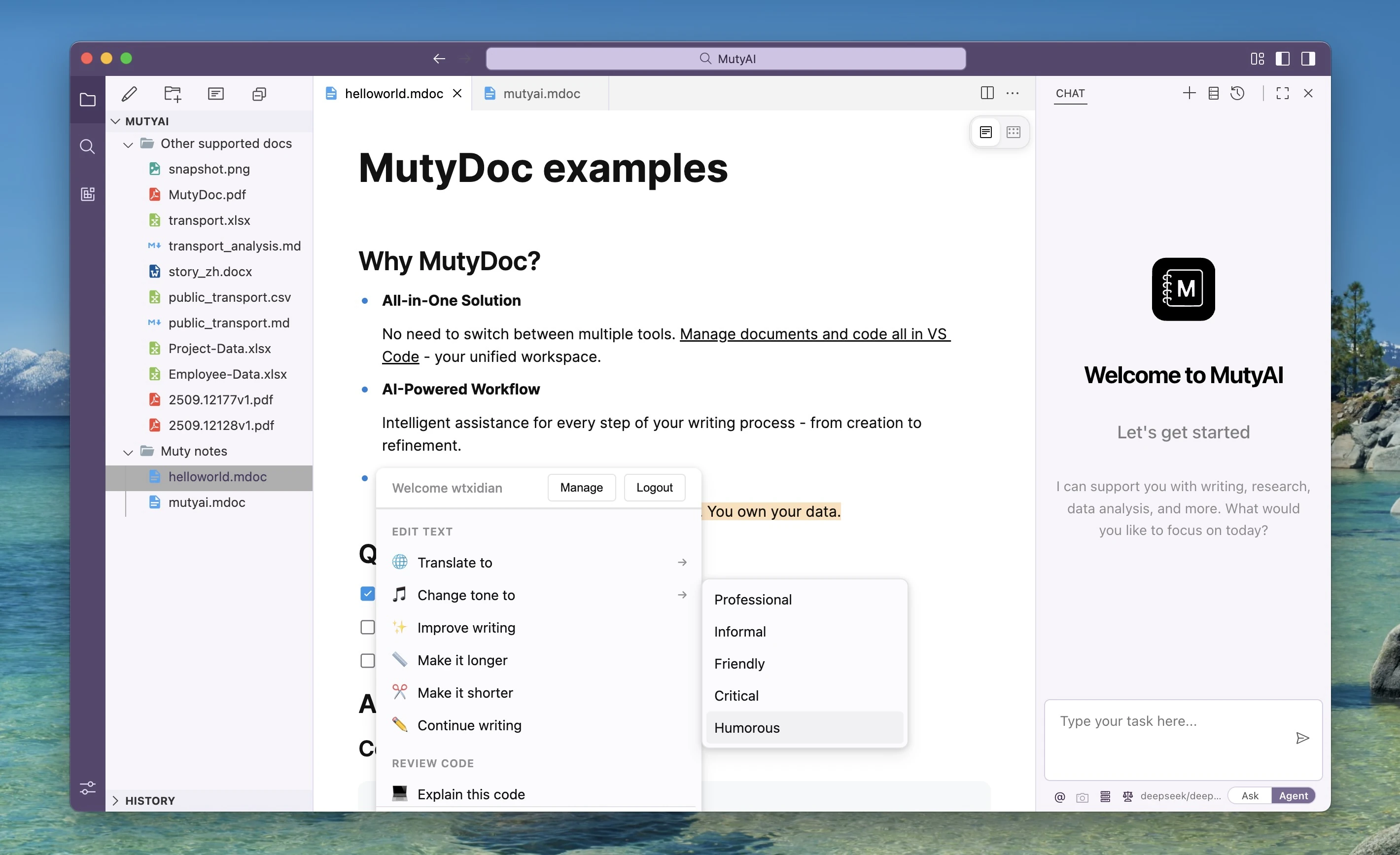
🤖 Intelligent AI Assistant
Ask AI - Type / and select "Ask AI" for quick questions:
- Improve writing - Enhance clarity and impact
- Continue writing - AI-powered content continuation
- Summarize & generate - Create summaries, outlines, blog posts, and more
- Explain selection - Get explanations for any text
- Translate - Support for 10+ languages
- Change tone - Adjust to different writing styles
- Make it longer/shorter - Expand or condense content
📝 Flexible Note Editing
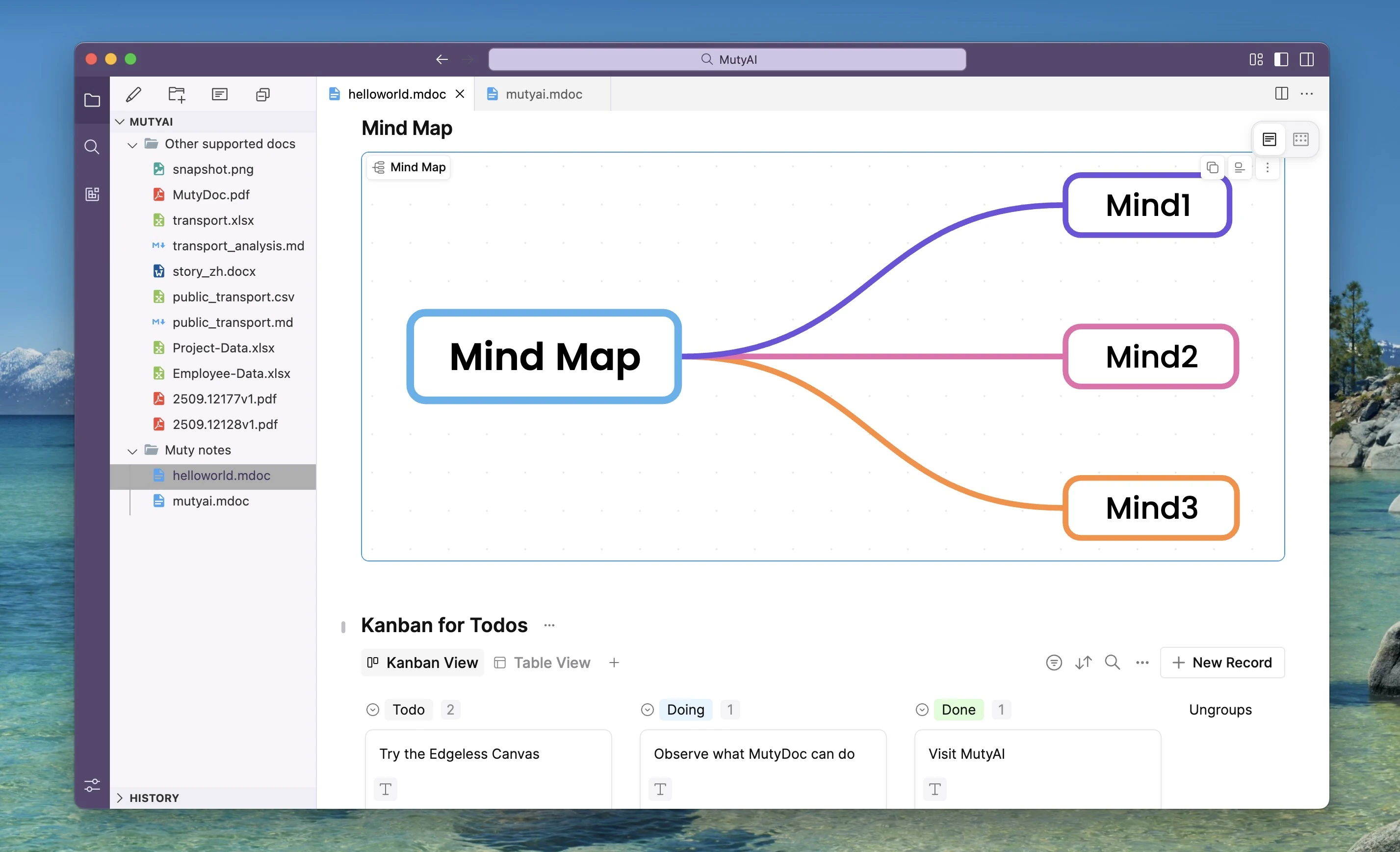
- Block-based editing - Intuitive drag-and-drop interface
- Rich formatting - Headings, lists, code blocks, tables, and more
- Edgeless View - Switch between Document and Edgeless Canvas views
📄 Markdown Friendly
- Markdown-like syntax - Familiar Markdown-style editing experience
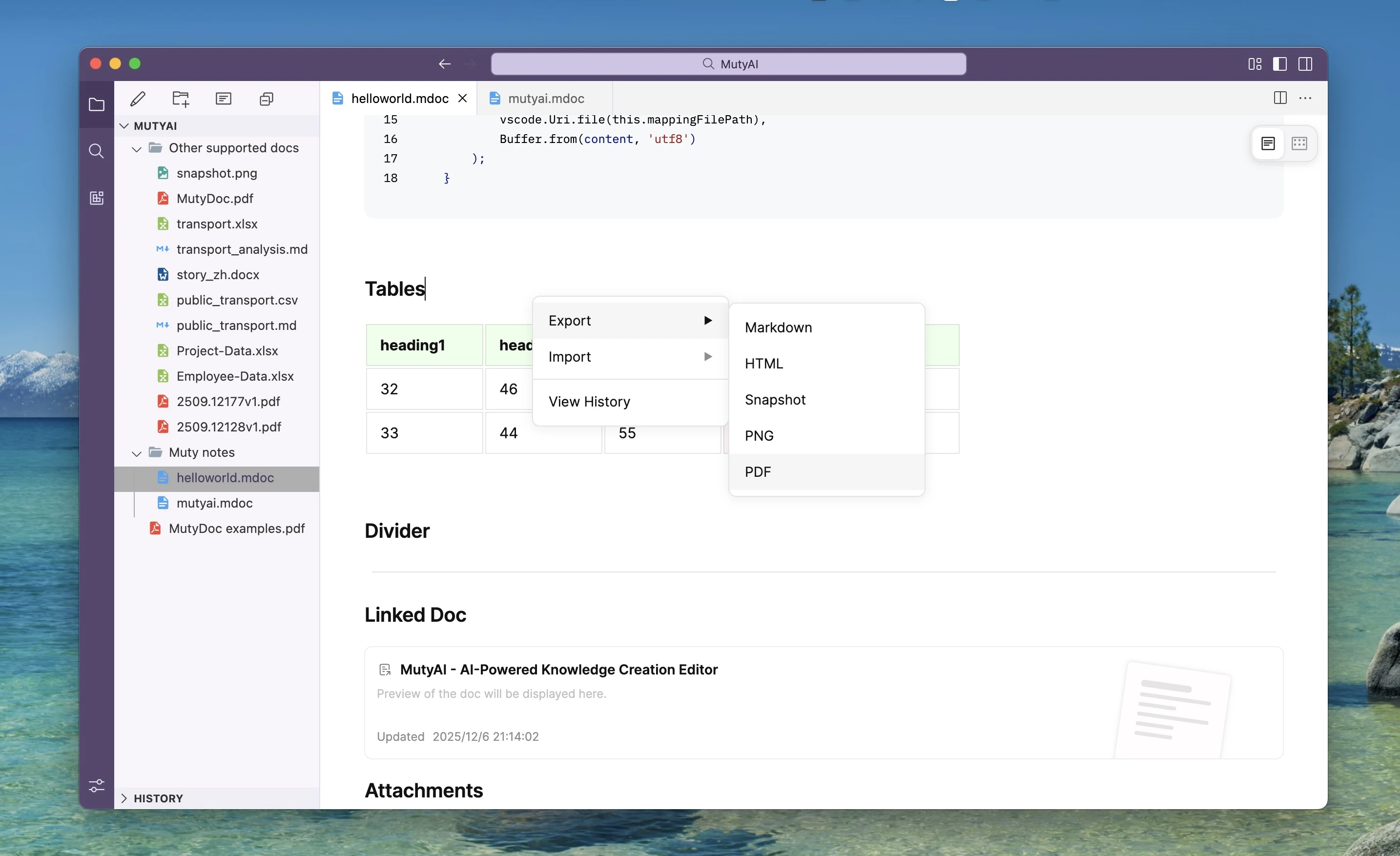
- Import/Export - Support for Markdown, HTML, PDF, and PNG formats
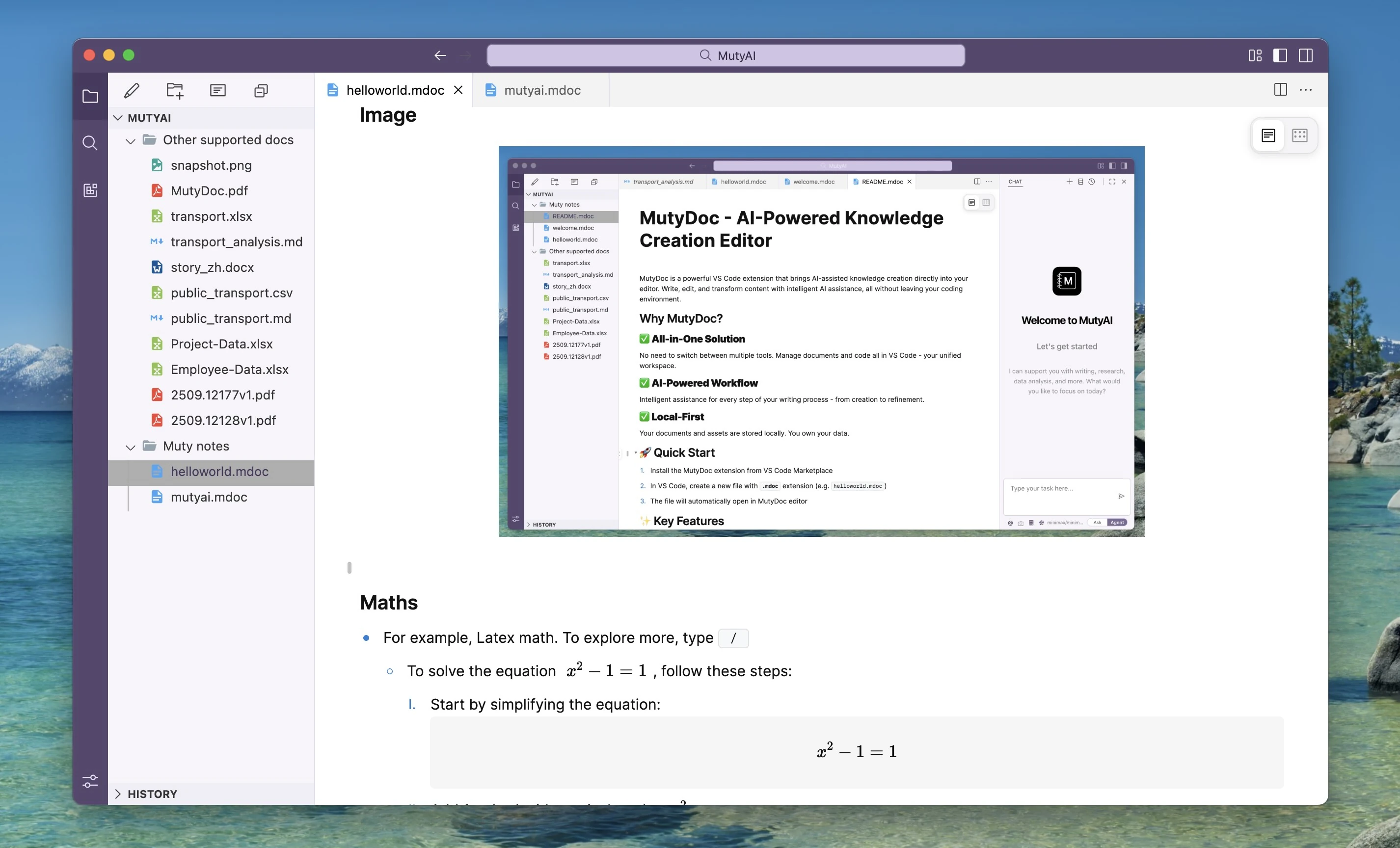
- Insert images - Add images to your document and adjust their size
🖼️ Local-First Architecture
- All files local - Everything stored on your machine, you own your data
- Version history - Leverage VS Code's built-in local history feature
- Git compatible - Use your own Git workflow to manage documents if needed
- No lock-in - You can always move your notes elsewhere.
Support
Acknowledgments
Special thanks to BlockSuite that powers the rich editing experience in MutyDoc.

