Muty PPT Viewer
A VS Code extension to preview PowerPoint files (.pptx, .ppt) directly within VS Code.
Features
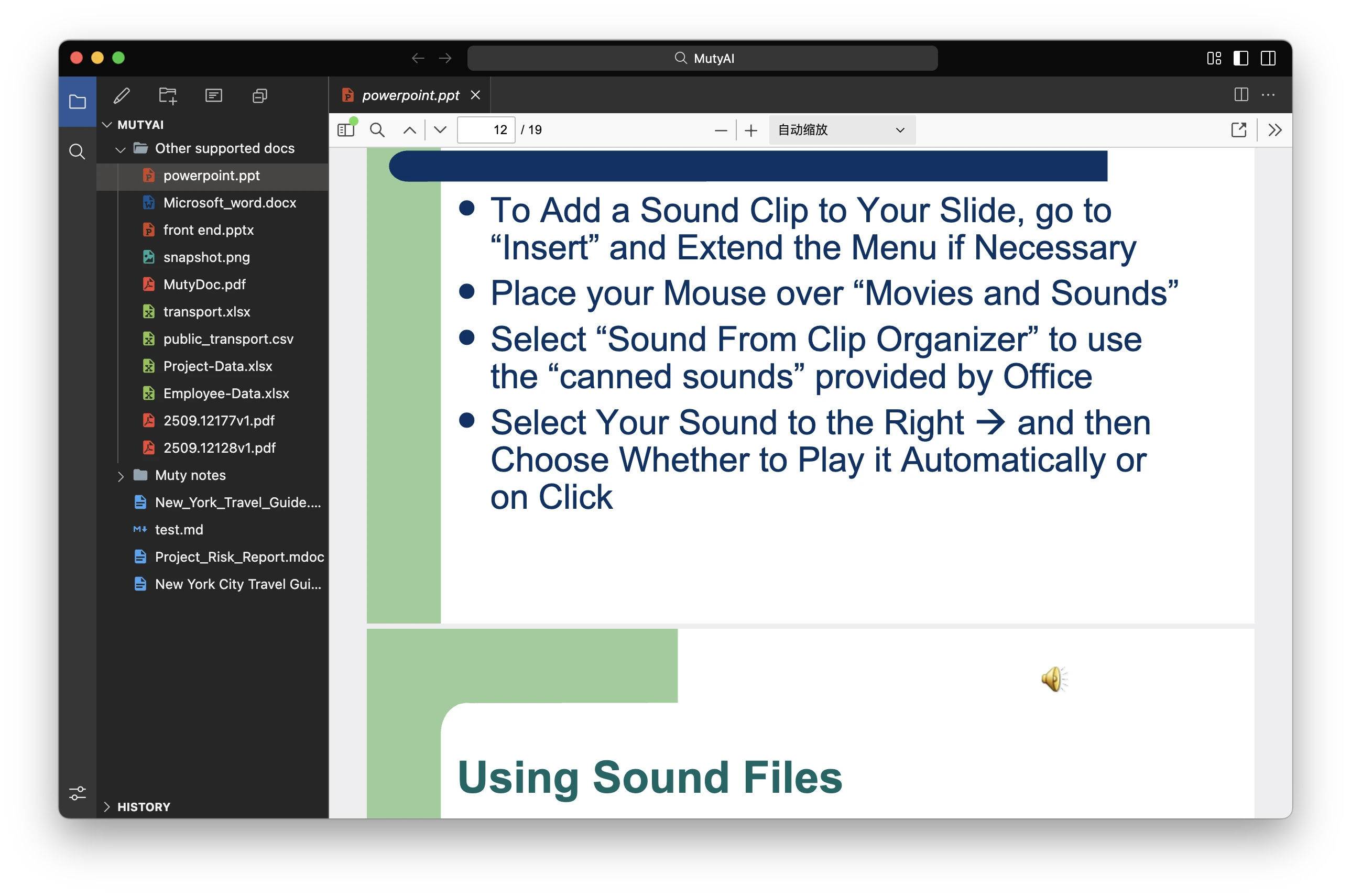
- Support for previewing .pptx and .ppt files
- Seamless background conversion using LibreOffice
- PDF-based preview in the VS Code editor area
- Zoom control support
- Cross-platform support (macOS, Windows, Linux)
Usage
- Open a project containing PowerPoint files in VS Code.
- Click on a .pptx or .ppt file in the file explorer.
- The file will automatically open as a PDF preview in the editor area.
For a better PowerPoint viewing experience, it is highly recommended to download and use the MutyWork APP - A local AI Agent for the real work.
Requirements
Before using this plugin, ensure that LibreOffice is installed on your system:
macOS
brew install --cask libreoffice
Windows
Download and install LibreOffice from the official website:
https://www.libreoffice.org/download/download/
Linux
# Ubuntu/Debian
sudo apt-get install libreoffice

# CentOS/RHEL
sudo yum install libreoffice
🌐 Support & Links
License
MIT License
| |

