Musty ThemeA vibrant rich dark theme for Visual Studio Code. Installation Launch VS Code Quick Open ( Ctrl+P), paste the following command, and press enter.Copied to clipboard |

Musty ThemeA vibrant rich dark theme for Visual Studio Code. Install
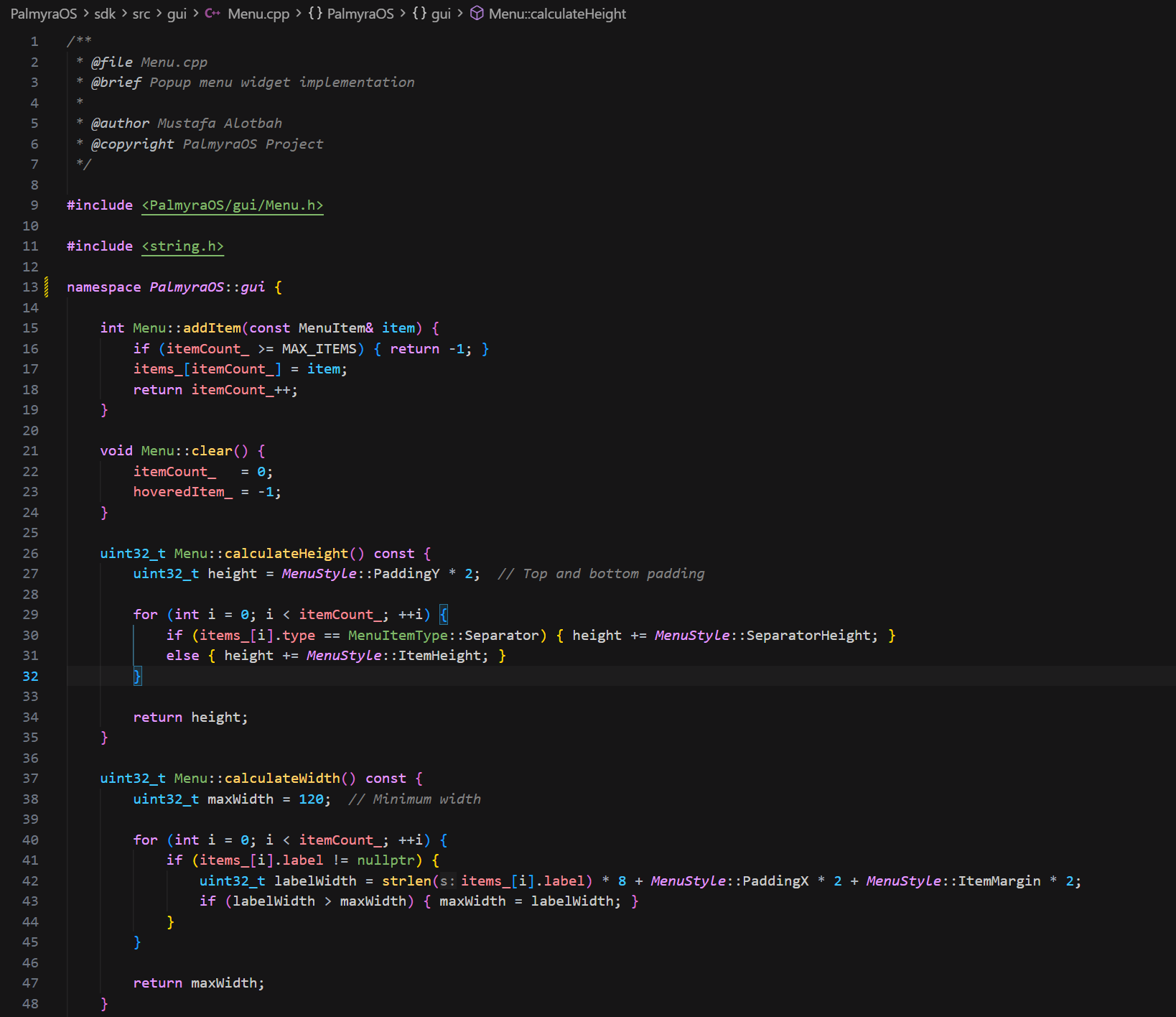
Screenshots
Credits / AttributionThis theme is a derivative work originally adopted from Gerry Themes for VS Code and has been modified. This project is not affiliated with, sponsored by, or endorsed by the upstream authors or Microsoft. LicenseLicensed under the Apache License 2.0. See Additional attribution details are available in |