CinderA warm, cinematic dark theme — burning embers, antique gold, oxidized copper. Built on the Cinder design language. Installation Launch VS Code Quick Open ( Ctrl+P), paste the following command, and press enter.Copied to clipboard |

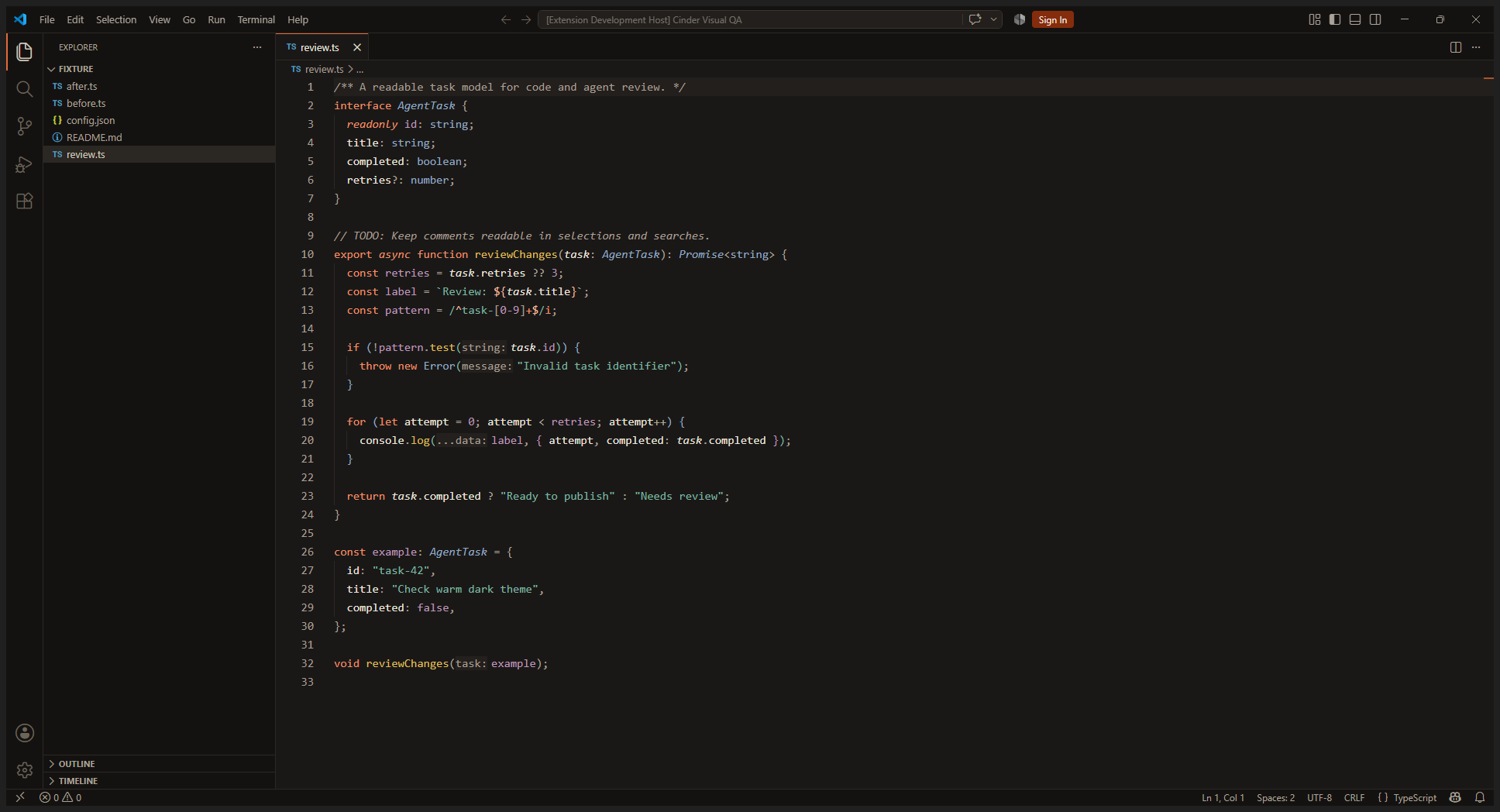
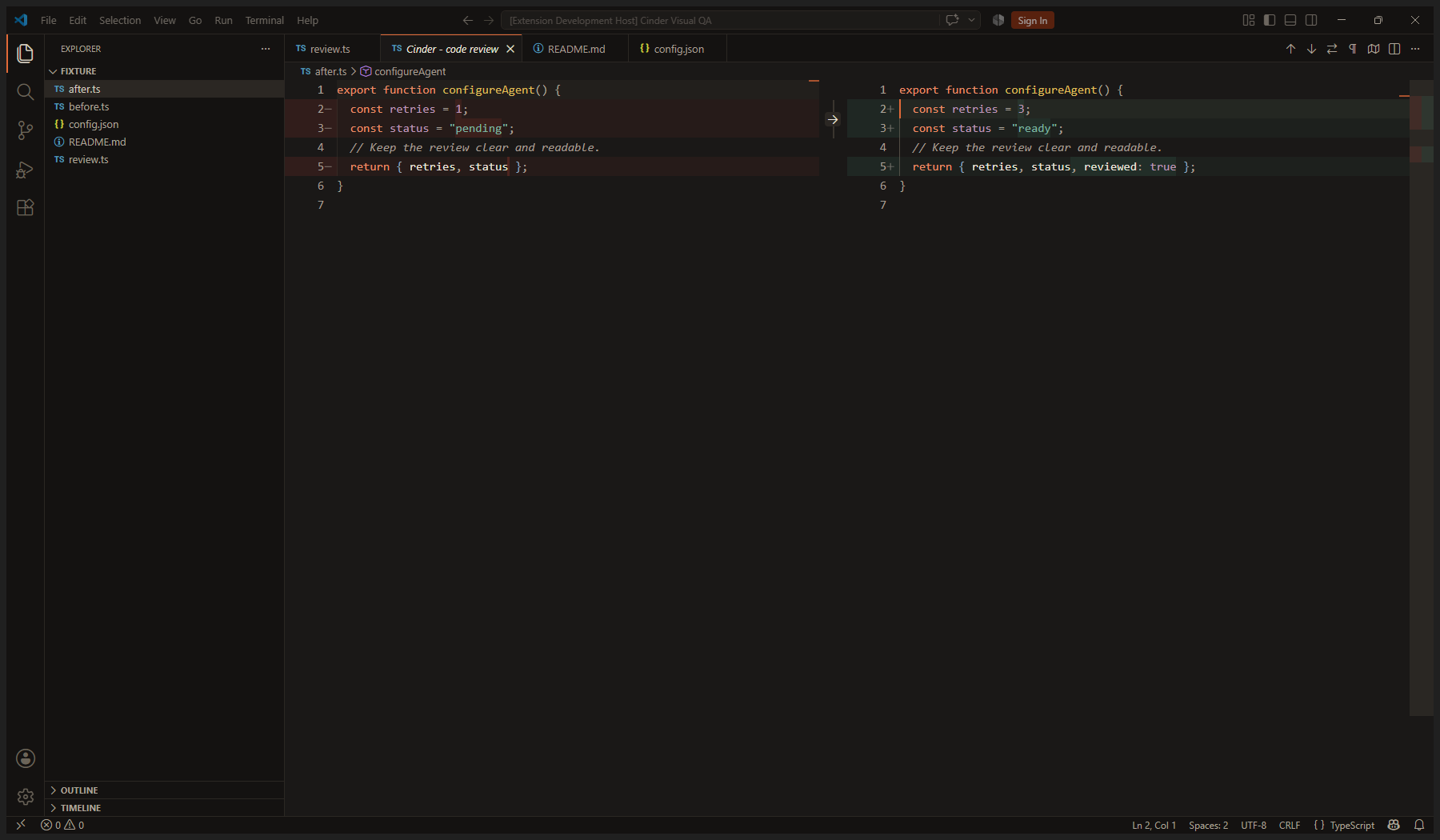
CinderA warm dark theme with charcoal backgrounds, antique gold functions, coral keywords, copper-green strings and soft steel-blue types. Explore the palette, syntax and contrast notes on the Cinder site. Designed for reading
Chat and agentsColors cover VS Code chat, inline chat, agent sessions, working status, edited files, next-edit suggestions, Tab-to-accept indicators, review markers and multi-file diffs. Requests use quiet neutral surfaces; focus stays Ember. ScreenshotsActual VS Code desktop captures using Cinder and sample code:
InstallInstall the extension and choose Cinder in Preferences: Color Theme. For local packages, use Extensions: Install from VSIX.... VS Code is the primary target. Cursor's Editor Window inherits VS Code themes; its separate Agents Window and private UI may not honor these colors. Available agent styling depends on the host version and capabilities. ContrastAutomated checks cover syntax on defined editor, selection and review backgrounds, plus selected interface states. Comments reach 6.68:1 on the editor and 5.05:1 on a selection over the current line. This is not a claim that every extension, terminal program or overlay combination meets WCAG. Comfort also depends on font, display, environment and individual preference. TODO highlighting requires a language grammar that exposes task scopes. Inline suggestion readabilityVS Code 1.138 applies 70% opacity to syntax-highlighted inline suggestions. This can make them dimmer than the theme's configured ghost-text color. To use the theme's readable single-color suggestion text, optionally set: The extension does not change this preference automatically. Visual review covered the native editor, selections, search, hover, terminal, diffs and the initial agent panel. Active AI conversations and tool approvals were not tested. |