Skip to content
| Marketplace
Sign in
Visual Studio Code>Themes>CarmillaNew to Visual Studio Code? Get it now.
Carmilla

Carmilla

Felipe Lazzarini

|
4 installs
| (0) | Free
A warm dark theme with a boudoir/wine identity — rosé-vinho backgrounds and carmine, wisteria, absinthe and champagne accents.
Installation
Launch VS Code Quick Open (Ctrl+P), paste the following command, and press enter.
Copied to clipboard
More Info

🥀 Carmilla

Crypt warmth for nights of code.

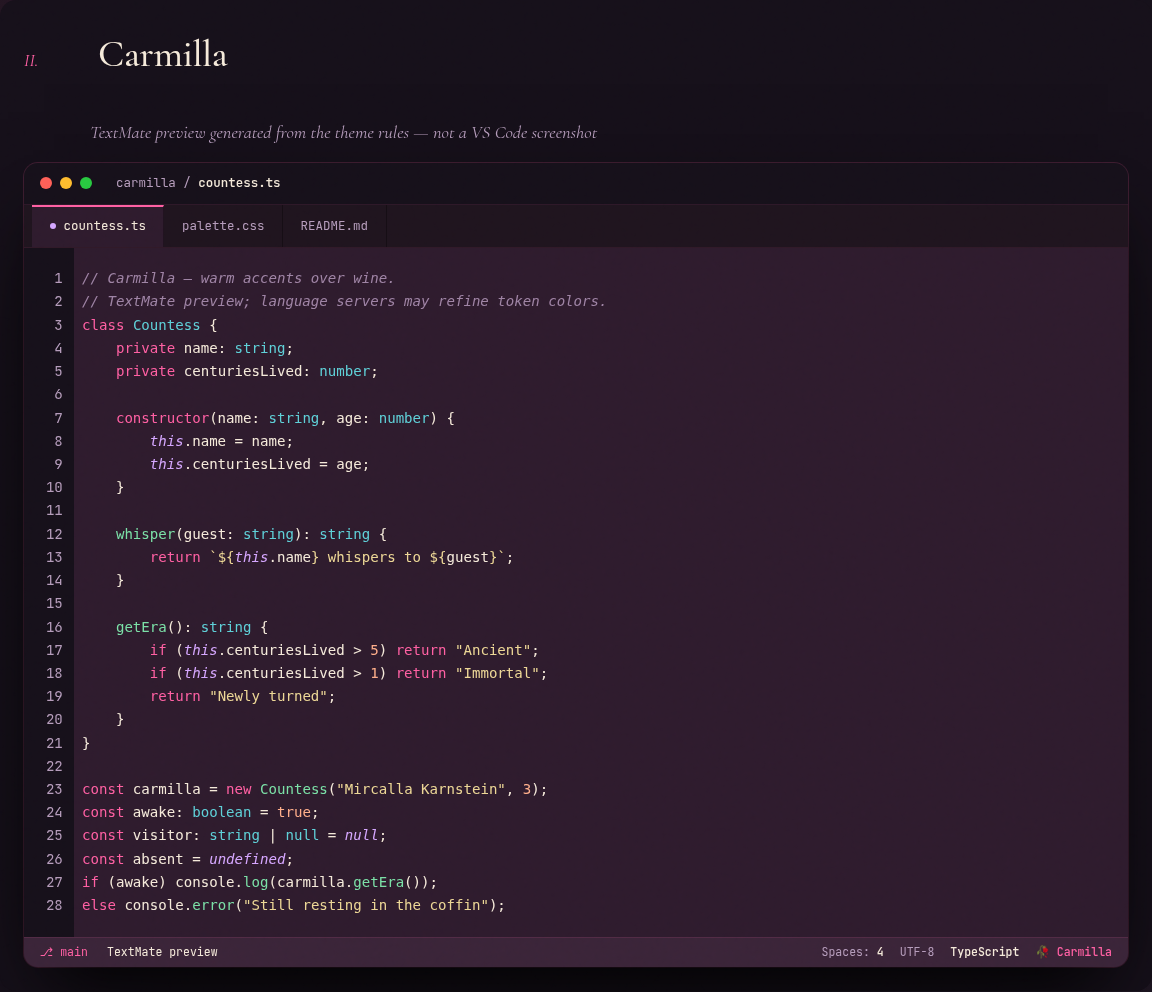
An original dark theme with a boudoir/wine identity — a rosé-wine background and warm accents: carmine, wisteria, absinthe mint, peach velvet and champagne.

🔗 See the live showcase

Install from the VS Code Marketplace MIT license


The name Carmilla is a tribute to Sheridan Le Fanu's gothic novella (1872), a classic of vampire literature.

Why it exists

Most dark themes lean to the cold side of the spectrum (icy blues and purples). Carmilla does the opposite: thermal coherence — everything leans warm. The detail that defines its identity is the comments in Ash Mauve, which converse with the background instead of clashing with it.

Preview

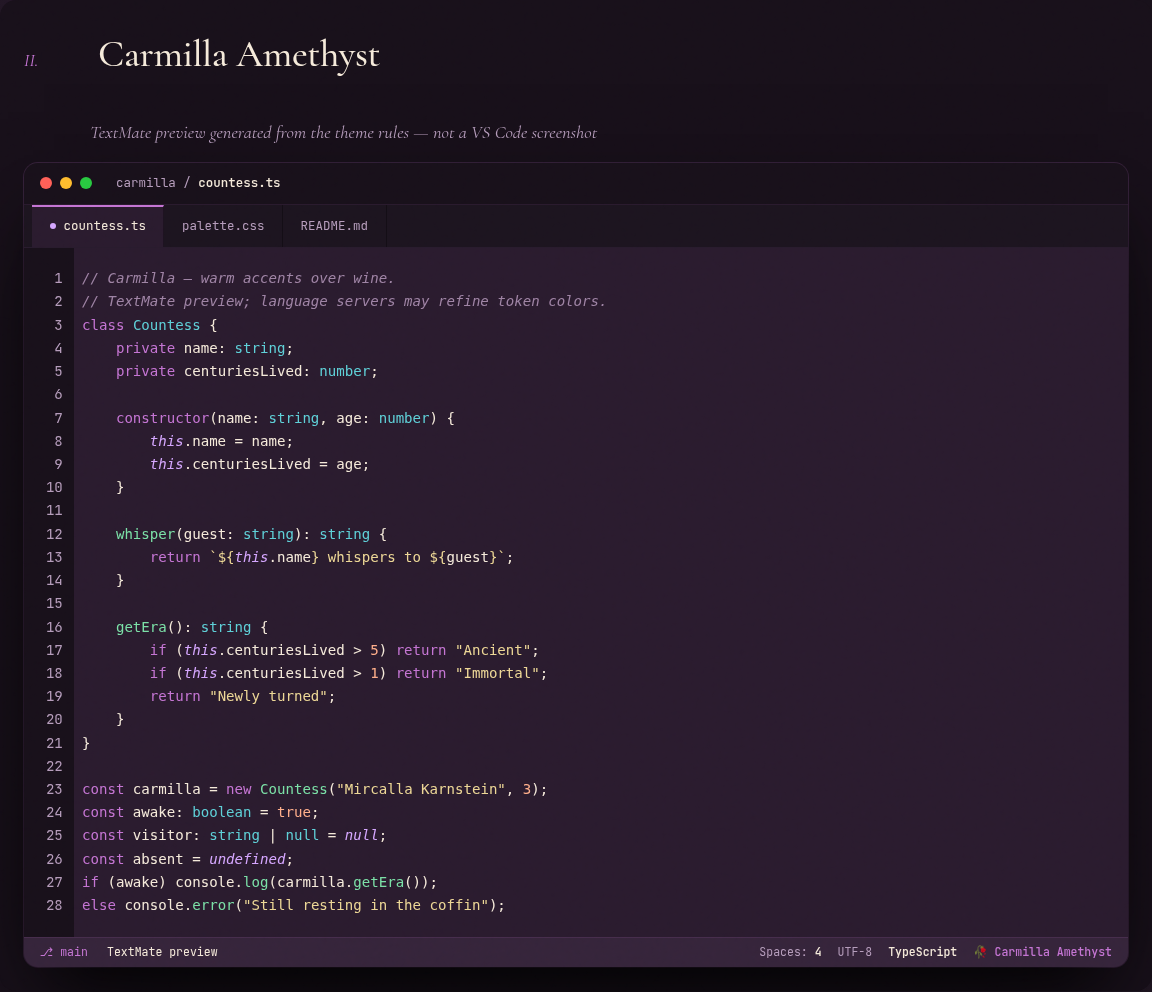
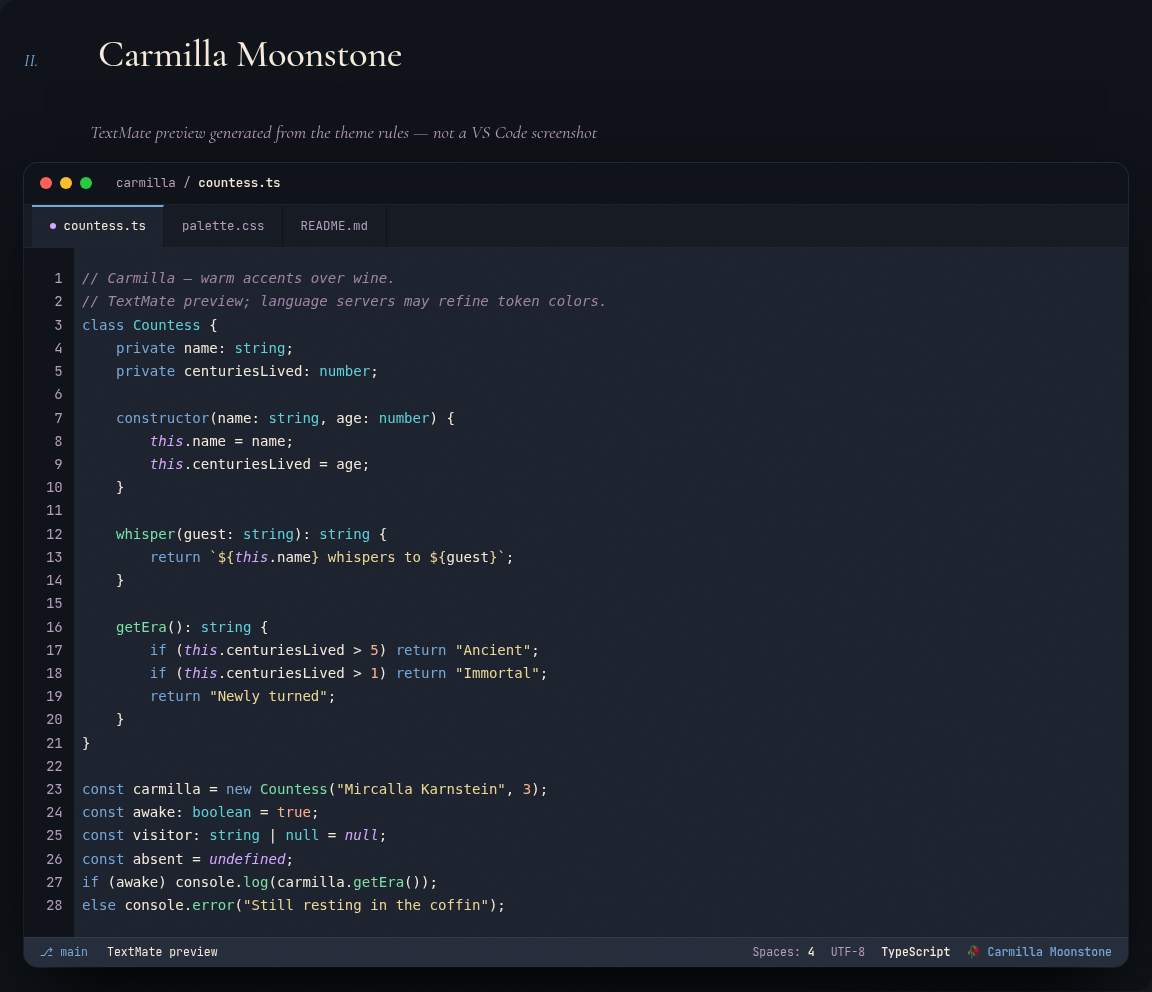
Carmilla theme showcase: palette, editor mockup and token map

See it live or open index.html locally in your browser.

Palette

Token Hex Use
Crypt #16101A Deepest background — page, gutter
Boudoir #2E1B2D Main background — editor, panels
Velvet #3A2438 Elevated surface — cards, status bar
Selection #4A3245 Current line, selection, ranges
Pearl #F4ECE3 Primary text / foreground
Carmine #FF5FA2 Keywords, storage (const, class, return)
Wisteria #D5A6FF Language instances (this, super, null)
Verdigris #7AD9C2 Classes, types, support
Absinthe #7AE0A6 Functions, methods
Champagne #F3E2AB Strings, template literals
Peach Velvet #FFAE8A Numbers, booleans
Pomegranate #E84B6E Errors, deletions, alerts
Ash Mauve #9E83A4 Comments, disabled code

Full specification, design rationale and TextMate mapping in PALETTE.md.

Installation

From the Marketplace

Open the Extensions view in VS Code (Ctrl+Shift+X), search for Carmilla, and click Install — or run:

code --install-extension muowl.carmilla

Then activate it under Color Theme (Ctrl+K Ctrl+T) → Carmilla.

From a .vsix file

  1. Build the package: npm run package (uses @vscode/vsce via npx, producing carmilla-1.0.0.vsix).
  2. In VS Code: command palette (Ctrl+Shift+P) → Extensions: Install from VSIX... → pick the generated .vsix.
  3. Activate it under Color Theme (Ctrl+K Ctrl+T) → Carmilla.

For development

Open this folder in VS Code and press F5 to launch an Extension Development Host window with the theme already loaded.

Files

File Role
PALETTE.md Source of truth — portable spec and rationale
carmilla.json VS Code theme (UI + syntax + ANSI terminal + git)
package.json Extension manifest (contributes.themes)
index.html Visual showcase

License

MIT. No hex is a direct copy of another theme, so there's no third-party attribution requirement.

  • Contact us
  • Jobs
  • Privacy
  • Manage cookies
  • Terms of use
  • Trademarks
© 2026 Microsoft