Galaksija Debug (Vremeplov)
Debug Z80 programs for the Galaksija — Voja Antonić's 1983
Yugoslav home computer — running inside the cycle-accurate
Vremeplov emulator, right from
VS Code:
- Breakpoints in your assembly source (sjasmplus
--sld maps) or
in the disassembly view for any existing program.
- Step backwards. The emulator is a time machine:
Step Back and
Reverse Continue are exact — they un-execute instructions,
memory writes included.
- Registers and flags, live memory view (pairs with the Hex Editor
extension), Z80 disassembly.
- The machine monitor REPL on the debug console —
x 2800,
poke, watchpoints (w 9000 w), help for everything.
- A live screen view of the running Galaksija in your browser
(
"screen" launch option).
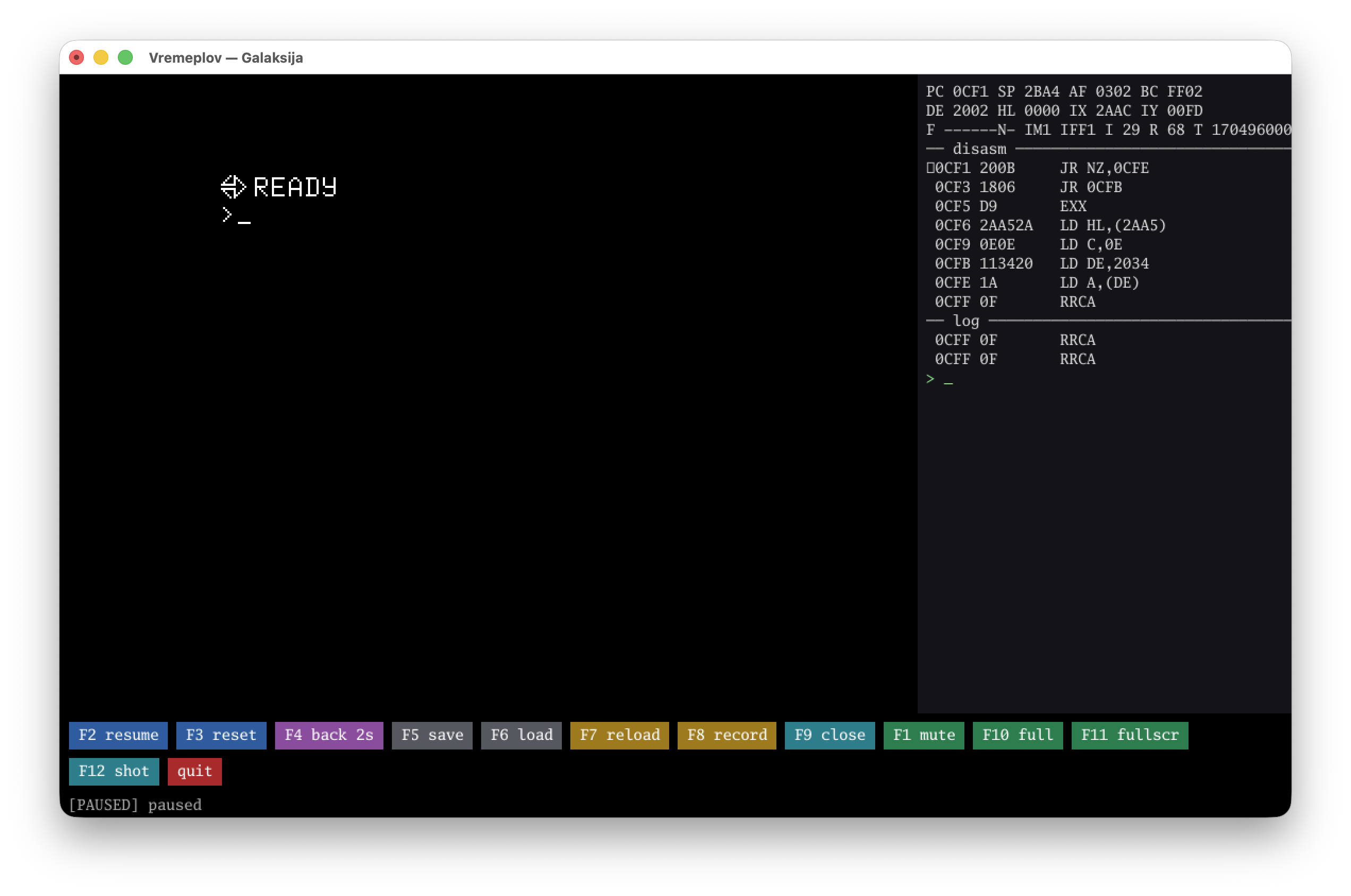
Getting started
The vremeplov-dap adapter is bundled — install the extension and
add a launch configuration (snippets included, type "Galaksija" in
launch.json):
{
  "type": "galaksija", "request": "launch", "name": "Debug prog.asm",
  "program": "${workspaceFolder}/build/prog.bin", "org": "0x8000",
  "sld": "${workspaceFolder}/build/prog.sld", "screen": "127.0.0.1:8390"
}
Assemble with sjasmplus:
sjasmplus prog.asm --raw=prog.bin --sld=prog.sld --fullpath. To debug
an existing tape, point program at a .gtp — no org/sld needed.
A ready-made example ships in the repo under
examples/asm/.
The full launch schema and a Helix configuration live in the
project README.
Settings
galaksija.dapPath — use a specific vremeplov-dap binary instead
of the bundled one (source builds, development).
Building from source
npx @vscode/vsce package in this directory produces a VSIX without a
bundled binary (PATH fallback); tools/build-vsix.sh in the repo
builds the platform-bundled ones.

