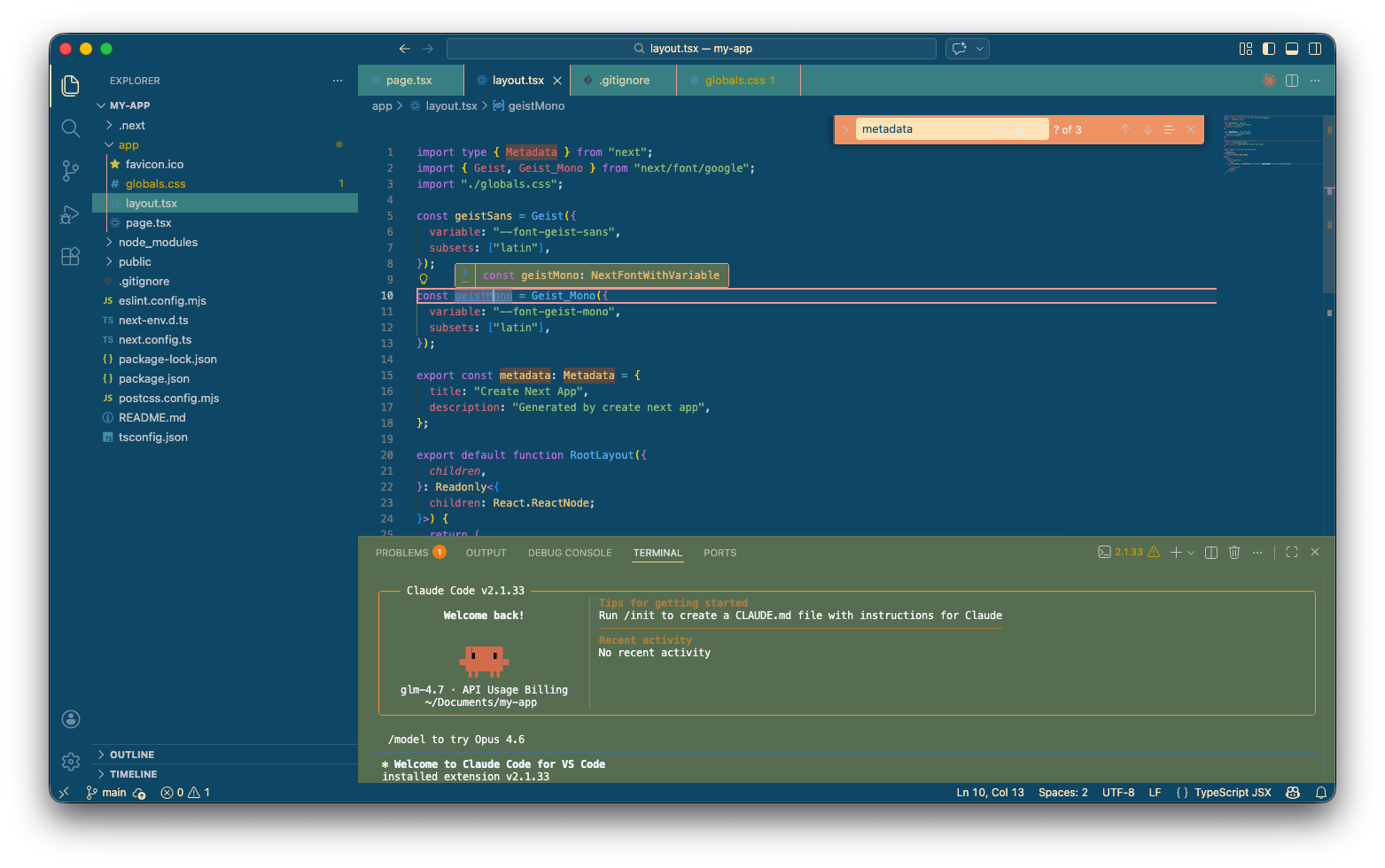
Vintage Story Theme for VS Code
A charming, nostalgic theme for Visual Studio Code inspired by classic aesthetics. Installation
What's New0.1.2
LicenseThis project is licensed under the MIT License - see the LICENSE.md file for details. |
Vintage Story Theme for VS Code
A charming, nostalgic theme for Visual Studio Code inspired by classic aesthetics. Installation
What's New0.1.2
LicenseThis project is licensed under the MIT License - see the LICENSE.md file for details. |