Microsoft Sentinel for Visual Studio CodeThe Sentinel for Visual Studio Code extension allows developers and security professionals to build and manage notebooks, custom graphs, and connectors for Microsoft Sentinel. Features
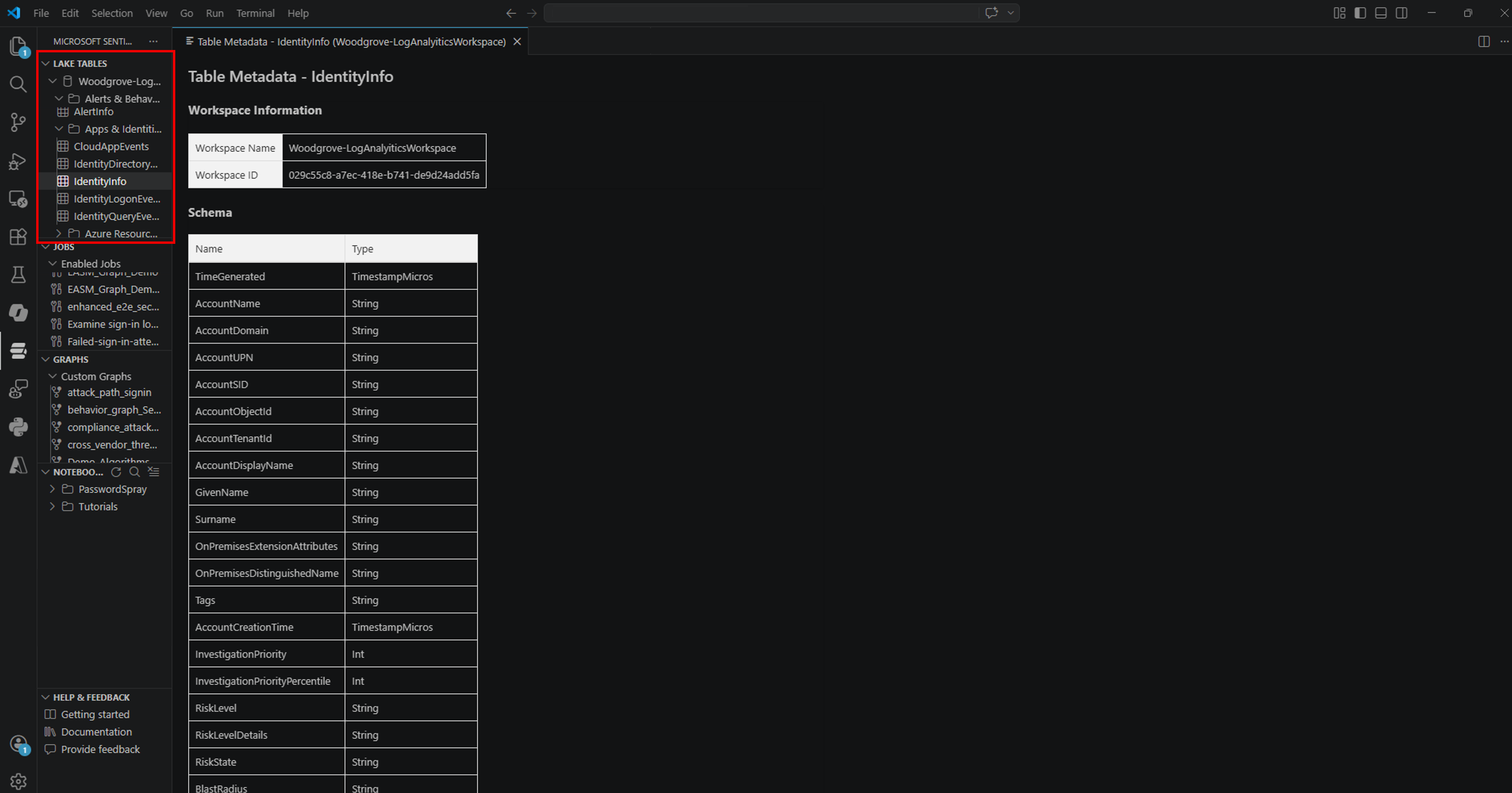
RequirementsThe Jupyter Extension for Visual Studio Code is required and will be installed automatically. Getting startedSign in to the extension with the account you use to access Microsoft Sentinel and Microsoft Defender. To use data lake exploration capabilities, you must set up the Microsoft Sentinel data lake. You also need to ensure that you have the appropriate permissions. Explore data lake tier tablesThe extension enables you to explore data lake tier tables by viewing the schema.
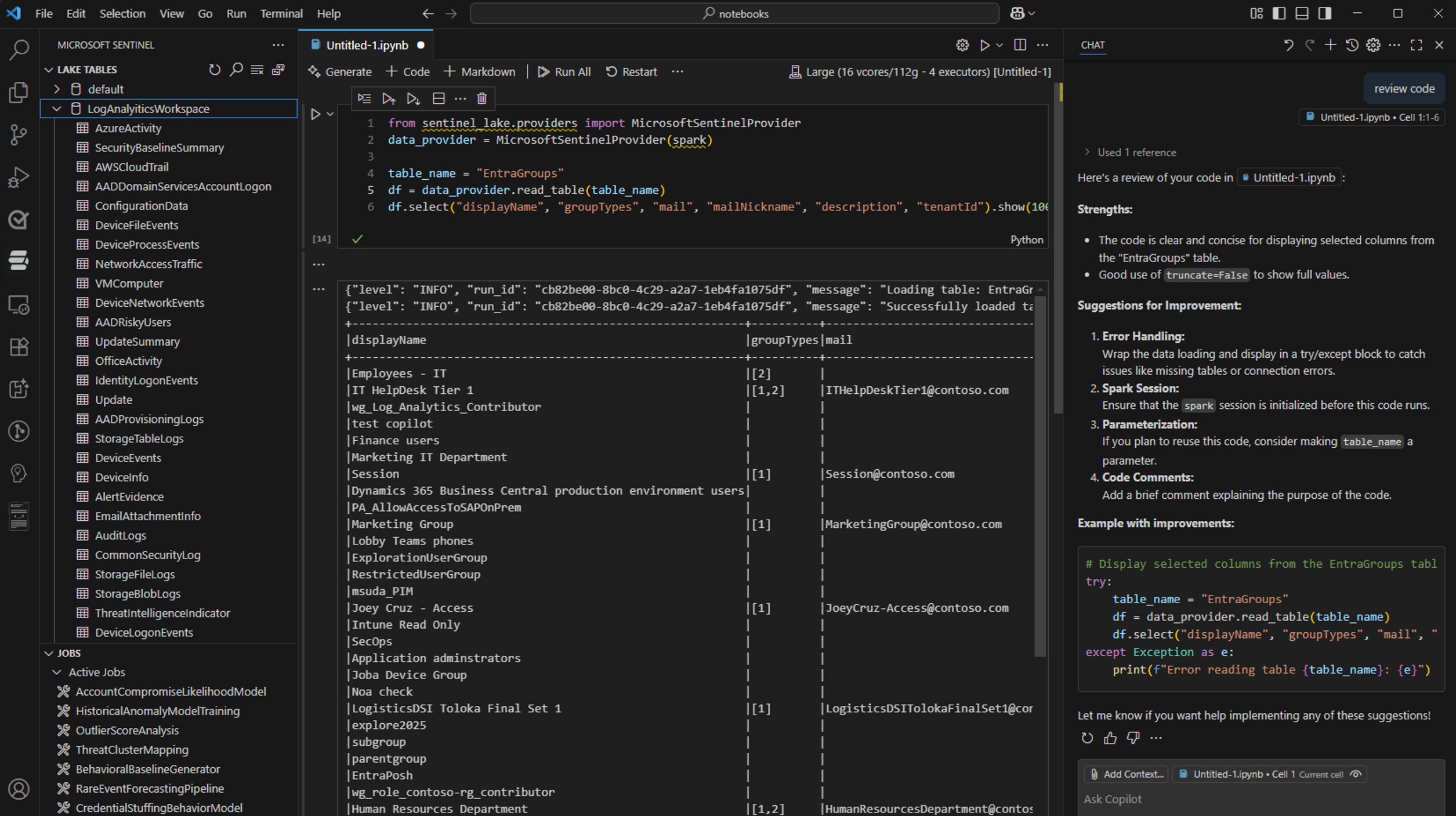
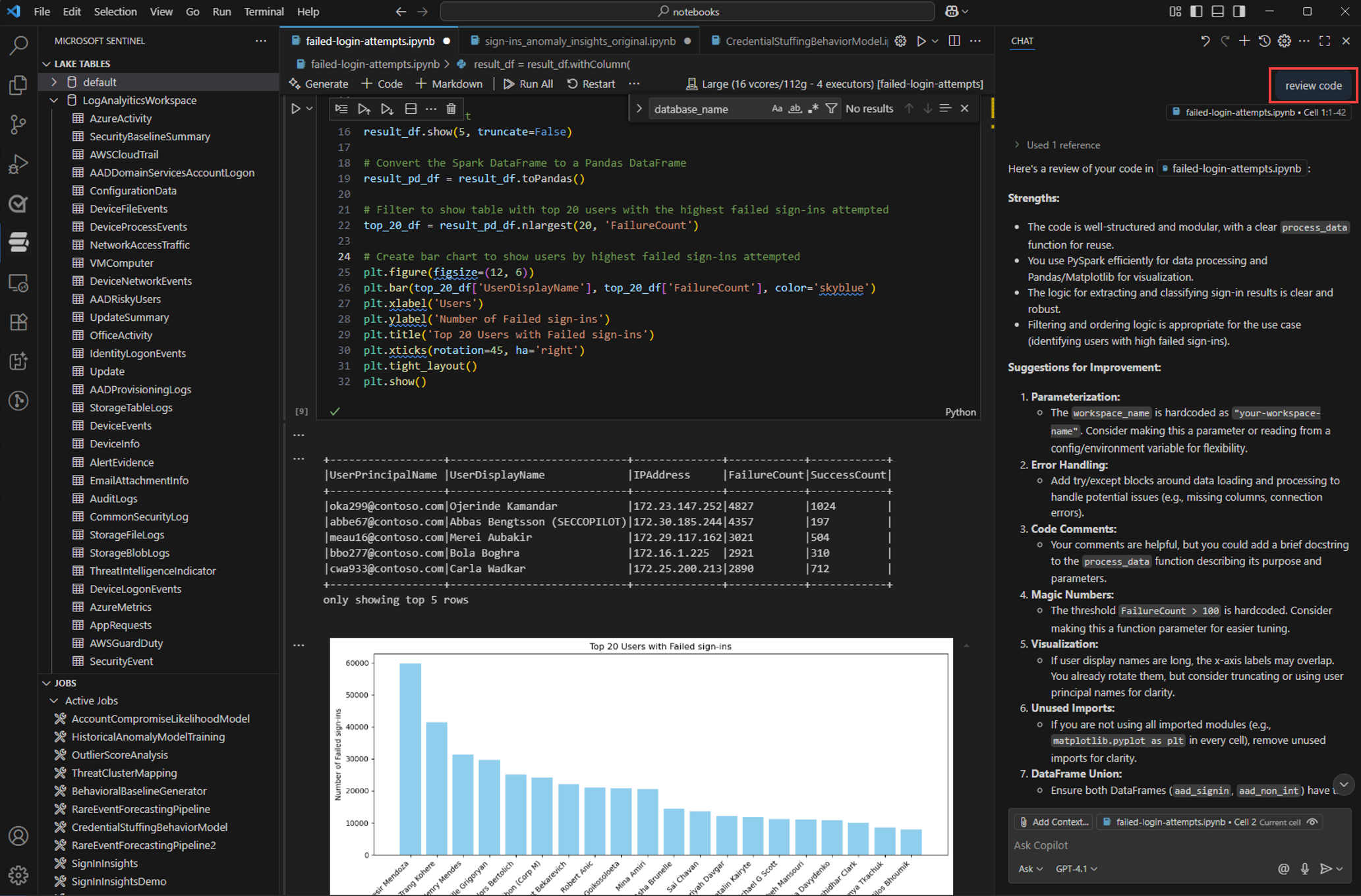
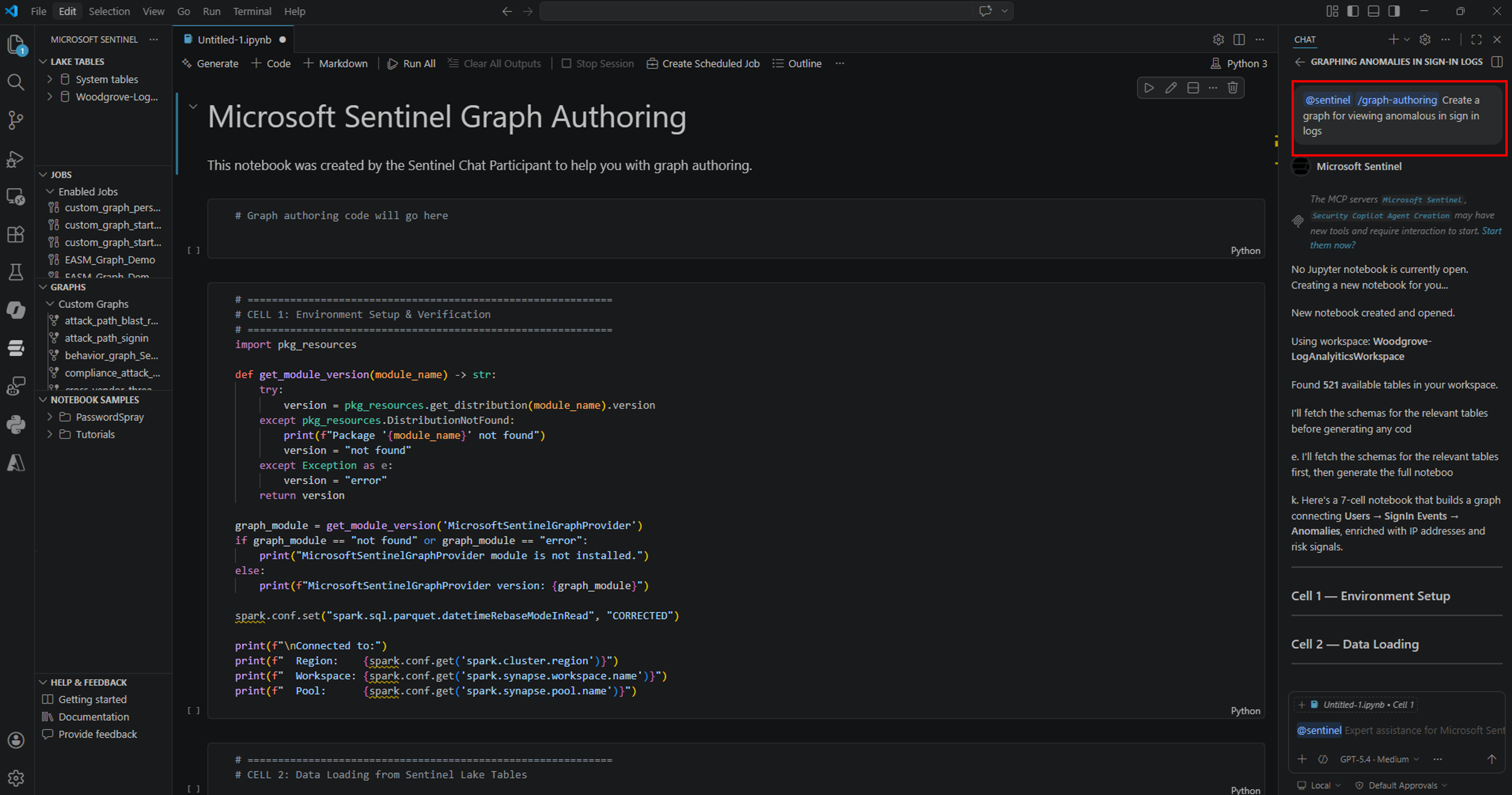
Analyze data using notebooksThe extension enables you to utilize Jupyter notebooks to build advanced analytics solutions for summarizing, transforming, and analyzing data in the Microsoft Sentinel data lake using Python and Spark. You can also leverage the GitHub Copilot extension to get AI help writing code that’s optimized for your data.
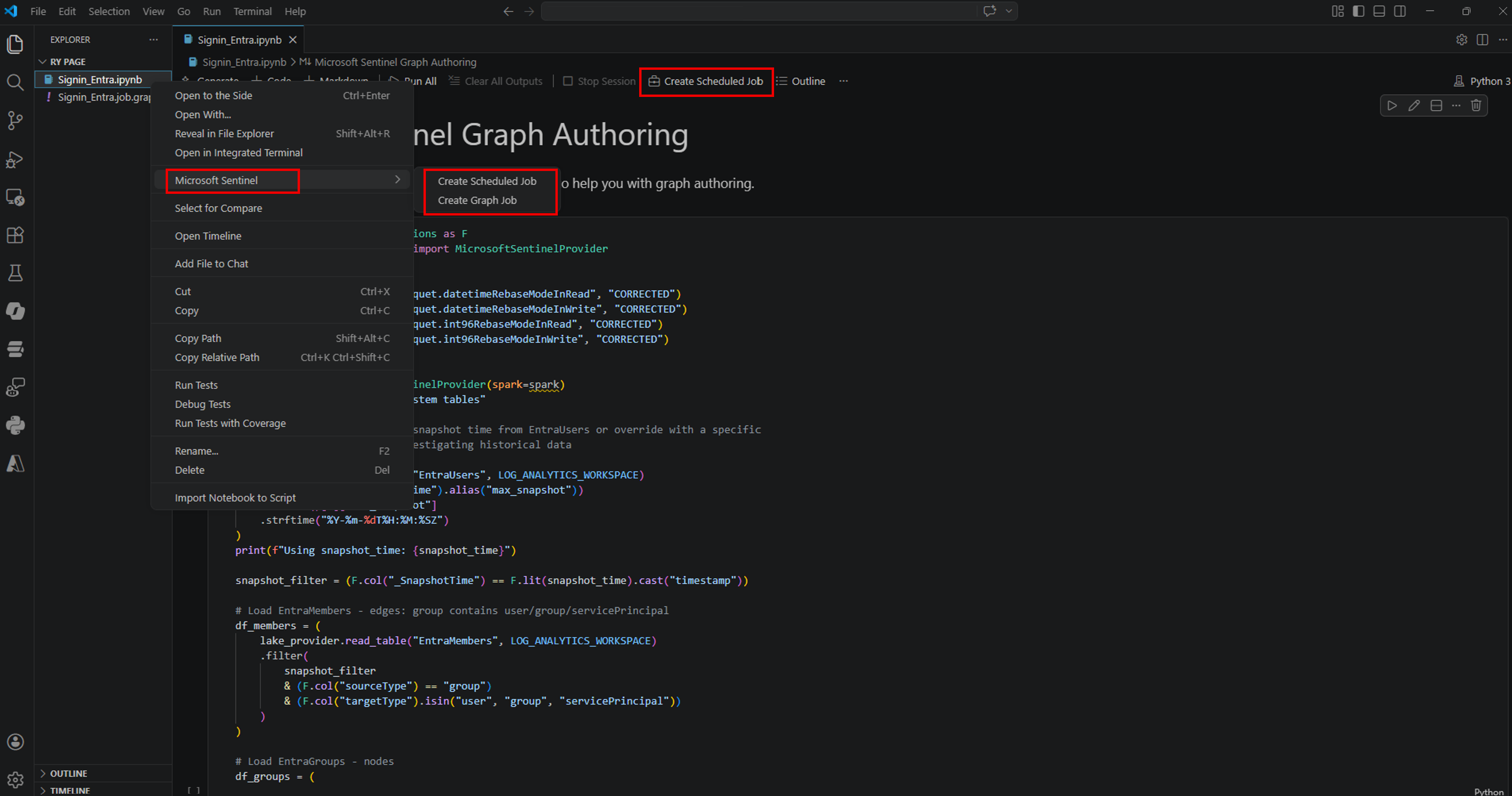
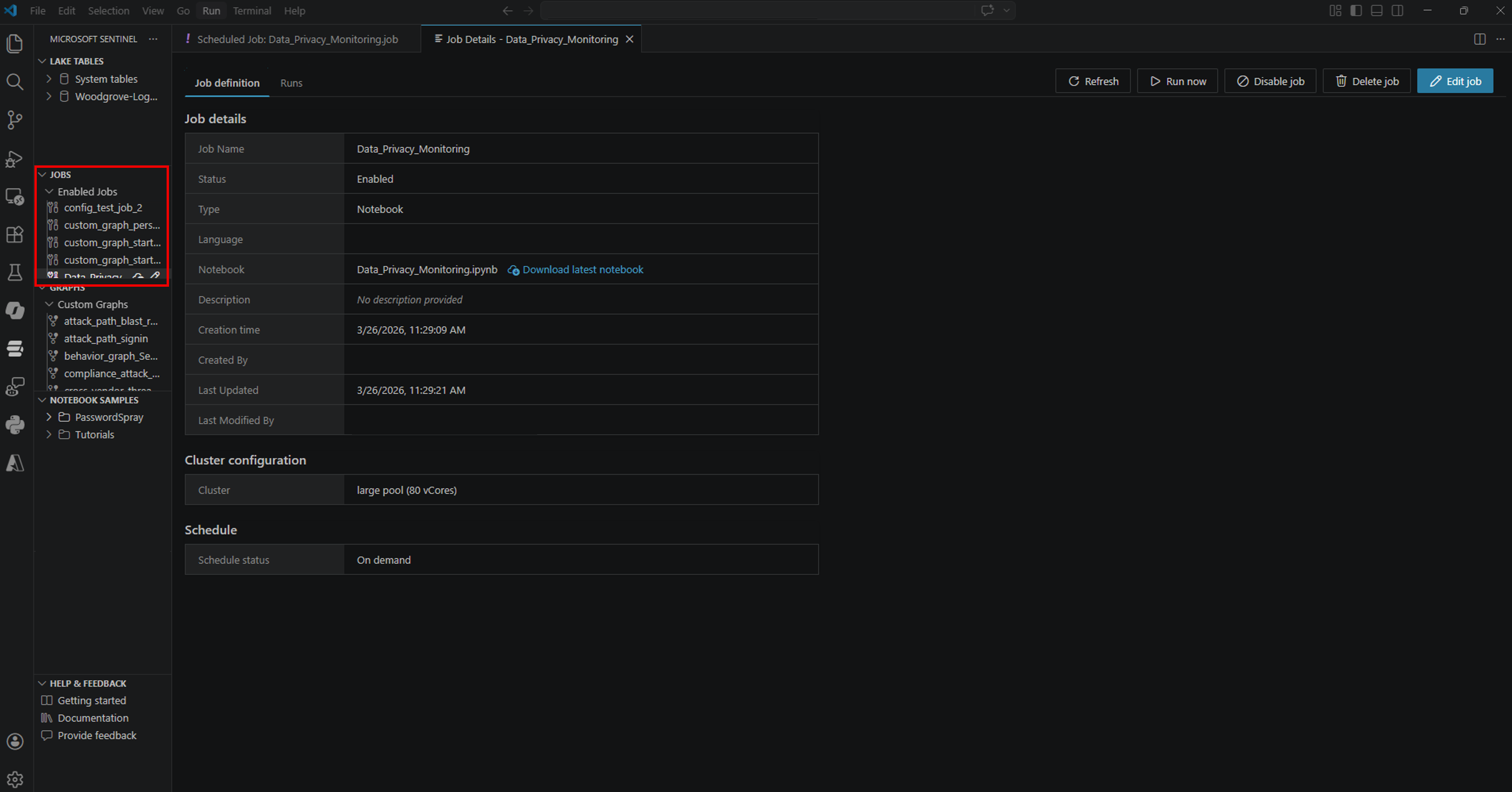
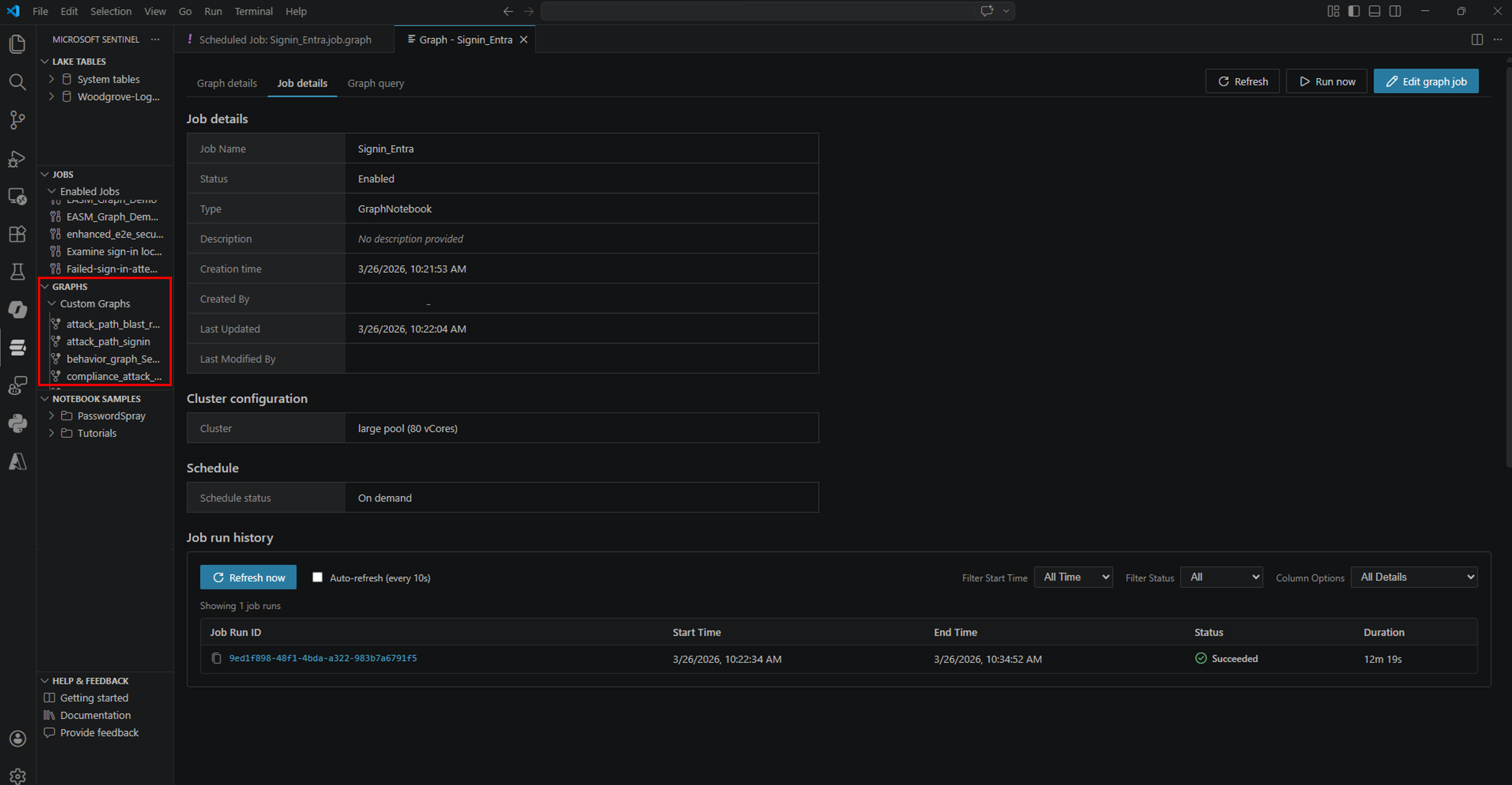
Create scheduled jobs for automationThe extension allows you to schedule your Jupyter notebook and custom graphs to run at specific times or intervals. Jobs are also used to process data and write results to custom tables in the data lake tier or analytics tier.
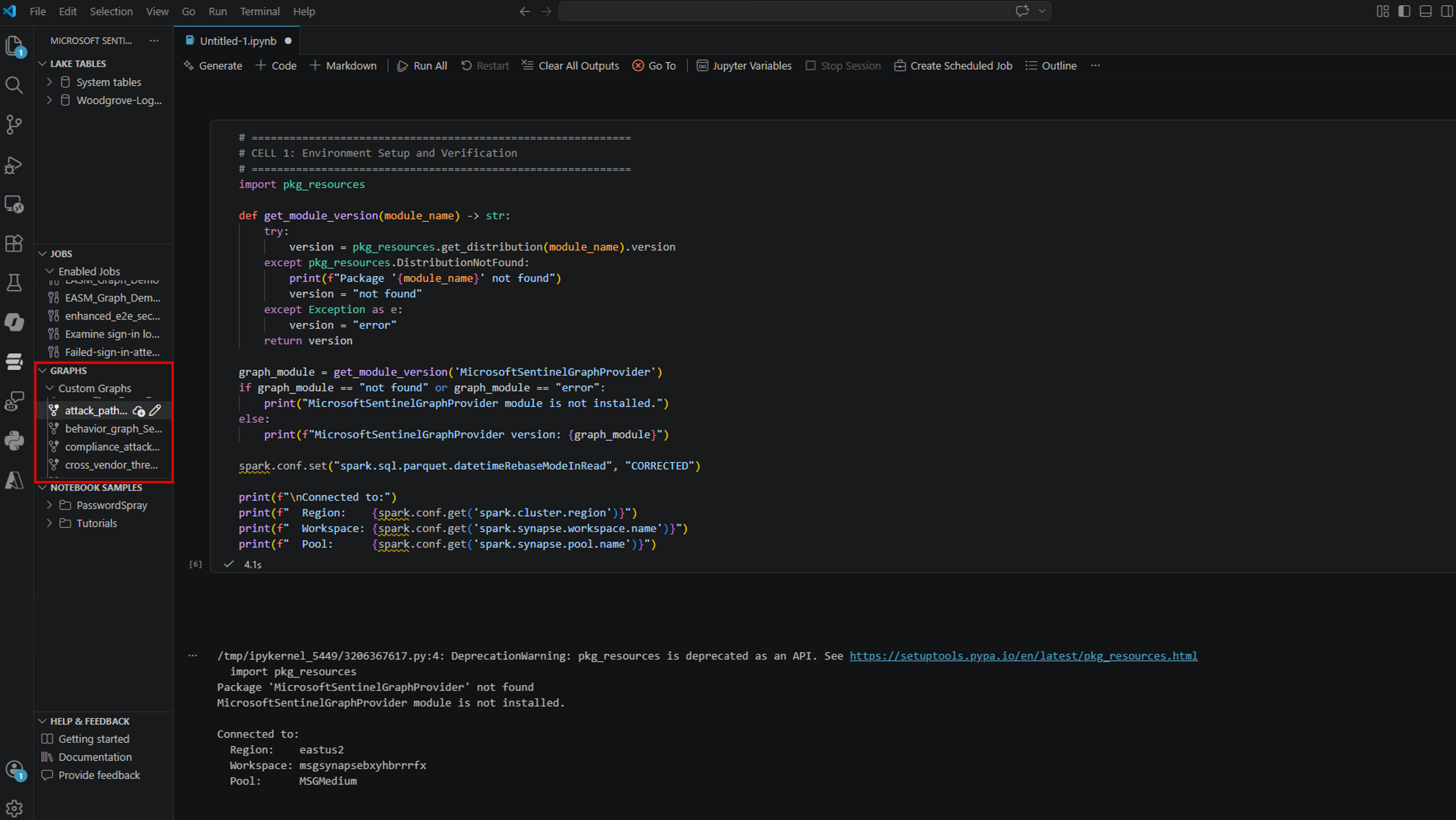
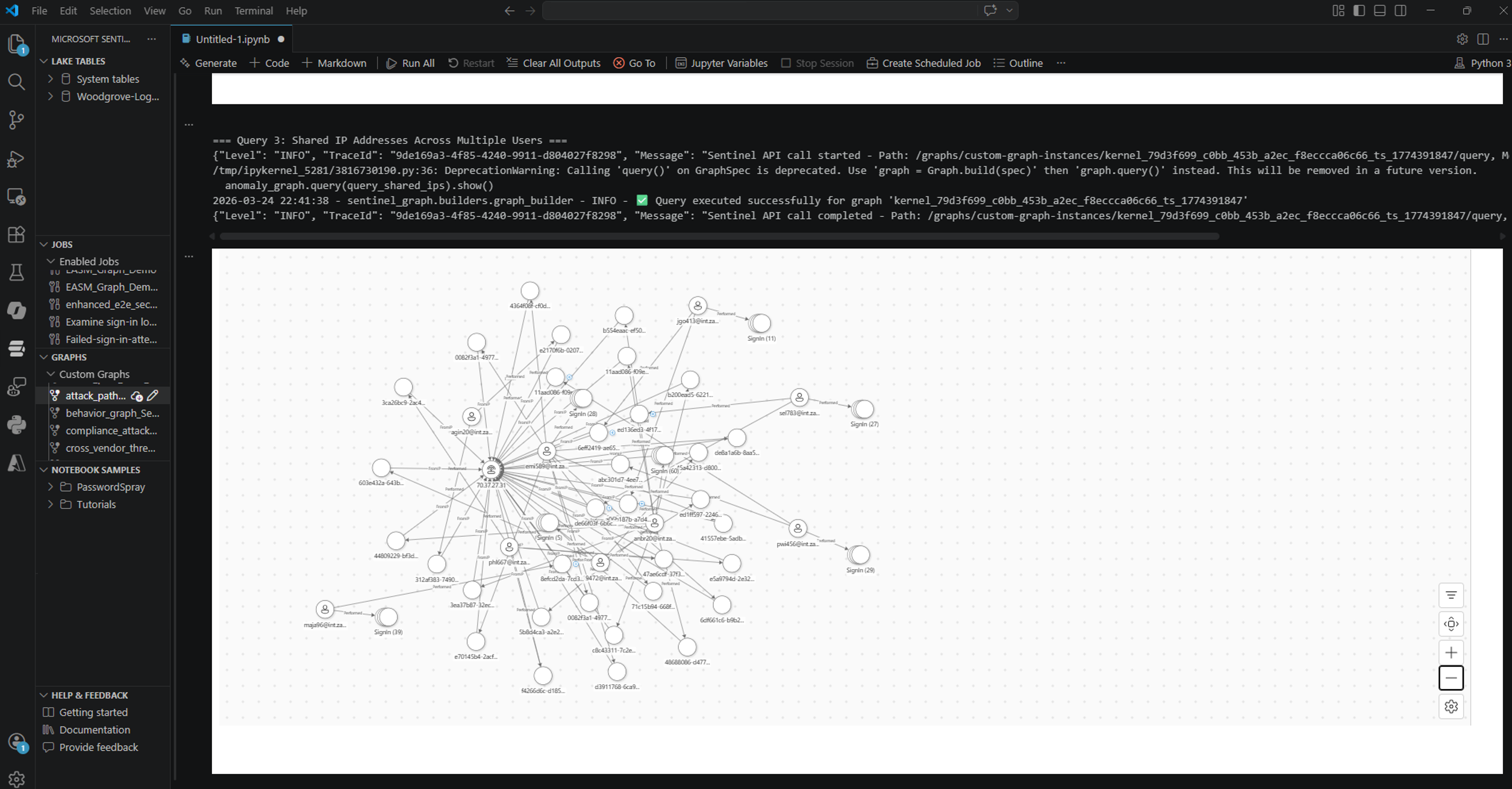
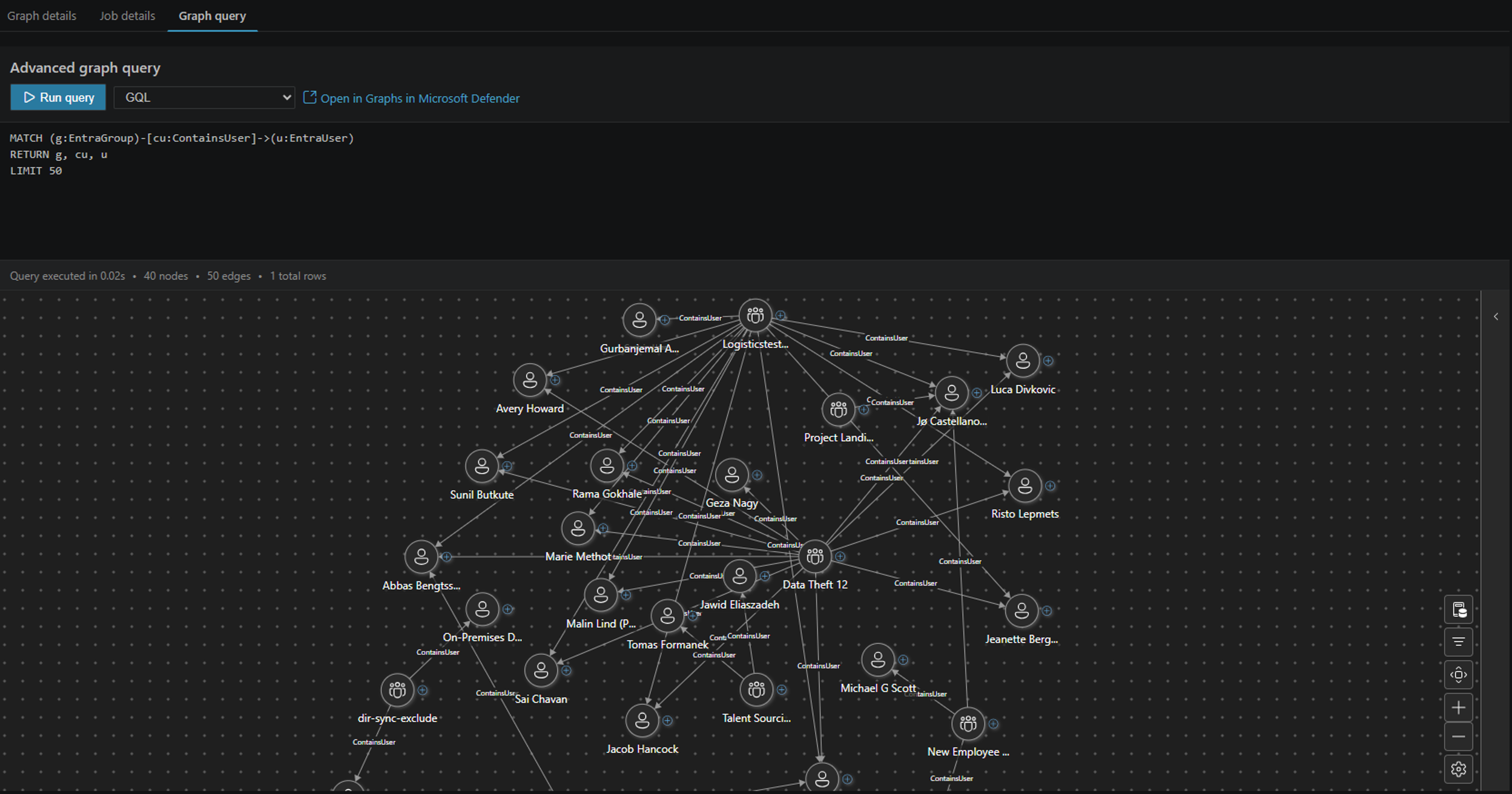
Investigate with custom graph insightsThe extension provides the capability to build and manage custom graphs for modeling specific attack patterns, investigating threats, and running advanced graph algorithms to uncover hidden relationships within your digital environment.
Use the
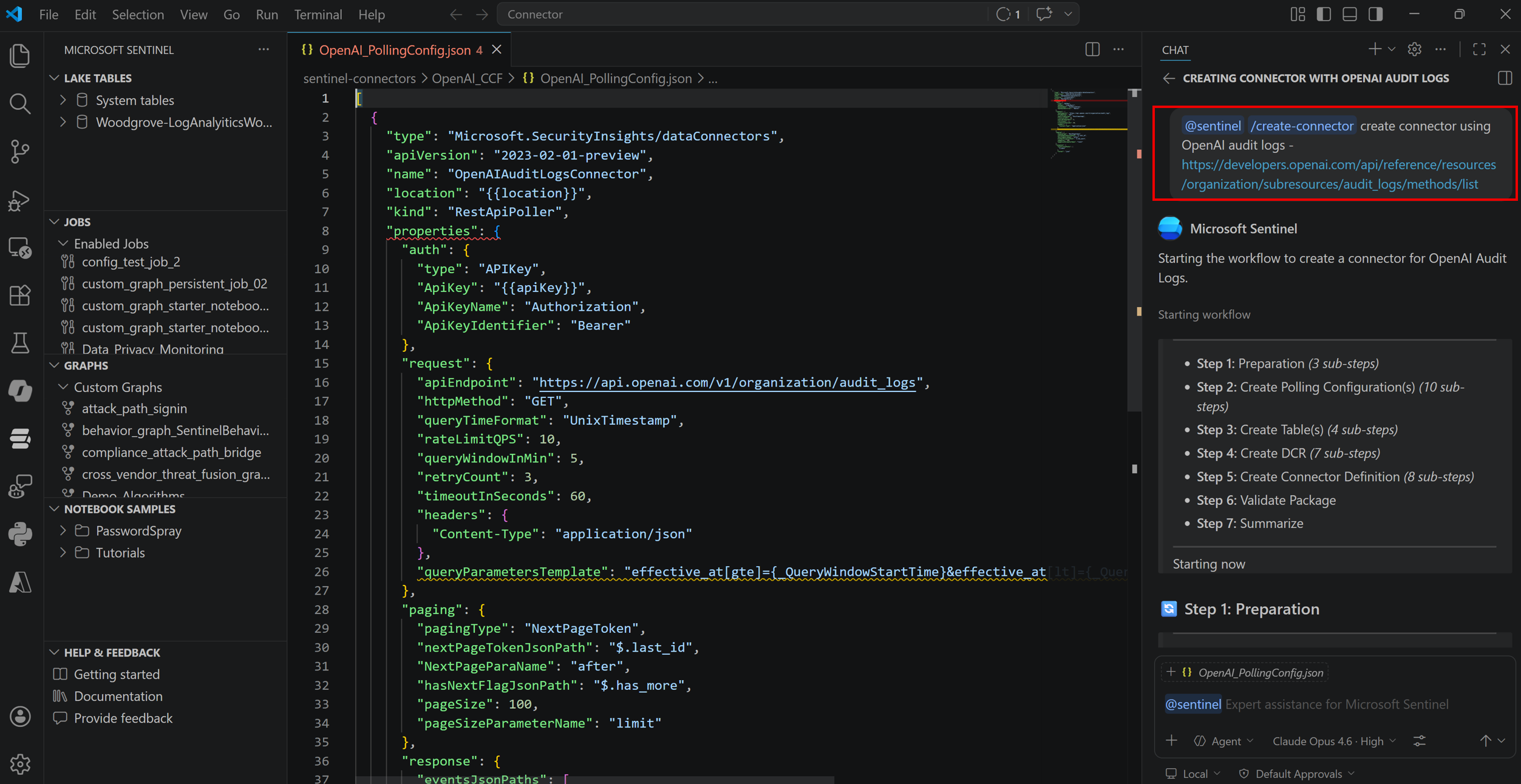
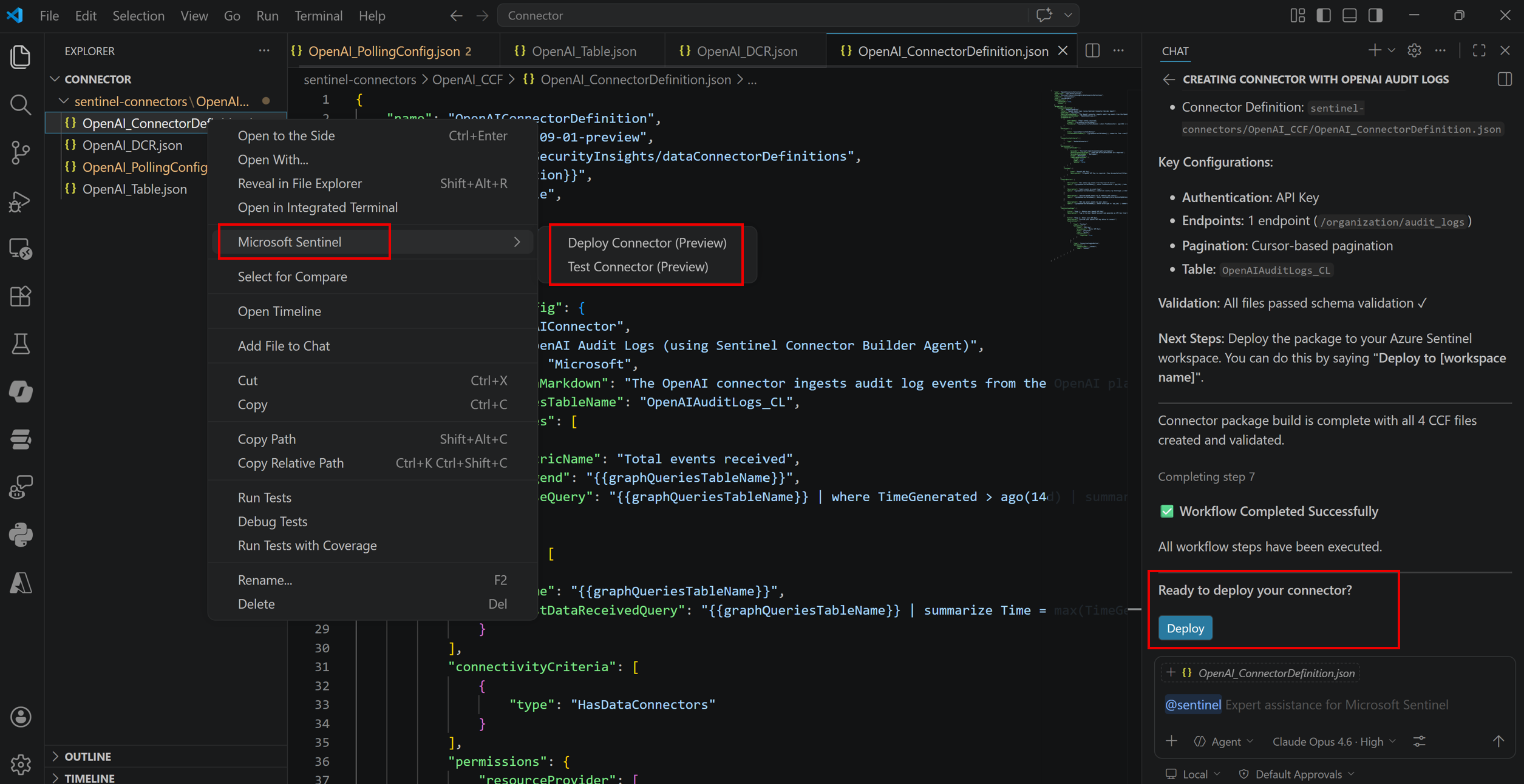
Create Sentinel connectorsUse the
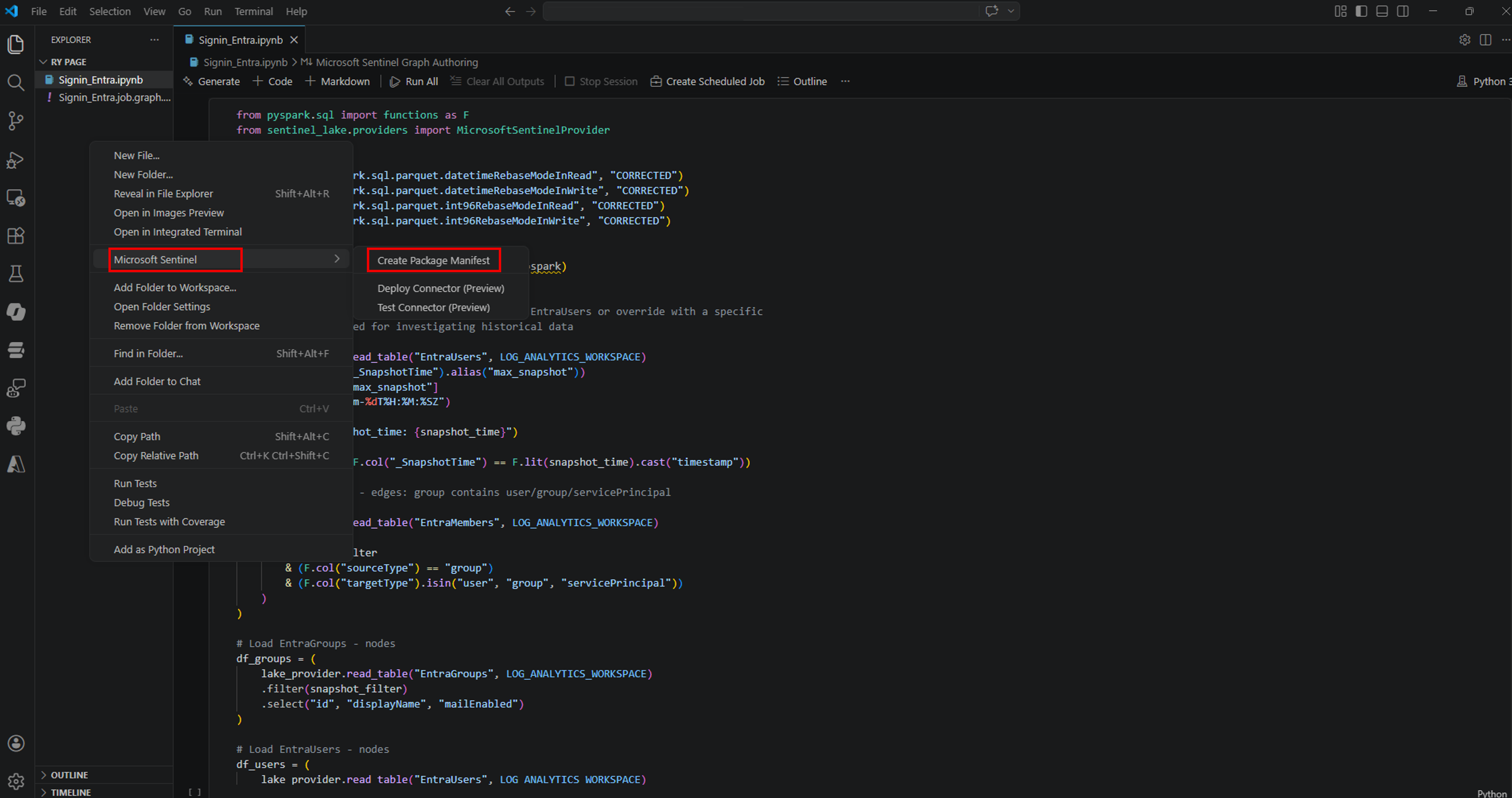
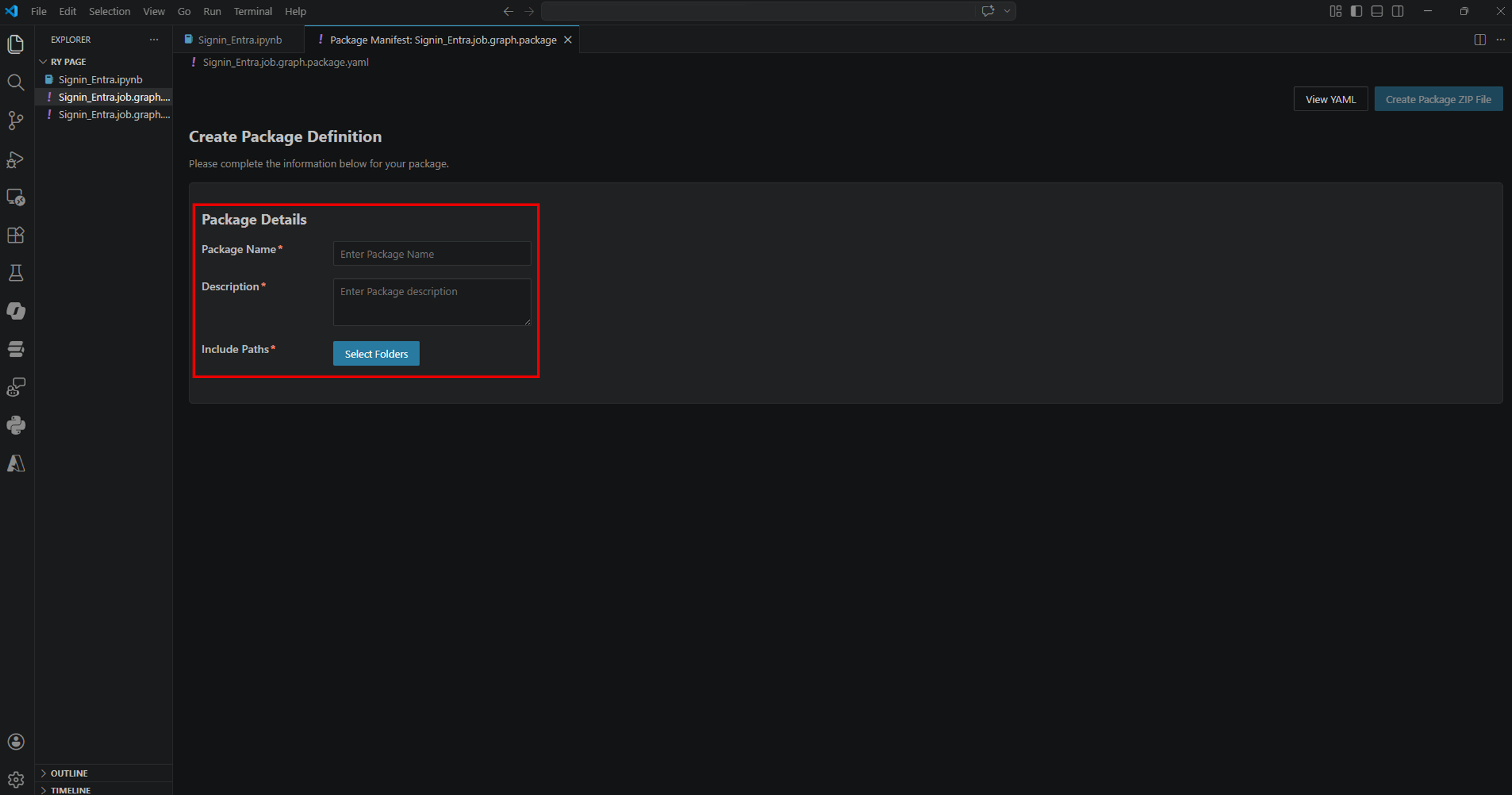
Package solutionsThe extension supports packaging solutions containing notebook jobs and Security Copilot agents so they can be distributed through the Microsoft Security Store.
Examples and scenariosView Jupyter notebook examples Learn more about using notebooks with the extension:Data and telemetryThe Microsoft Sentinel Extension for Visual Studio Code collects usage data and sends it to Microsoft to help improve our products and services. Read our privacy statement to learn more. This extension respects the |