Muted Twilight Palette: Uses soft, subtle twilight darks that are easy on the eyes.
Multiple Variants: Comes with 6 distinct variants including Charcoal, Void, and Bordered options so you can choose exactly how much contrast you want in your editor chrome.
Clean UI: Seamless and unified workbench chrome.
Installation
Open the Extensions sidebar in VS Code.
Search for Mellow Dusk Theme by Mohammed Hasanfatta.
Click Install.
Navigate to File > Preferences > Color Theme and select your preferred Mellow Dusk variant.
Recommended Settings
For the best experience, we recommend adding the following settings to your settings.json:


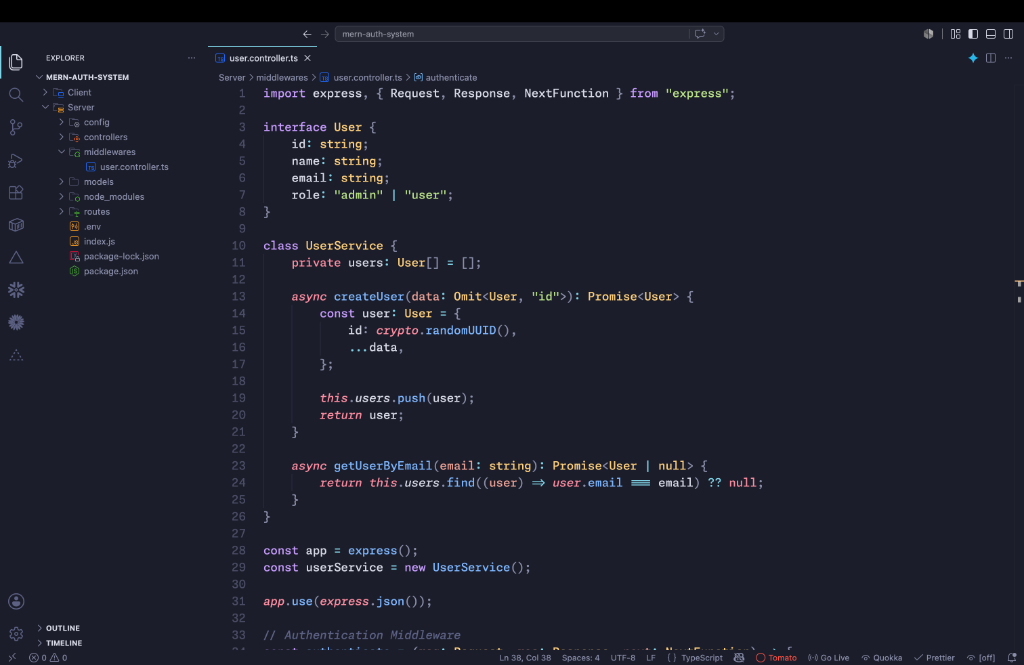 (Screenshot featuring Node/Express API code snippet)
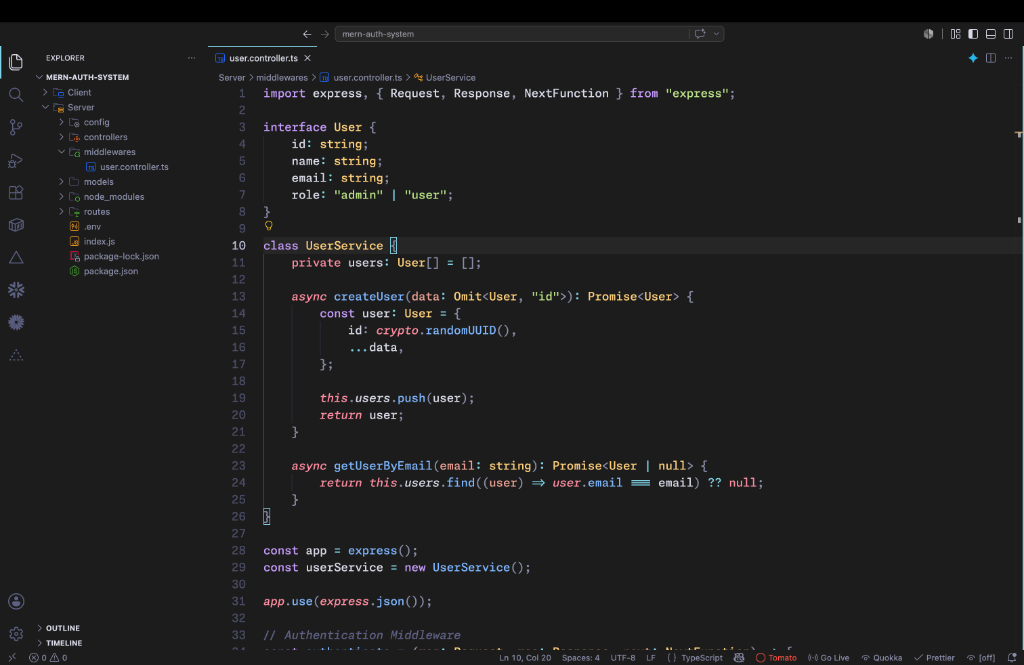 (Screenshot featuring Mellow Dusk Charcoal variant)