Minorcell Theme
A minimal VS Code theme with matching dark and light variants, automatic system
appearance switching, and editable color settings.
Minorcell Dark is based on
Minimal VSC Theme. Its original
MIT license is preserved in THIRD_PARTY_NOTICES.md.
Features
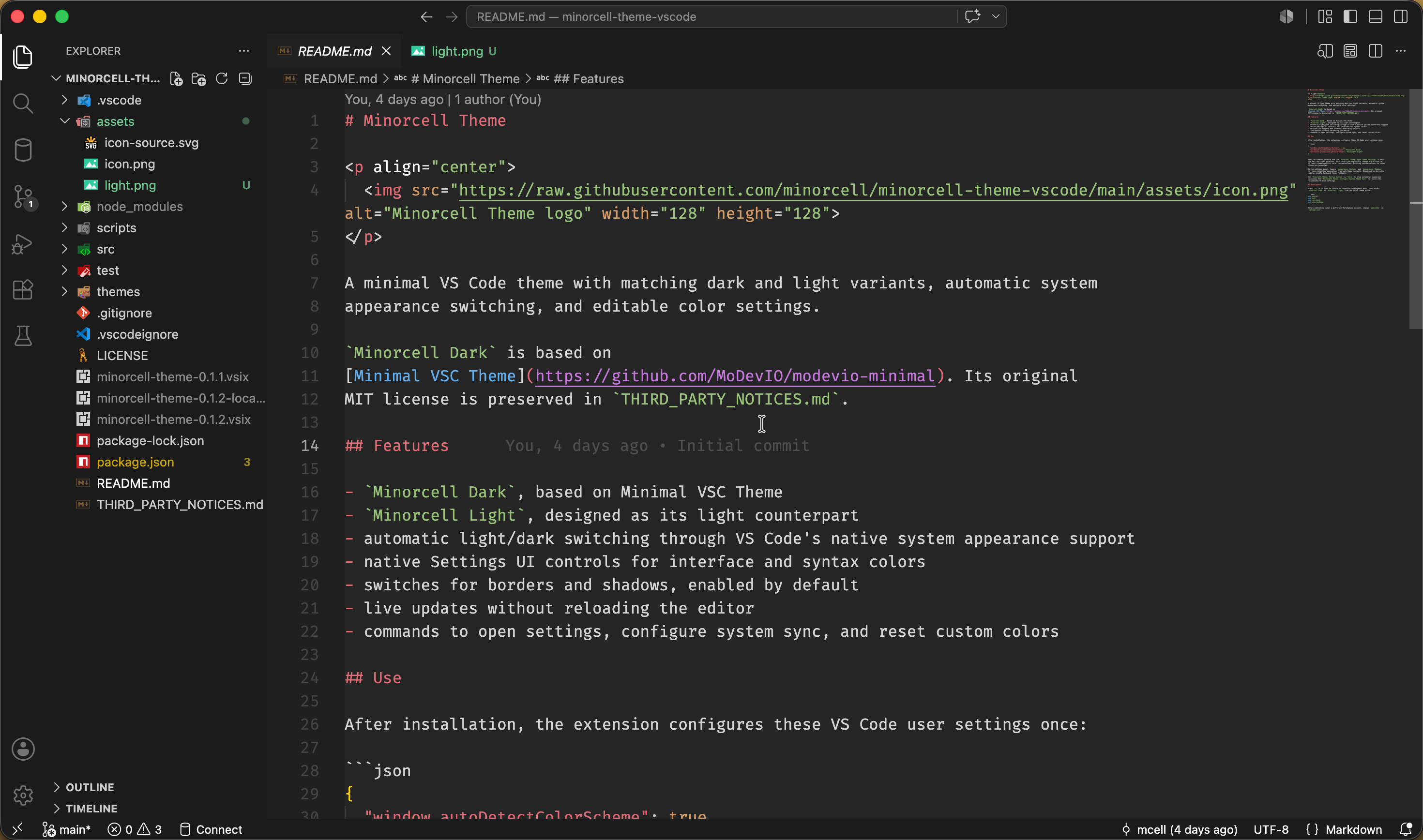
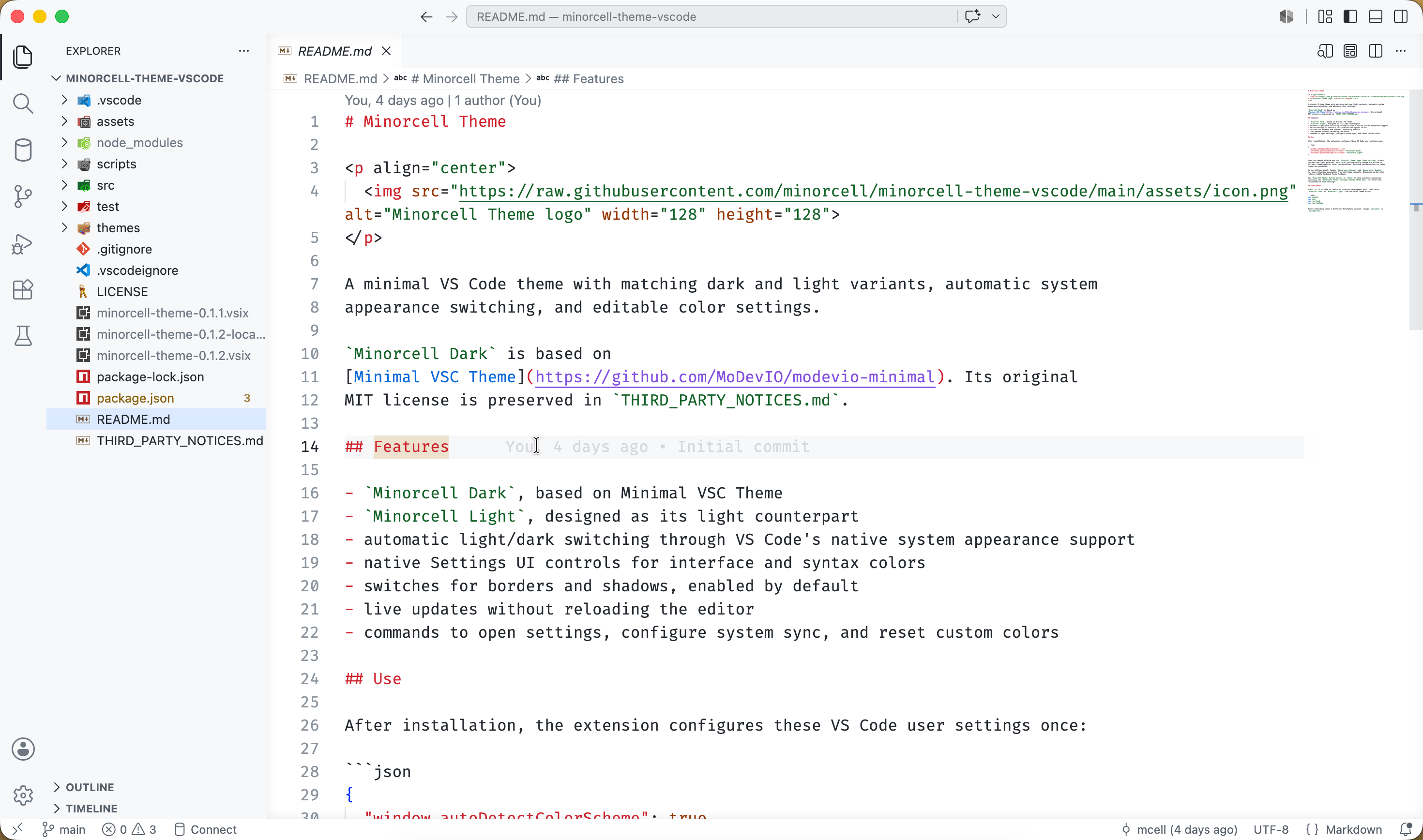
Minorcell Dark, based on Minimal VSC ThemeMinorcell Light, designed as its light counterpart- automatic light/dark switching through VS Code's native system appearance support
- native Settings UI controls for interface and syntax colors
- switches for borders and shadows, enabled by default
- live updates without reloading the editor
- commands to open settings, configure system sync, and reset custom colors
Preview
Use
After installation, the extension configures these VS Code user settings once:
{
  "window.autoDetectColorScheme": true,
  "workbench.preferredDarkColorTheme": "Minorcell Dark",
  "workbench.preferredLightColorTheme": "Minorcell Light"
}
Open the Command Palette and run Minorcell Theme: Open Theme Settings to edit
the dark and light palettes. Only colors you explicitly change are written to
VS Code's theme-specific color customizations. Existing customizations for other
themes are preserved.
In the settings panel, toggle Appearance: Borders and Appearance: Shadows
to remove interface decoration from both theme variants. Disabling borders also
reduces visible keyboard focus feedback.
Set Minorcell Theme: Follow System to false to stop automatic appearance
switching. Run Minorcell Theme: Configure System Theme Sync to restore the
recommended VS Code settings.
Development
Press F5 in VS Code to launch an Extension Development Host, then select
Minorcell Dark or Minorcell Light from the Color Theme picker.
npm install
npm test
npm run check
npx vsce package
Before publishing under a different Marketplace account, change publisher in
package.json.

