MindFlow - Markdown Mind Map Editor
English | 日本語
Keep your secrets close. Don't compromise on quality.
Edit your Markdown files as mind maps in VS Code. Every change is written back to the .md file, and every edit to the text redraws the map. No account, no server, no network: fully offline.
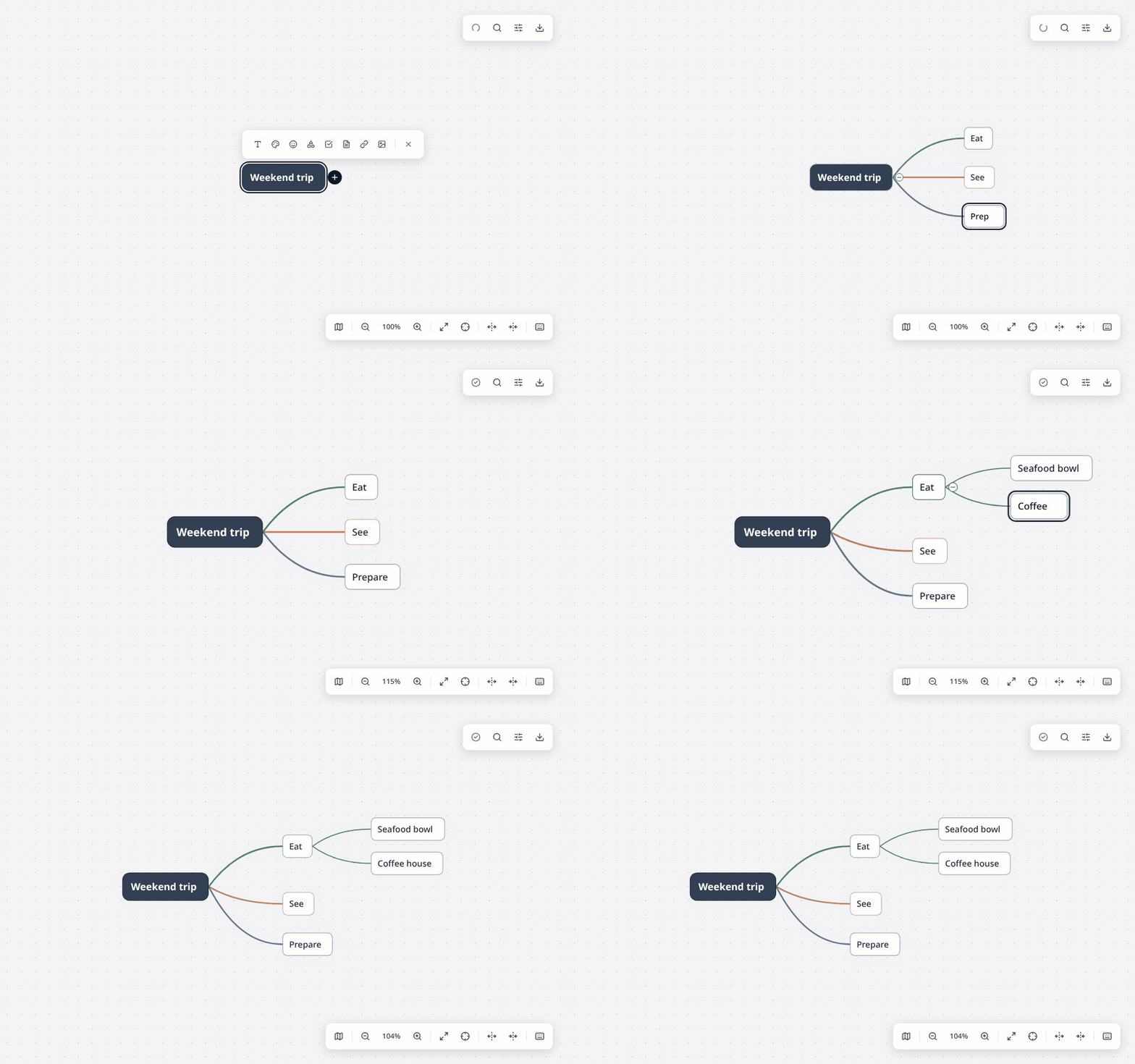
There are plenty of excellent mind map tools. But not every note can be sent to the cloud. MindFlow keeps your data in a plain Markdown file on your own machine, and still gives you a mind map editor that is a pleasure to use.
Features
- Two-way sync: the map and the Markdown text always match. The unsaved dot works as in any VS Code editor. Undo/redo (Ctrl/Cmd+Z / Y, up to 100 steps) works inside the map while the editor is open; editing the text elsewhere starts a fresh history.
- Plain Markdown on disk: a nested bullet list under a
# Title. Files still read well in any preview or on GitHub.
- Fully offline: no network code, no telemetry, no account.
- Keyboard first:
Tab adds a child, Enter adds a sibling, F2 or Space edits, Alt+↑/↓ reorders. Press ? for all shortcuts.
- Structure tools: drag and drop, multi-select, collapse, copy and paste, search, minimap, zoom up to 400%.
- Rich nodes: task progress, notes, images (paste or attach), and relationship arrows between nodes.
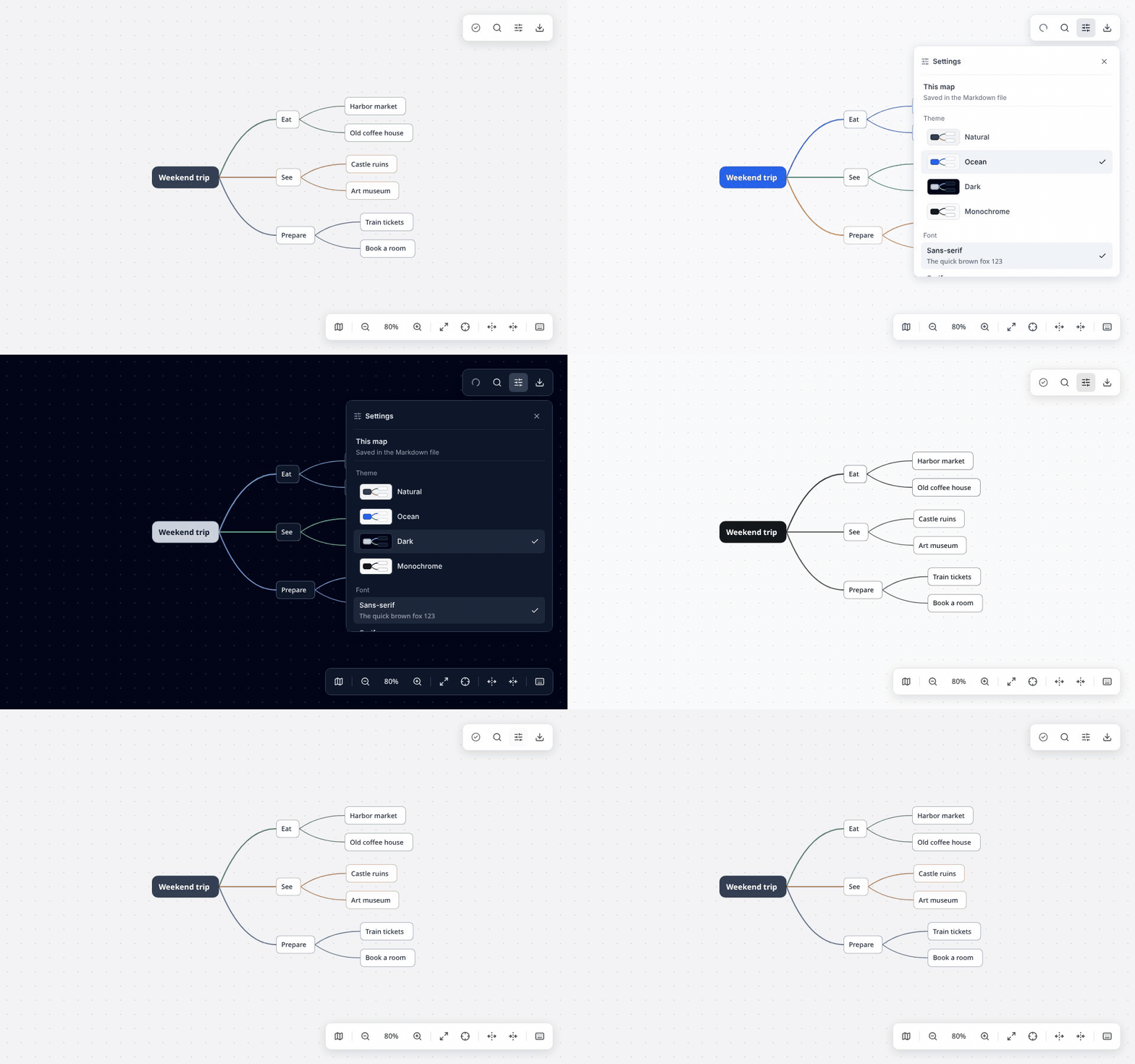
- Looks: three layouts (expand right, left, or both sides), four themes (Natural, Ocean, Dark, Monochrome), four connector styles, font choice.
- Export: save the map as PNG or SVG.
- English and Japanese UI.
Privacy
MindFlow does not send your data anywhere.
- The extension contains no code that talks to a server, and no telemetry.
- The editor view runs under a strict Content Security Policy. Script connections such as
fetch and WebSocket are blocked; the only thing allowed out is loading images from URLs you write into your Markdown.
- Fonts are bundled with the extension, not loaded from the web.
Two things to know:
- If you write an external image URL in your Markdown (
), that image is fetched so it can be shown.
- Files are saved as ordinary text on your disk. They are not encrypted. MindFlow keeps your notes from leaving your machine; it does not protect them on disk.
Usage
Start a new map: run MindFlow: Create New Mind Map from the Command Palette (or right-click a folder in the Explorer), and a new map named Untitled-1.mindflow.md (then Untitled-2, …) is created and opened right away. Rename it in the Explorer whenever you like. Files ending in .mindflow.md always open as mind maps when you click them. They are still plain Markdown.
Open an existing Markdown file: right-click the tab or file → Open With... → MindFlow Mind Map Editor, or run MindFlow: Open as Mind Map. Ordinary .md files keep opening in the text editor.
# Heading becomes the root node, and nested - bullets (two-space indent) become child nodes. Node settings that Markdown cannot express, such as colors and images, are stored in HTML comments (<!-- mindflow:{...} -->) at the end of each line.
Settings
| Setting |
Values |
Default |
mindflow.language |
auto, ja, en |
auto (follows the VS Code display language) |
License
MIT. Third-party notices are in THIRD_PARTY_LICENSES.md.
Issues and feedback: https://github.com/milkmanlab/mindflow/issues
If MindFlow helps you, you can support its development: https://buymeacoffee.com/milkman_lab

