Markdown to Textbook PDFTurn the Markdown file you are reading into a textbook-style PDF, saved next to it, with one click. Installation Launch VS Code Quick Open ( Ctrl+P), paste the following command, and press enter.Copied to clipboard |

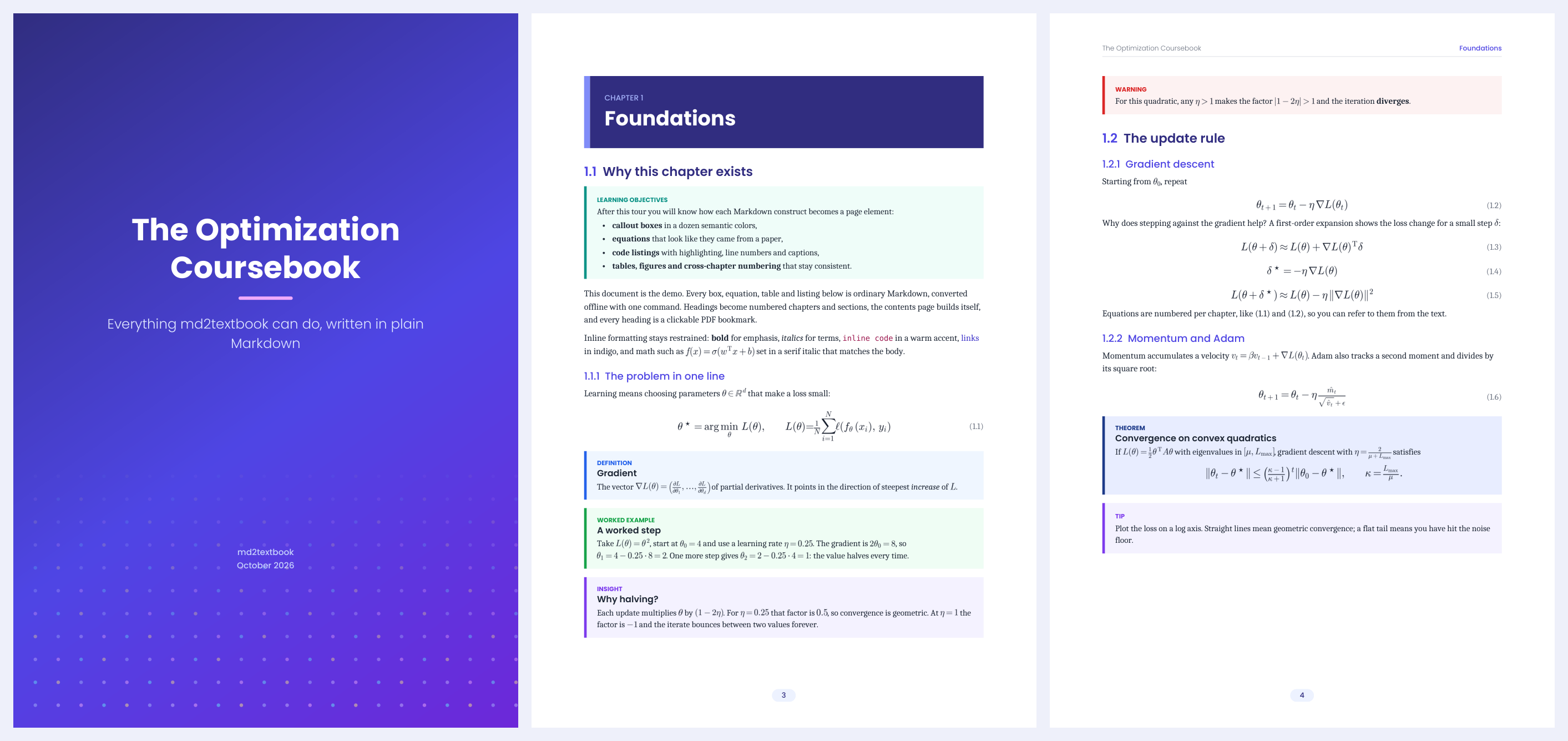
Markdown to Textbook PDFTurn long Markdown files (AI-written reports, notes, documentation) into a clean textbook-style PDF with one click, straight from VS Code. The PDF is saved next to the Markdown file, ready to open in whichever PDF reader you like, so you can highlight, comment and search it there. The conversion is done by md2textbook, which runs fully offline: gradient cover, table of contents, colored boxes for callouts, numbered equations, highlighted code, tables and figures.
Quick start
You can also right-click a Markdown file, in the editor or in the Explorer, and choose Convert Markdown to PDF. Commands
Settings
If the PDF is open in your readerSome readers, Adobe on Windows in particular, lock a PDF while it is open, so it cannot be replaced. The extension notices this and asks you to close the PDF and press Retry. With convert-on-save it quietly skips the update instead and says so in the status bar. Remote windows (SSH, containers, WSL)The extension runs where your files are, so md2textbook must be installed on that machine, and the PDF is created there, next to the Markdown file. To get it onto your own computer, right-click the PDF in the Explorer and choose Download. Troubleshooting
PrivacyNothing leaves your computer. The extension only runs the md2textbook program installed on your machine, on the files you choose. LinksMIT licensed. |