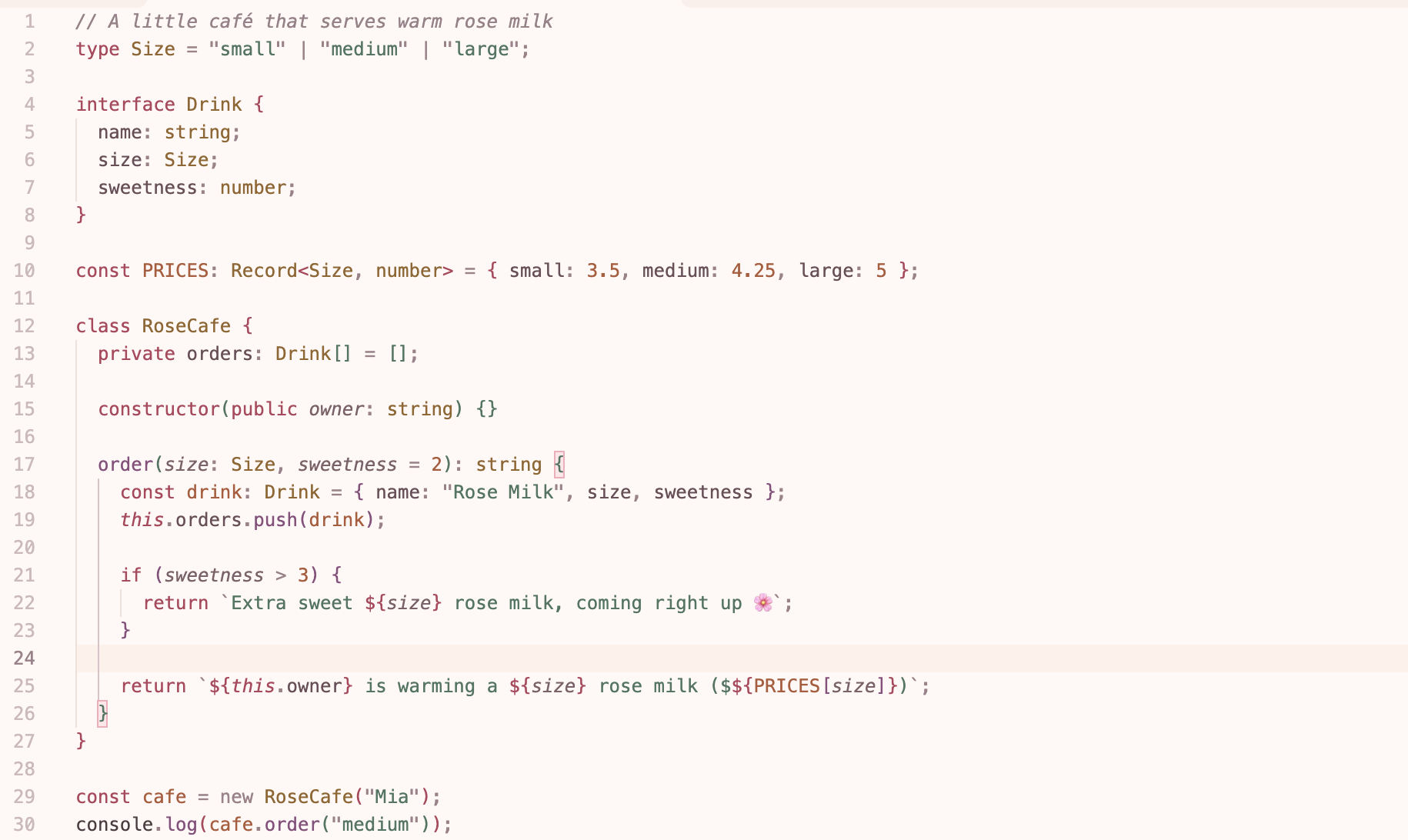
Rose MilkA soft light theme in rose, peach and sage — gentle on the eyes. Installation Launch VS Code Quick Open ( Ctrl+P), paste the following command, and press enter.Copied to clipboard |

Rose MilkA soft light theme in rose, peach and sage. Warm, calm and gentle on the eyes for long daytime coding sessions.
Installation
PaletteRose Milk is built on five soft tones, with deeper shades of the same colors used for code so everything stays easy to read.
Recommended settingsMore from melissa-themesPrefer a dark theme? Try Catnap, a cozy dark theme in lavender, mint and peach. FeedbackFound a color that looks off in your favorite language? Let me know in the Q & A tab on the Marketplace page, with a screenshot and the language name. LicenseReleased under the MIT License. |