Catnap
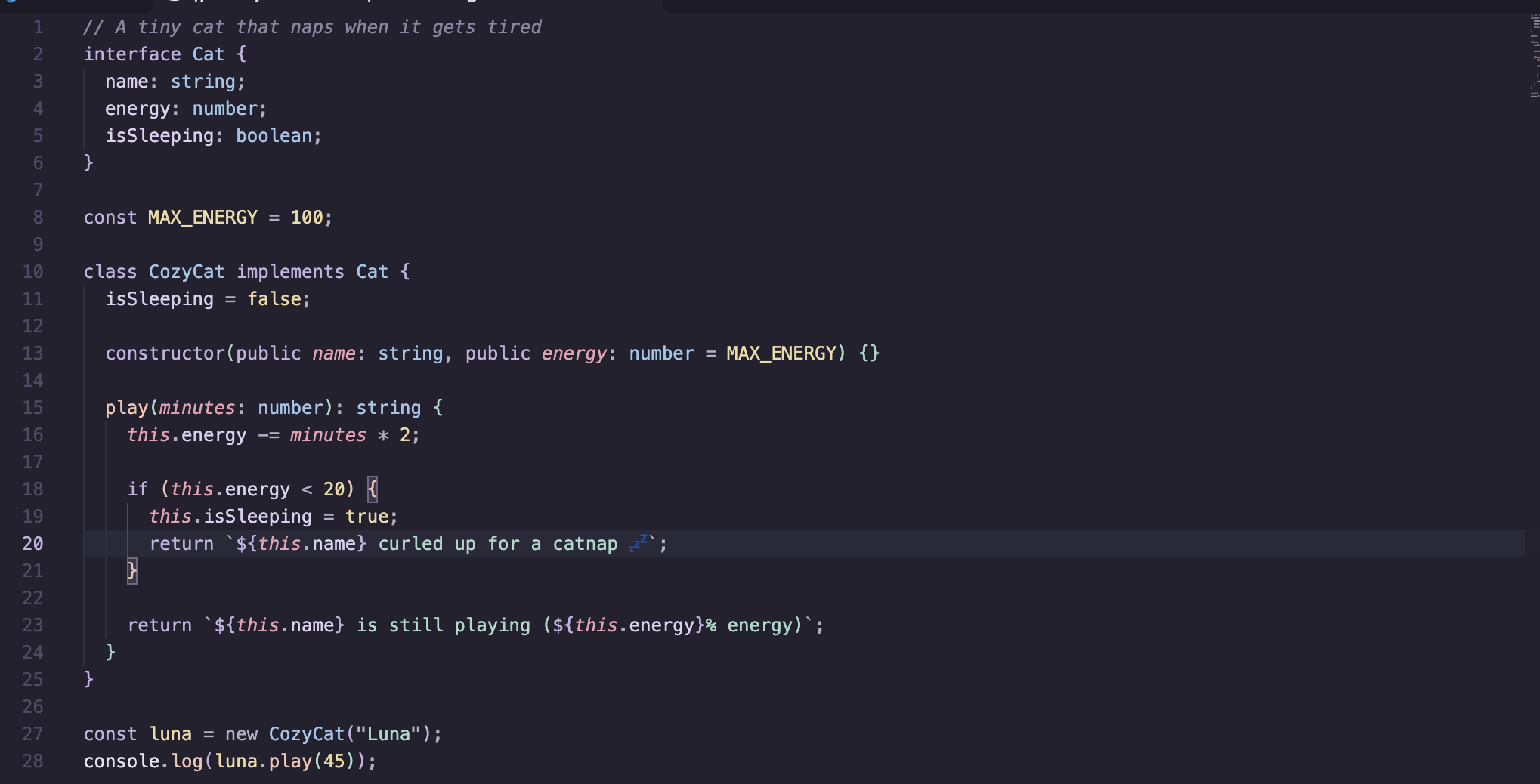
A cozy dark theme in sleepy lavender, mint and peach. Soft on the eyes, calm for long late-night coding sessions.
Installation
- Open Extensions in VS Code (
Ctrl+Shift+X / Cmd+Shift+X).
- Search for Catnap.
- Click Install.
- Open the Command Palette (
Ctrl+Shift+P / Cmd+Shift+P), run Preferences: Color Theme and choose Catnap.
Palette
| Role |
Color |
| Background |
#22212e |
| Sidebar and panels |
#1c1b26 |
| Foreground |
#e6e1ee |
| Keywords |
#c3b1e1 lavender |
| Strings |
#a8d8c8 mint |
| Functions |
#f2c4b0 peach |
| Types and classes |
#9fc4e8 sky |
| Numbers and constants |
#ecd9a4 butter |
| Tags and parameters |
#ec9fb3 rose |
| Comments |
#8a85a2 |
Recommended settings
Catnap pairs nicely with a rounded, friendly font and a little breathing room:
{
  "editor.fontFamily": "'JetBrains Mono', 'Fira Code', monospace",
  "editor.fontLigatures": true,
  "editor.lineHeight": 1.6,
  "editor.cursorBlinking": "smooth"
}
License
MIT
| |

