Lascavo Dark Theme for VS Code
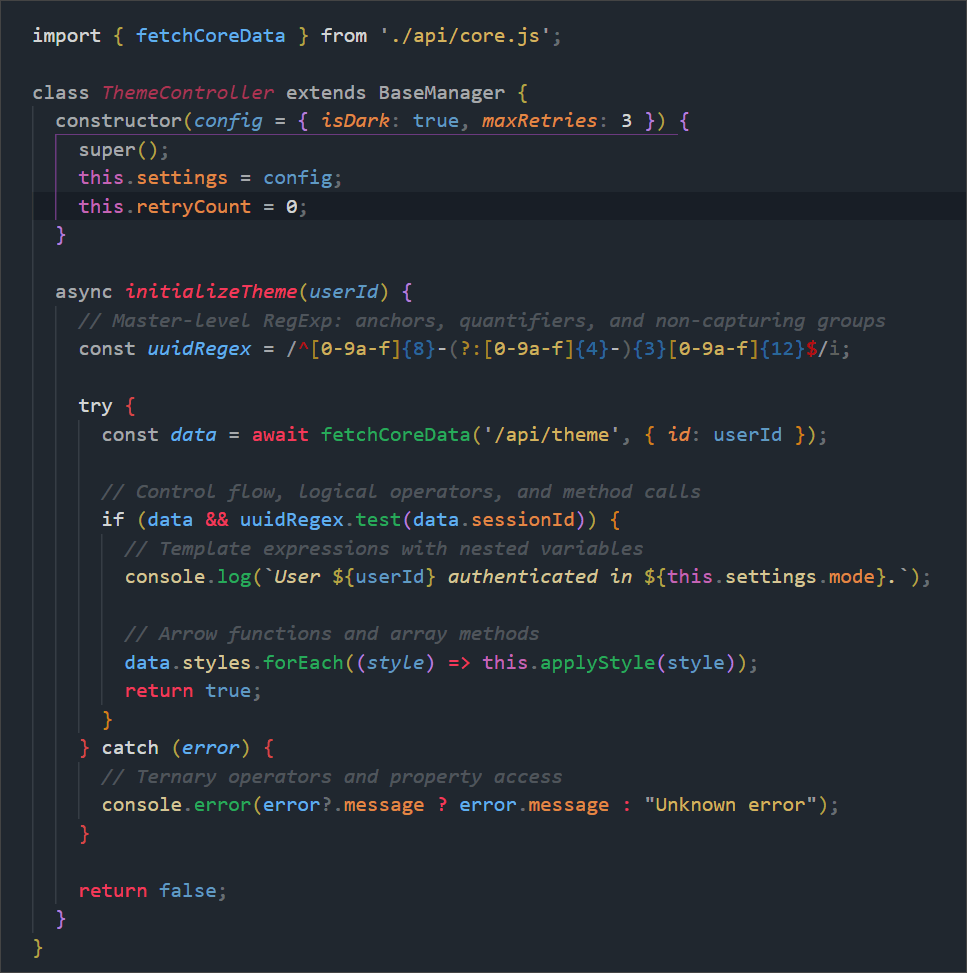
A carefully crafted, neutral dark theme designed for long coding sessions. Lascavo balances calm, low-contrast backgrounds with logical, highly specific syntax highlighting to help you read code faster and reduce eye strain.
Whether you prefer warm accents, cool tones, or high-contrast syntax, Lascavo has a variant tailored for your workspace.
🎨 Three Distinct Variants
Lascavo comes in three flavors to match your environment and mood:
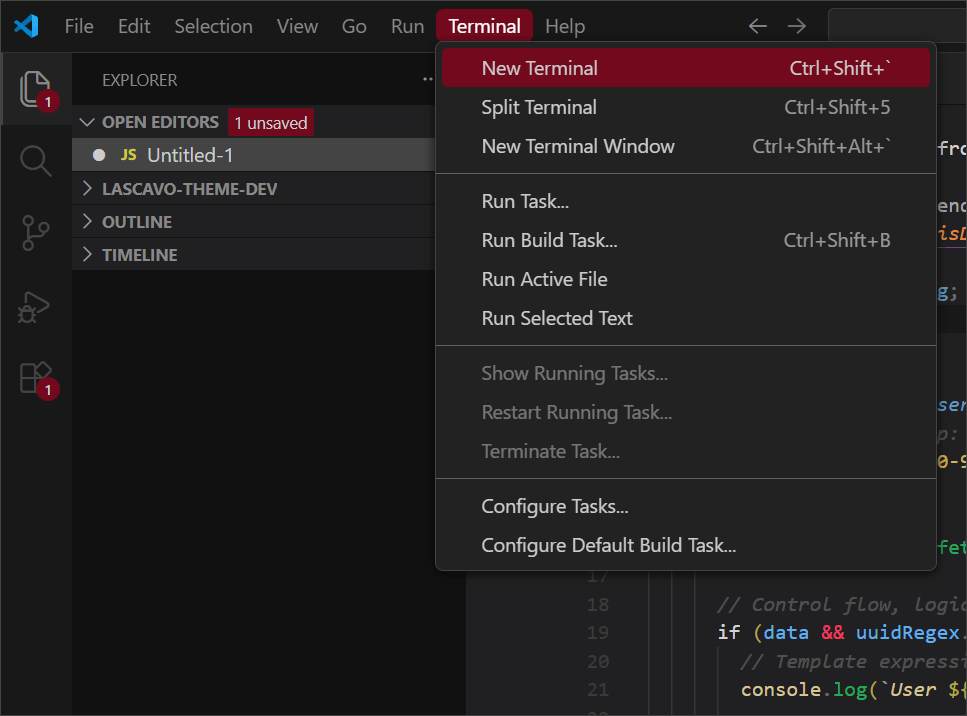
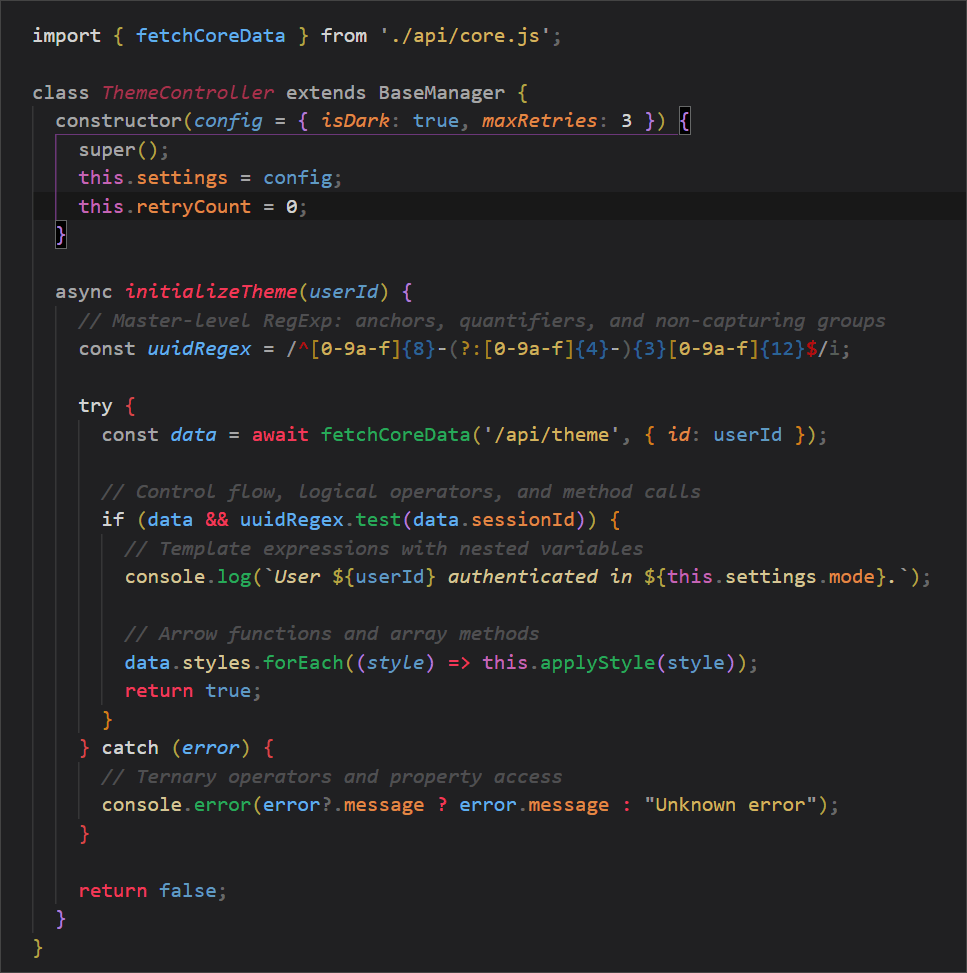
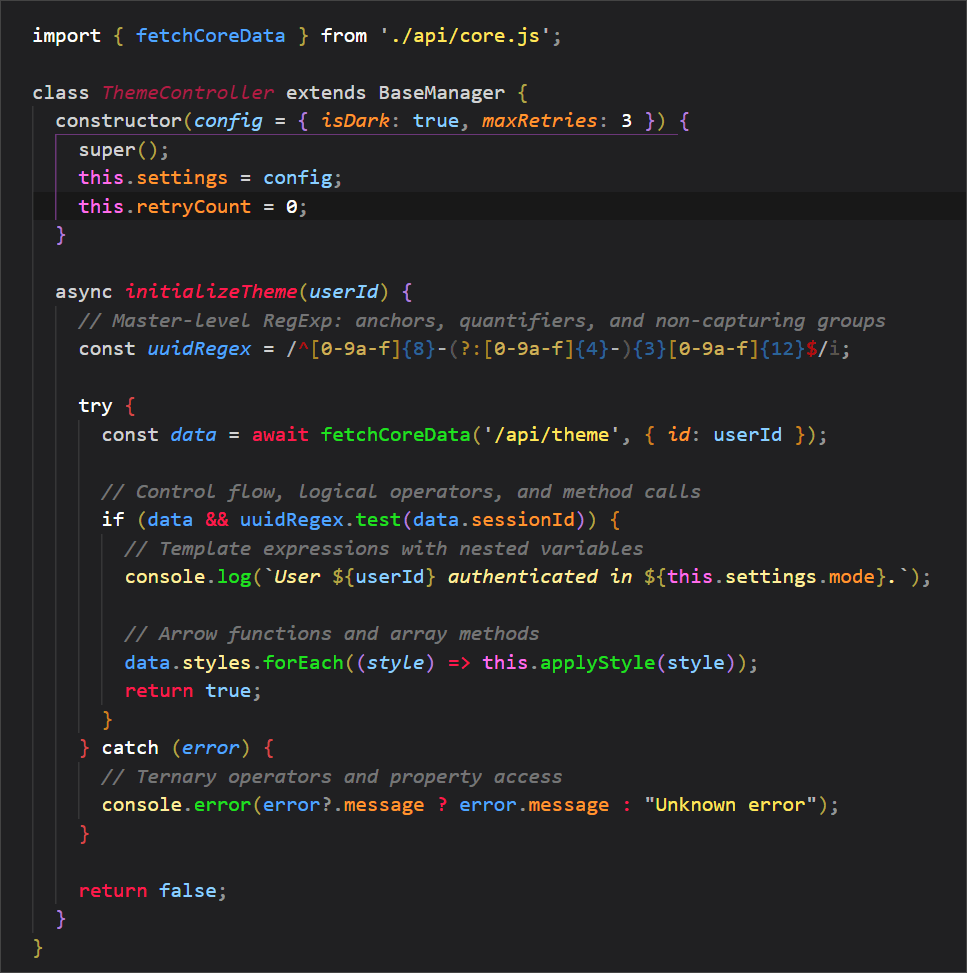
Lascavo Classic: The original experience. A neutral dark grey background with elegant burgundy/red UI accents. Syntax colors are muted and perfectly balanced to keep you focused without overwhelming your eyes.
Lascavo Classic Contrast: The layout of the Classic theme, but with hyper-vibrant, high-contrast syntax highlighting. Perfect for working in bright environments, presenting code on screens, or developers who prefer maximum color distinction.
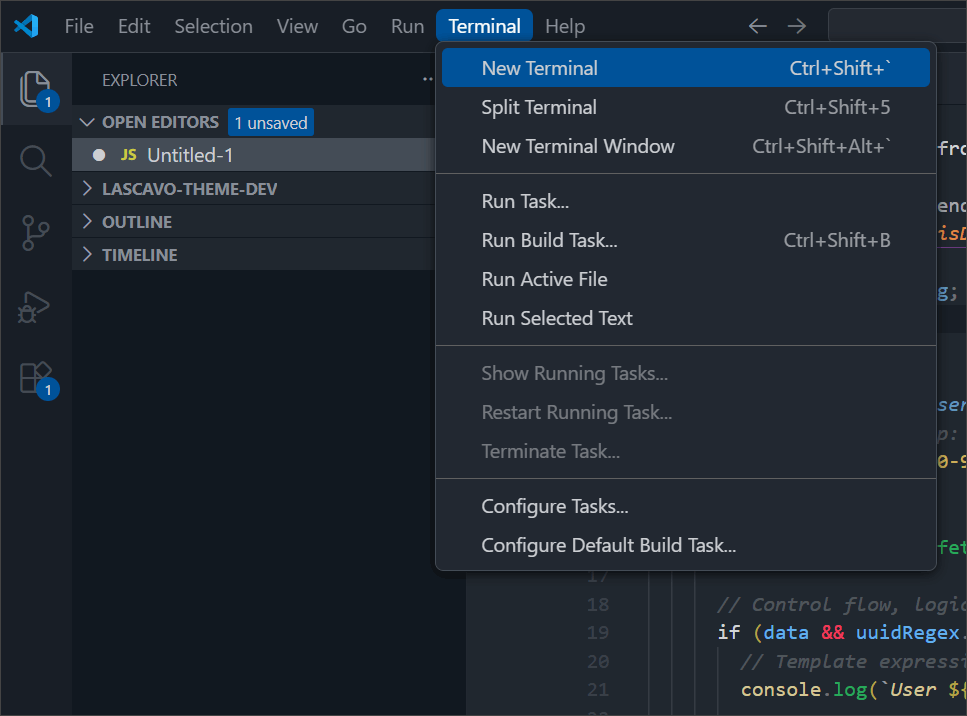
Lascavo Cold: A cooler, blue-tinted approach. It features a deep blue-grey background with sharp blue UI accents.
⚙️ Recommended Settings
For the best experience, ensure Semantic Highlighting is enabled in your settings.json, and pair the theme with a good coding font with ligatures (like Fira Code or JetBrains Mono):
{
  "editor.semanticHighlighting.enabled": true,
  "editor.fontFamily": "'JetBrains Mono', 'Fira Code', Consolas, monospace",
  "editor.fontLigatures": true,
  "editor.bracketPairColorization.enabled": true
}

