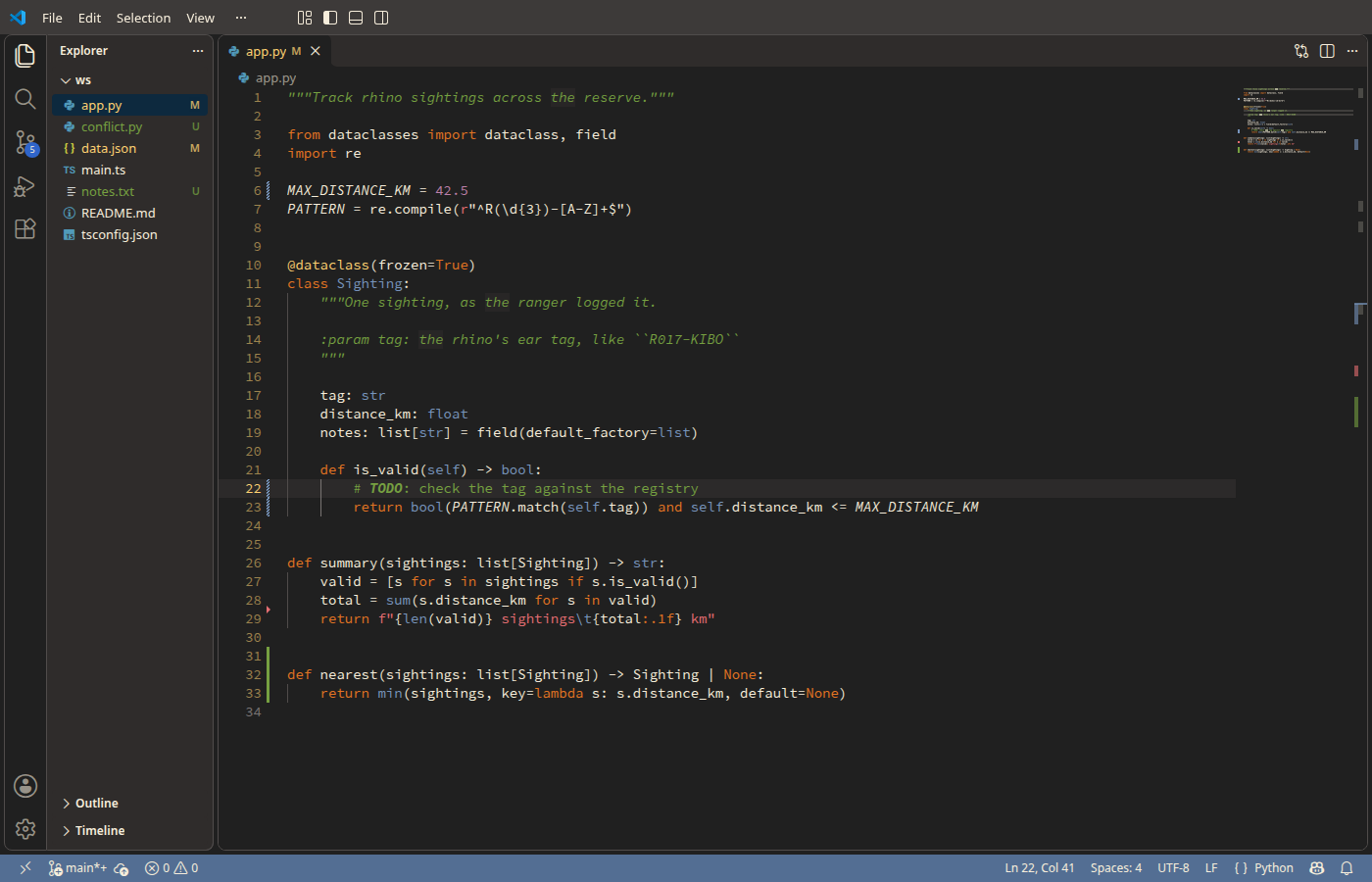
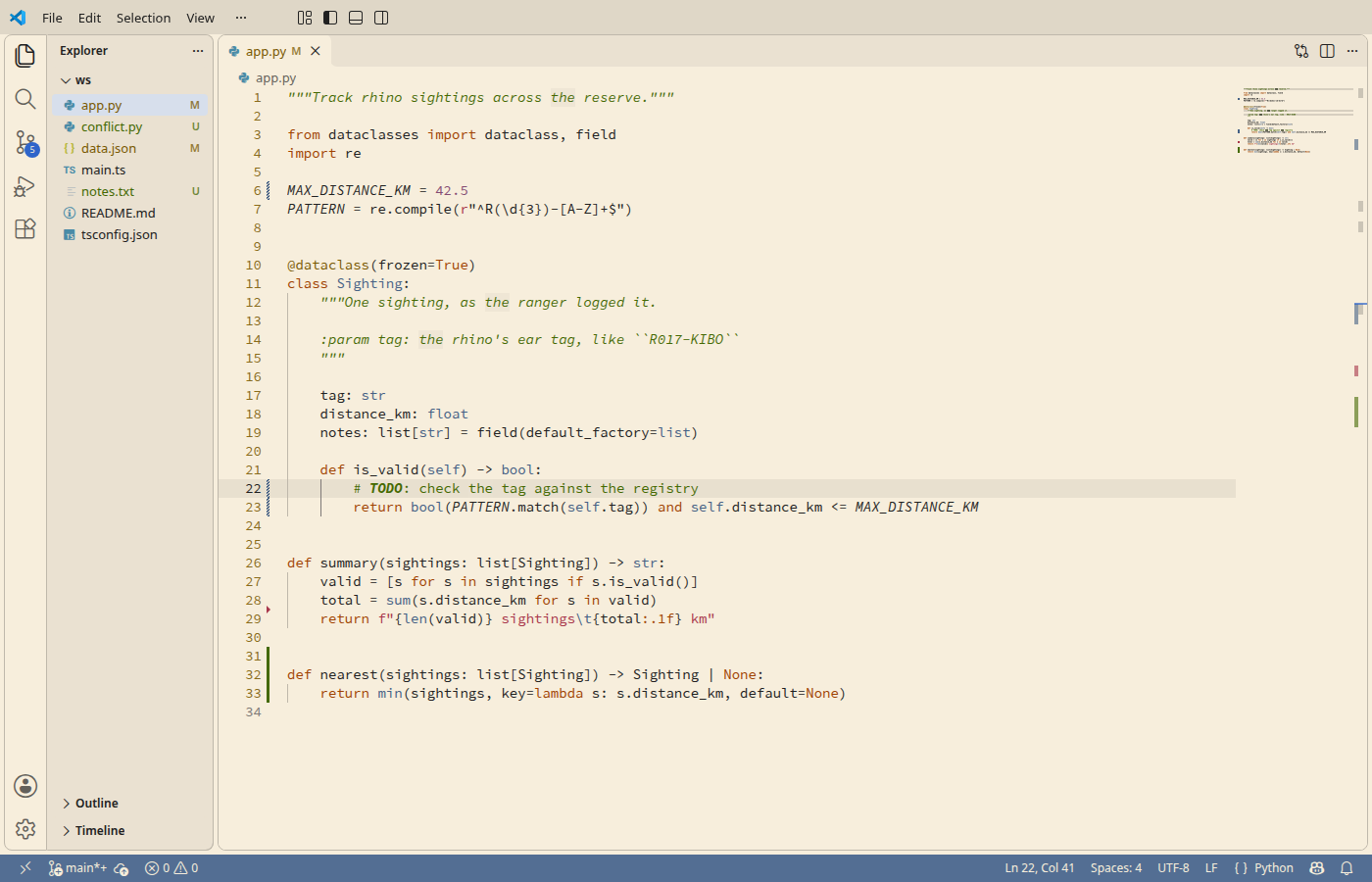
Critical RhinoA warm dark and light color theme: cream on near-black, readable at 4.5:1 everywhere. Installation Launch VS Code Quick Open ( Ctrl+P), paste the following command, and press enter.Copied to clipboard |

Critical RhinoA warm color theme in dark and light: cream text on near-black, or near-black on cream, with orange keywords, red strings, green comments, purple numbers and blue types. Every text color the theme sets is measured on every surface the editor draws it on, at 4.5:1 for text and 3:1 for dim text and marks.
Use itPick Critical Rhino Dark or Critical Rhino Light with Preferences: Color Theme, or follow the desktop: VS Code lifts any terminal color below 4.5:1 as it draws
( The rest of the schemeThe same palette themes Neovim, Ghostty, starship, fzf, lazygit and tmux. The site shows every color and the role it plays, and the repository has the other themes, the design notes and the release notes. Found a color that doesn't read? Open an issue. |