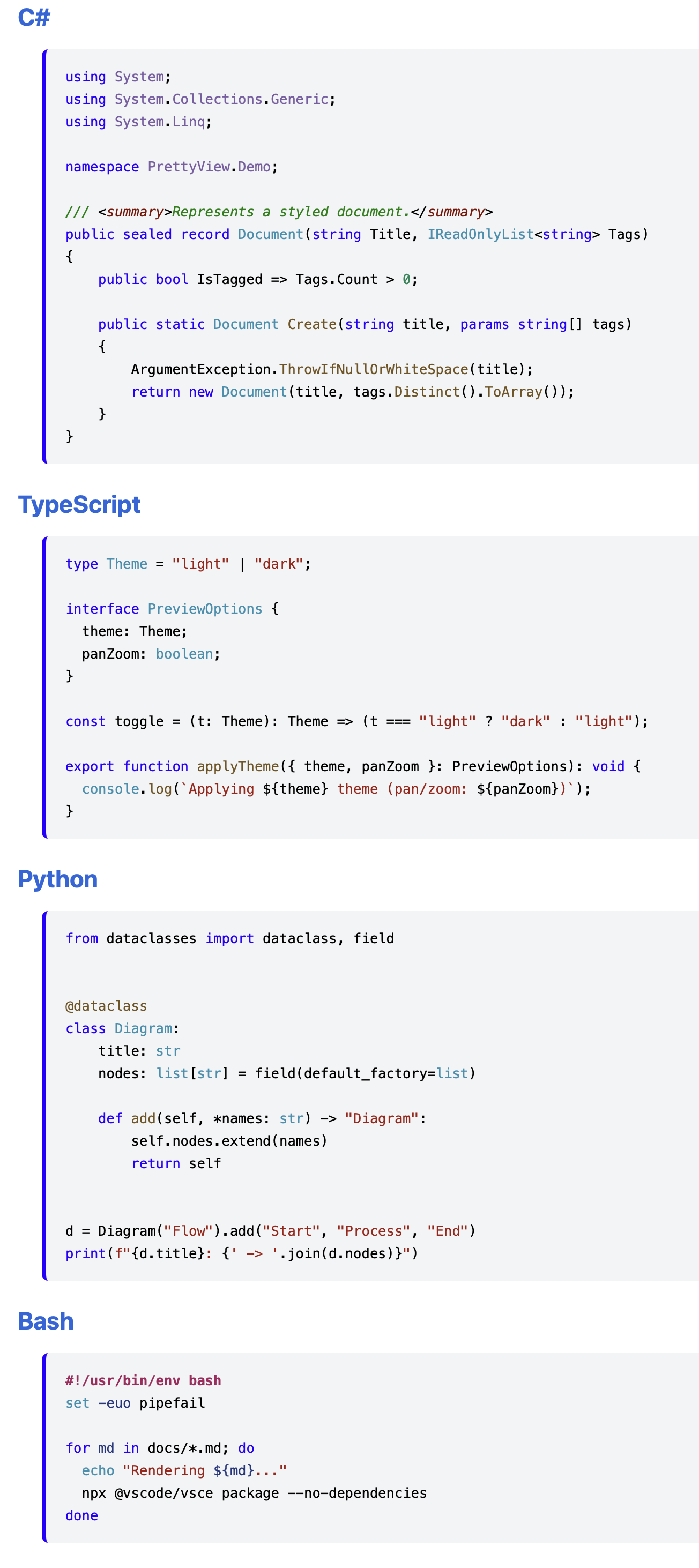
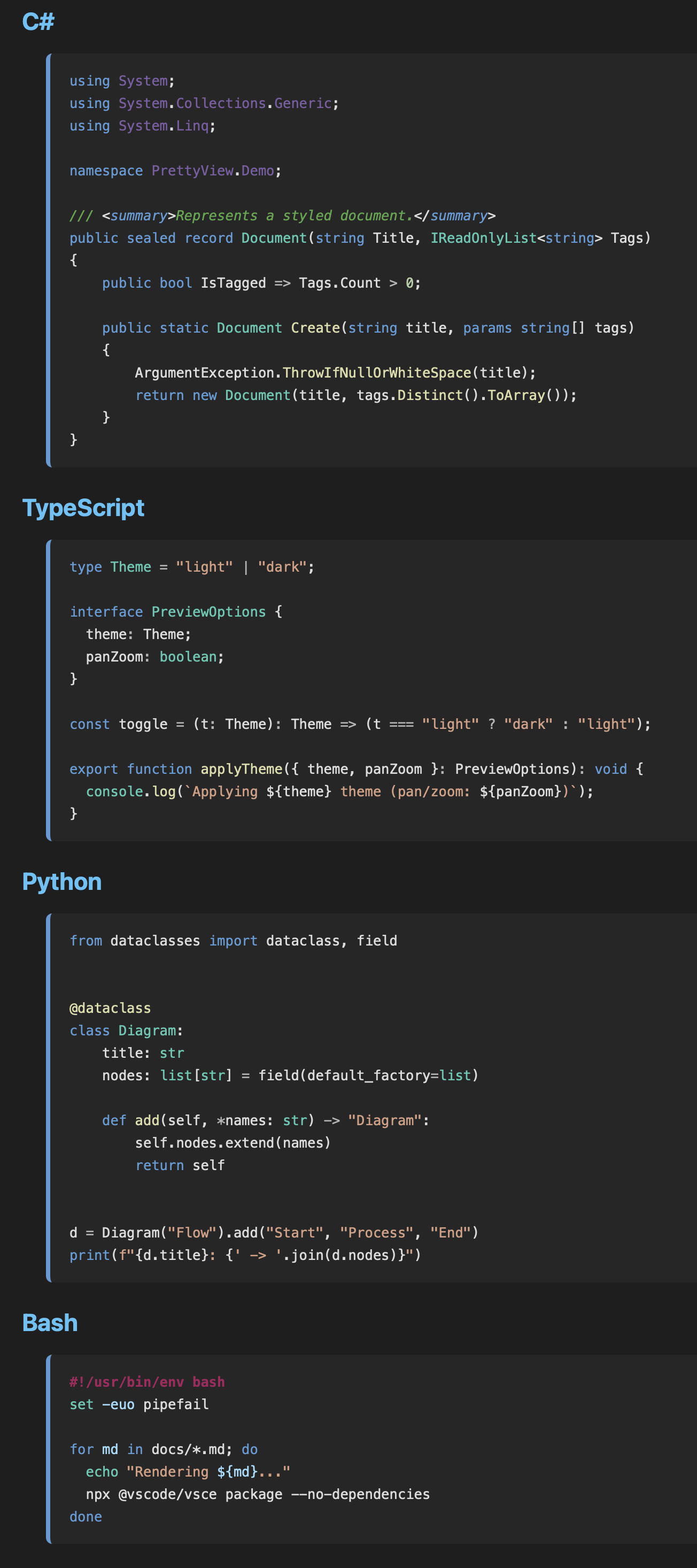
MD Pretty ViewA clean, polished look for Markdown Preview Enhanced: 6 light/dark theme variants (3 accent colors × light/dark), a consistent editor-style syntax palette, styled Mermaid diagrams, and Mermaid pan/zoom & fit-to-screen. Installs the styling into your Markdown Preview Enhanced config folder. Installation Launch VS Code Quick Open ( Ctrl+P), paste the following command, and press enter.Copied to clipboard |

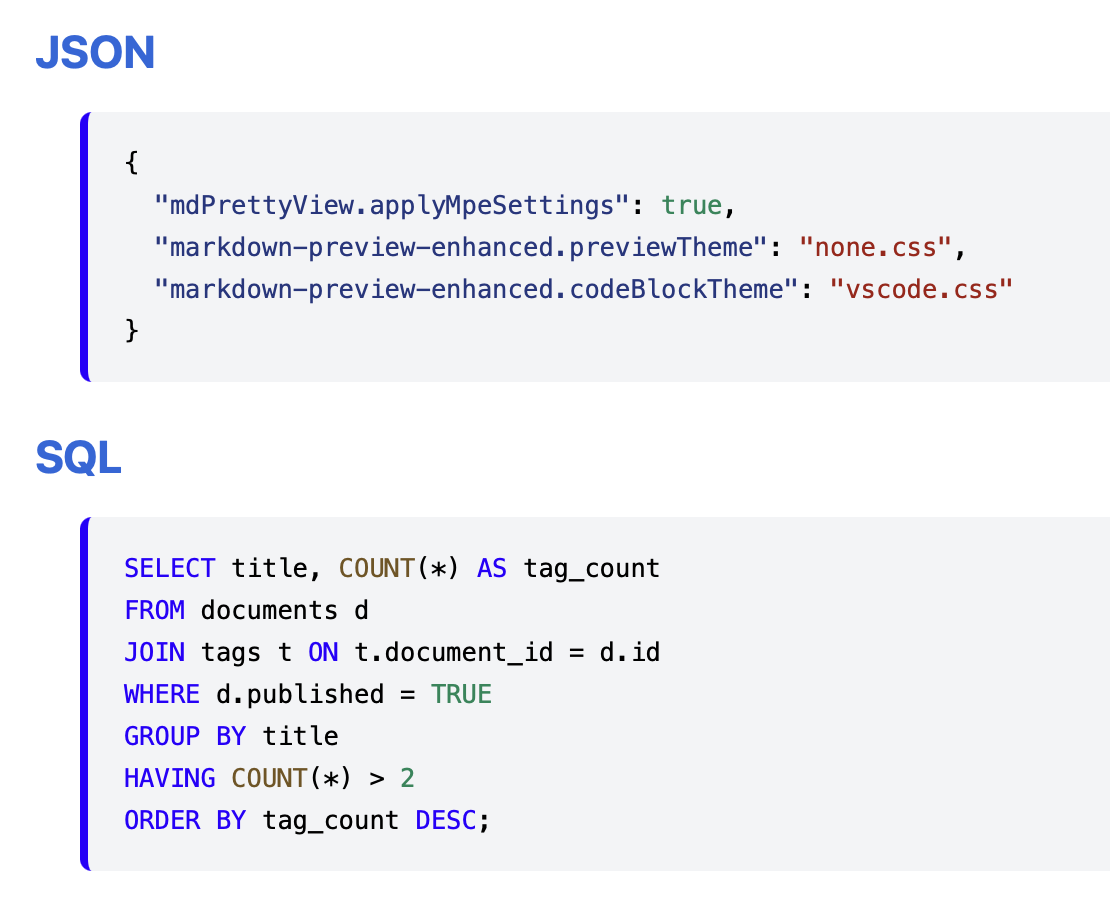
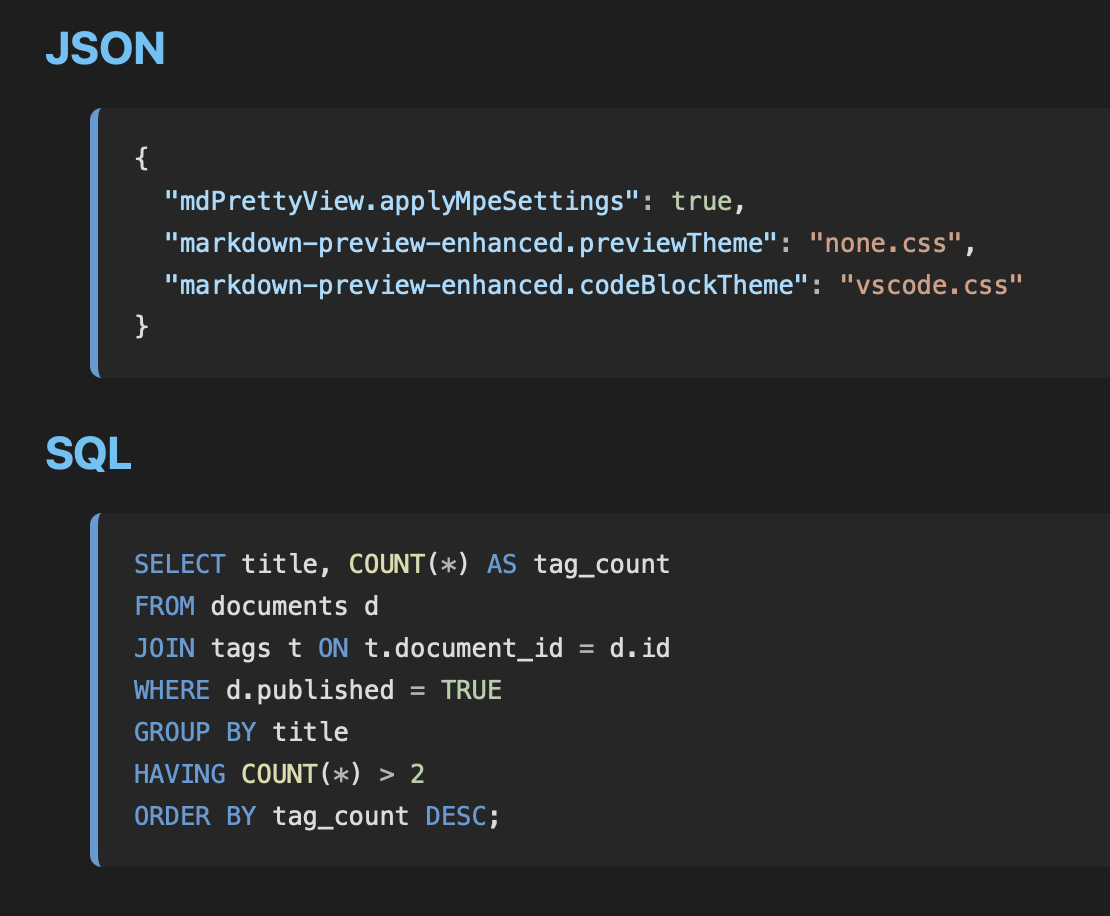
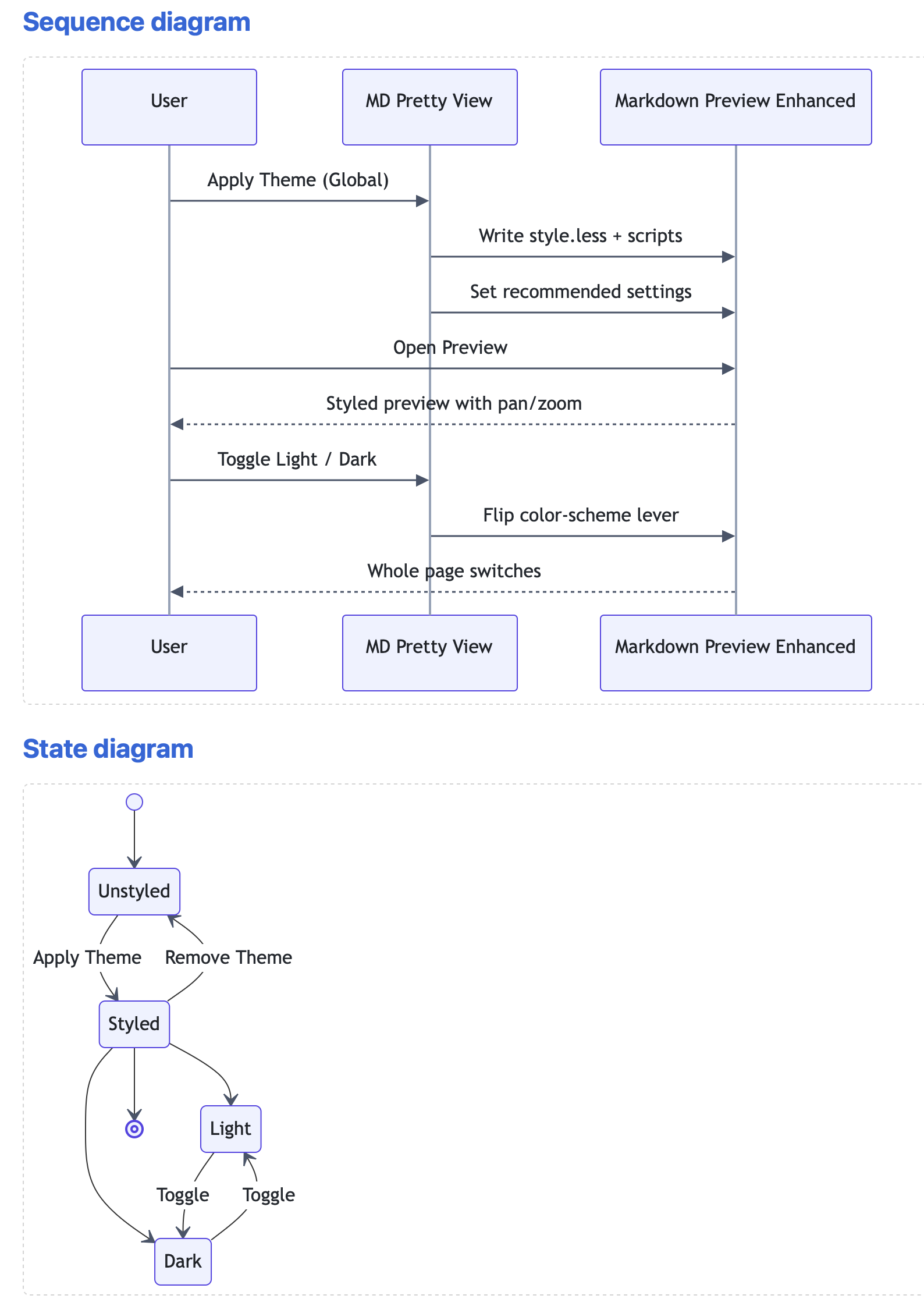
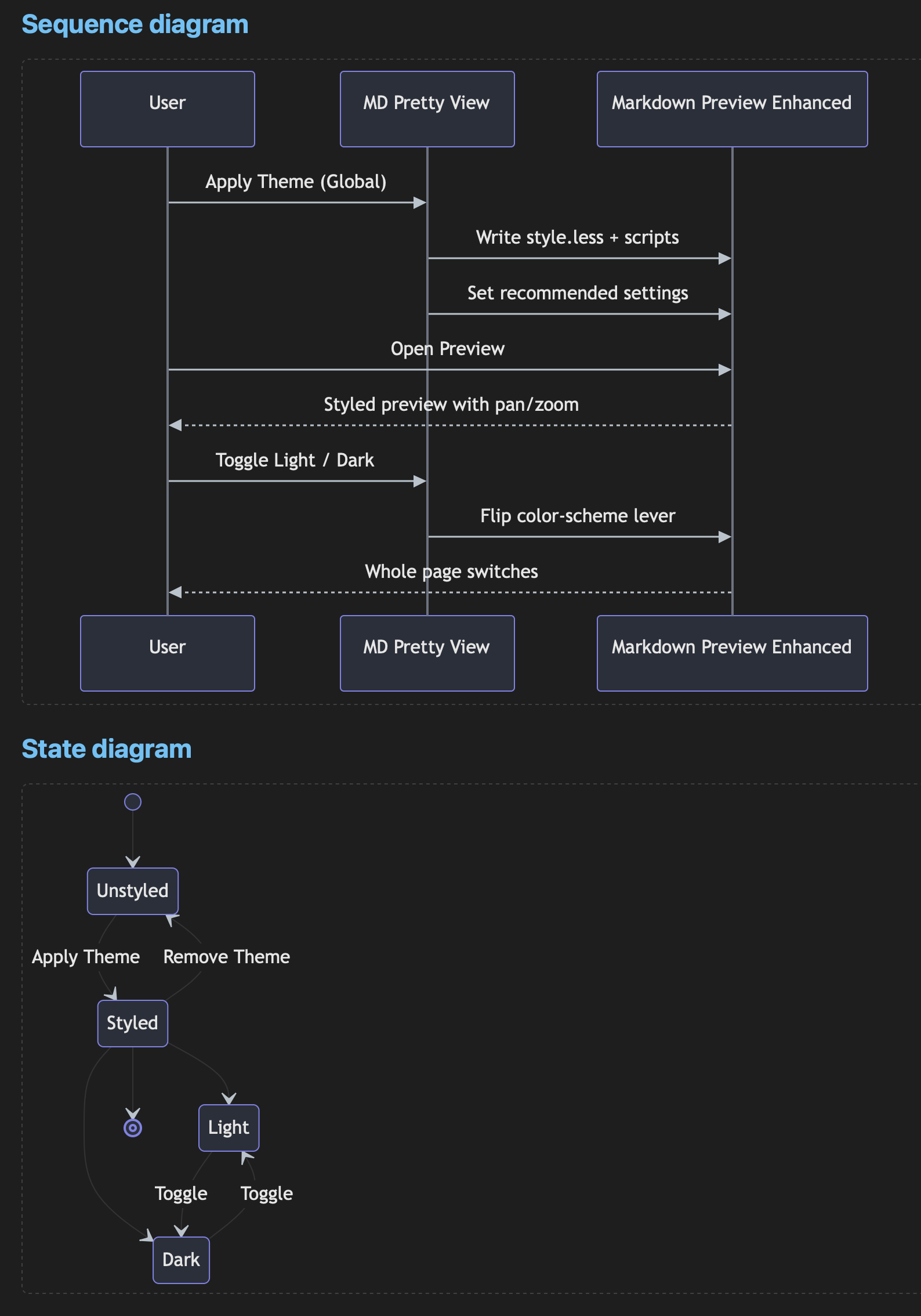
MD Pretty ViewA clean, polished look for Markdown Preview Enhanced (MPE), with two features it doesn't ship on its own: Mermaid pan / zoom & fit-to-screenDrag to pan, Ctrl/⌘+scroll (or the +/− buttons) to zoom, double-click to reset, and a ⛶ fit-to-screen button that fills the viewport with the whole diagram crisply (Esc to exit). Works in the live preview and in HTML export. 6 theme variants: light / dark × 3 accent colorsA single switch flips the whole page and the code surface between light and dark, independent of your VS Code editor theme, with a consistent syntax palette that stays readable in both modes. A second, independent switch picks the accent color — headings, links, blockquotes, inline code, and table headers — from blue (default), green, or purple, giving 6 total theme combinations. The two non-default accents are true variants of blue (same perceptual lightness and saturation, just a rotated hue), verified to hold WCAG AA contrast rather than picked arbitrarily. Example pageA single page that exercises every capability of the extension in one place. Consistent syntax paletteThe same editor-style palette is applied to every language, in both the live preview and exported HTML, regardless of your VS Code theme. Codes
Mermaid pan / zoom & fit-to-screenHover a diagram and use the controls: drag to pan, ⌘/Ctrl + scroll (or the +/− buttons) to zoom, double-click to reset, and ⛶ to fit the whole diagram to the viewport (Esc to exit). Diagrams
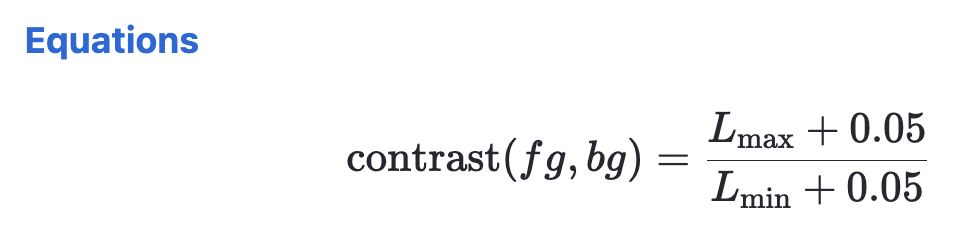
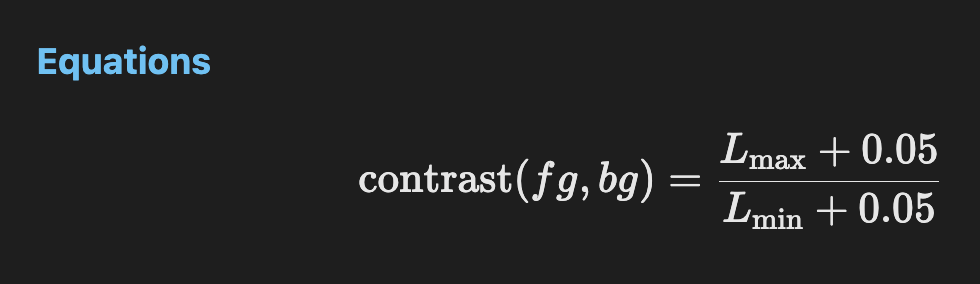
Math (KaTeX)Inline and block math render cleanly in both themes via KaTeX. Equations
Horizontal rule & footnoteAbove each numbered section is a horizontal rule ( [^1]: Footnote text — check that it renders legibly in both light and dark modes. UsageOpen any
Run these from the Command Palette (
On first run the extension offers to apply the theme automatically. After applying, reload the window. Requirements
Note on script executionThe Mermaid pan/zoom feature runs a small script in the MPE preview, so applying the
theme enables LicenseMIT |