PichaLite for VS Code
Your photos. Lighter. Right inside your editor.
Compress project images locally with the same Rust encoder behind PichaLite. No uploads or runtime downloads.
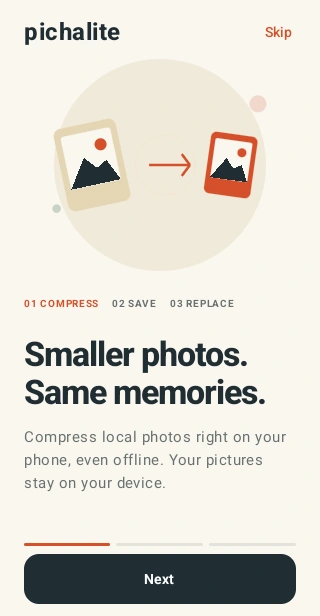
Artwork from the PichaLite website, showing the Android app. The VS Code extension uses the Explorer menu, native pickers and progress notifications described below.
Compress in three steps
- Select images or a folder in Explorer and right-click PichaLite: Compress Images.
- Choose the destination and confirm quality and size settings.
- Keep working while PichaLite saves copies in a
PichaLite subfolder.
Right-click a local image, multiple images or a folder in Explorer and choose PichaLite: Compress Images. The Command Palette offers the same command with file/folder selection.
Choose a destination. Copies are written to its PichaLite subfolder. Confirm the batch, then follow progress in VS Code. Cancel stops after the current image; completed copies remain saved. Results and failures are available in the PichaLite output panel.
- JPEG, PNG and WebP input; JPEG output. Transparent pixels become white.
- Quality 40–95 (default 82); maximum edge 256–40000 (default 4096).
- Up to 5,000 photos, 40 MB per photo; native decoder memory limit applies.
- Originals are never replaced. Larger results preserve an exact original copy with its original extension. Existing outputs are never overwritten.
- Images are processed locally. No uploads, runtime downloads or analytics.
- The
win32-x64 VSIX bundles pichalite-cli.exe. Other hosts need a matching native CLI and an absolute pichalite.executablePath machine setting. Remote extension hosts use the remote operating system.
- Requires a trusted, local-filesystem workspace. Symlinks,
.git, node_modules and the current output folder are skipped.
Install
Available for Windows x64. Search for PichaLite by masota in Extensions, or run:
code --install-extension masota.pichalite
The Windows native encoder is included. Rust is not required. This extension shares the encoder; Android's Rivium/Apalis durable background queue is not included.
From the PichaLite website
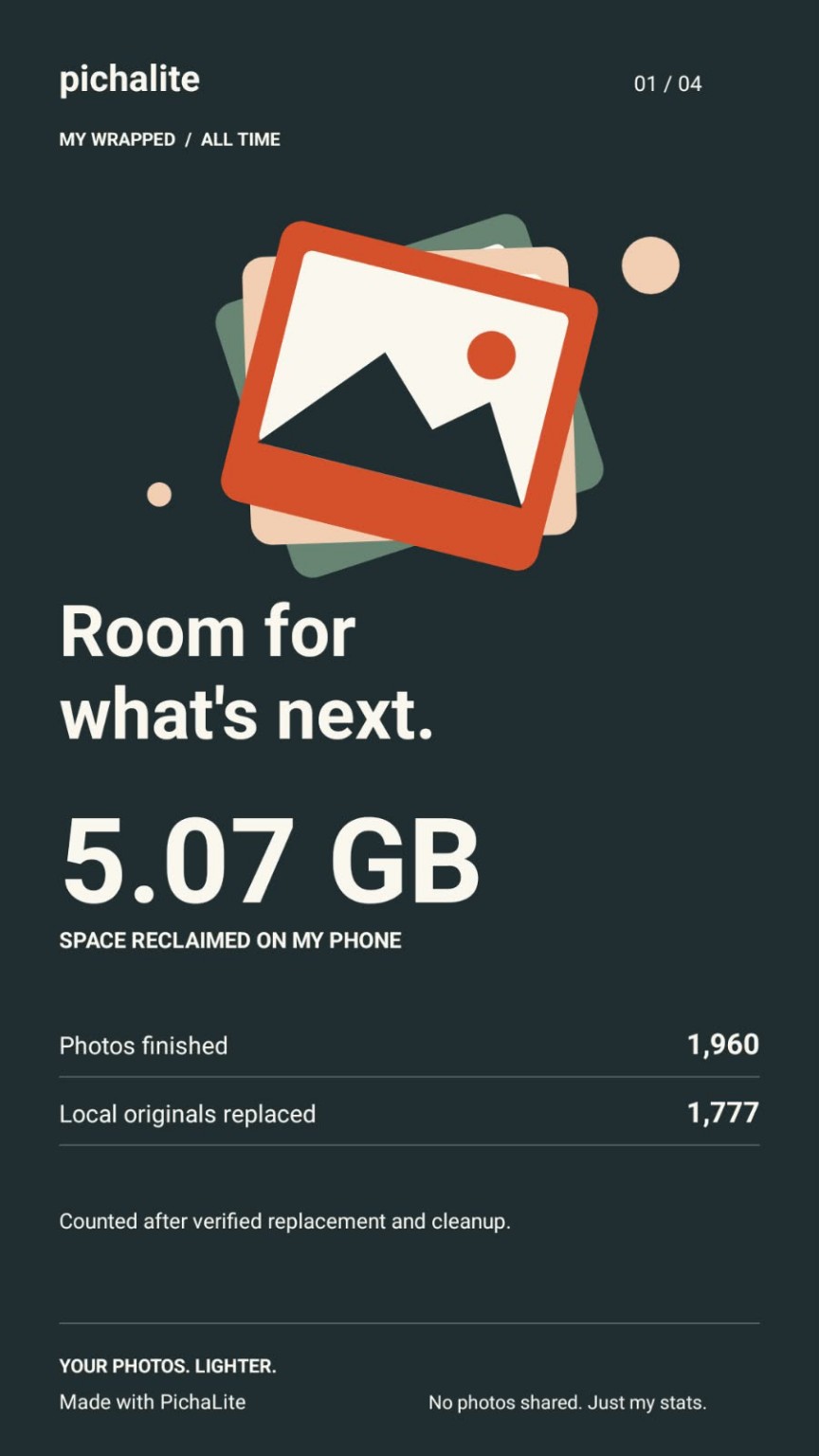
An example from the Android app, not an extension benchmark or a promised compression result. Actual savings depend on your files.
Development
Build ../native with cargo build --release --manifest-path ../native/Cargo.toml, copy the Windows pichalite-cli.exe to bin/, then npm ci && npm test && npm run package. Packaging on CI performs these steps. bin/ is populated at build time; no executable is downloaded when the extension runs.

