JetBrains New UI File Icon Theme - PHP OptimizedPHP-optimized version of the JetBrains New UI File Icon Theme Extended. Composite icons for PHP base classes, interfaces, traits and tests. Installation Launch VS Code Quick Open ( Ctrl+P), paste the following command, and press enter.Copied to clipboard |

JetBrains New UI File Icon Theme — PHP OptimizedA PHP-optimized version of the JetBrains New UI File Icon Theme Extended. Everything from the original theme, plus composite icons that tell PHP files apart at a glance by the role their name implies — base classes, interfaces, traits and tests each get the Based onThis is a derivative of JetBrains New UI File Icon Theme Extended by fogio — all of the original icon work, folder mappings and the JetBrains Mono font integration come from there.
The badges below track the original extension, not this version:
If you do not need the PHP additions, please install the original — it is the one that gets the upstream updates. What this version adds
All six are enabled by default and can be turned off individually — see PHP role icons below. Everything else — every other file and folder icon, the light/dark/auto variants, the experimental Go test icons — behaves exactly as it does upstream. Compatible extensions from the original author
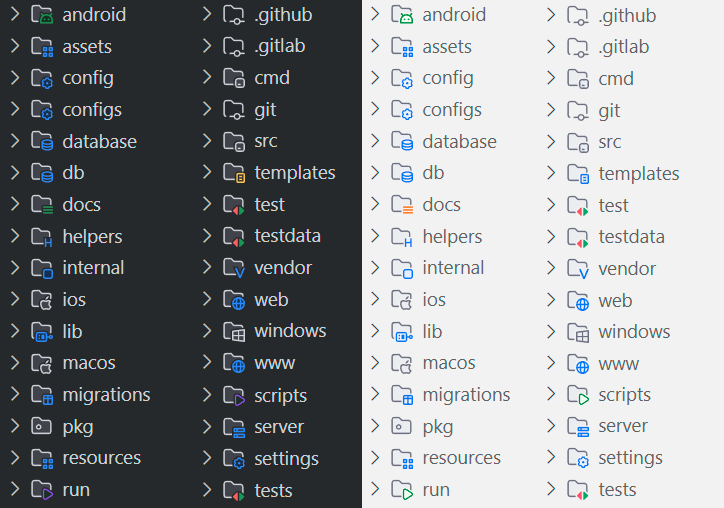
PreviewFolders icons
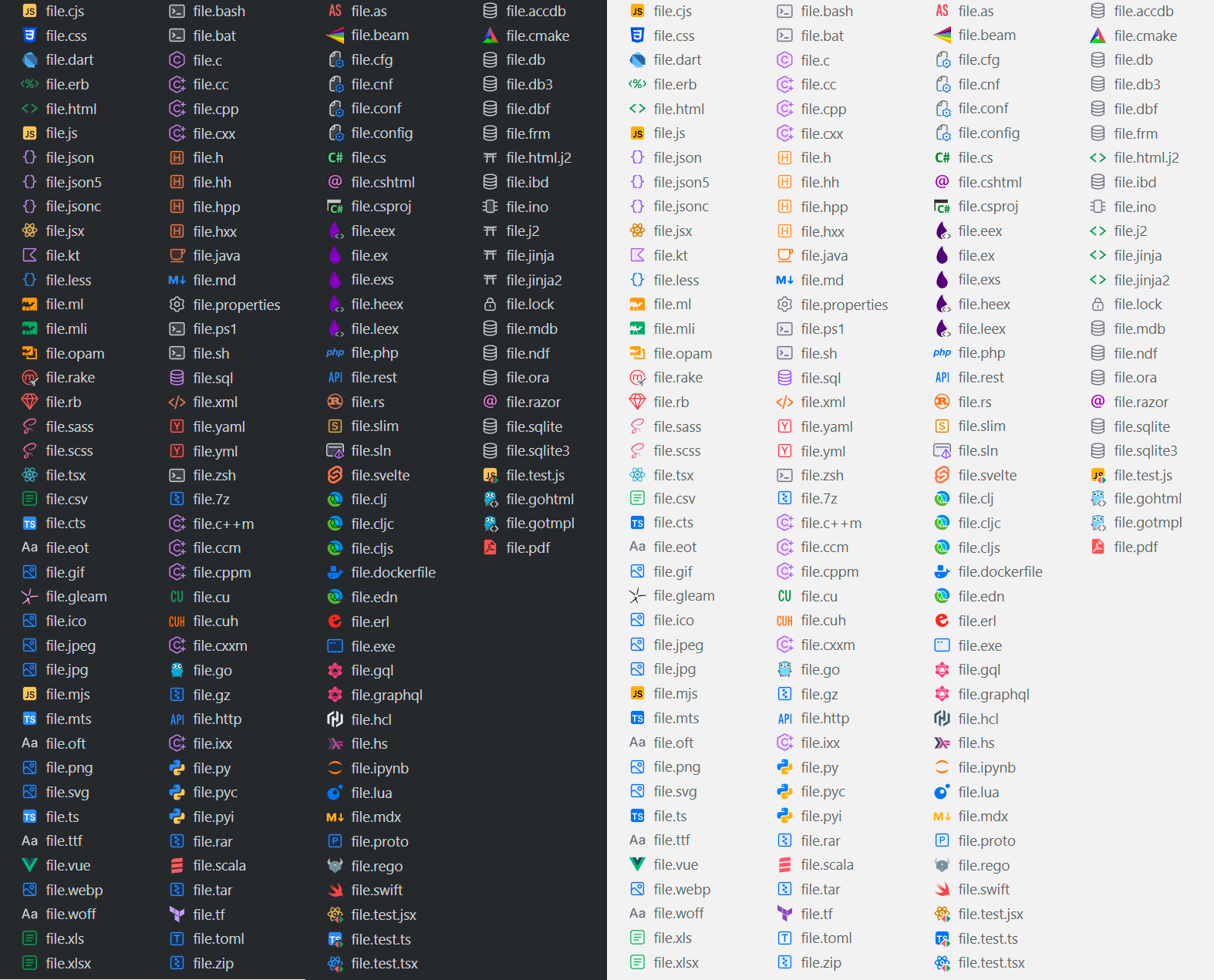
File extensions icons
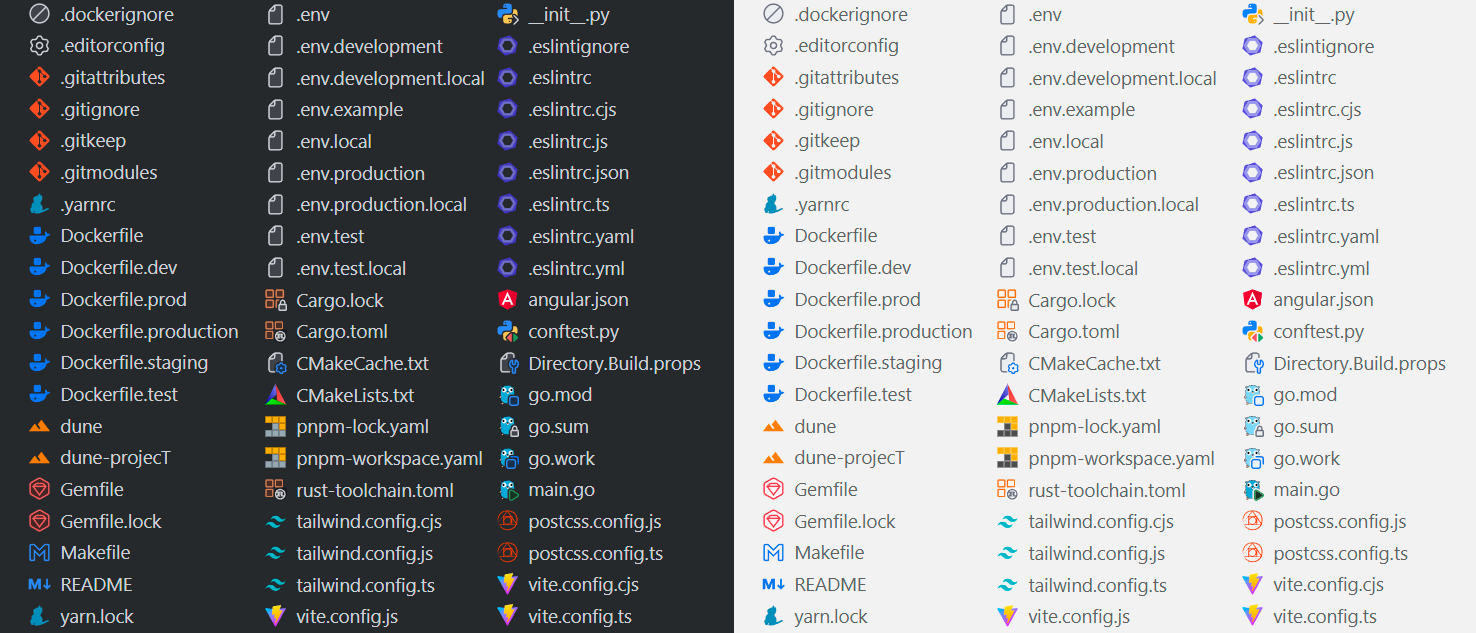
File names iconsIcons for reserved file names
Icons for PHP file rolesAdded by this version — see What this version adds above. Enabled by default, activation guide is located below. Icons for go test files (experimental)
Activation guide is located below. InstallFile icon theme
You can choose icons pack for dark or light theme. An "Auto" theme is also available that adapts to the color theme. PHP role iconsThese are enabled by default. Each one can be turned off individually through the Settings UI, or in your settings.json file: A file name that matches more than one pattern gets the most specific icon, so These use the same workaround as the Go test icons described below: the theme files are rewritten in place. The themes declare Enable Icons for go test files (experimental)VS Code does not allow defining an icon for a file using a regular expression. However, we have implemented a workaround for this. This feature is experimental, in case of any problems we are waiting for an issue to solve the problem as quickly as possible By default, this functionality is disabled. You can enable it through the Settings UI:
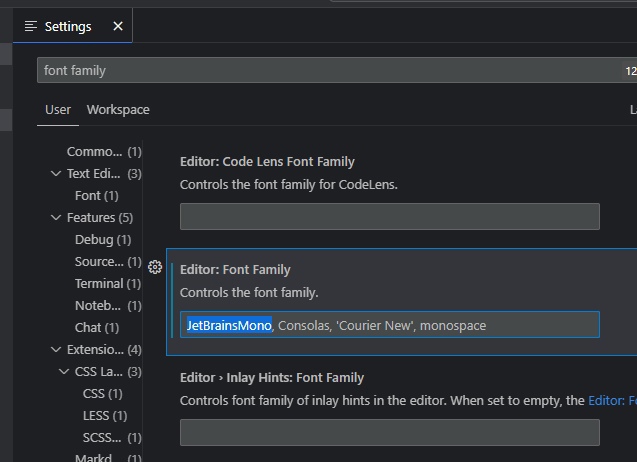
or settings.json file: After enabling this setting, the theme begins to automatically add *_test.go files with a special icon. Upstream this required an IDE restart, because VS Code caches the generated icon stylesheet. This version marks its themes with So if you added a new file _test.go, you will see a special icon for it only after you reload the window. Of course you can do it via interface or command FontYou can use JetBrains Mono font with the JetBrains New UI File Icon Theme Extended. VS Code doesn't provide clear functionality for adding a custom font to color theme... But I managed to add the font to the File icon theme!
Then there are 2 ways to enable the new font: Settings UI
settings.json fileAdd the following line to your settings.json file: ExtrasAlso, there are some additional settings that you can apply both in the Settings UI and in settings.json file: CreditsThis version is built on top of JetBrains New UI File Icon Theme Extended by fogio — the original theme, its icon set and the font integration are their work, used under the MIT license. Only the PHP composite icons and the filename-pattern plugin that drives them were added here.
Deep gratitude also goes to the JetBrains team for their work. Here are links to open resources used to create the original theme:
|