Peacock Color PickerMinimal color picker for the Peacock extension. Installation Launch VS Code Quick Open ( Ctrl+P), paste the following command, and press enter.Copied to clipboard |

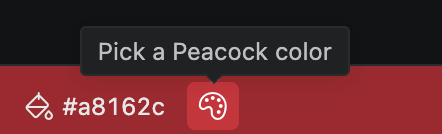
Peacock Color PickerMinimal color picker for VS Code. Click the palette in the status bar. Pick a color. Your workspace changes instantly.
Click the palette
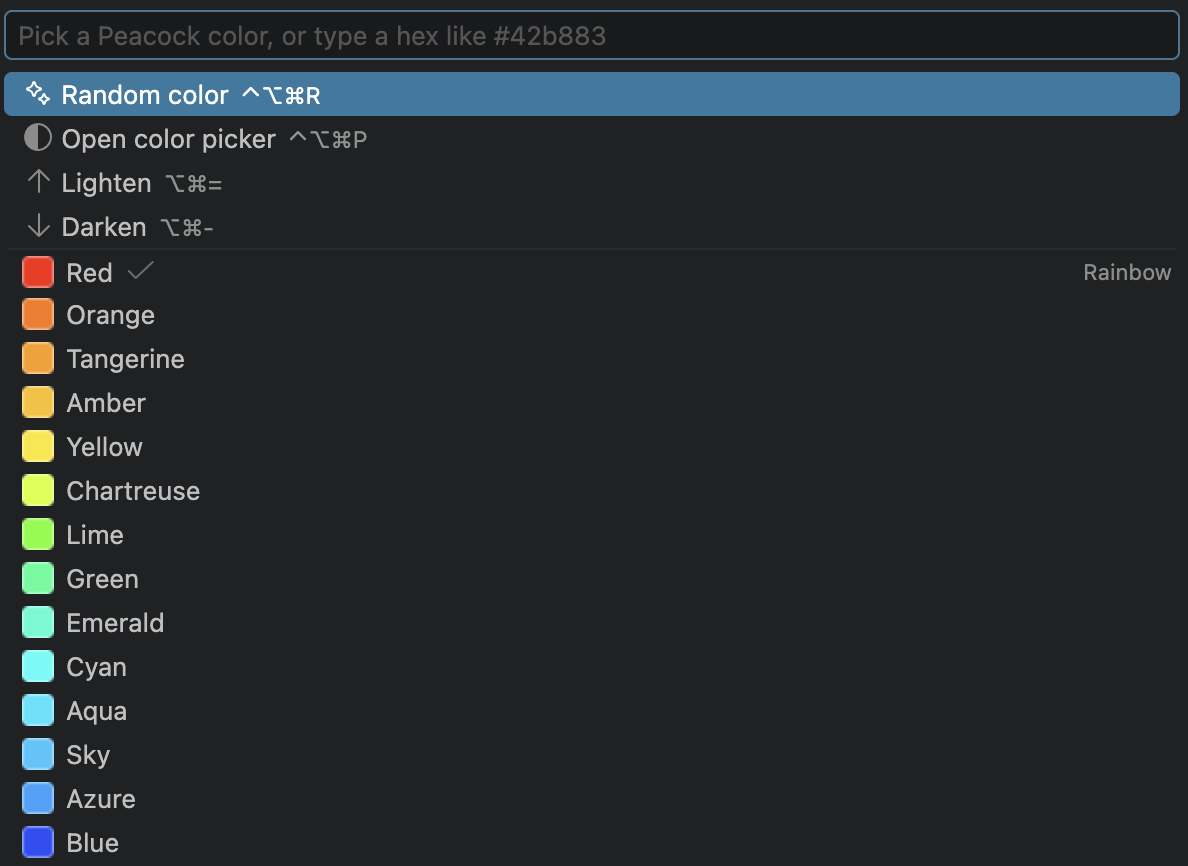
Pick a color
Arrow keys preview live. Enter keeps it, Esc puts it back. Type a hex to use any color. Or open the full picker
Palette, HSV, RGB and OKLCH. Lighten and darken down the left. Icon based on Microsoft's |