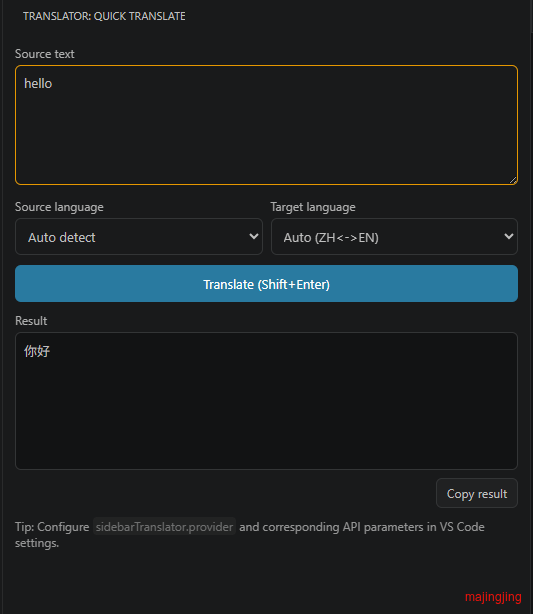
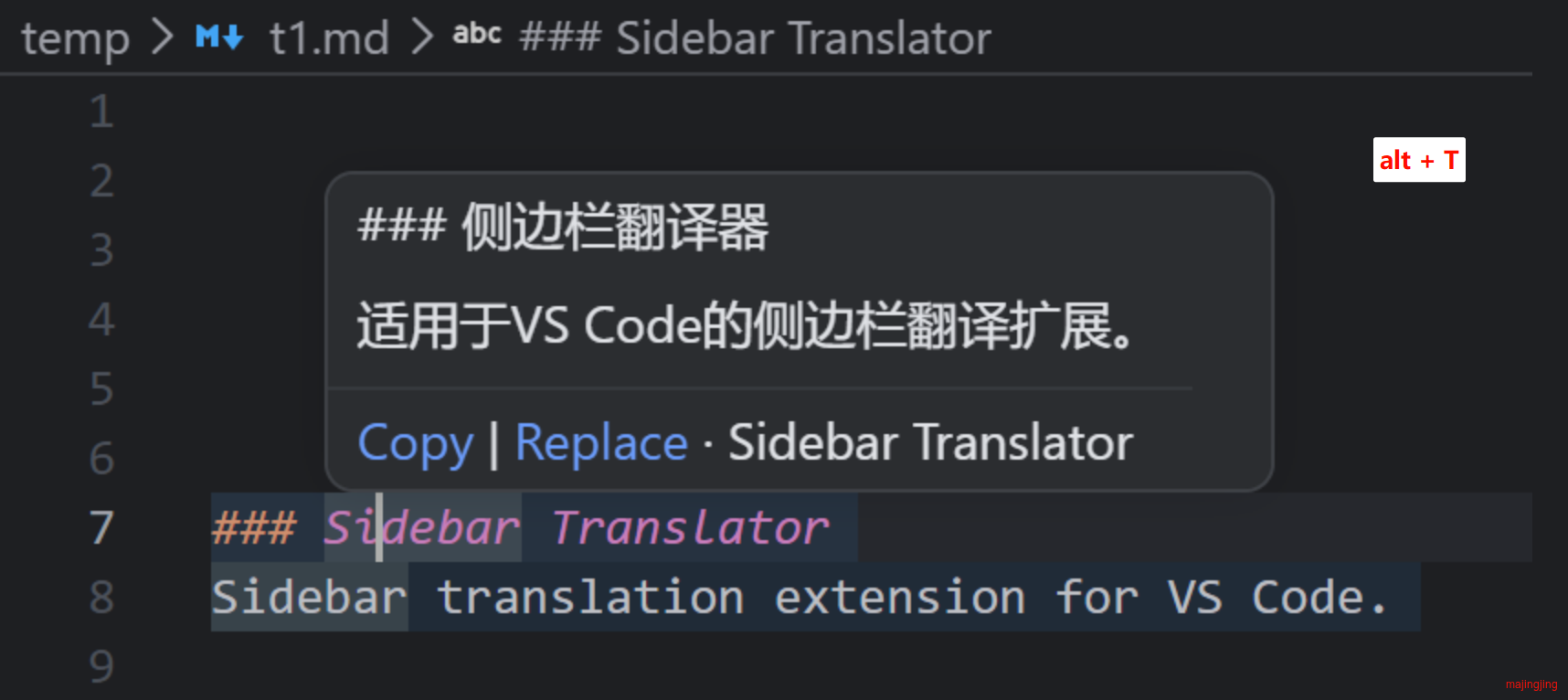
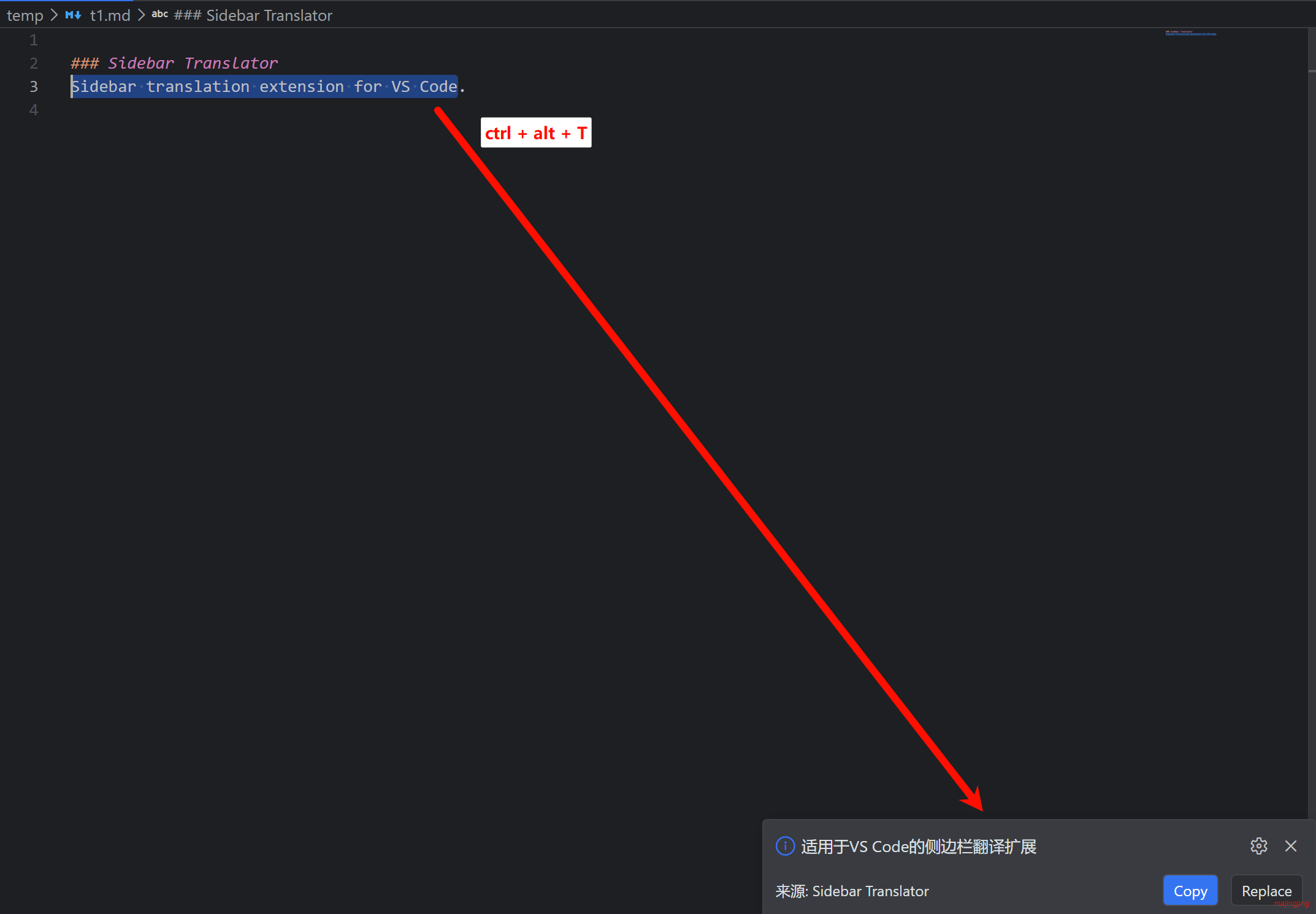
You can customize shortcuts in VS Code Keyboard Shortcuts.
(可在 VS Code 键盘快捷键中自定义)
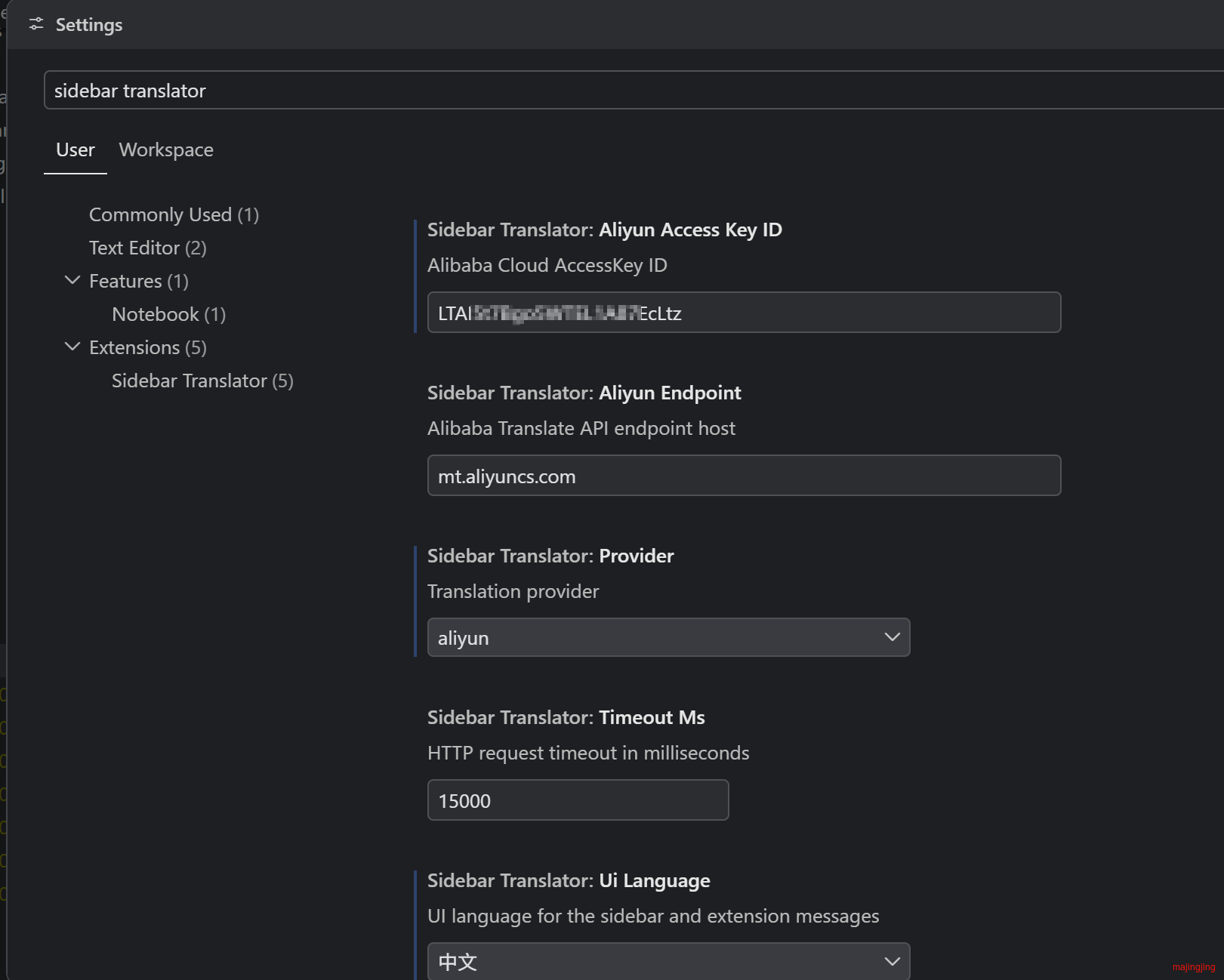
Translation Service Configuration (翻译服务配置项)
Open the settings page from the sidebar toolbar gear button, or from the command palette:
(点击侧边栏右上角的齿轮按钮,或在命令面板中执行 Sidebar Translator: Open Settings 打开设置页面)
Or open the native VS Code settings UI (也可以打开 VS Code 原生设置界面)
Settings (设置项)
| Key | Description |
| --- | --- |
| sidebarTranslator.provider | set to microsoft |
| sidebarTranslator.microsoftSubscriptionKey | subscription key (or use the command to store it securely) |
| sidebarTranslator.microsoftRegion | e.g. eastus, required only for multi-service resources |
| sidebarTranslator.microsoftEndpoint | default api.cognitive.microsofttranslator.com |