IDEA-style JSON Helper for VS Code. Manipulate JSON directly in your editor
instead of hunting for websites. Inspired by the IntelliJ JSON Helper plugin.
Features
Prettify & Uglify — format or minify JSON with configurable indentation
and optional alphabetical key sorting.
Escape & Unescape — turn JSON into an escaped string literal and back.
Extract JSON — pull valid JSON out of logs and variable declarations,
e.g. public final String json = "{\"key\":\"value\"}"; → {"key":"value"}.
Experimental nested extraction also unwraps multiple levels of
string-encoded JSON.
Copy JSON Pointer — copy the JSON pointer (path) of the selected value
and auto-fill it into the search box.
Search view toolbar — bind the current editor as the JSON source, then
Prettify / Uglify / Escape / Unescape / Extract / Copy Pointer directly from
the helper window.
Commands
Command
Description
MA JSON: Open Toolwindow
Open the IDEA-style helper window
MA JSON: Prettify
Pretty-print JSON
MA JSON: Uglify
Minify JSON
MA JSON: Escape
Escape JSON to a string literal
MA JSON: Unescape
Unescape a string literal back to JSON
MA JSON: Extract JSON
Extract JSON from arbitrary text
MA JSON: Search
Query JSON via JMESPath / JSONPath
MA JSON: Extract Nested JSON
Unwrap nested, string-encoded JSON
Settings
Setting
Default
Description
maJson.prettyIndent
2
Indentation spaces for Prettify
maJson.sortObjectKeys
false
Sort object keys alphabetically when prettifying
maJson.searchEngine
jsonpath
Default query engine for Search
maJson.locale
auto
UI language for the Search view: auto (follow VS Code), en, or zh-cn
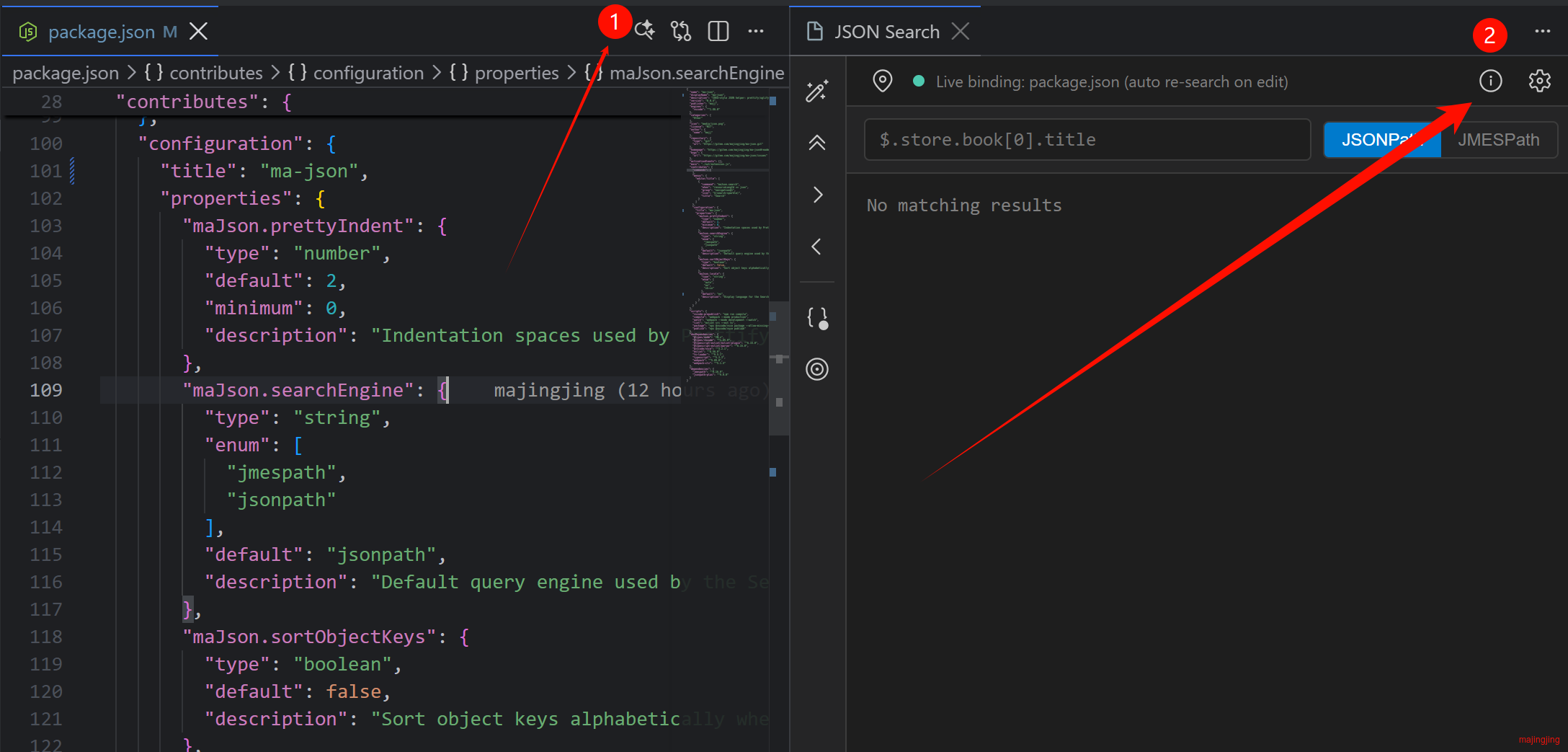
Effect diagram
License
MIT
Contact the Author
If You Have Any Questions Or Suggestions, Please Submit Issue Feedback in the Plug-in Market.
Email: majj888 <#at> foxmail.com