ZipperA VS Code extension to do compression. Installation Launch VS Code Quick Open ( Ctrl+P), paste the following command, and press enter.Copied to clipboard |

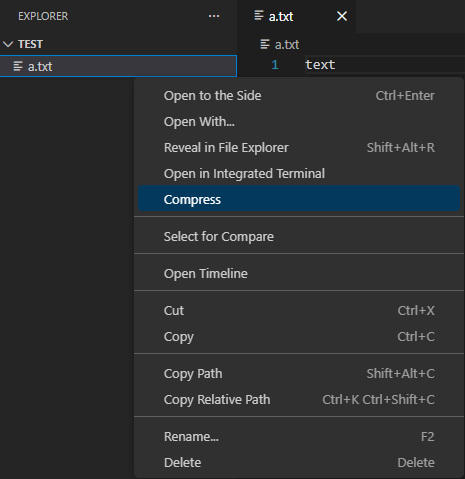
ZipperA lightweight VS Code extension that adds simple ZIP compression, extraction, and preview capabilities directly to the Explorer context menu. Designed for quick, local archive operations without leaving the editor. Features1. Zip Files and Folders
Behavior
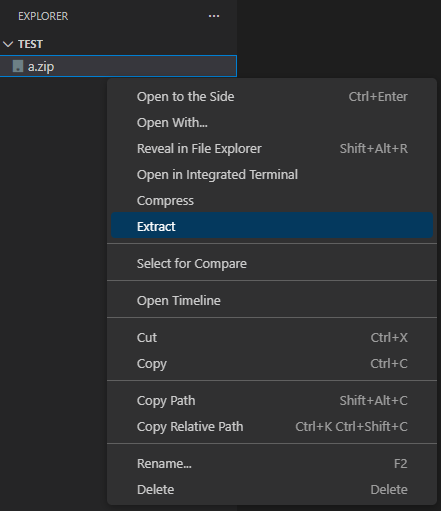
2. Unzip Archives
Behavior
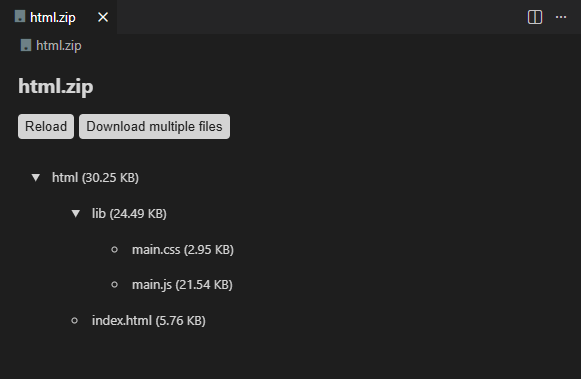
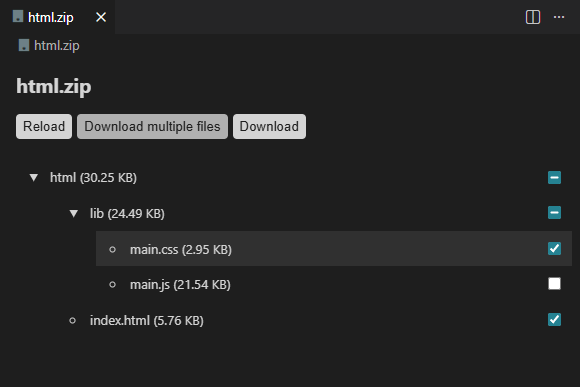
3. ZIP PreviewZipper provides a read-only archive preview inside VS Code, allowing you to browse archive contents without extracting.
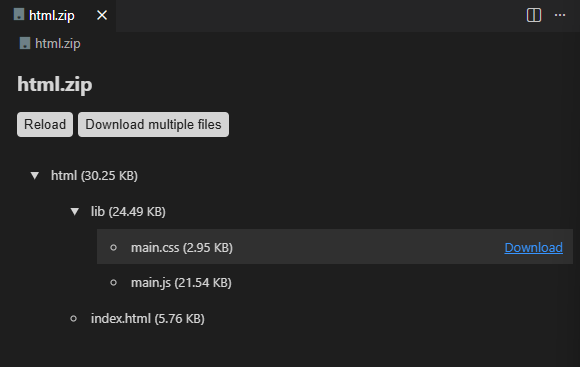
4. Extract a Single File or FolderFrom the ZIP preview, you can select one file or one folder and extract it locally.
5. Extract Multiple Files and FoldersYou can select multiple files and folders in the preview and extract them together.
5. Editing archiveYou can delete selected files and folders, rename files and folders, create new folders, and upload external files or folders in the editing view before exporting a new archive.
This feature is still under development and is not guaranteed to be stable or fully functional. No image available. Capabilities
Selective Extraction
Safety
Usage
Progress and results are shown via VS Code notifications. Current Limitations
LicenseMIT License © 2025 lyuwenhan |