
Verdula
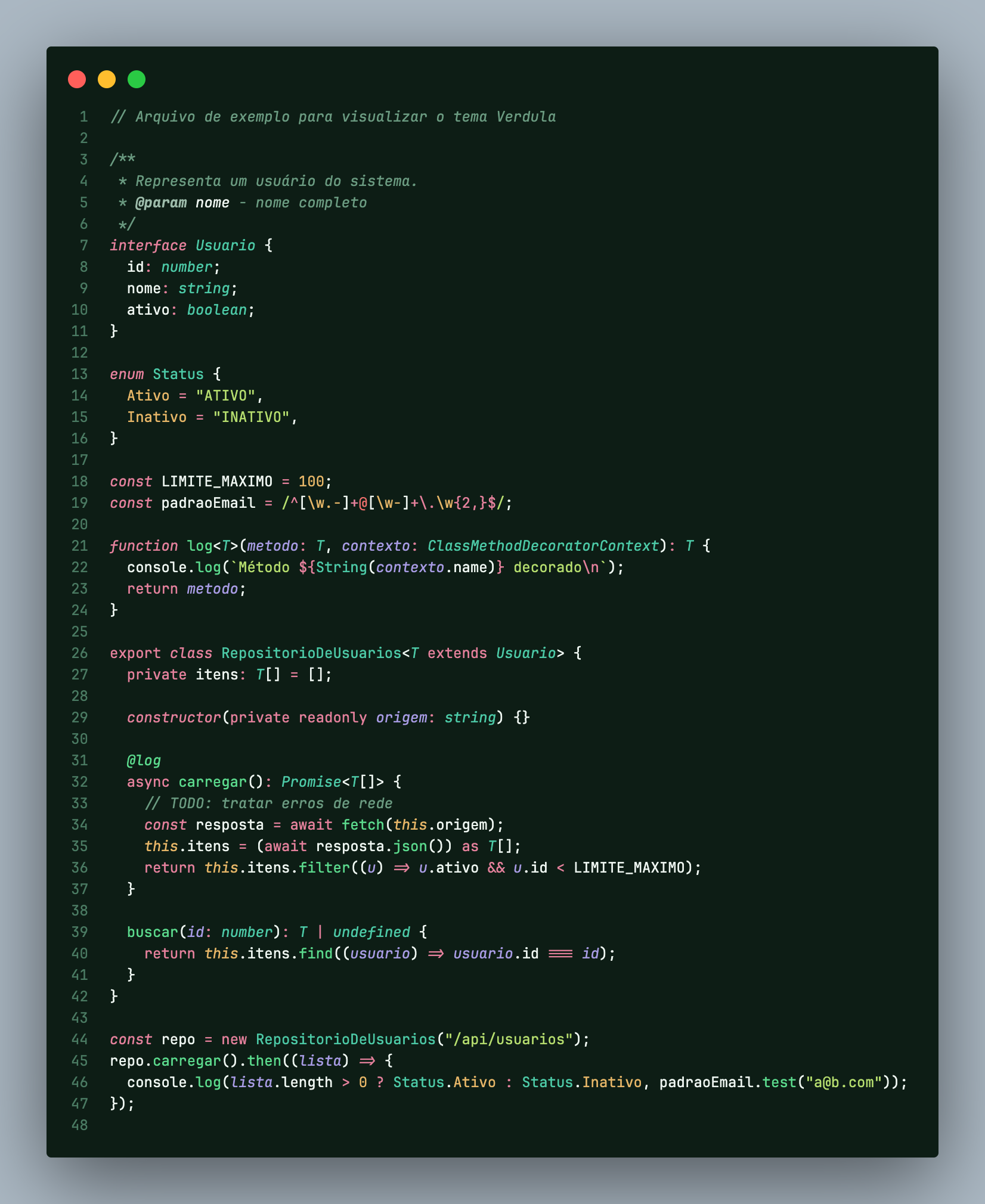
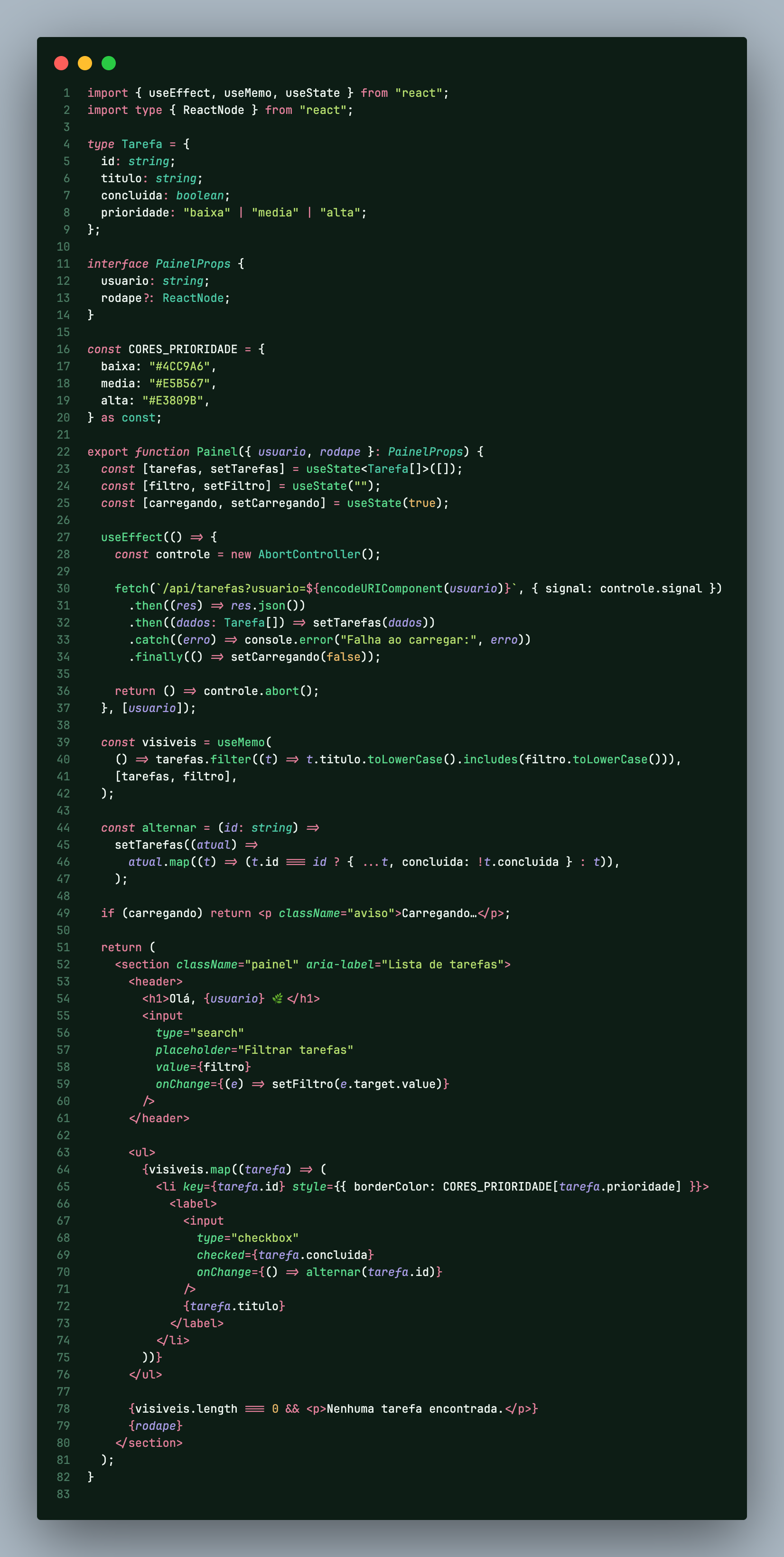
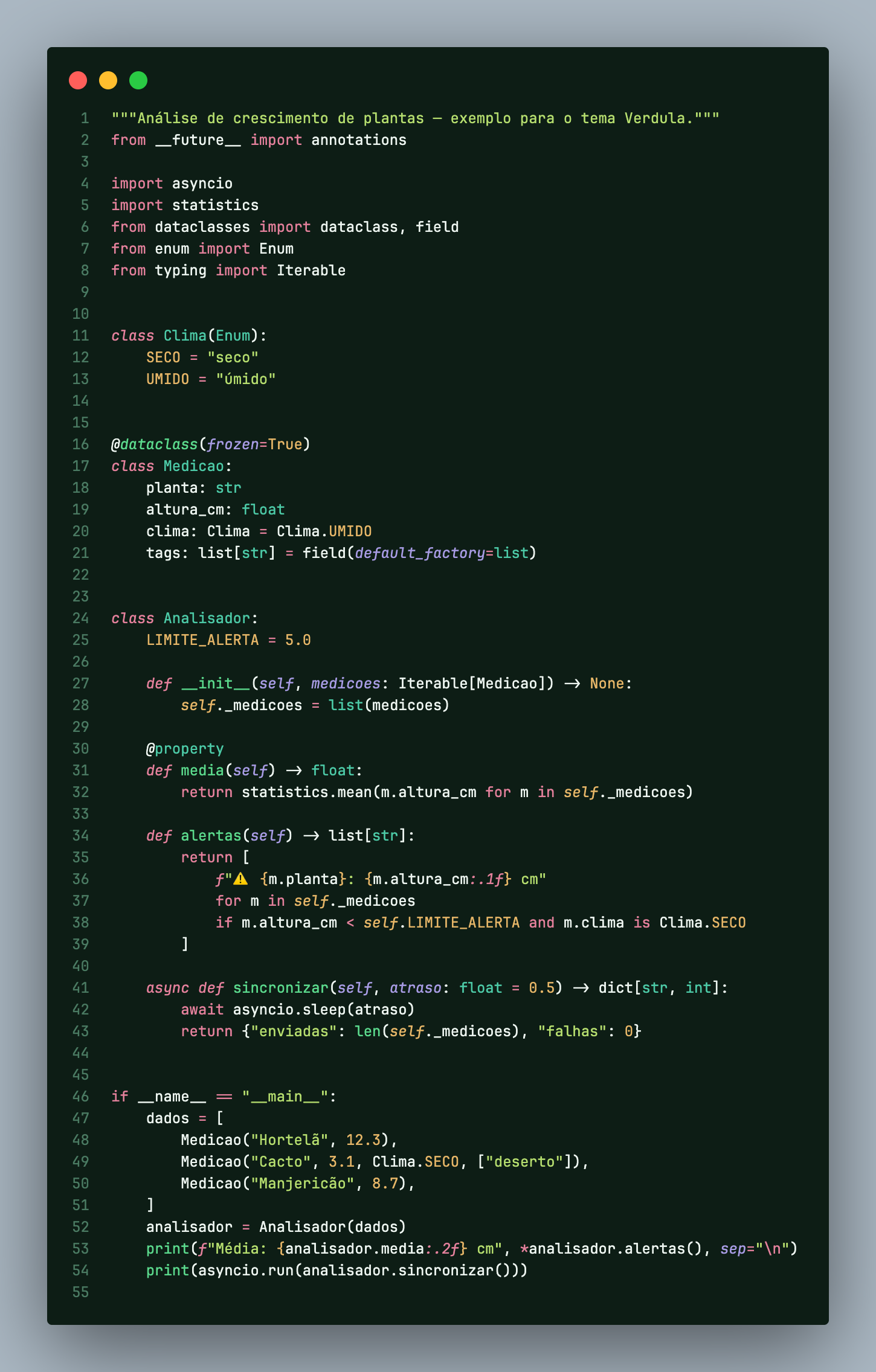
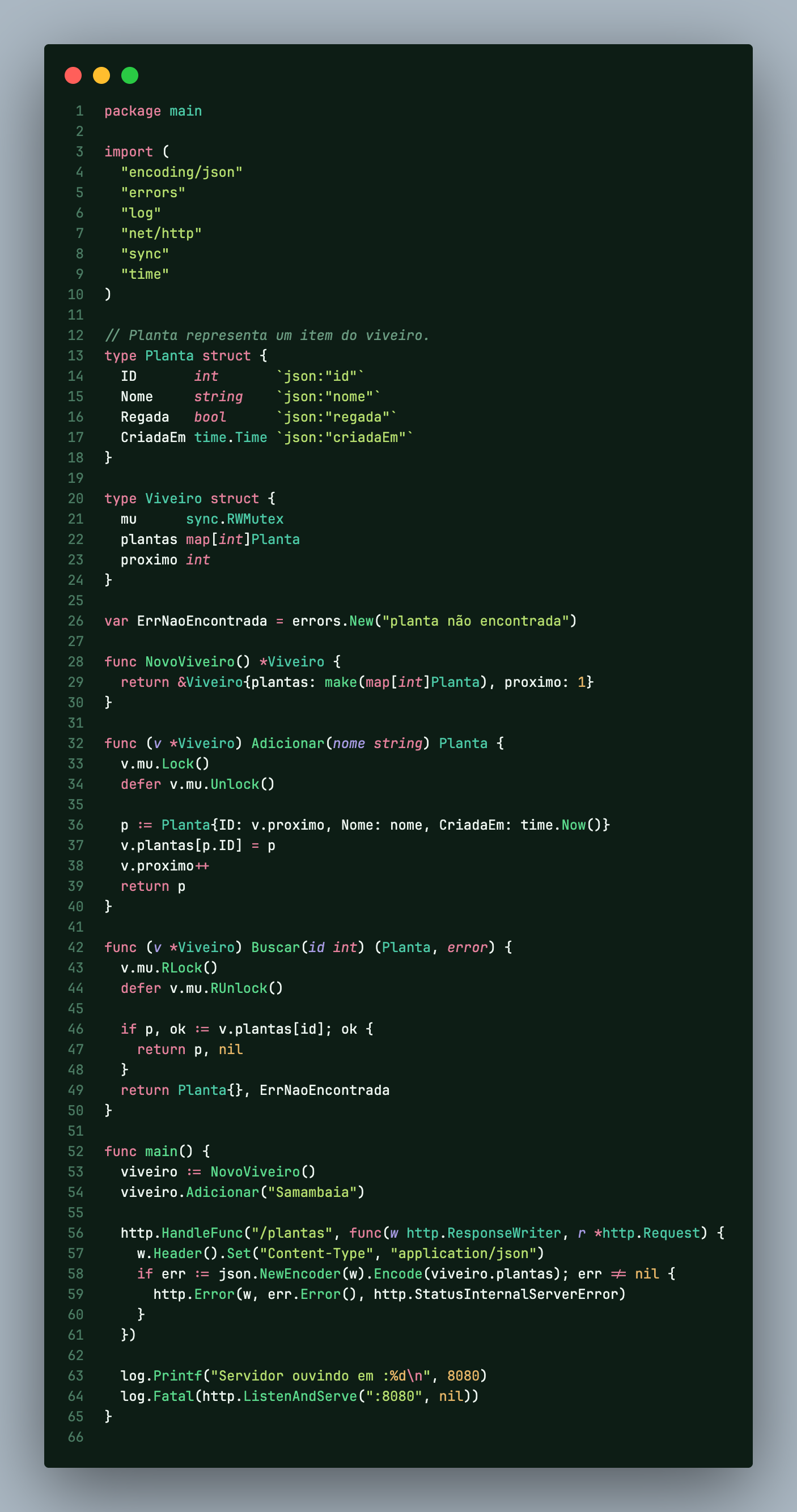
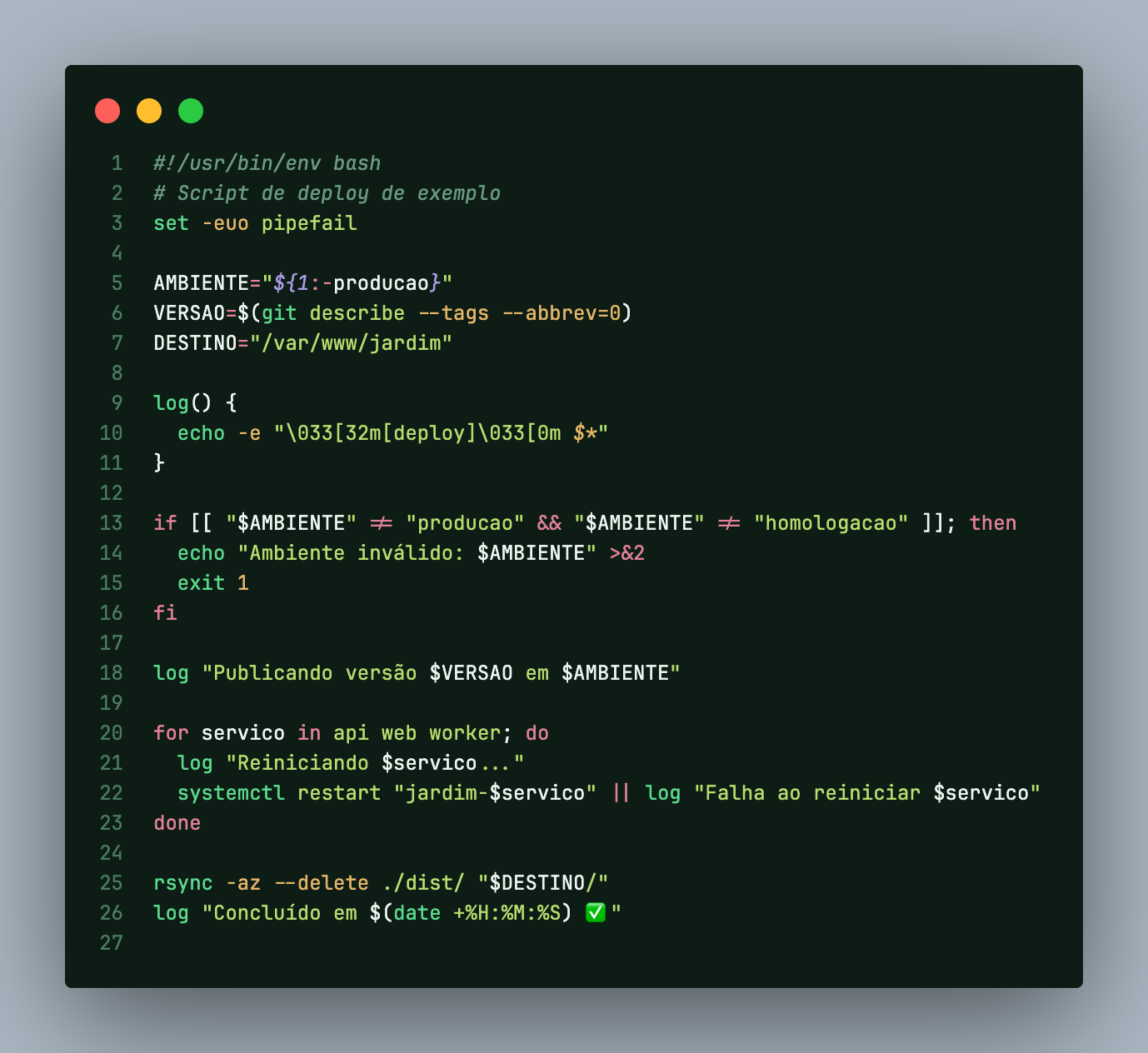
A Dracula-inspired dark theme for VS Code, reimagined in deep forest greens.
Um tema escuro para o VS Code inspirado no Dracula, reinventado em tons de verde-floresta.
English · Português
 |
 |
| React |
Python |
 |
 |
| Go |
Rust |
 |
 |
| Java |
PHP |
 |
 |
| SQL |
Shell |
English
About
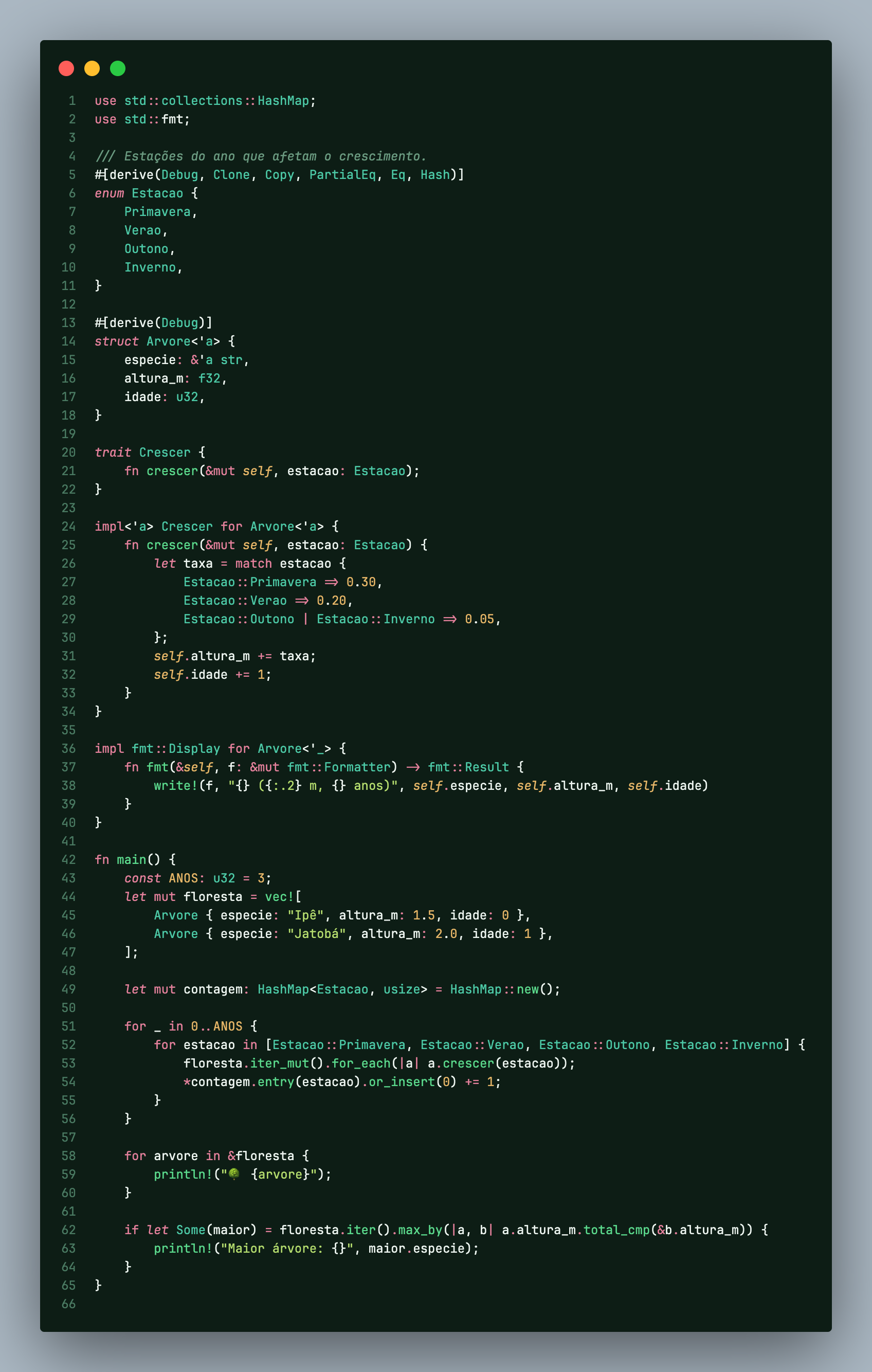
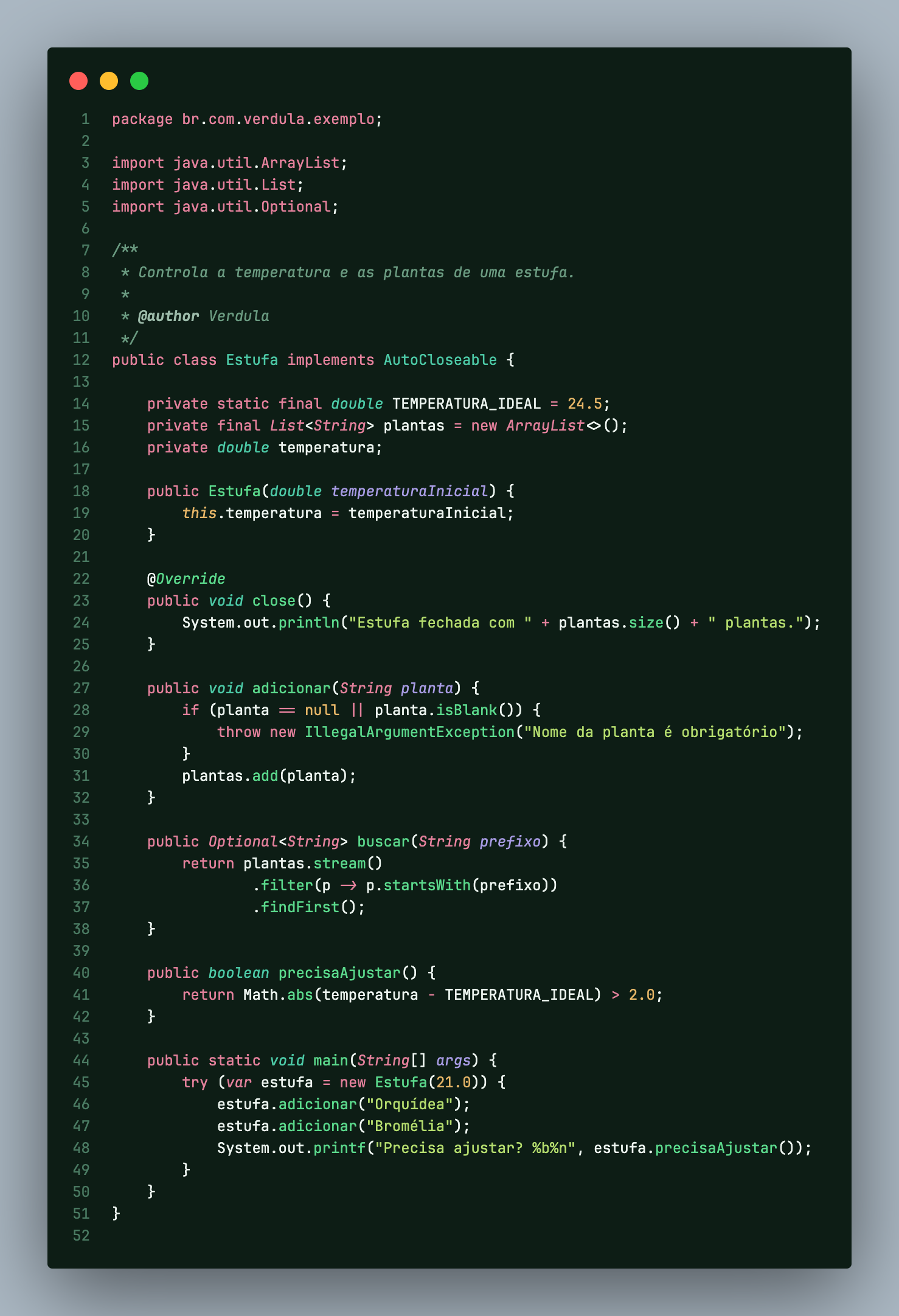
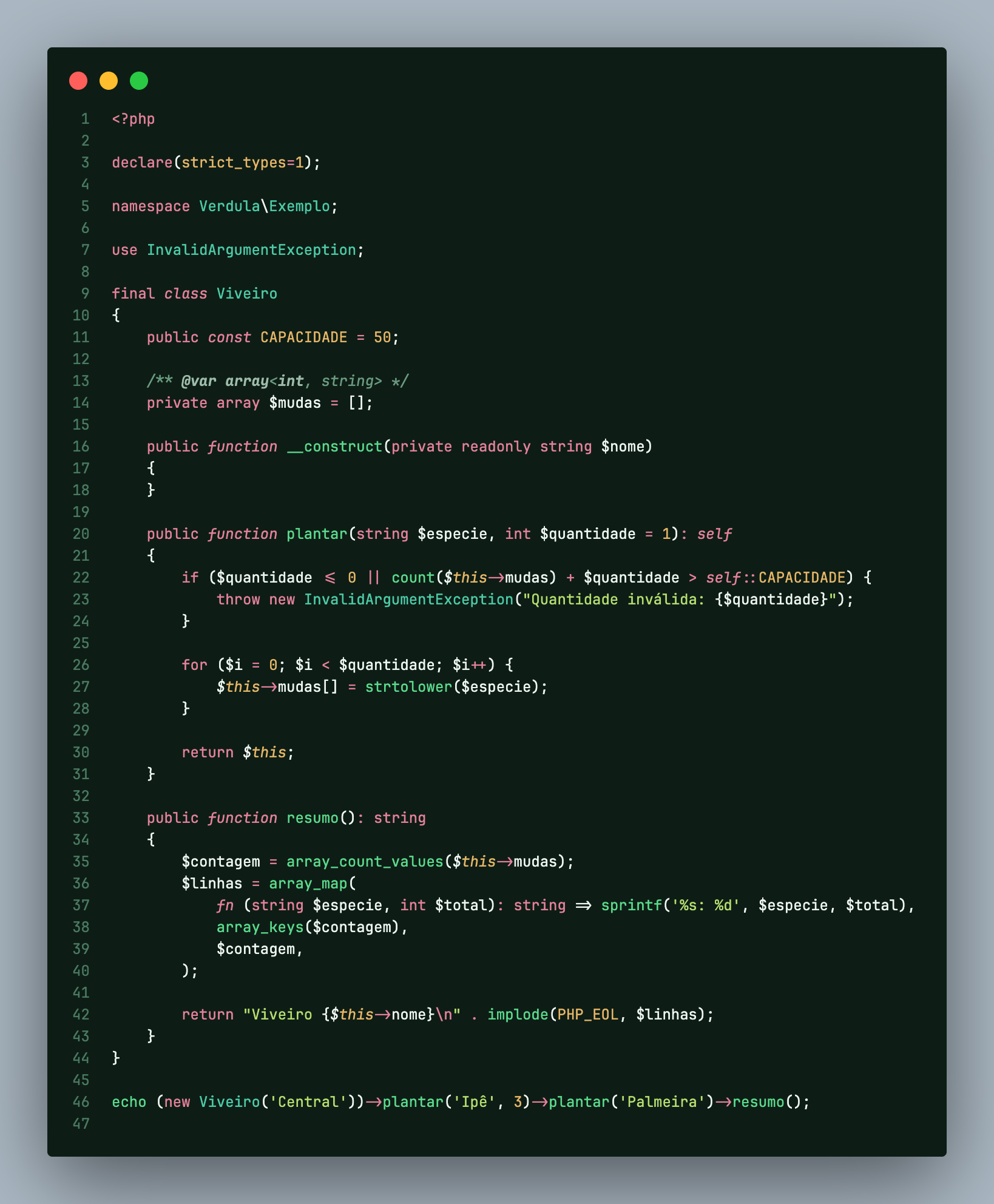
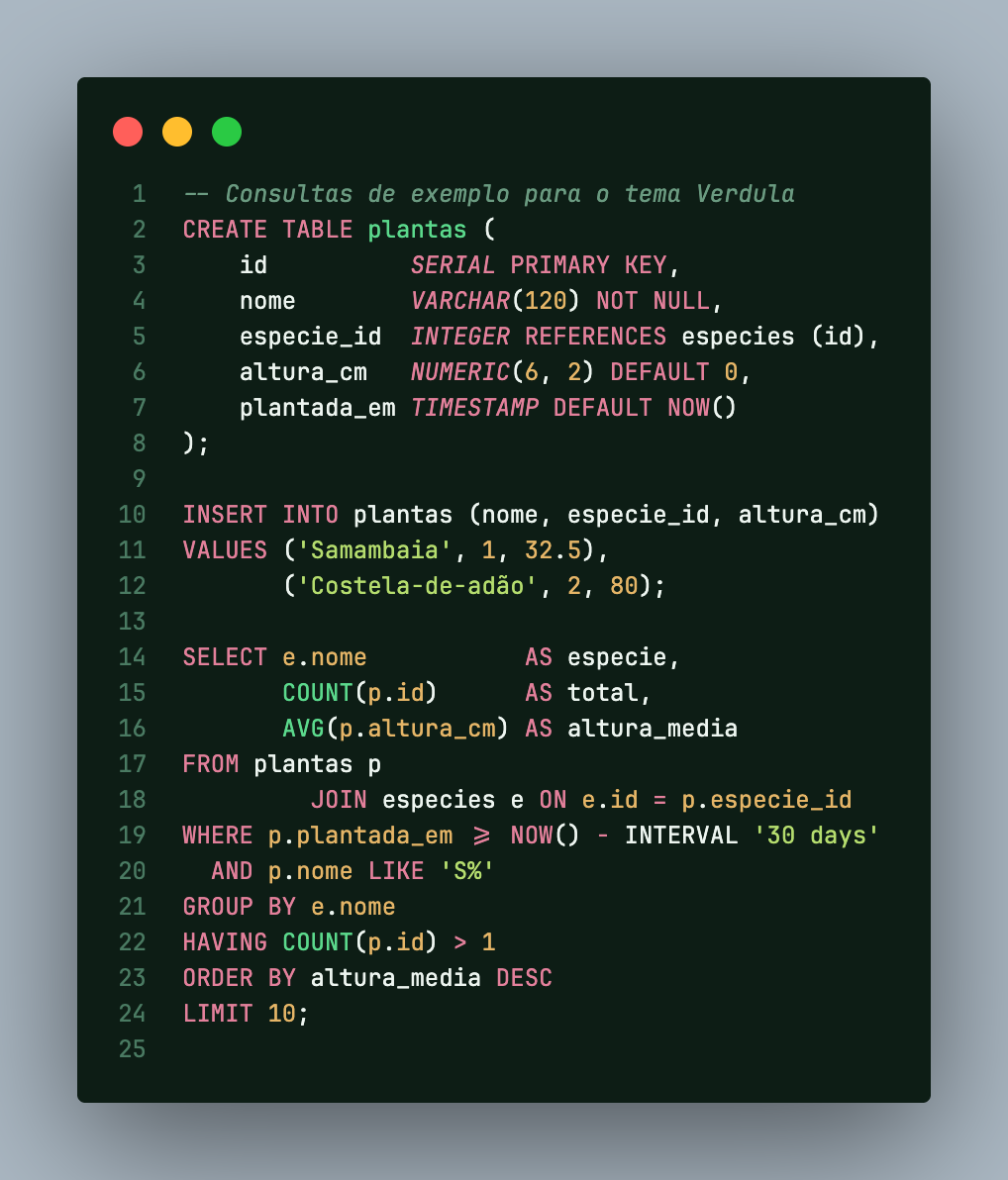
Verdula takes the vibrant, high-contrast spirit of Dracula and moves it into the forest. The background is a deep, dark green and the interface text is clean white. The code uses its own palette:
- Three shades of green (emerald, jade and lime) for functions, types and strings.
- Soft rose, amber and lavender accents, so the code never turns into a single shade of green.
Every syntax color has a contrast ratio above 5:1 against the editor background, so it stays comfortable during long coding sessions.
Installation
- Open VS Code and go to Extensions (
Cmd+Shift+X on macOS, Ctrl+Shift+X on Windows/Linux).
- Search for Verdula and click Install.
- Open the Command Palette, run Preferences: Color Theme and choose Verdula.
Palette
| Role |
Color |
Used for |
| Editor background |
#0D1D15 |
code area |
| Sidebar / panel background |
#0A1711 |
explorer, terminal, widgets |
| Darkest background |
#06100B |
title bar, activity bar, status bar |
| Current line |
#143024 |
cursor line highlight |
| Selection |
#245038 |
selected text |
| Foreground |
#EDF5F0 |
interface text, folders and files |
| Comments |
#6A9A80 |
comments (moss green) |
| Emerald |
#5BD98C |
functions, cursor, UI highlights |
| Jade |
#4CC9A6 |
classes and types |
| Lime |
#B5DD6E |
strings |
| Soft rose |
#E3809B |
keywords, HTML tags |
| Amber |
#E5B567 |
numbers and constants |
| Lavender |
#A79BE3 |
parameters |
| Terracotta |
#E8925F |
warnings |
| Coral |
#EF6F6C |
errors, regex |
Feedback
Found a color that could be better? Open an issue.
License
MIT
Português
Sobre
O Verdula leva o espírito vibrante e de alto contraste do Dracula para a floresta. O fundo é verde bem escuro e o texto da interface é branco. O código usa uma paleta própria:
- Três tons de verde (esmeralda, jade e lima) para funções, tipos e strings.
- Destaques em rosa-antigo, âmbar e lavanda, para o código nunca virar um tom só de verde.
Todas as cores do código têm contraste acima de 5:1 em relação ao fundo do editor, o que deixa a leitura confortável em longas sessões de programação.
Instalação
- Abra o VS Code e vá em Extensions (
Cmd+Shift+X no macOS, Ctrl+Shift+X no Windows/Linux).
- Pesquise por Verdula e clique em Install.
- Abra a paleta de comandos, rode Preferences: Color Theme e escolha Verdula.
Paleta
| Papel |
Cor |
Uso |
| Fundo do editor |
#0D1D15 |
área de código |
| Fundo da lateral/painel |
#0A1711 |
explorer, terminal, widgets |
| Fundo mais escuro |
#06100B |
barra de título, barra de atividades, status |
| Linha atual |
#143024 |
destaque da linha do cursor |
| Seleção |
#245038 |
texto selecionado |
| Texto |
#EDF5F0 |
texto da interface, pastas e arquivos |
| Comentários |
#6A9A80 |
comentários (verde-musgo) |
| Esmeralda |
#5BD98C |
funções, cursor, destaques da interface |
| Jade |
#4CC9A6 |
classes e tipos |
| Lima |
#B5DD6E |
strings |
| Rosa-antigo |
#E3809B |
palavras-chave, tags HTML |
| Âmbar |
#E5B567 |
números e constantes |
| Lavanda |
#A79BE3 |
parâmetros |
| Laranja-terra |
#E8925F |
avisos |
| Coral |
#EF6F6C |
erros, regex |
Sugestões
Achou alguma cor que poderia ficar melhor? Abra uma issue.
Licença
MIT
| |

