Don't Git Lost
Step through any file's history without leaving the editor.
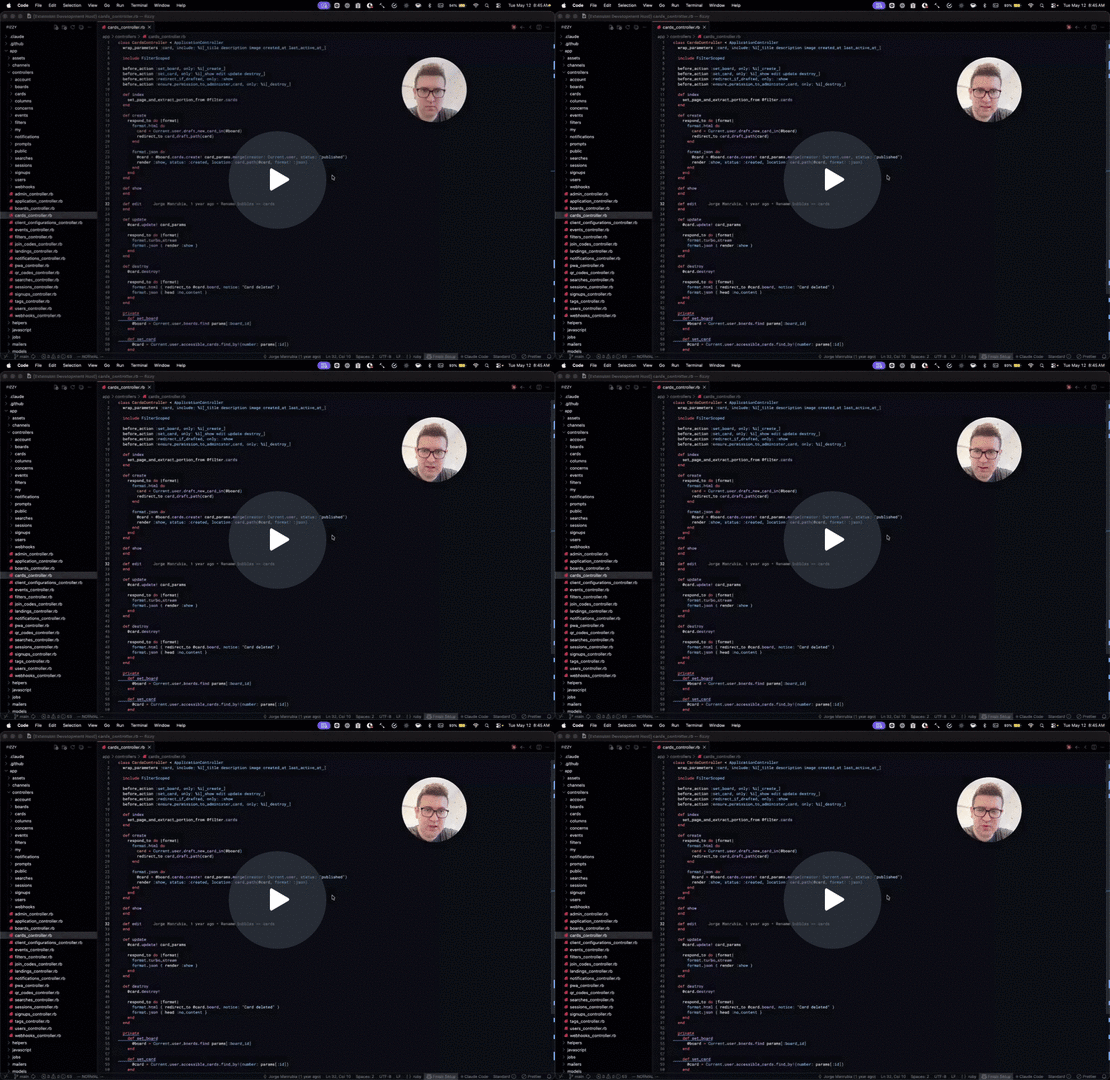
A focused, lightweight git-history tool for VS Code. Three small features that answer the question: what happened to this file before now?
What it does
- Walk through commits that touched the file you're looking at — without ever opening the terminal
- See who wrote each line with a subdued blame annotation that follows your cursor
- Get the full story on hover — author photo, full commit message, links to the commit and PR
- Review what changed in any past commit with a real green/red diff view
Features
Time-travel through your file's history
Five buttons in the editor toolbar let you step through every commit that touched the active file:
- ← previous version, with green/red gutter overlay showing what that commit changed
- ◁ previous version in a side-by-side diff editor
- ▷ next version in a diff editor
- → next version with gutter overlay
- ⌂ return to the current working copy
Each navigation updates the same tab in place — no tab pile-up. The status bar shows which commit you're viewing.


Inline blame for the current line
The line where your cursor sits is annotated at the end of the line:
Jane Doe, 11 years ago • First working version of cleaned-up production logs.
- Updates as you move the cursor (debounced)
- Hides on uncommitted lines
- Format is fully configurable

Rich commit hover card
Hover the blame annotation to reveal a card with:
- Author photo (from GitHub, GitLab, or Bitbucket)
- Full multi-line commit message
- Short SHA, absolute date, and relative time
- Copy SHA to clipboard
- Open commit in your browser
- Open PR that introduced the change (when available)
Works out of the box with public repos. For private repos, sign in once via VS Code's GitHub account or paste a GitLab/Bitbucket token in settings.

Using in Cursor
Cursor's editor toolbar is more compact than VS Code's, so the navigation buttons may be hidden inside the ... overflow menu by default. To pin them as visible icons:
- Click the
... button at the right edge of any editor's title bar
- Click Configure Editor Title Menu Icons (or similar wording)
- Toggle each Don't Git Lost entry to show it as an icon
You only need to do this once — the setting persists across files.
Settings
| Setting |
Default |
What it does |
dontgitlost.blame.enabled |
true |
Show the inline blame annotation |
dontgitlost.blame.format |
${author}, ${ago} • ${message} |
Annotation template (${author}, ${ago}, ${date}, ${sha}, ${message}, ${pr}) |
dontgitlost.blame.messageMaxLength |
80 |
Max characters of the commit message shown inline |
dontgitlost.timeTravel.enabled |
true |
Show back/forward toolbar buttons |
dontgitlost.host.gitlabToken |
"" |
GitLab personal access token (scope: read_api) |
dontgitlost.host.bitbucketToken |
"" |
Bitbucket app password (username:apppassword) |
dontgitlost.host.selfHosted |
{} |
Map of self-hosted hosts (GitHub Enterprise, self-hosted GitLab, etc.) |
Free to use — powered by your reviews
Don't Git Lost is free. It's MIT-licensed, fully functional out of the box, with no feature gating, no license keys, and nothing to buy — now or later.
There is one thing that genuinely helps: a review. Marketplace ratings are how small extensions get discovered, and they cost you nothing but a minute.
You can also run Don't Git Lost: Leave a Review from the command palette at any time.
After 14 days of use a single, non-modal notification asks for a review. It shows up at most a few times, and rating or dismissing it stops it for good. If the extension isn't useful to you, dismiss it and keep using it for free — nothing changes either way.
Support
Found a bug, have a feature idea, or just want to say hi? Reach out at:
lucasprag.projects [at] gmail [dot] com
(replace [at] with @ and [dot] with .)
License
MIT.