Litos for VS Code
Your open-source AI coding agent inside VS Code.
Litos understands your codebase, edits files, runs commands, fixes errors, and completes
multi-step development tasks without making you leave your editor.
No Docker, database, or Litos account required.
What Litos can do
- Understand and work across your open workspace
- Read, create, and modify files
- Run builds, tests, scripts, and shell commands
- Work through multi-step development tasks
- Use Claude, GPT, Gemini, OpenRouter, or local models
- Connect to user-registered MCP servers
- Attach files and paste images into a session
- Maintain multiple independent chat sessions
- Resume sessions across Litos clients
- Reflect session learnings into
AGENTS.md through a reviewable diff
Cloud or local models
Use cloud models from Anthropic, OpenAI, Gemini, and OpenRouter — or connect Litos to local
models running through Ollama, LM Studio, and compatible endpoints.
Getting started
Onboarding has three steps, in order. Litos will not respond to a request until all three are done.
- Install and open. Install Litos from the Visual Studio Marketplace, then open the Litos icon in the VS Code activity bar.
- Set an API key or local endpoint. If no provider is configured yet, the
/keys popup opens automatically the first time you open the panel. Add an API key for a cloud provider (Anthropic, OpenAI, Gemini, or OpenRouter), or a local server URL for a local model (e.g. http://localhost:1234/v1 for LM Studio — most local servers don't need a key). You can also open this popup yourself at any time by running /keys. This is stored once and shared with any other Litos client on your machine (CLI, desktop app).
- Choose a provider and model. Run
/provider to select the cloud provider or local endpoint you just configured, then /model to pick a model from it. Onboarding is complete only once both are set — until then, /provider and /model are the only two commands you need.
Once all three steps are done, open a project and describe the change you want.
No Docker, database, or Litos account is required for the VS Code extension.
Slash commands
Type / in the chat box to see the full list. These match the commands in the Litos desktop app,
so a session works the same way in either client.
| Command |
What it does |
/keys |
Add or update your API key for a model provider |
/provider |
Switch chat provider (Anthropic, OpenAI, Gemini, OpenRouter, or a local endpoint) |
/model |
Switch model within the current provider |
/new |
Start a new session |
/resume |
Resume a previous session |
/skills |
List available skills |
/skill |
Load a skill by name |
/attach |
Attach a file |
/branch |
Branch a new session from an earlier message |
/compact |
Compact the conversation now to free up context |
/reflect |
Distill this session into AGENTS.md, opened in a reviewable diff |
/mcp |
Manage MCP servers |
MCP support
Connect, manage, and use Model Context Protocol servers from a dedicated panel. Litos's
built-in coding tools are fixed, minimal, and auto-approved; MCP servers you register are the
integrations you choose to enable or disable.
Sessions are shared across Litos clients
Litos stores your conversation history locally under ~/.litos/sessions, the same place used
by the Litos CLI and desktop app. A session started in one client can be resumed from another.
Supported operating systems
First-class support: Windows and macOS, including Intel and Apple Silicon Macs. Linux
support is planned but is not currently available.
Local by design
The bundled Litos process listens only on 127.0.0.1. It is not exposed to other computers on
your network. Your prompts and relevant code are sent only to the model provider or local
endpoint you configure.
Sessions are stored locally under ~/.litos/sessions.
Pricing
Litos is free and open source. Bring your own provider API key, or use a compatible model
running locally on your machine. Cloud-provider usage charges may apply.
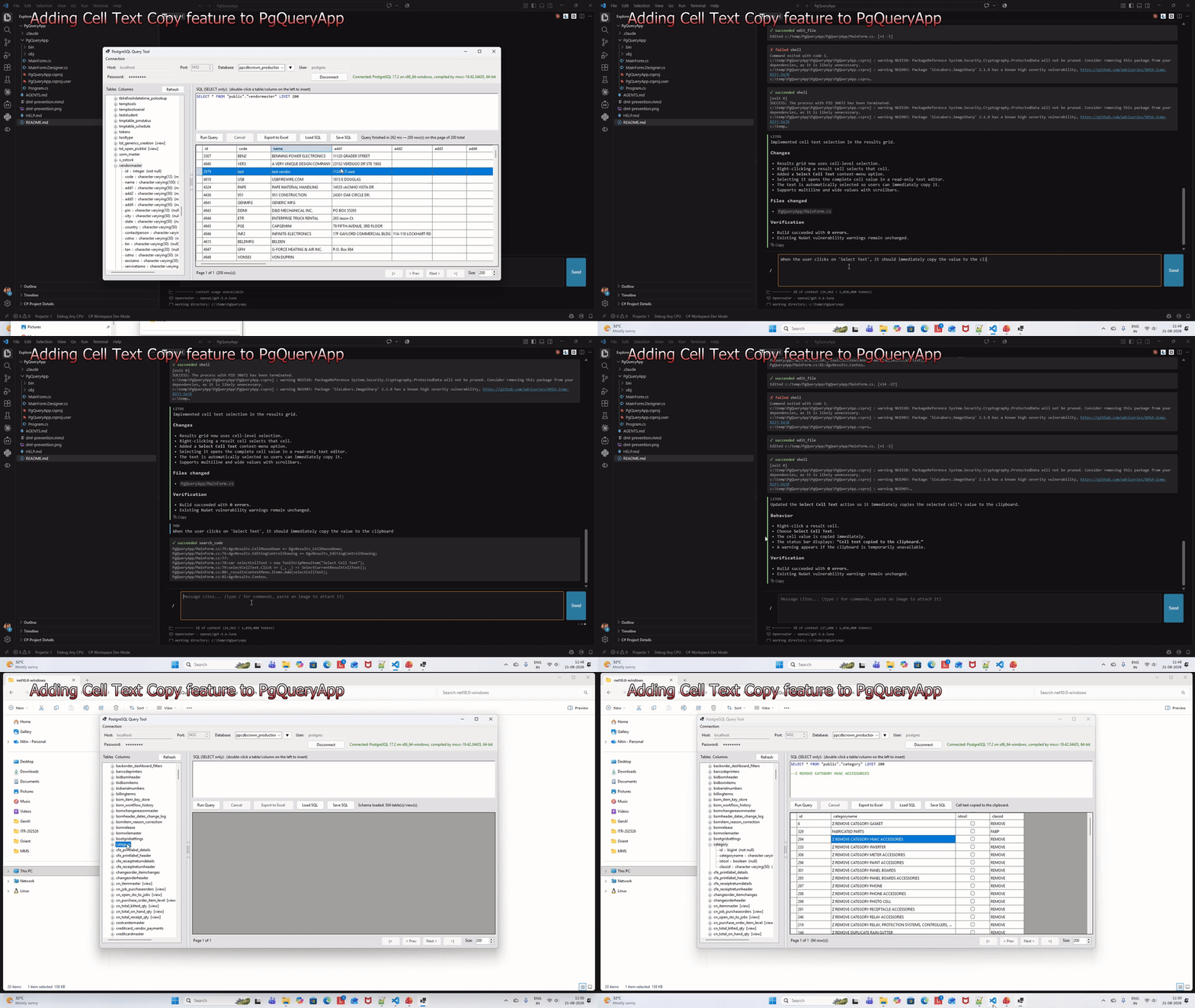
See Litos in action
Feedback
Found a bug or have a feature request? Open an issue on the
project repository.
License
Free and open source under the Apache 2.0 license. See
LICENSE.txt.

