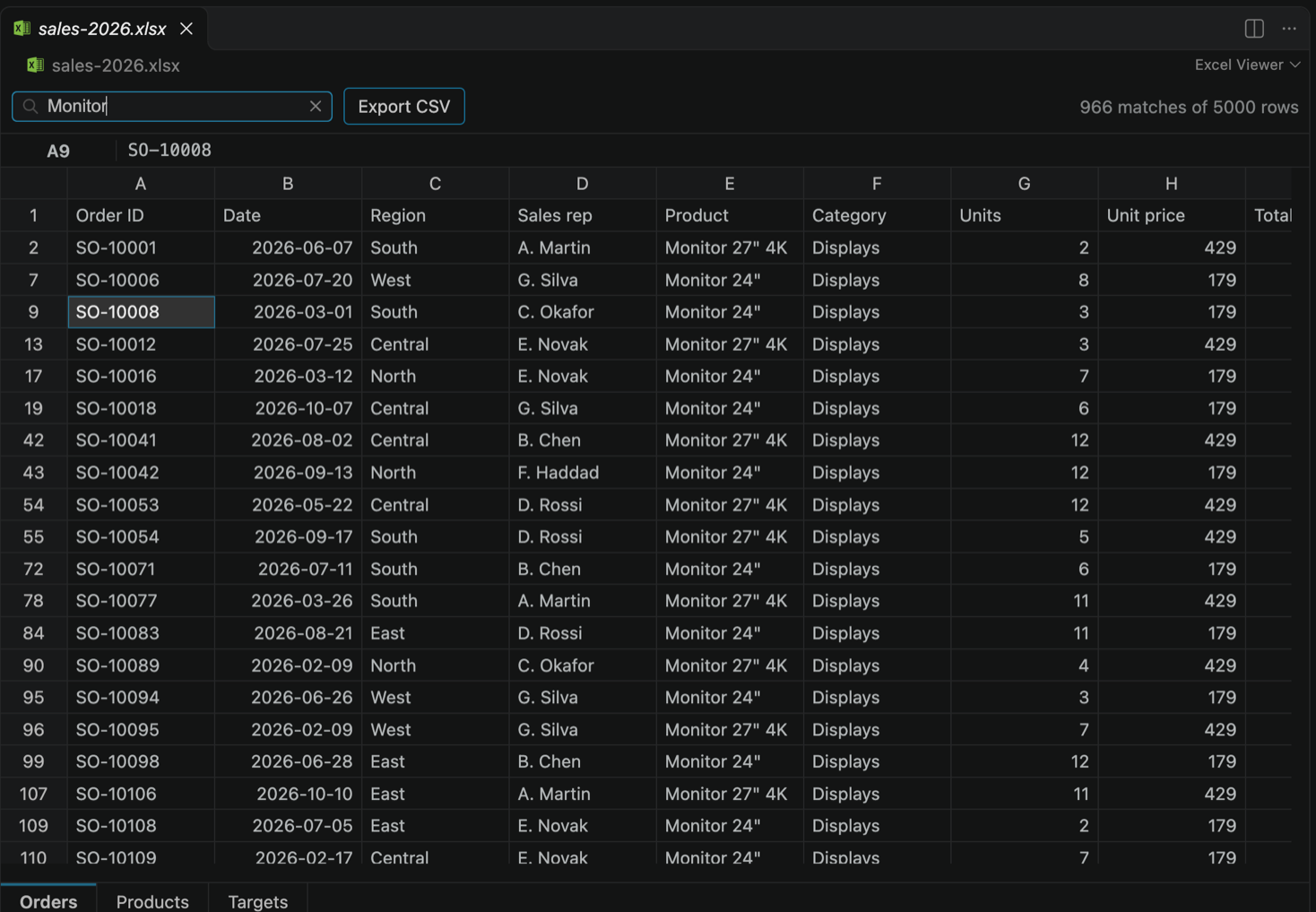
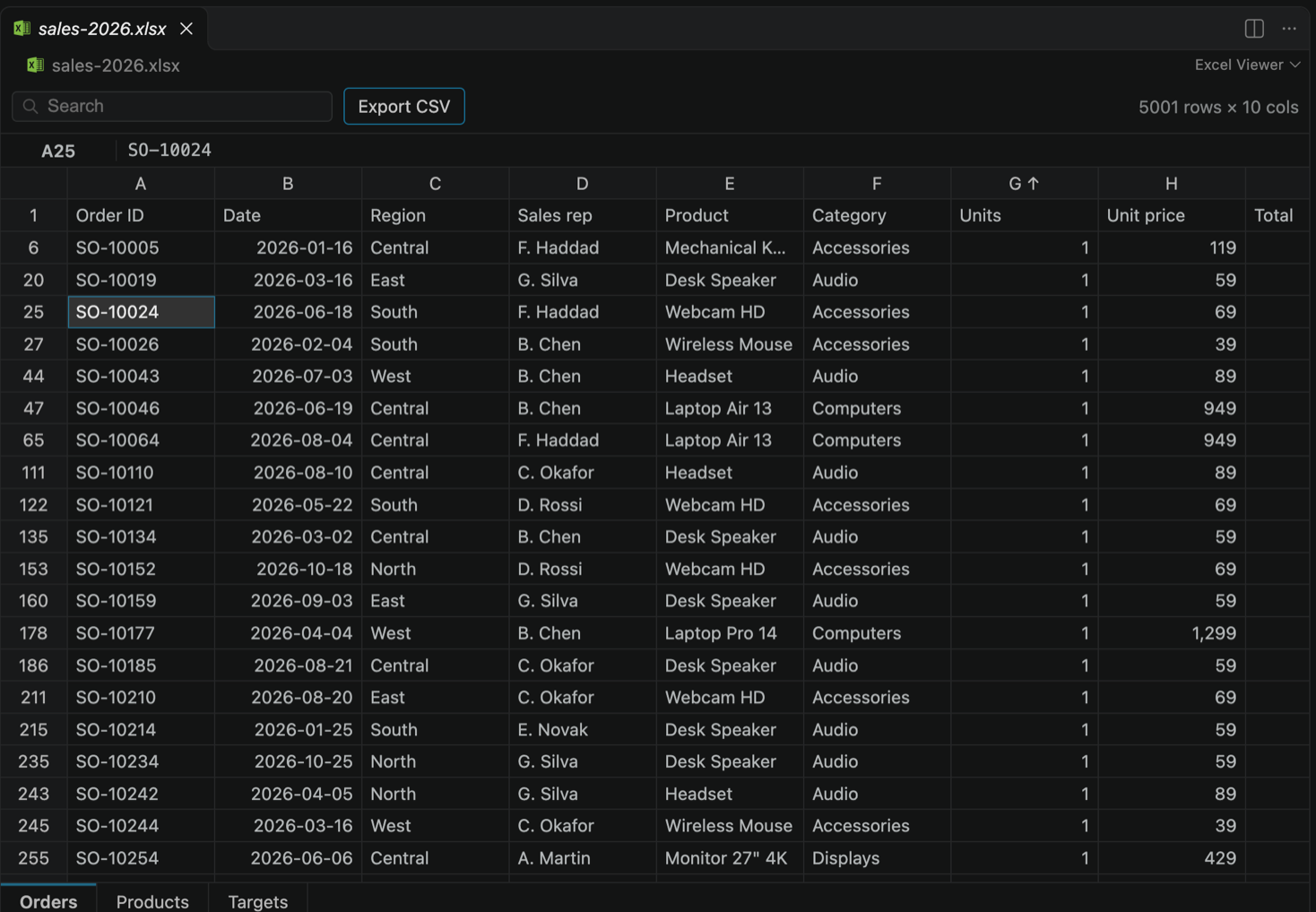
Excel Viewer - XLSX, XLS, ODS & CSV Spreadsheet ViewerOpen Excel spreadsheets (.xlsx, .xls, .xlsm, .xlsb), OpenDocument (.ods) and CSV files as a fast, searchable grid inside VS Code. Installation Launch VS Code Quick Open ( Ctrl+P), paste the following command, and press enter.Copied to clipboard |

Excel Viewer for VS Code: XLSX, XLS, ODS & CSV Spreadsheet ViewerOpen Excel spreadsheets right inside VS Code. Click an 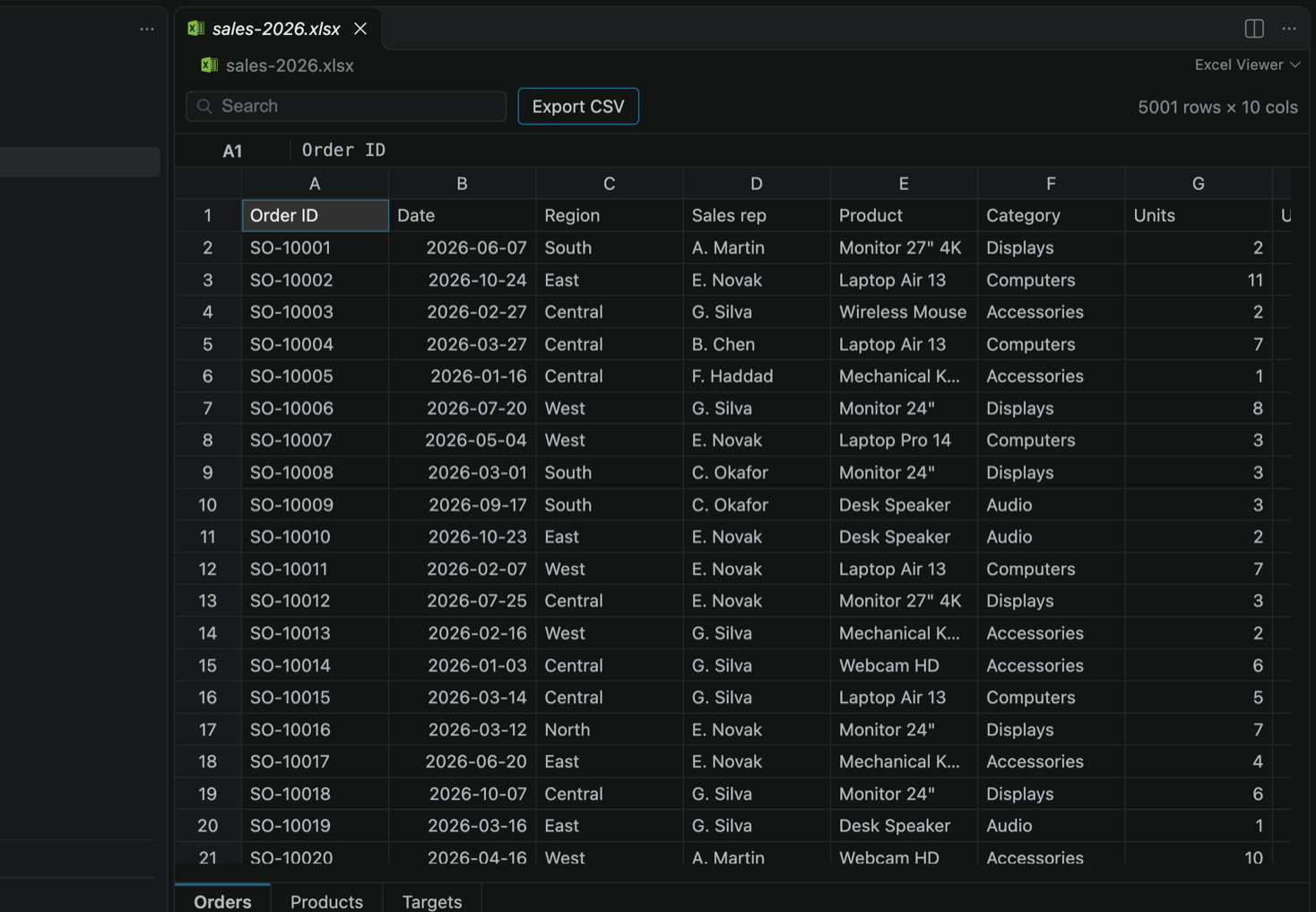
Works with Excel workbooks (
What you can do
Quick start
For a CSV or TSV file, right-click it and choose Excel Viewer: Open as Spreadsheet. Supported files
Files up to 50 MB. Password-protected workbooks are not supported. FAQCan I edit a spreadsheet? Not yet. Excel Viewer is a viewer. If you try to edit a cell, it asks whether editing would be useful to you. Is my file sent anywhere? No. Your spreadsheet is opened on your computer and never leaves it. Why does my CSV open as text? CSV files keep the normal text editor by default. Right-click the file and choose Excel Viewer: Open as Spreadsheet, or use Open With... to make Excel Viewer the default. Are formulas recalculated? No. You see the values saved in the file. PrivacyExcel Viewer never sends file names, paths or cell contents. It sends anonymous usage statistics (for example: a file was opened, the search was used, the answer to the editing question) to LegalMicrosoft and Excel are trademarks of the Microsoft group of companies. LibreOffice is a trademark of The Document Foundation. Excel Viewer is an independent product. It is not affiliated with, endorsed by or sponsored by Microsoft or The Document Foundation. |