Overview Version History Q & A Rating & Review
React Explorer
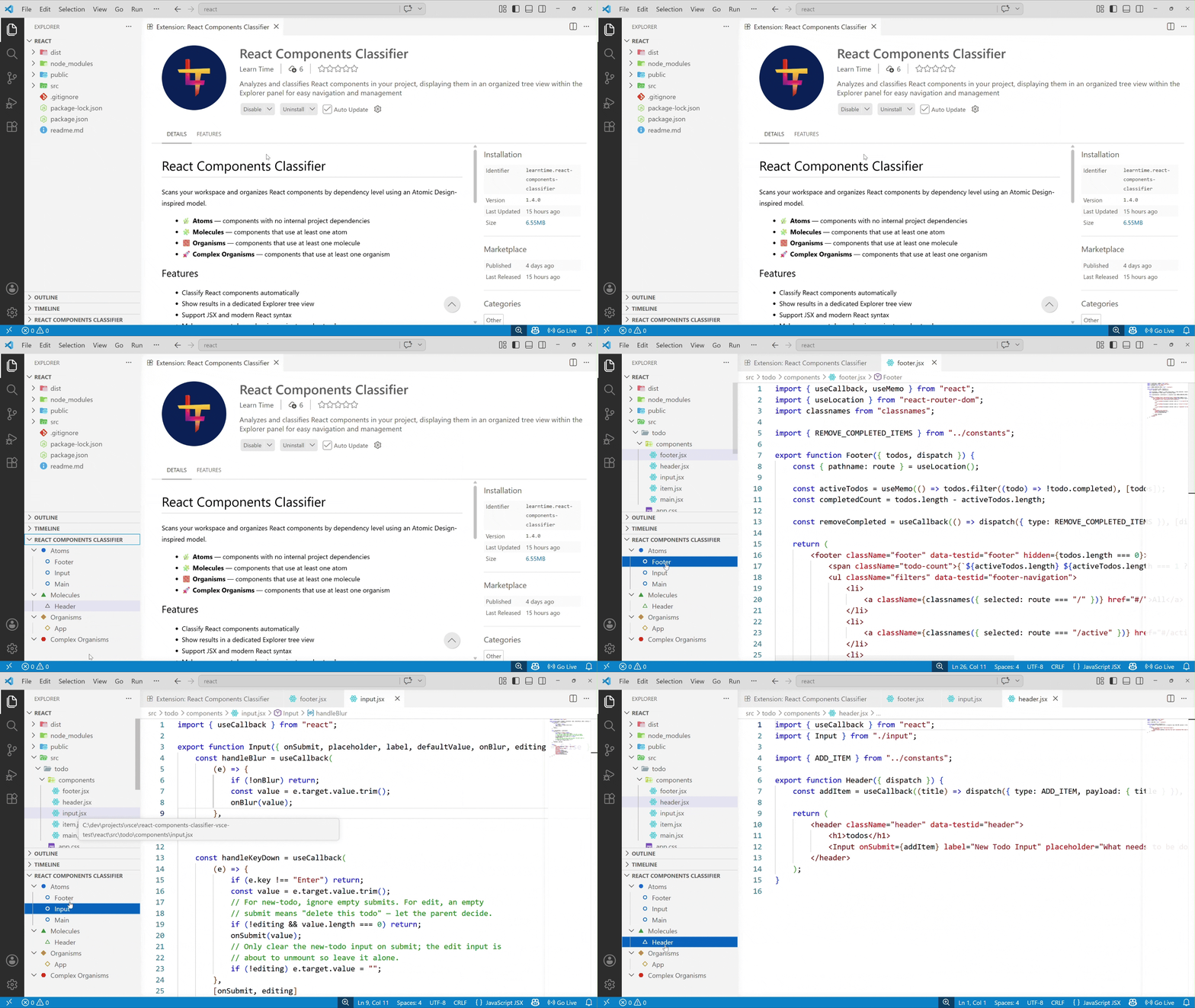
Scans your workspace and organizes React components by dependency level using an Atomic Design-inspired model.
🌿 Atoms — components with no internal project dependencies
🧩 Molecules — components that use at least one atom
🧱 Organisms — components that use at least one molecule
🚀 Complex Organisms — components that use at least one organism
Features
Classify React components automatically
Show results in a dedicated Explorer tree view
Support JSX and modern React syntax
Make component dependencies easier to understand
Tag unused components (components not referenced by other components are marked (unused) in the tree view)- Filter components by name in the tree view
Usage
Open the Command Palette (Ctrl+Shift+P / Cmd+Shift+P).
Run React Explorer: Generate.
Open the React Explorer view in Explorer.
Use React Explorer: Filter from the Command Palette or the tree title buttons to narrow the view.
Use React Explorer: Clear filter to restore the full tree.
Expand levels and click a component to open the source file.
Demo
Feedback
If you have suggestions or encounter issues, please open an issue in the repository.
License
MIT