kyooJob queue for your machine and your agent: see what is running, what is waiting and why, read logs, cancel. Installation Launch VS Code Quick Open ( Ctrl+P), paste the following command, and press enter.Copied to clipboard |

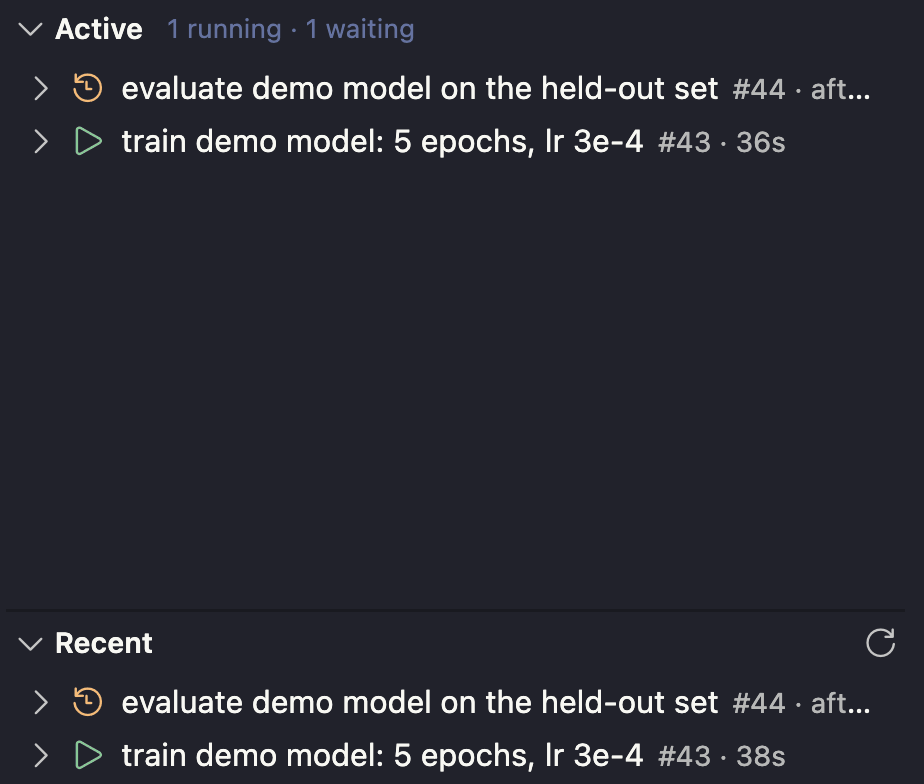
kyooA sidebar for kyoo, a local job queue for long-running and GPU-bound commands that you and your coding agent share. Jobs take named locks ( The sidebar shows what is running and what is waiting. A waiting job names the job it is waiting on. Expand a job to see when it was queued, how long it ran, its locks, what it depends on and what depends on it. Its command and log open in the editor, and active jobs can be cancelled from the list. The status bar shows the running and waiting counts.
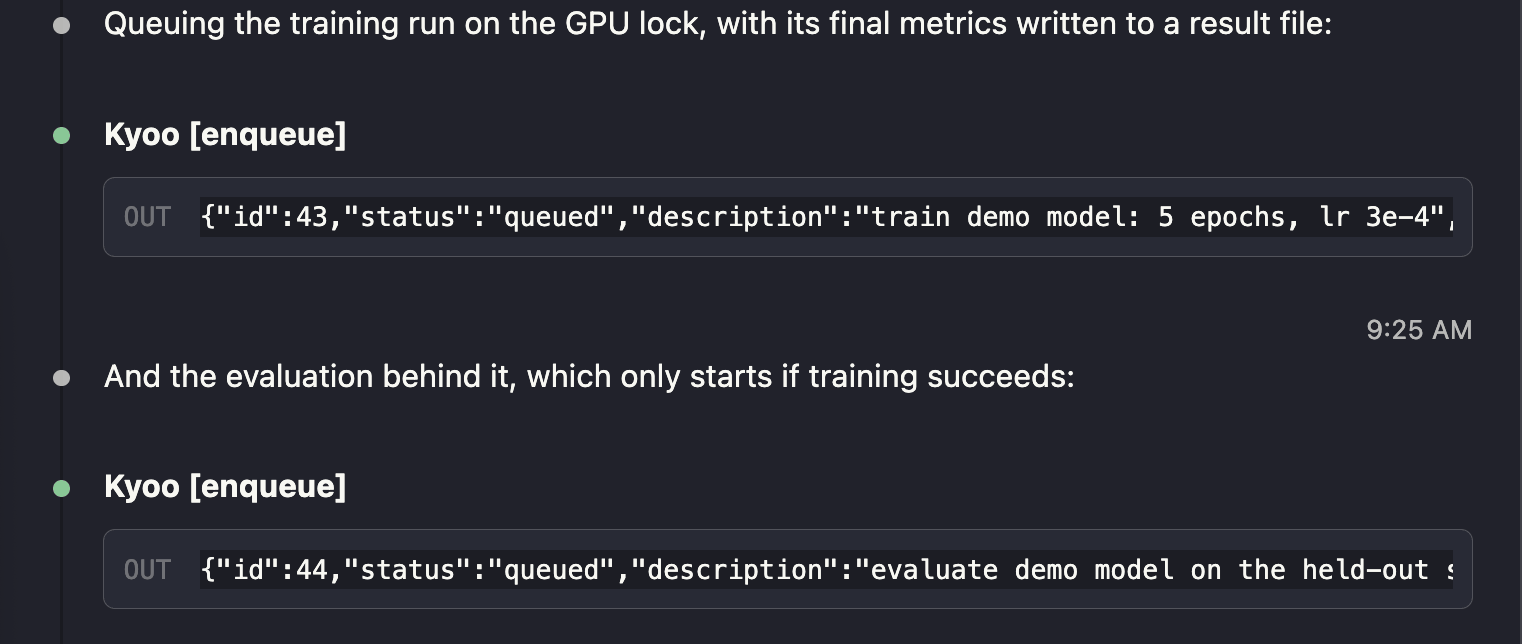
Your agent queues work through kyoo's MCP server. Here Claude Code queues a training run that holds the
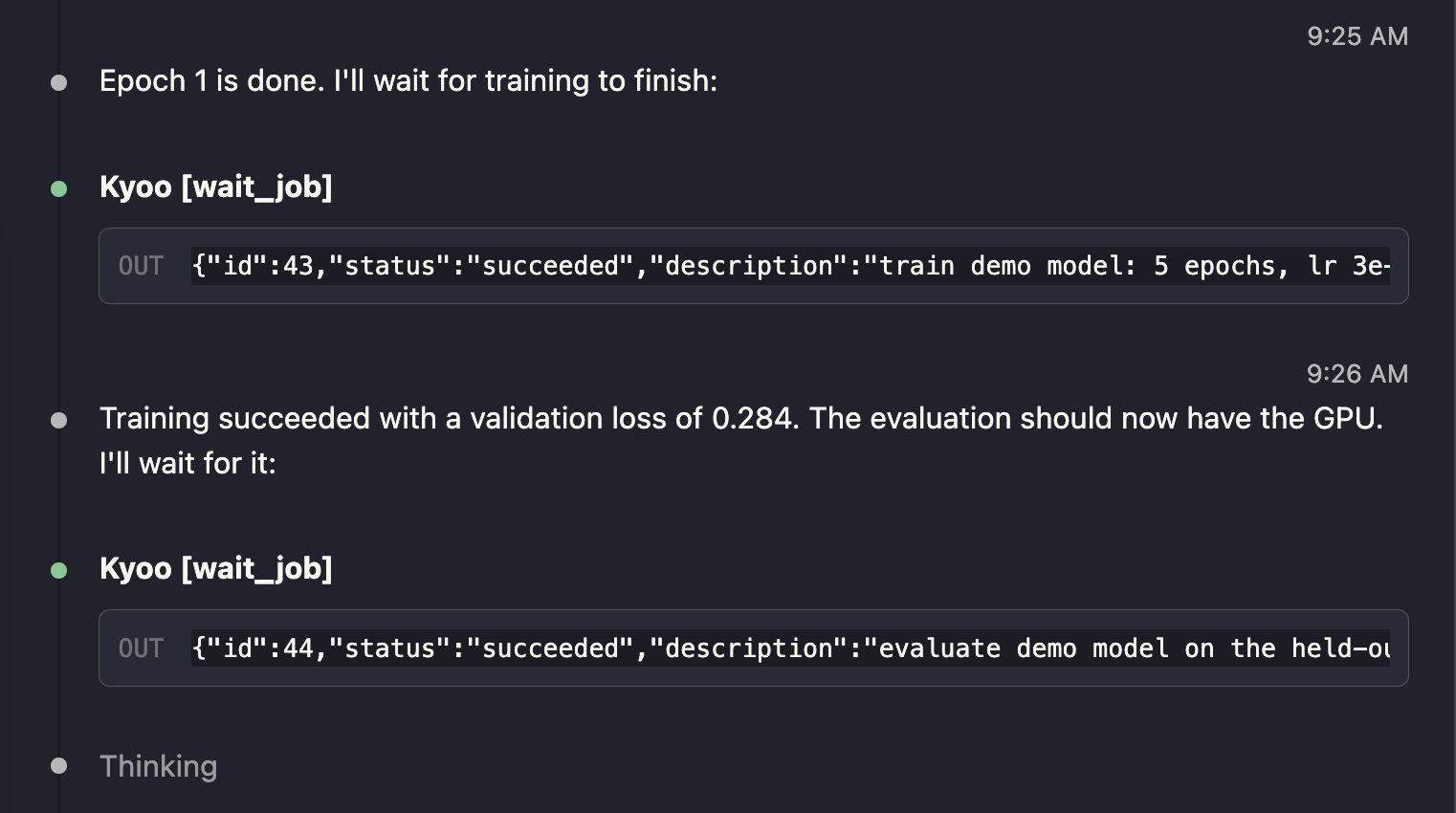
It then waits on both with
SetupOn the machine that runs the jobs: Then install this extension. The agent queues jobs through the MCP server, which starts the kyoo daemon on first use. If the daemon is not running, the sidebar offers to start it. That needs uv. Remote SSHThe extension runs on the remote host, next to the daemon. Install it while connected, and VS Code puts it on the remote side. |