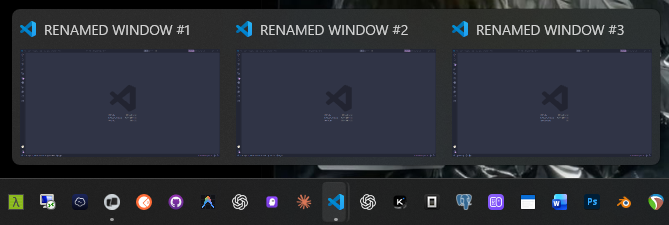
Window RenamerRename the current VS Code window from the Activity Bar. Installation Launch VS Code Quick Open ( Ctrl+P), paste the following command, and press enter.Copied to clipboard |

VS Code Window RenamerFor you multiple-project owners and window hoggers. Rename the current VS Code window without changing its color, theme, or layout. Open Window Renamer in the Activity Bar and click Rename Window. The extension opens VS Code's native input box and saves the name to the active workspace only.
The default keyboard shortcut is LimitationVS Code stores window titles with workspace settings. Open a folder or a
|