Vectra for VS Code




Vectra is a local-first coding agent that works inside VS Code. Use a downloaded GGUF model to avoid recurring API-token costs, or connect an optional cloud provider when you need one.
Features
- Local AI agent: run instruction-tuned GGUF models on your machine through llama.cpp.
- Repository awareness: list, search, and read files across the open workspace.
- Reviewed edits: inspect proposed file changes before they are applied.
- Approved execution: run files, projects, tests, or commands with confirmation.
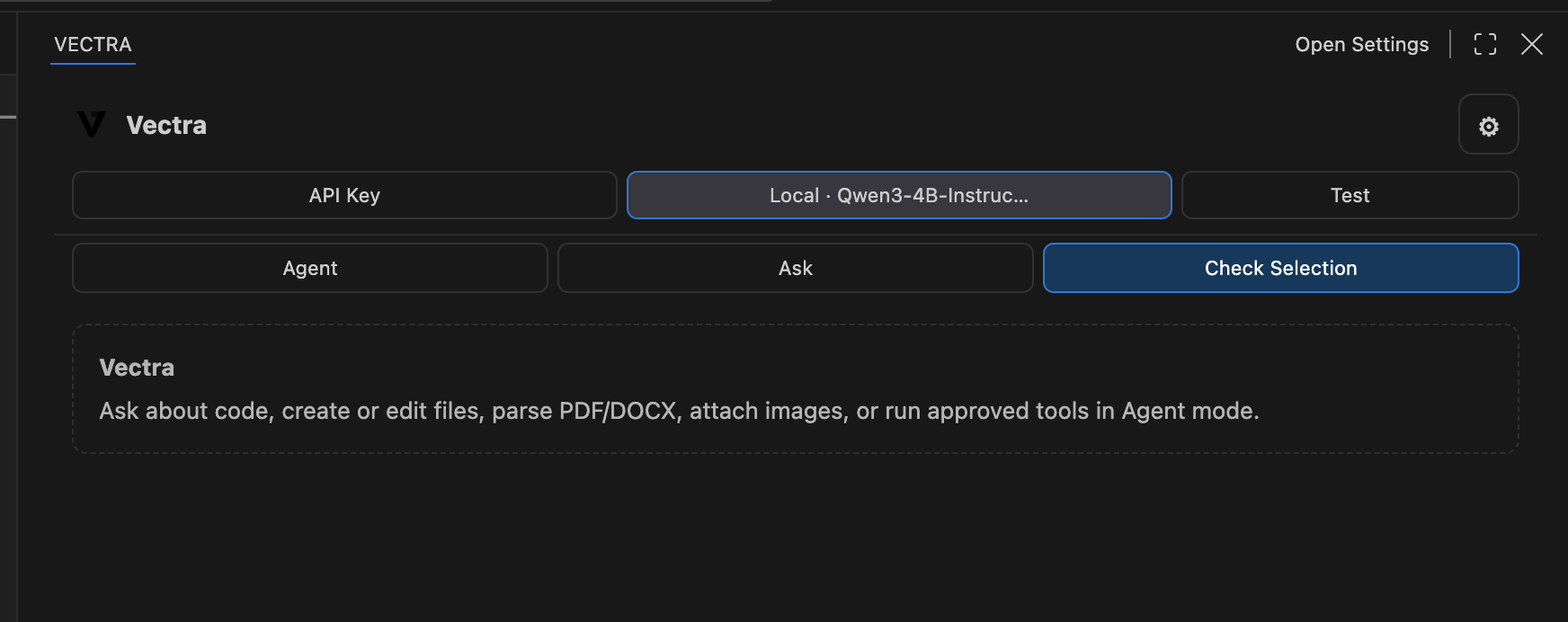
- Three workflows: use Agent, Ask, or Check Selection from the Vectra sidebar.
- Edit and resend: revise a previous prompt or restart a stopped request without copying and pasting it.
- Documents and images: work with PDF, DOCX, PPTX, XLSX, RTF, text, code, and supported visual inputs.
- Provider choice: optionally use OpenAI, Anthropic, Gemini, Ollama, or an OpenAI-compatible endpoint.
Run a local model
Vectra currently uses the llama.cpp server for local inference.
- Install llama.cpp. Confirm that
llama-server is on your PATH, or set Vectra: Llama Cpp Server Path in Settings.
- Download an instruction-tuned
.gguf model. Quantized 3B–4B models are a good lightweight starting point; choose one that fits your system memory.
- Open the Vectra sidebar and select Local Model.
- Pick the downloaded
.gguf file.
- If the model supports vision, select its matching
mmproj*.gguf projector.
- Let Vectra start the local server, then select Test to confirm the connection.
The Local Model control can also detect GGUF files in common model folders and models from a running local Ollama installation. Detected results appear in a searchable picker.
The screenshot above shows Qwen3 4B loaded locally. A larger context size improves capacity but uses more memory; adjust it under Settings → Extensions → Vectra if needed.
How to use Vectra
- Agent can inspect the repository, propose edits, and request permission to run tools.
- Ask answers questions using workspace context without an autonomous tool loop.
- Check Selection reviews the code currently selected in the editor.
- Use the attachment control for code, documents, or images.
- Review every proposed write and execution request before approving it.
Development
npm install
npm run check
npm test
npm run package
Press F5 to launch an Extension Development Host.
Privacy and safety
Local models and their prompts stay on your machine. Cloud requests are sent only when you select a cloud provider. Workspace writes are review-before-apply, command execution requires confirmation, and sensitive paths are blocked by default.
See PRIVACY.md, SECURITY.md, and THIRD_PARTY_NOTICES.md.
Copyright © 2026 Sudip Laudari. All rights reserved.

