KXBuild — iOS Development for VS CodeBuild, run and debug iOS apps on a real iPhone from VS Code on Windows, Linux and macOS. Swift, Objective-C, React Native, Godot, Flutter, uni-app. Installation Launch VS Code Quick Open ( Ctrl+P), paste the following command, and press enter.Copied to clipboard |

KXBuild — iOS Development for VS CodeEnglish · 简体中文 Build, run and debug iOS apps on a real iPhone from VS Code — on Windows, Linux and macOS. Press F5 and your app is built, signed, installed on the iPhone connected over USB, and stopped at your breakpoint.
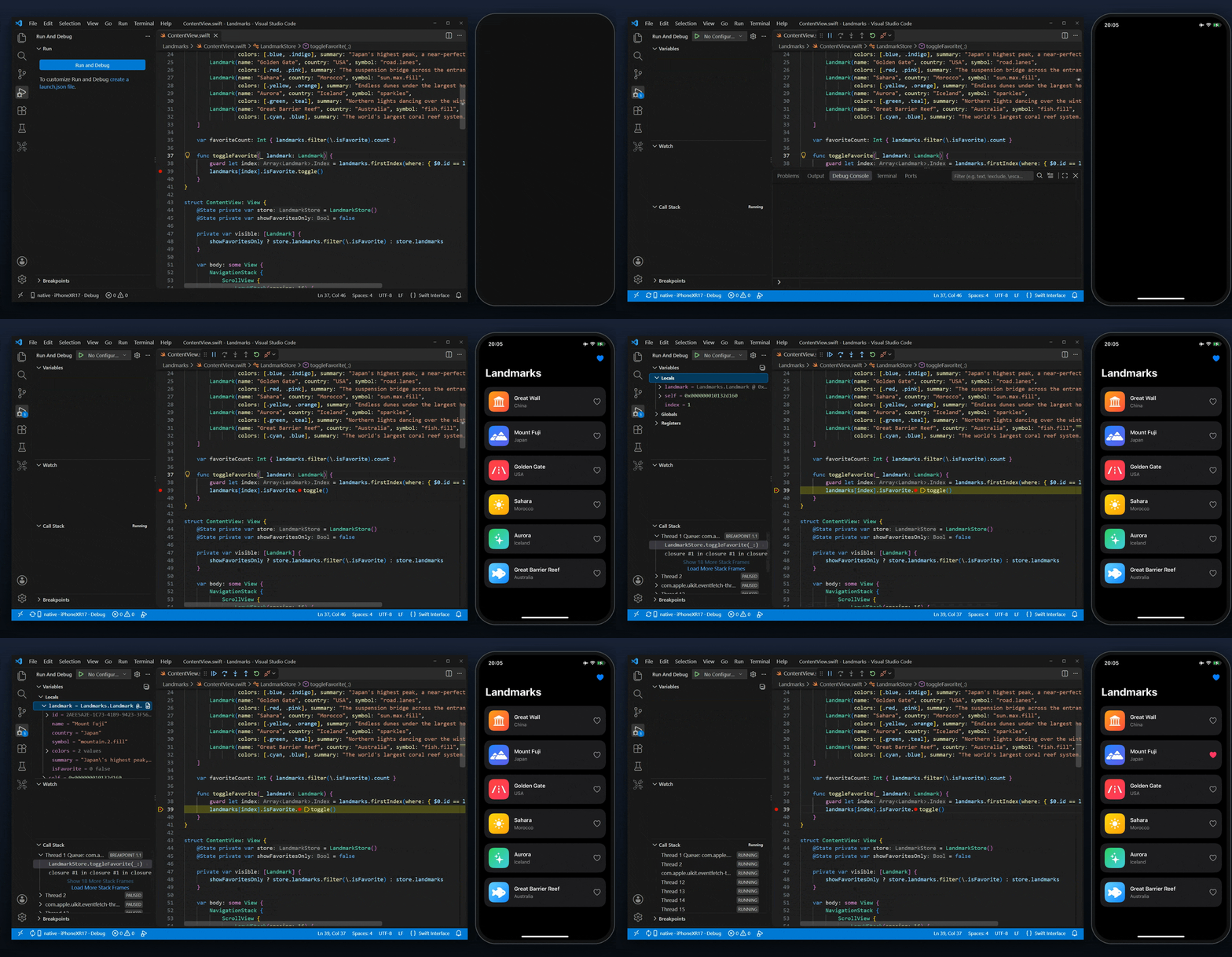
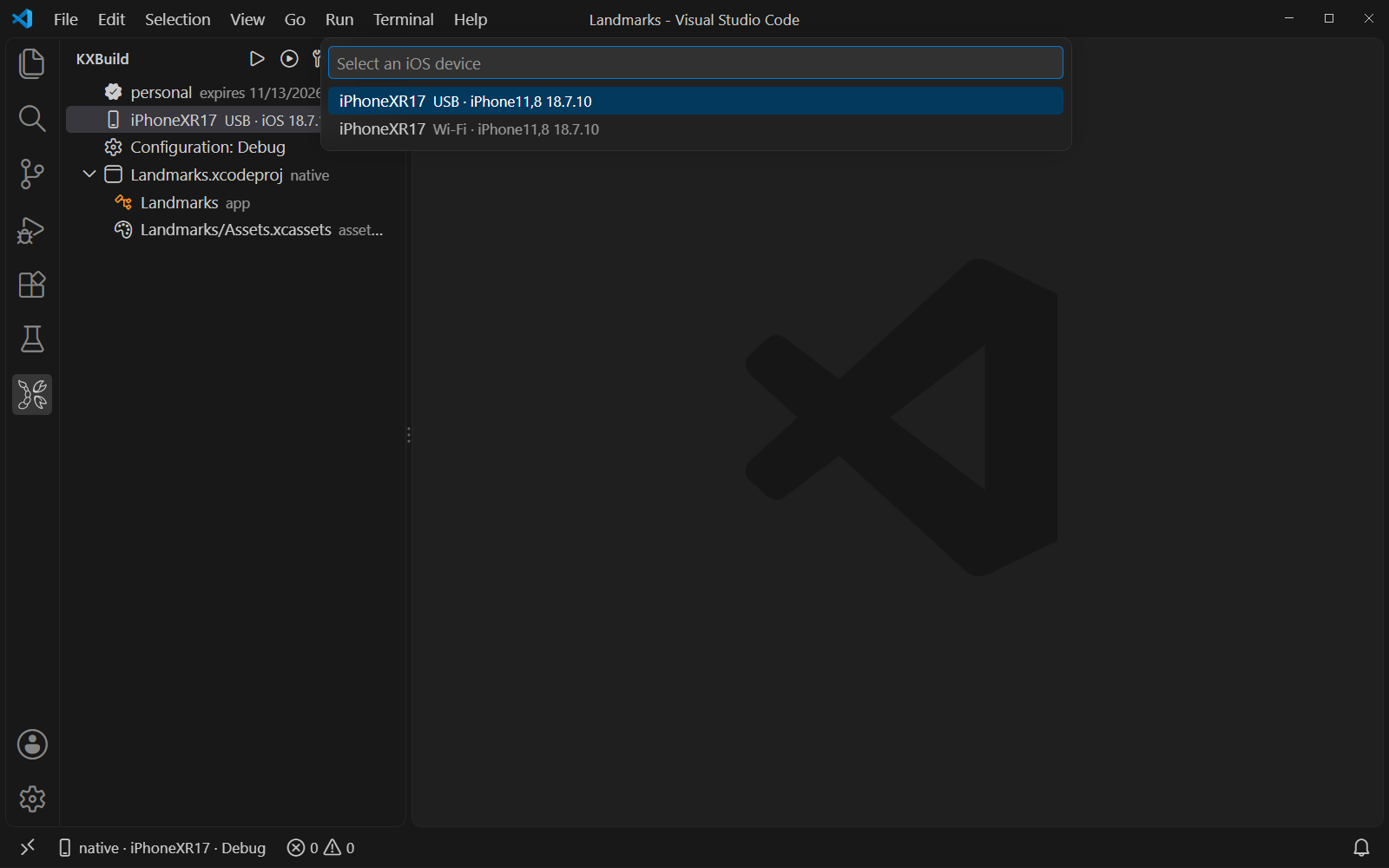
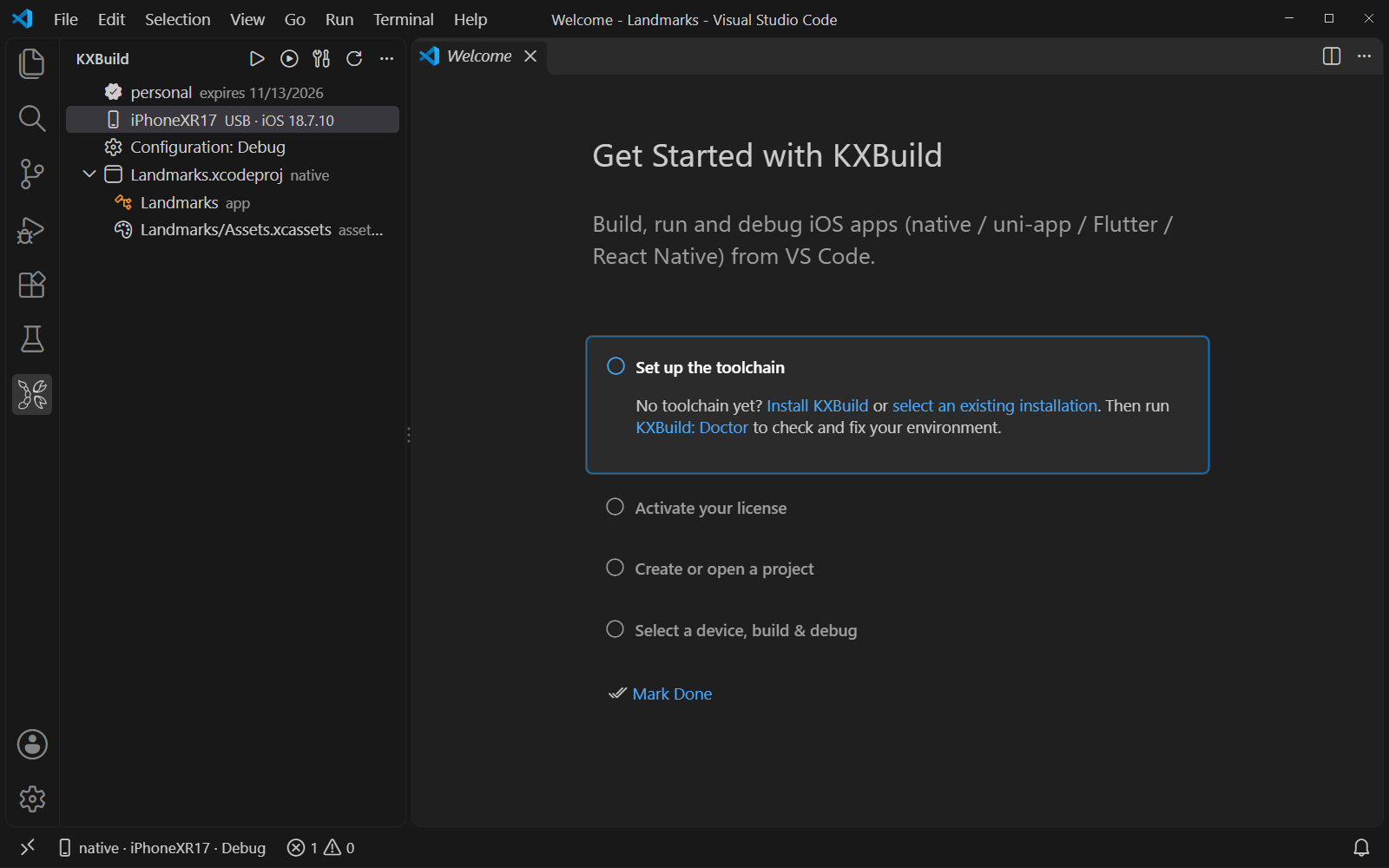
FeaturesRun and debug on a real iPhone. F5 builds, signs and installs the app, then attaches the debugger. Set breakpoints in Swift and Objective-C, step through code, inspect variables (SwiftUI Pick a device and a configuration. The KXBuild view shows your license, the connected iPhone (USB or Wi-Fi), the Debug / Release configuration and the project's targets. Click a row to change it.
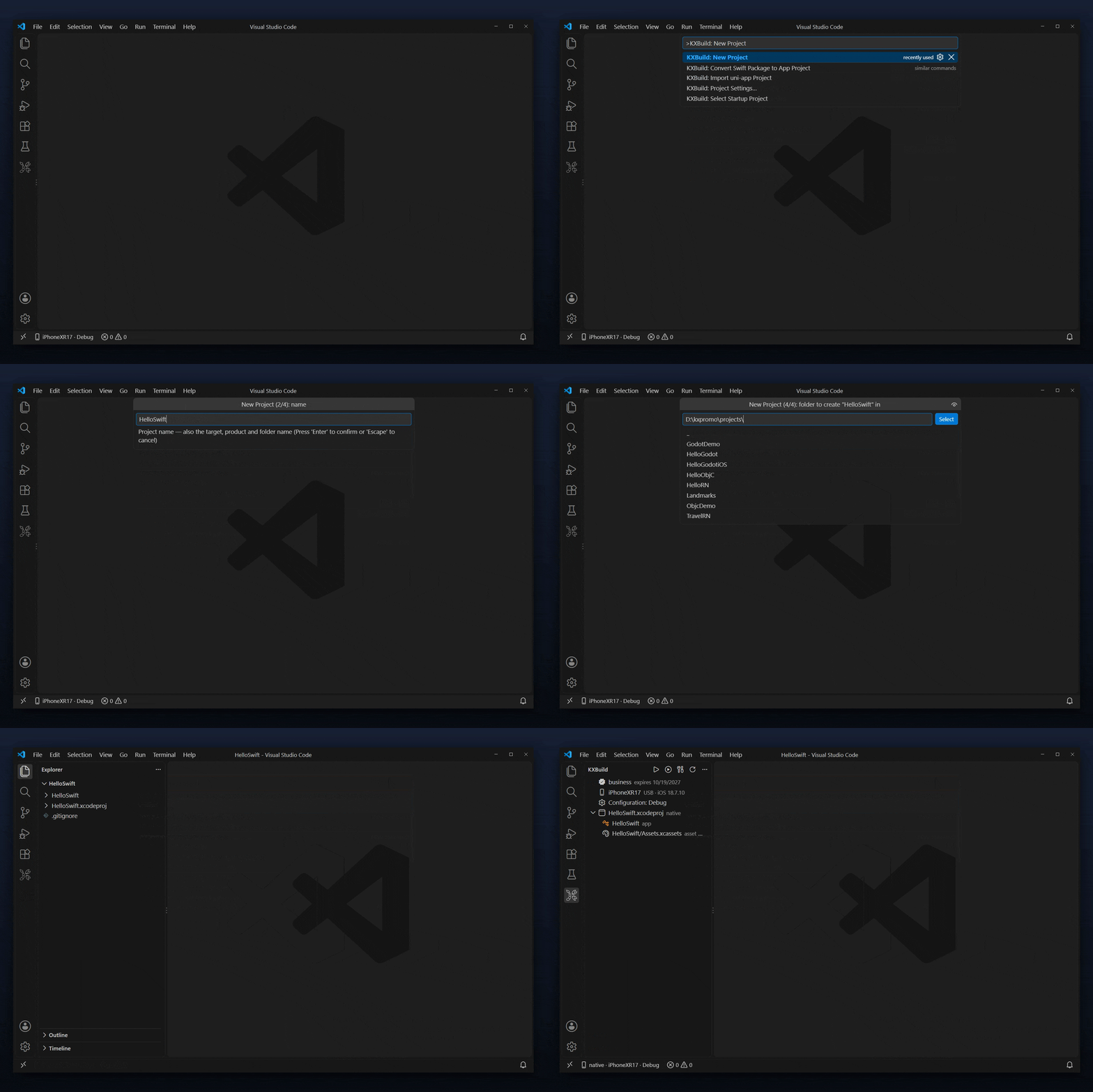
Create a project in a few steps. KXBuild: New Project offers SwiftUI, UIKit, Objective-C, React Native, Flutter, Expo and other templates, and opens the new project ready to run.
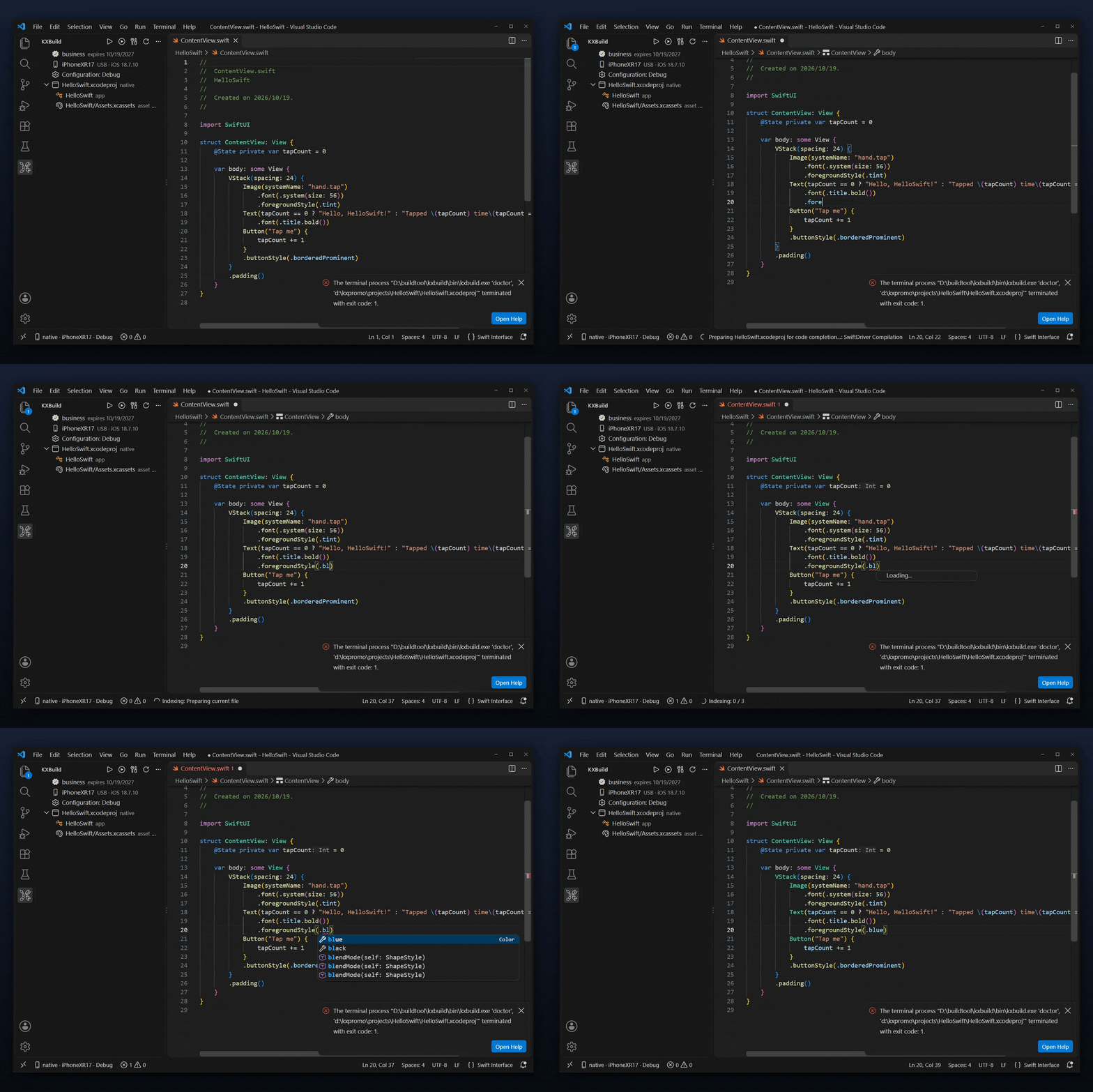
Code completion before the first build. Swift, Objective-C, C and C++ completion, go to definition and find references work as soon as the project opens.
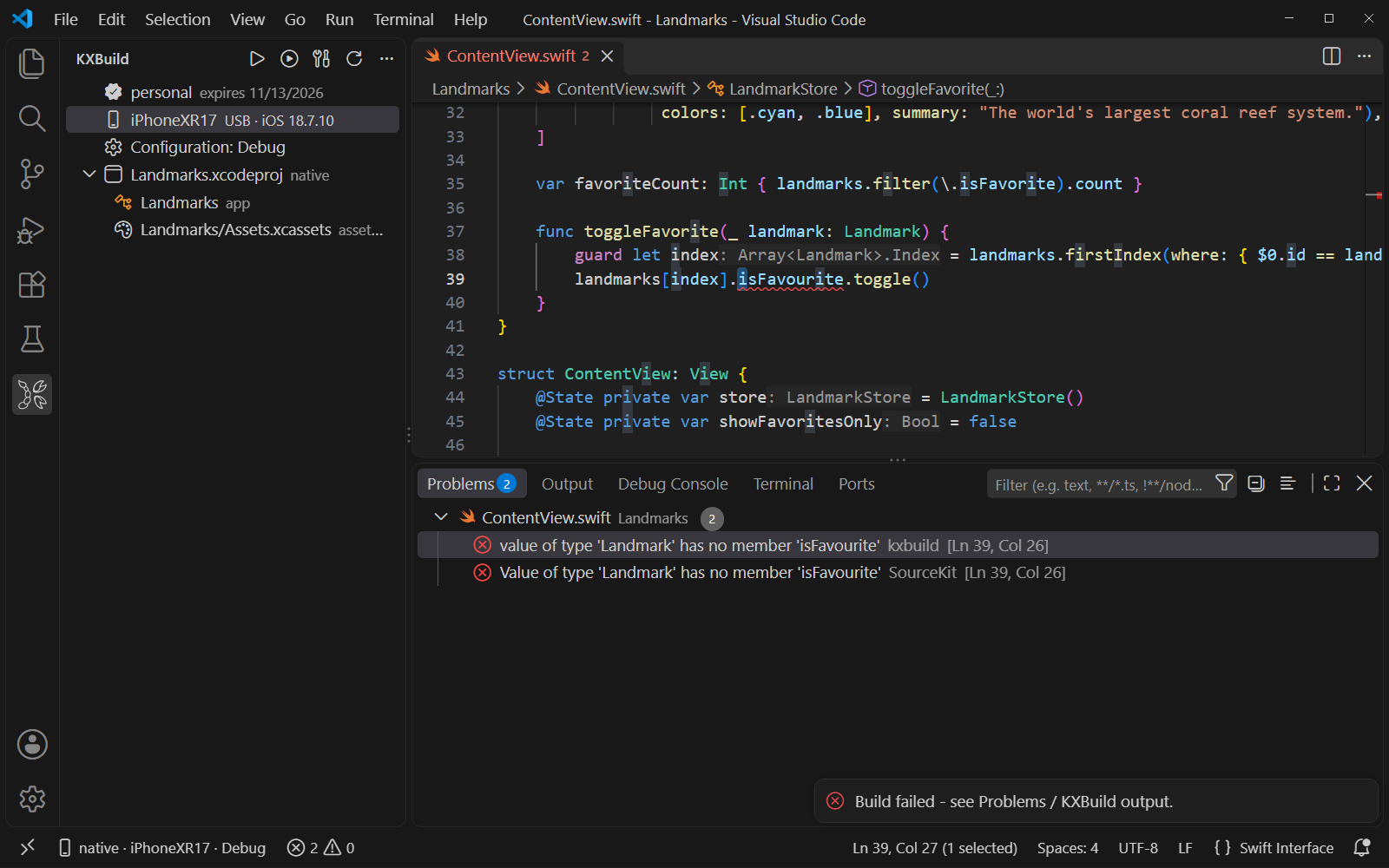
Build errors in Problems. Compiler errors and warnings land in the Problems panel; click one to jump to the line.
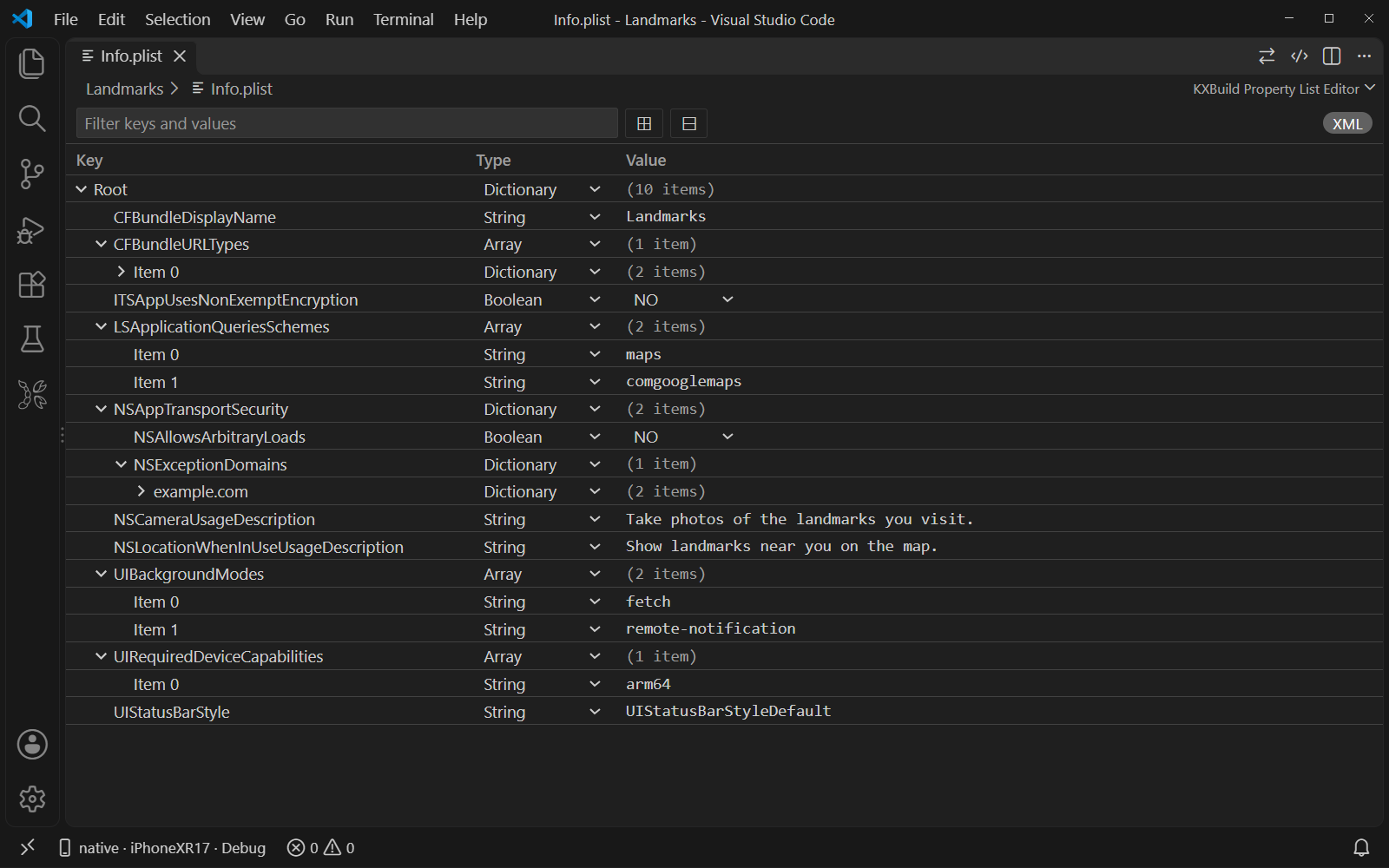
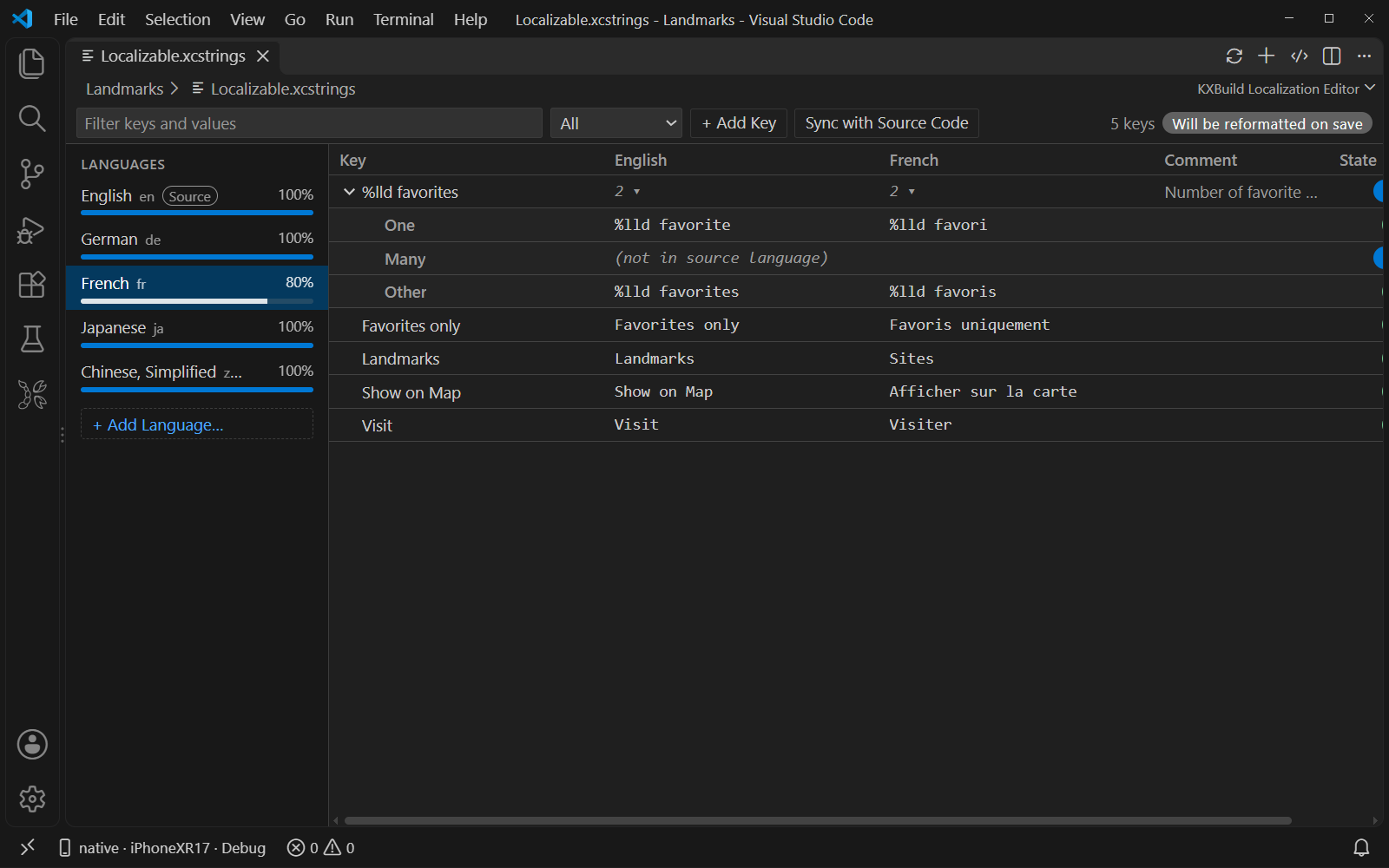
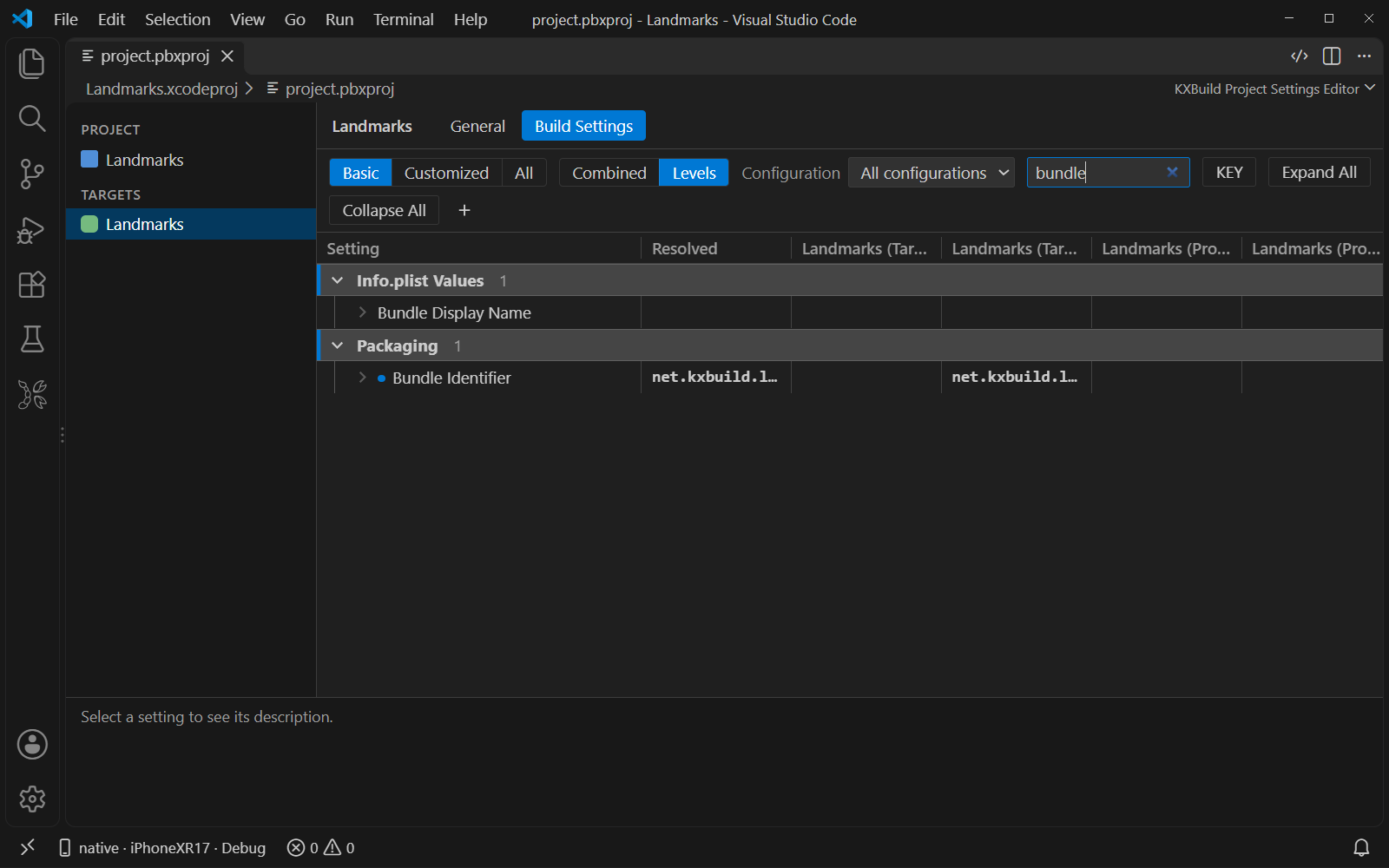
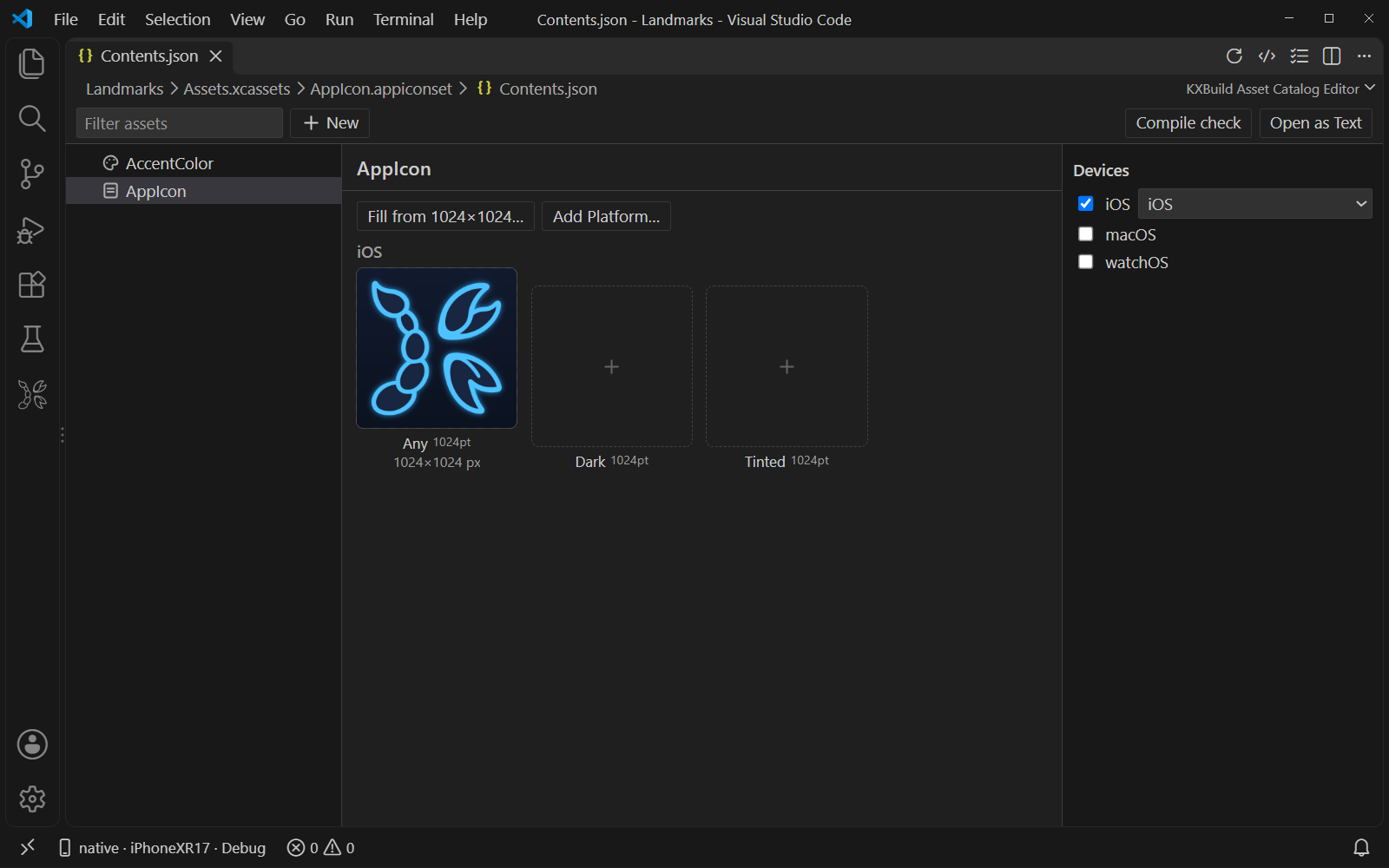
Release builds to an .ipa. Switch to Release and click Build. The signed .ipa is written to the project's Run tests on the iPhone. XCTest and Swift Testing tests appear in the Testing view. Run a test, a class or a whole target on an iOS 17 or later device, with failures shown at the source line. Visual editors for Xcode project files
Icon Composer Supported projects
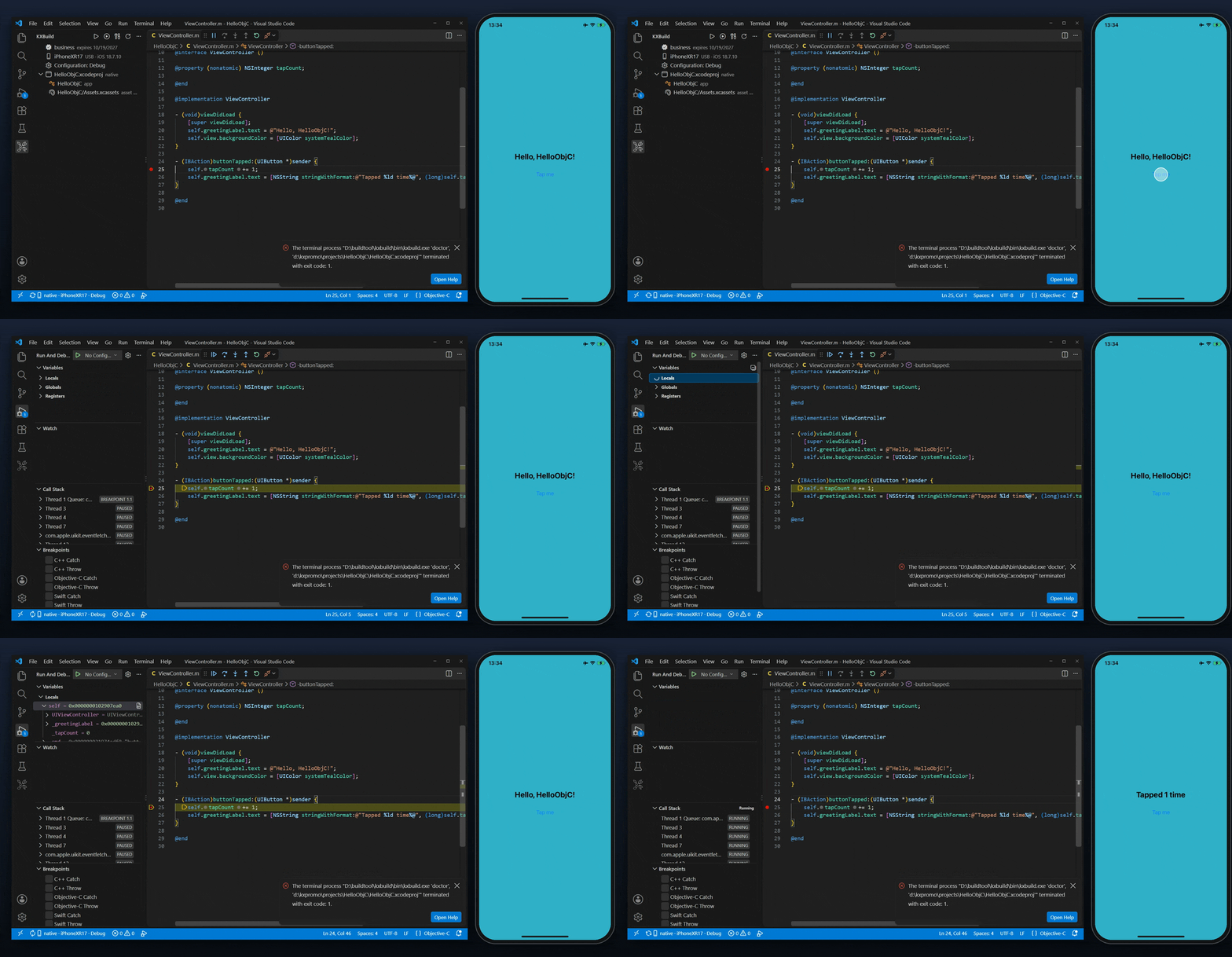
Objective-C — stop at a breakpoint and look at
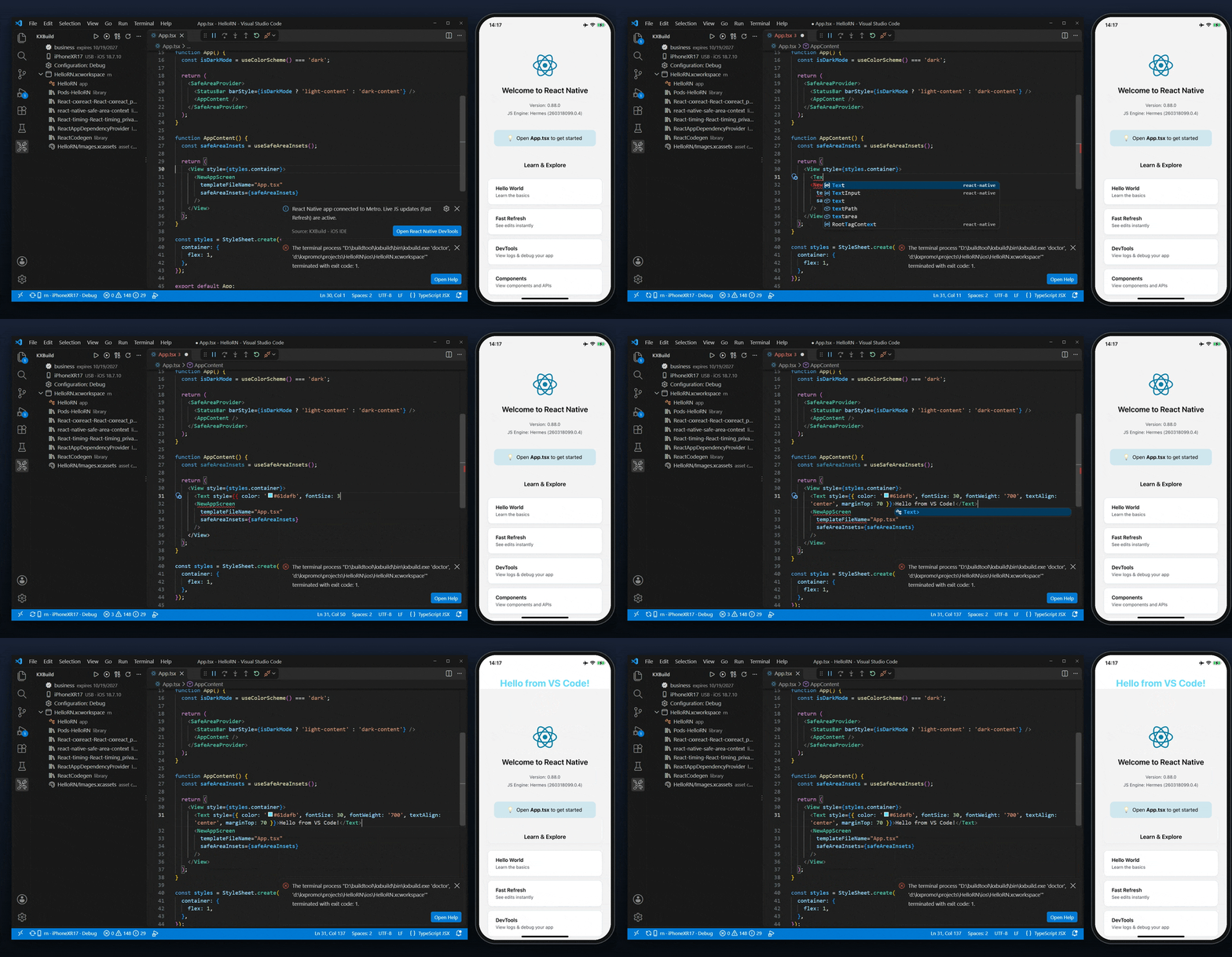
React Native — save App.tsx and Fast Refresh updates the phone:
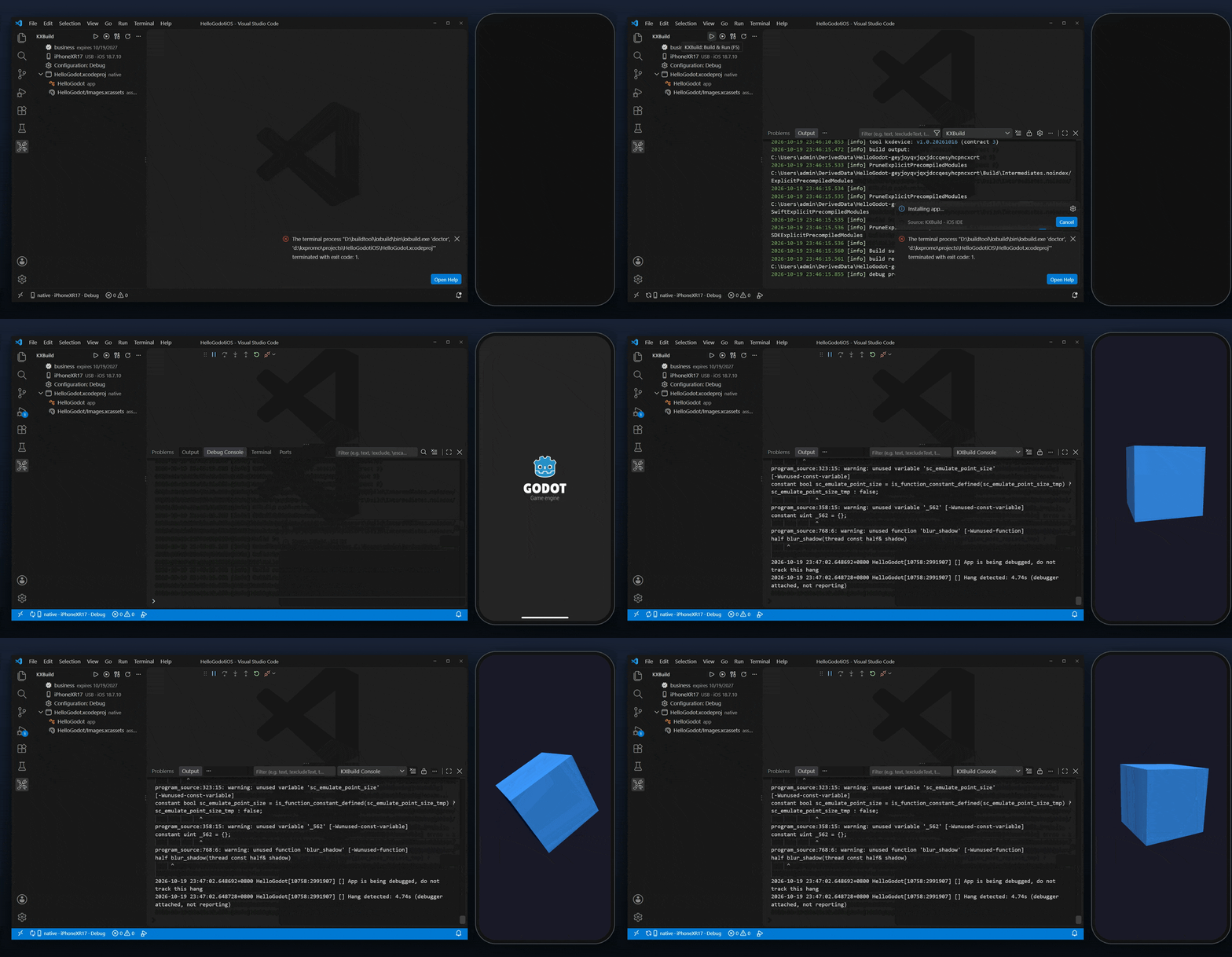
Godot — run an exported Godot game on the iPhone:
Step-by-step video tutorials for each stack are on kxbuild.net. Getting startedThe Get Started with KXBuild walkthrough opens after you install the extension. It has four steps:
For signing, put your .p12 certificate, its password file and the .mobileprovision profile in a
FAQCan I develop iOS apps on Windows? Yes. KXBuild builds, signs, installs and debugs iOS apps on Windows 10 / 11, on Linux (including WSL) and on macOS. Your Xcode project stays as it is and still opens in Xcode. Do I need an Apple Developer account? You need a signing certificate (.p12) and a provisioning profile from your Apple Developer account to install apps on an iPhone and to publish them. Without them, the project still builds, unsigned. Which iPhones and iOS versions work? Any iPhone that runs a supported iOS version, connected over USB. KXBuild is tested on iOS 16 through iOS 26. Debugging on iOS 16 and later needs Developer Mode turned on, and running tests needs iOS 17 or later. Can I debug Swift with breakpoints?
Yes. Breakpoints, stepping, variables and the Debug Console work for Swift and Objective-C, including SwiftUI Does it work with React Native and Godot? Yes. For React Native, F5 starts Metro, saves apply with Fast Refresh, and React Native DevTools debugs the JavaScript. For Godot, export the project for iOS in the Godot editor, open the exported folder in VS Code and press F5. Can I publish to the App Store? Yes. A Release build makes a signed .ipa. Upload it to App Store Connect with Transporter or any other upload tool. Is the extension free? Yes, the extension is free. Builds run on the KXBuild toolchain, which has its own license with a free trial. You can start the trial, activate a license and check its status from the KXBuild view in VS Code. Links
|