JustyBase SQL Editor for DuckDB and Files
Read the JustyBase documentation portal, including the Files/DuckDB workflow and capability boundaries.
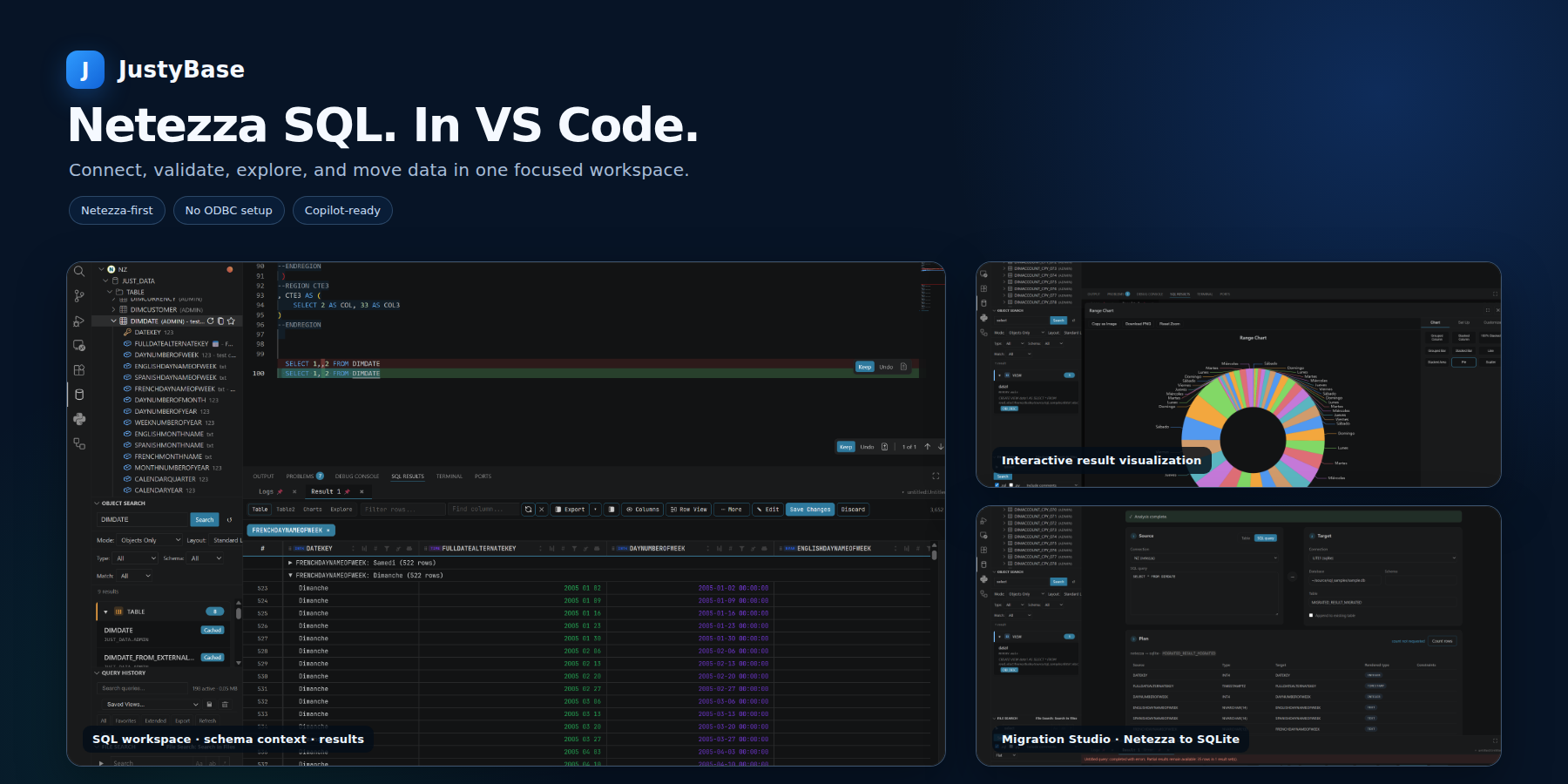
Query local files and embedded DuckDB databases with SQL, directly inside VS Code.
This companion extension adds DuckDB and File SQL workflows to JustyBase SQL Editor. The core extension is installed automatically; Netezza is not required.

Query files as tables
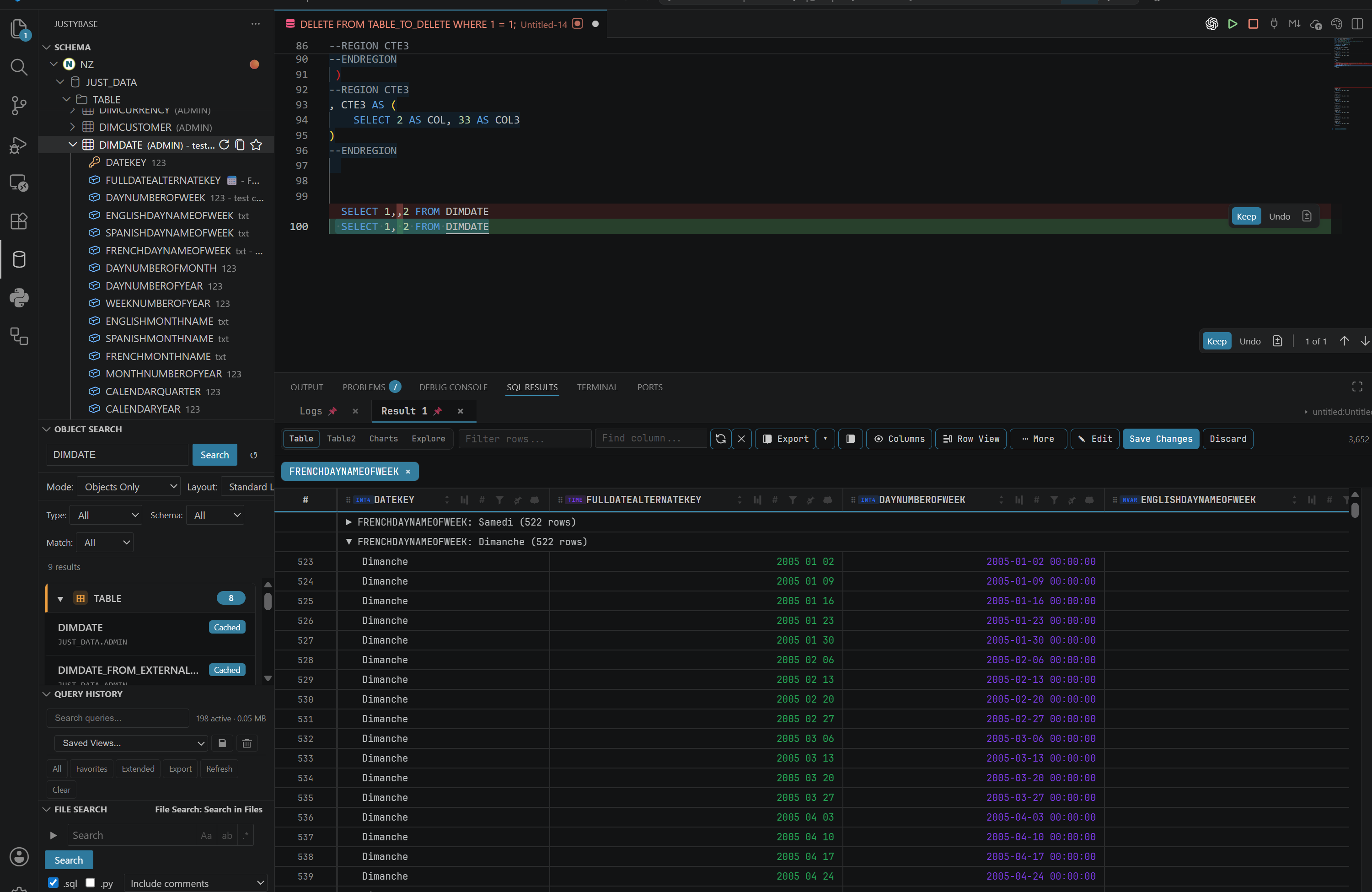
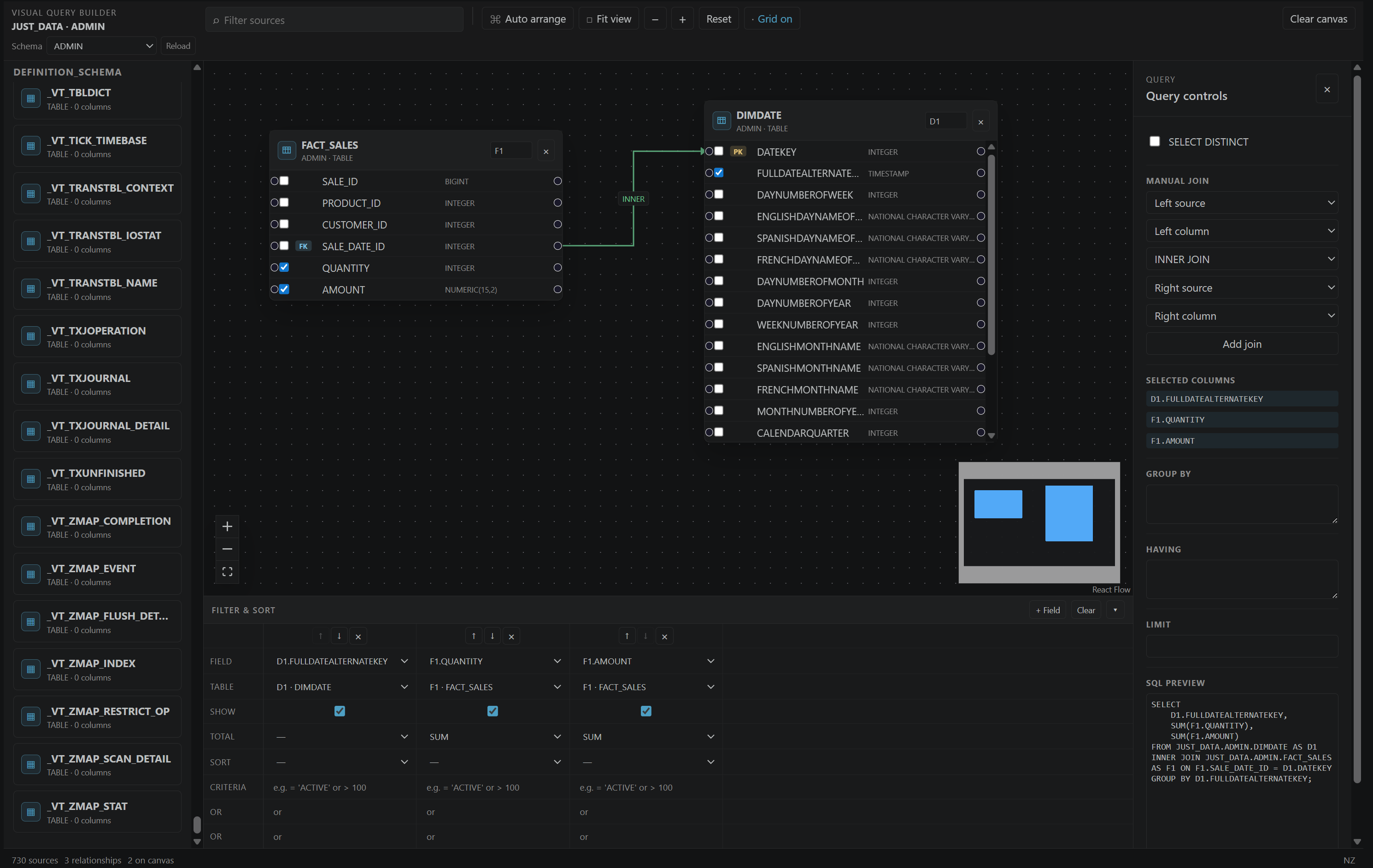
Open a file from Explorer or create a File SQL connection. JustyBase exposes the source as tables or views so you can join files, inspect columns, and run SQL without setting up a server.
Supported sources
- Excel
.xlsx and .xlsb workbooks, including discovered sheets.
- CSV and TSV files.
- Parquet and Avro files.
- Microsoft Access
.mdb and .accdb files in read-only File SQL mode.
- DuckDB database files and
:memory: databases.
File SQL highlights
- Single-file and multi-file read-only workspaces.
- One view per discovered workbook sheet or Access table.
- DuckDB readers for CSV, TSV, and Parquet; Excel and Avro extensions are downloaded once on first use.
- XLSB conversion through
@justybase/spreadsheet-tasks, so it works without the DuckDB Excel extension.
- Optional Editable copy for supported single-file CSV/TSV/Parquet/XLSX workflows, saved with JustyBase: Save File Edits. XLSX write-back uses
XlsxUpdater so headers and other workbook sheets are preserved.
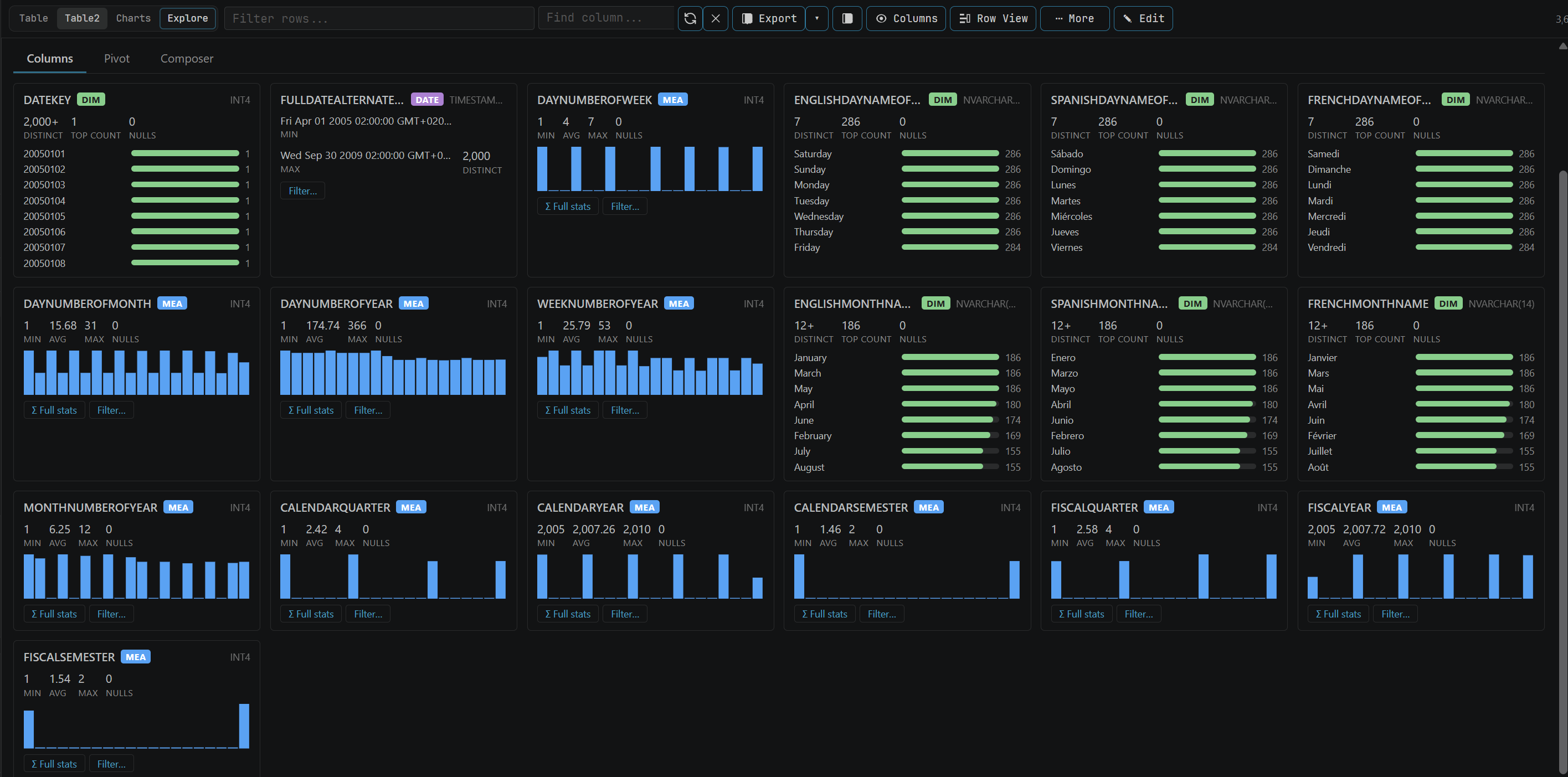
- Shared completion, hover, diagnostics, result profiling, visualizations, and exports.
Query a local file
- Install JustyBase SQL Editor (DuckDB + Files).
- Right-click an
.xlsx, .xlsb, .csv, .tsv, .parquet, .avro, .mdb, or .accdb file.
- Choose Query File with SQL (DuckDB), or use the File SQL connection in the JustyBase view.
- Open a SQL editor and run the statement with
Ctrl+Enter / F5.
To combine sources, choose Query Multiple Files with SQL (DuckDB). Workspaces can be saved and reopened from connection profiles.
Runtime notes and boundaries
- DuckDB runs in-process; no database server is needed.
- Excel and Avro extensions require internet access on first use. XLSB conversion does not.
- Access sources in File SQL mode are read-only; use the dedicated Access companion for staged Access writes and DDL.
- Multi-file write-back is intentionally unsupported. Export a result to create a new combined file.
- Data Workspace source cards can open XLSX, CSV/TSV, and Access files in a separate editing session. Saving changes the original file; use Refresh in Data Workspace afterwards to rematerialize its local DuckDB table.
Development
cd extensions/duckdb
npm install
npm run check-types
npm run build
The package externalizes @duckdb/node-api; keep that runtime dependency available for development and packaging.
License
Apache-2.0. The Marketplace VSIX includes THIRD_PARTY_NOTICES.md.

