JustyBase SQL Editor for Db2 LUW
Read the JustyBase documentation portal, including the Db2 capability matrix and Getting started guide.
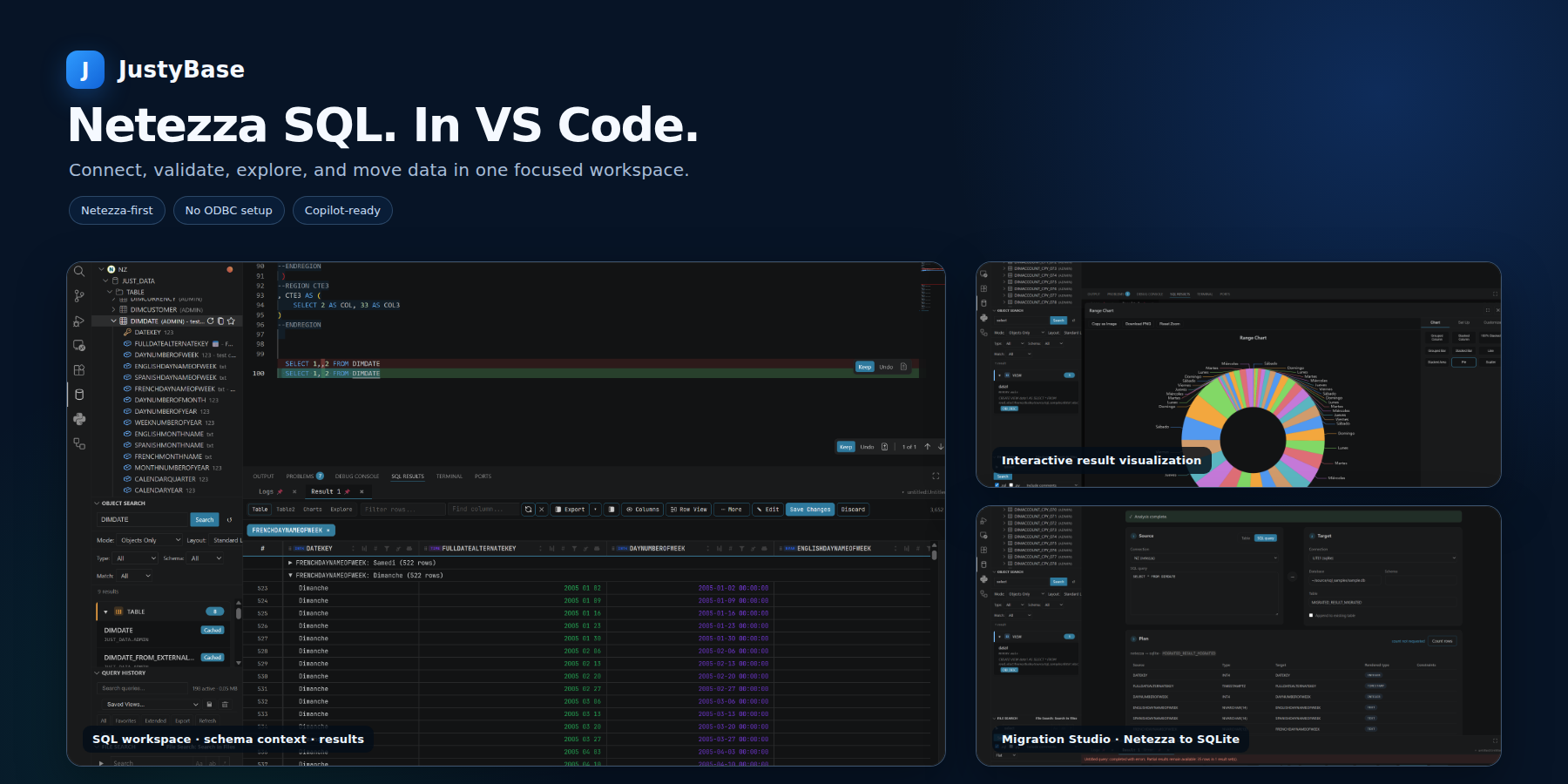
Db2 LUW connections, SQL authoring, metadata, explain plans, and maintenance tools inside VS Code.
This companion extension adds Db2 LUW runtime support to JustyBase SQL Editor. VS Code installs the core extension automatically; Netezza is not required.
 · Db2 documentation
Db2 workflow in one workspace
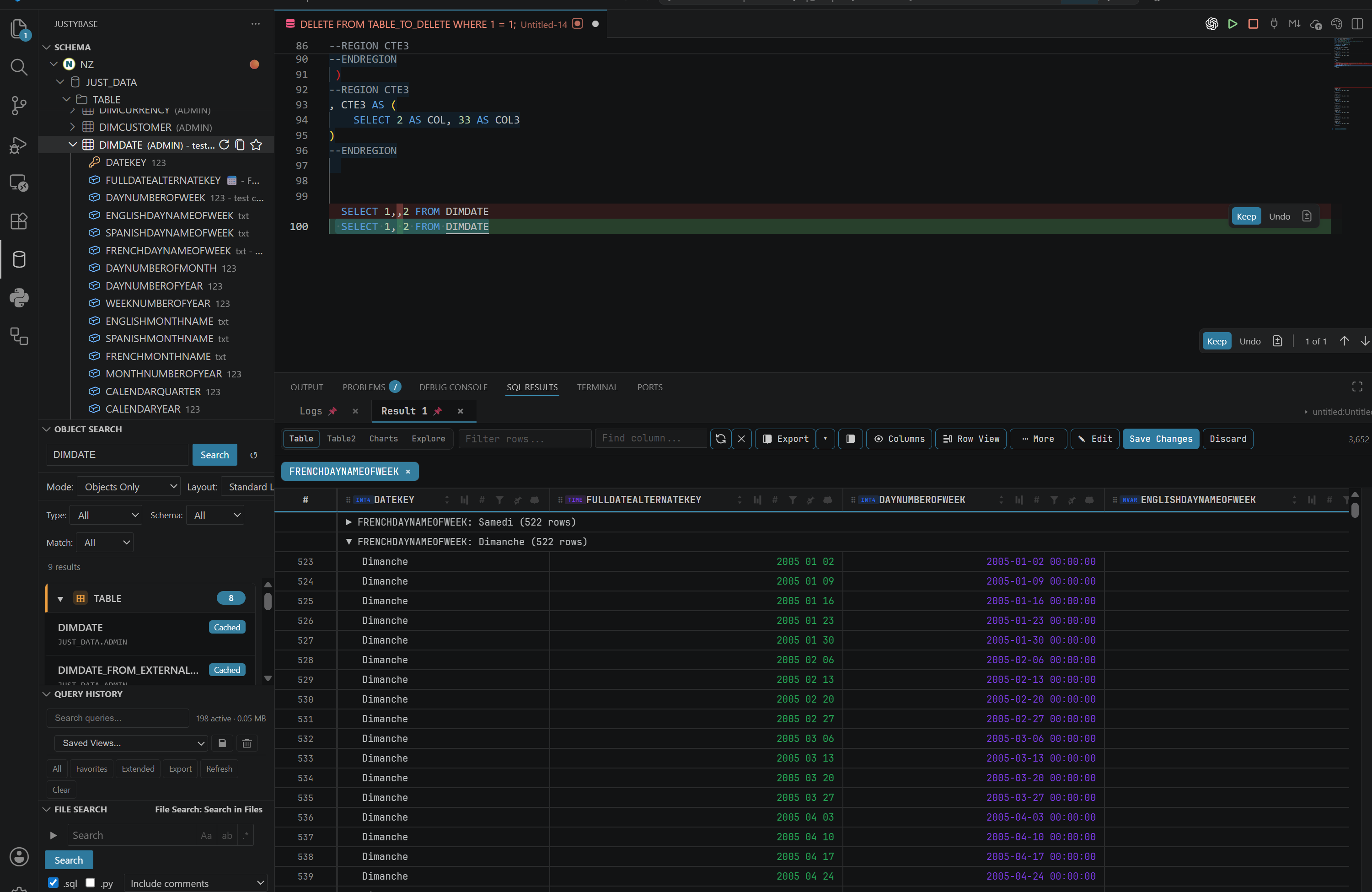
Connect to a Db2 LUW database, browse SYSCAT metadata, write SQL, execute it, and inspect results without switching applications.
What you get
- Db2 LUW connection profile with
currentSchema, SSL, and connect timeout. Character encoding follows the DRDA protocol.
- Pure TypeScript
@justybase/db2 runtime with asynchronous streaming and cancellation.
- Exact numeric results:
BIGINT is returned as bigint, and DECIMAL as a decimal string.
- Metadata for tables, views, nicknames, aliases, procedures, functions, indexes, constraints, partitions, and comments.
- Db2-aware completion, hover information, semantic highlighting, snippets, and parser-backed diagnostics.
- Quality rules DB2001–DB2008 for common Db2 SQL problems.
- DDL extraction, explain-plan graph, tuning advisor, session monitor,
RUNSTATS, REORG, and index/partition helpers.
Design indexes and partitions
The table context menu provides dedicated Db2 webviews for structural maintenance:
- Db2: Index Designer lists existing indexes, helps select and order key or
included columns, exposes Db2 index options, previews the generated DDL, and
supports execute/save/copy plus dropping eligible indexes.
- Db2: Partition Manager displays range-partition metadata and supports adding,
attaching, detaching, and dropping partitions. Attach can also run
SET INTEGRITY;
operations can be executed, saved as SQL, or copied after review.
These webviews are shown for Db2 tables and favorites only. Db2: Reorganize
Indexes is a separate maintenance action.
Write safer Db2 SQL

The Db2 authoring profile understands LUW syntax and keeps completion and diagnostics close to the active connection. Use the shared result grid, formatter, query history, and Copilot workflows alongside Db2-specific validation.
Investigate results visually
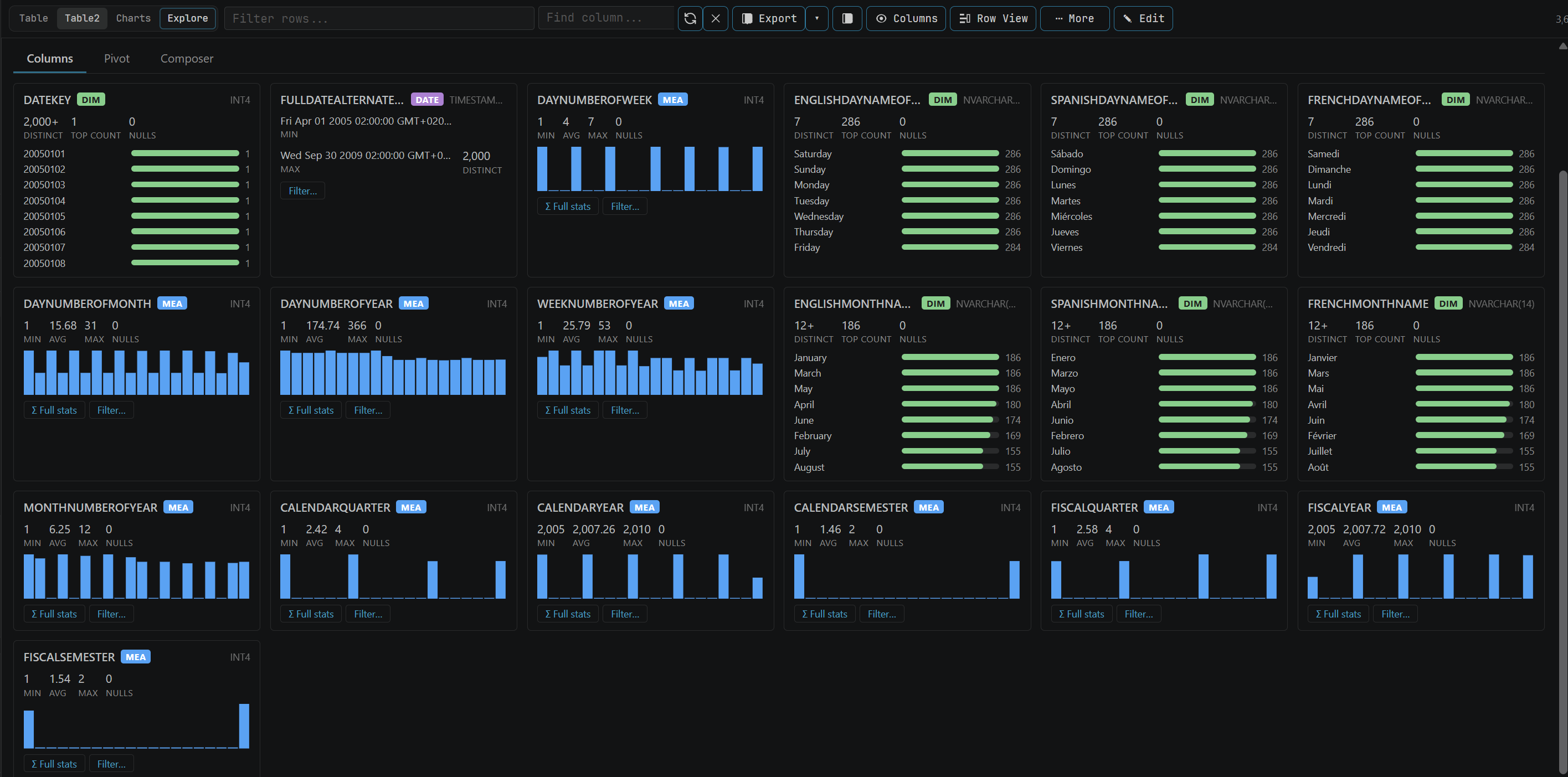
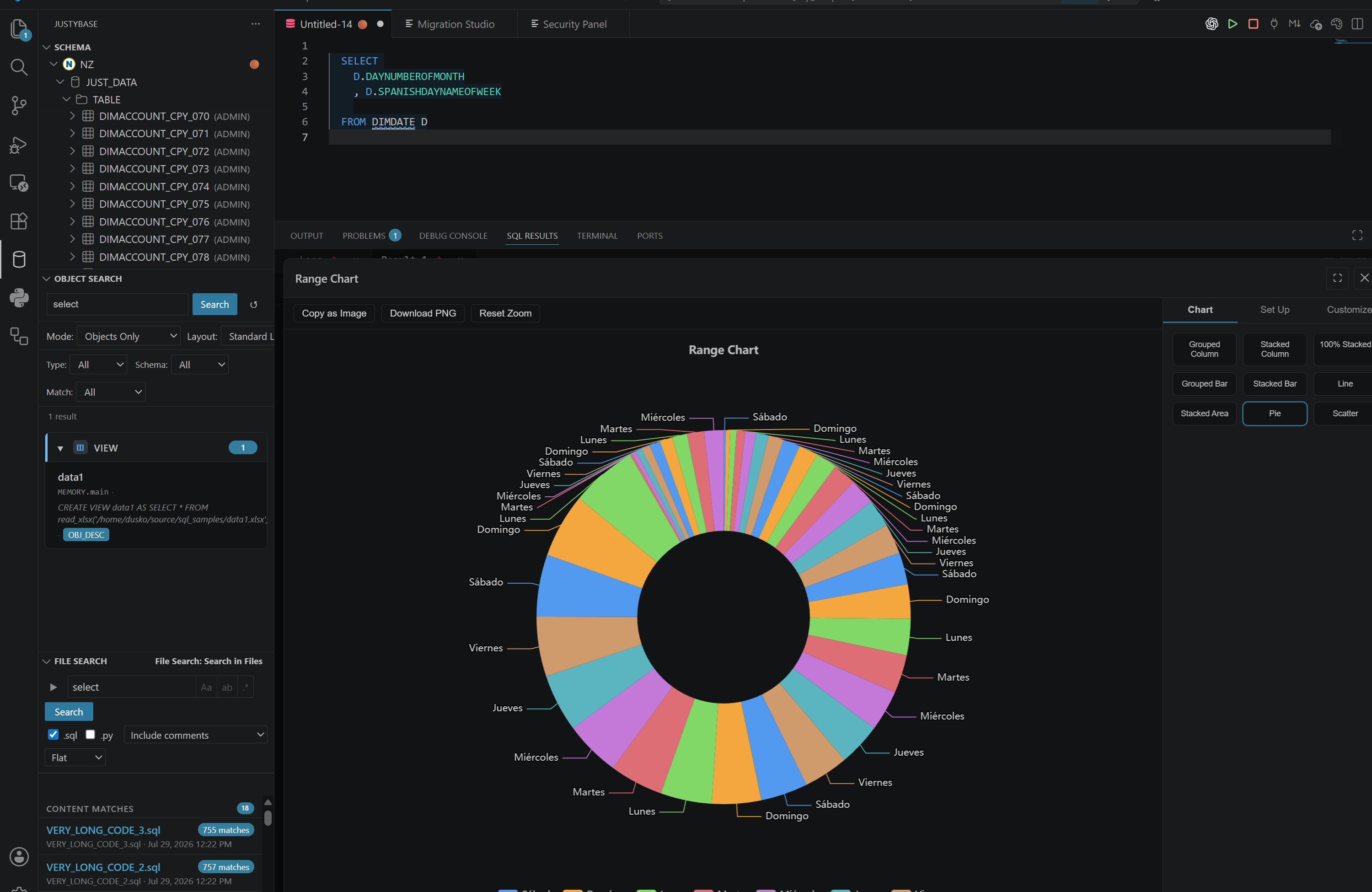
Profile columns, inspect distributions and nulls, filter and sort rows, export data, and turn result sets into charts.
Getting started
- Install JustyBase SQL Editor (Db2) from the VS Code Marketplace.
- Open the JustyBase view and choose Connect.
- Select Db2 LUW, enter the host, port, database, user, and password.
- Optionally set the current schema, SSL options, and connection timeout.
- Open a
.sql file and run the statement or selection with Ctrl+Enter / F5.
The saved password is handled by VS Code Secret Storage. Do not put Db2 credentials in SQL files or settings committed to source control.
The VSIX uses the same pure TypeScript runtime across supported targets:
- Windows x64
- Linux x64
- macOS Apple Silicon
No platform-specific Db2 binary or ODBC registration is needed. No separate Netezza extension is required.
Development and verification
From the repository root:
npm run install:db2
npm run test:db2:integration
npm run verify:db2
Live database tests use DB2_LIVE_TEST_* variables. Optional VS Code Extension Host coverage is available with DB2_VSCODE_TEST_VERSION=stable npm run test:db2:vscode-runtime.
Capability snapshot
| Area |
Db2 LUW support |
| Connections and cancellation |
TypeScript DRDA driver, async streaming |
| Schema browser |
Tables, views, nicknames, aliases, routines, keys, partitions |
| SQL intelligence |
Db2 parser, completion, snippets, semantic tokens, DB2001–DB2008 |
| Explain and tuning |
Explain graph and tuning advisor |
| Maintenance |
RUNSTATS, REORG, Index Designer, Partition Manager |
| Netezza-only features |
Hidden when a Db2 connection is active |
License
Apache-2.0. The Marketplace VSIX includes THIRD_PARTY_NOTICES.md.
| |

