Transparent IDE sidecar for the Kotro Proxy Engine — a local LLM gateway with streaming semantic cache, PII redaction, and context compression for OpenAI and Anthropic APIs.
Works in VS Code, Cursor, and other VS Code–compatible editors.
Features
Zero-config sidecar — spawns the native proxy binary on startup
Semantic SSE cache — faster repeat prompts; X-KortoLabs-Cache: HIT on cache hits
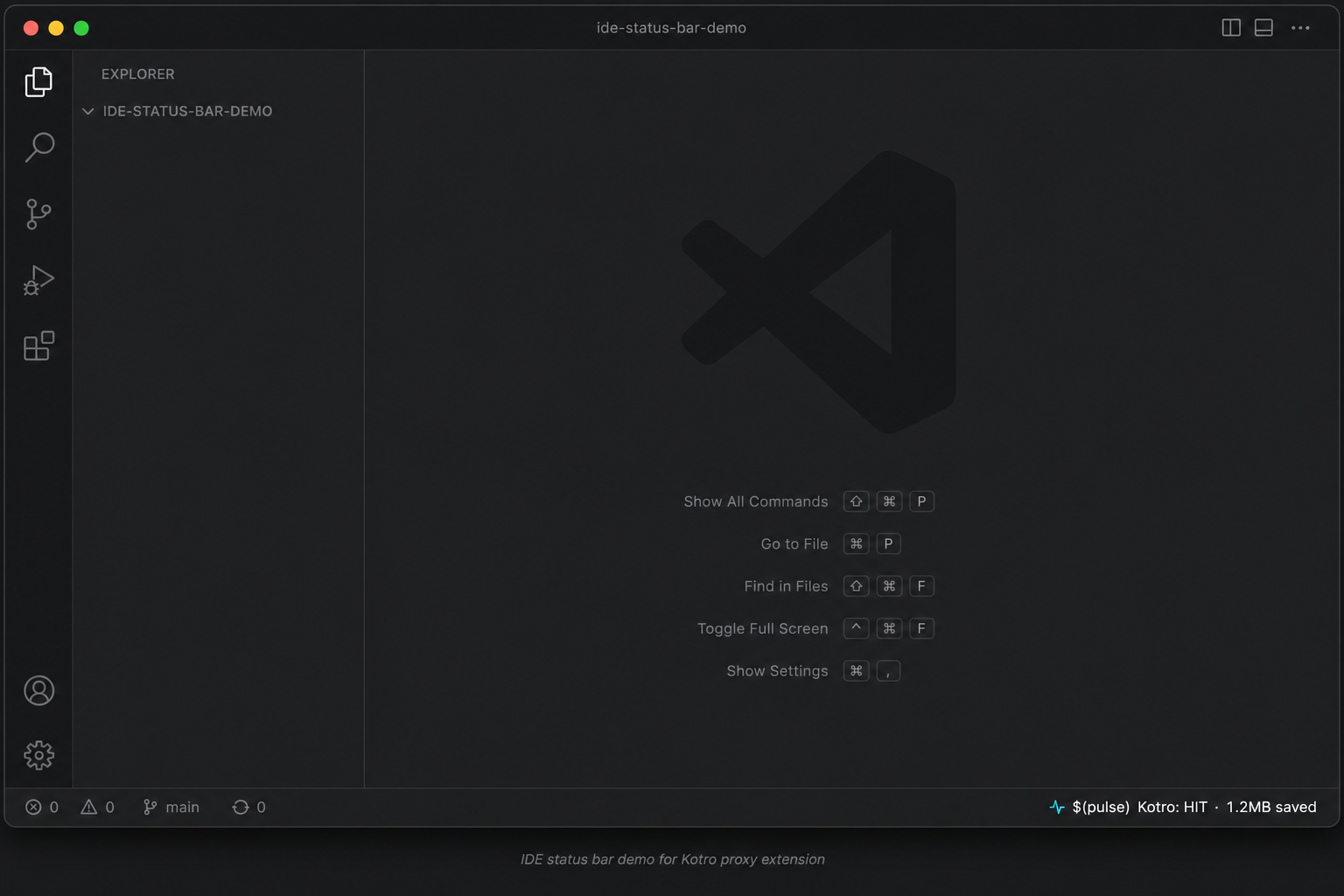
Status bar — live cache result and compressor bytes saved (polls every 5s)
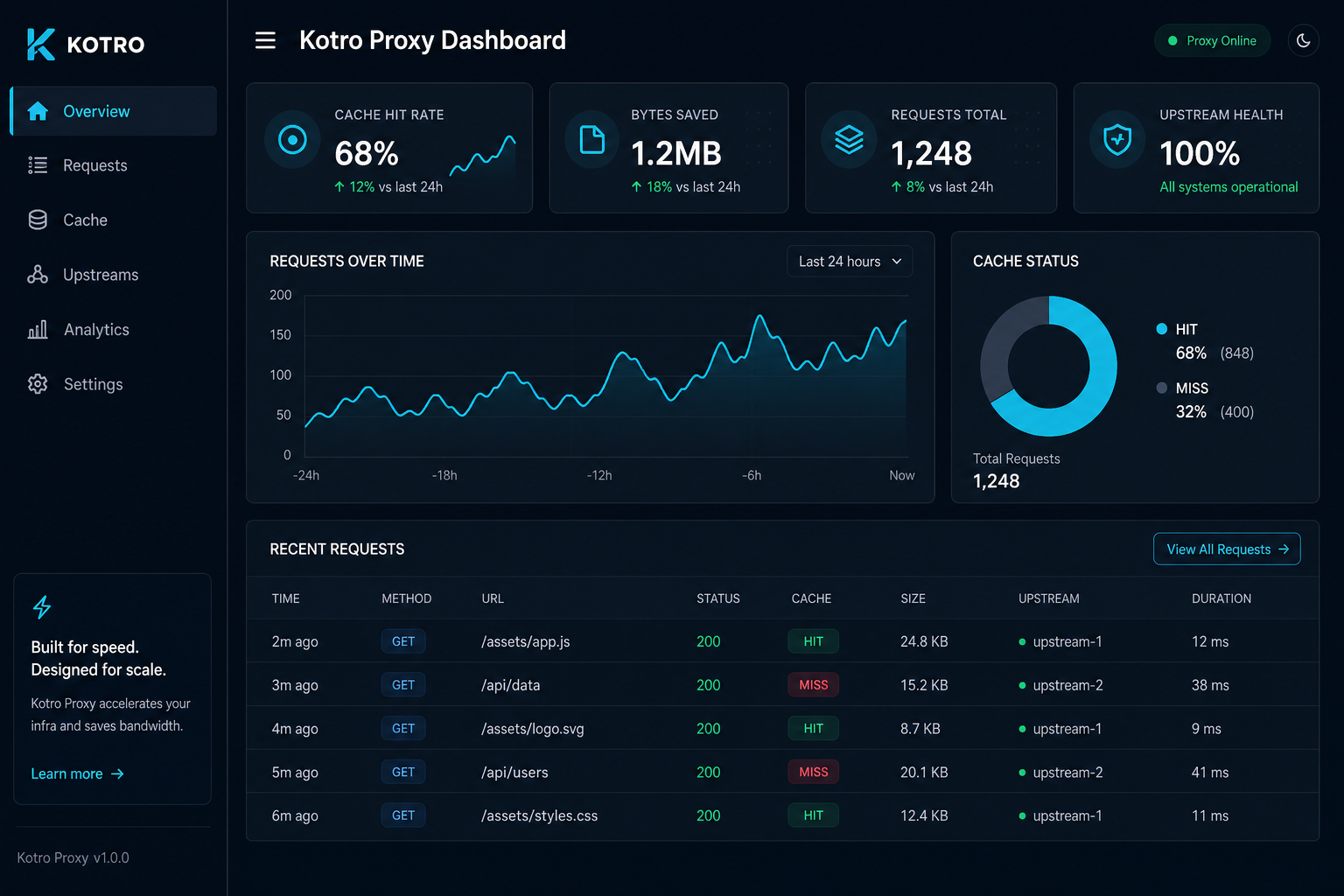
Operator dashboard — open from the status bar (http://127.0.0.1:9090/dashboard)
Isolated telemetry — /metrics and /dashboard bind to loopback by default, separate from LLM traffic
Reload the window. The sidecar starts automatically.
Point your AI client at http://localhost:8080/v1 (OpenAI-compatible base URL).
Quick start (Cursor / VS Code)
Set your provider API key in the environment or your agent config.
Configure the extension (optional):
Setting
Default
Maps to
kortosystems.listenAddr
:8080
KORTO_LISTEN_ADDR
kortosystems.metricsAddr
127.0.0.1:9090
KORTO_METRICS_ADDR
kortosystems.upstreamUrl
https://api.openai.com
KORTO_UPSTREAM_URL
kortosystems.enableCache
true
KORTO_ENABLE_CACHE
kortosystems.enableRedaction
true
KORTO_ENABLE_REDACTION
kortosystems.enableCompression
true
KORTO_ENABLE_COMPRESSION
kortosystems.enableMetrics
true
KORTO_ENABLE_METRICS
Click the Kotro item in the status bar to open the dashboard.
Commands
Command
Description
Korto: Open Dashboard
Opens the local operator UI
Korto: Show Proxy Logs
Opens the extension output channel
Architecture
IDE agent  →  localhost:8080/v1/*     (LLM proxy — may bind 0.0.0.0 in cluster mode)
Operator   →  127.0.0.1:9090/dashboard  (telemetry — loopback only by default)
Other install channels
npm:npm install -g @kortosystems/proxy-engine
Homebrew:brew tap ramairwing/tap && brew install kortolabs-proxy